Put your logo and signature on your bill
सभी edition में — Lite, Basic, Silver और Gold।Want your shop's logo and signature on every bill? You can add both in a minute.
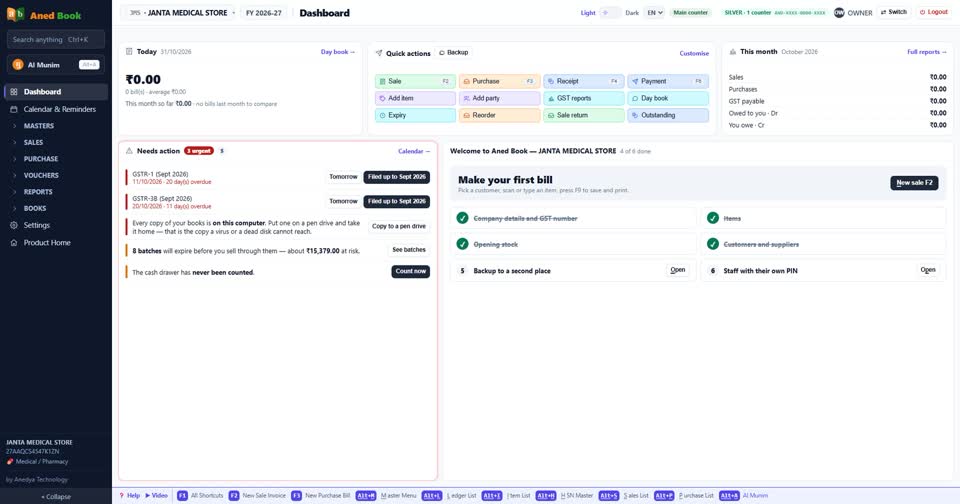
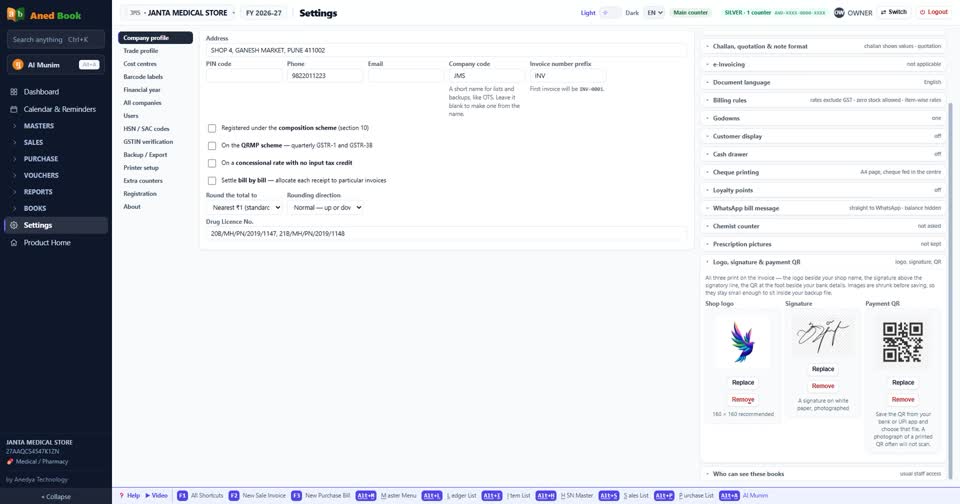
Open Settings, then Company profile. Scroll down and open Logo, signature and payment QR.
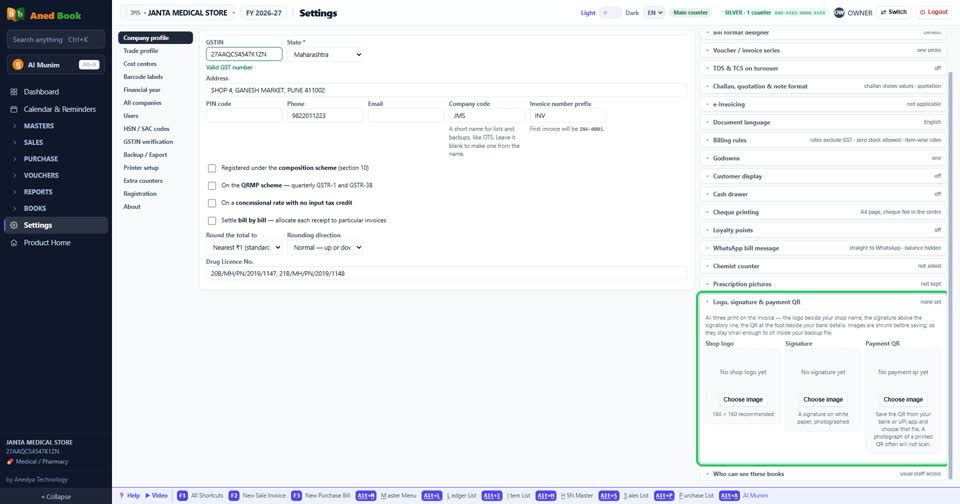
Under Shop logo, press Choose image and pick your logo file.
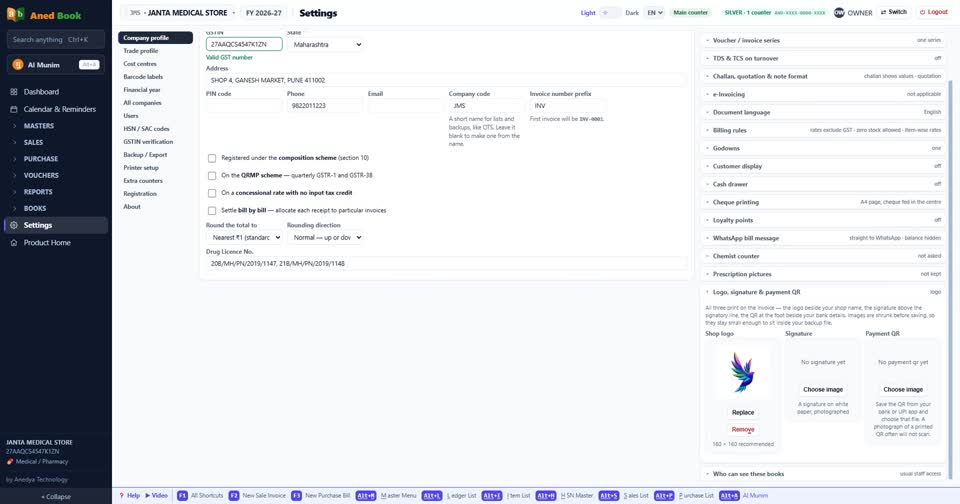
Do the same for your signature. Sign on white paper and take a photo of it.
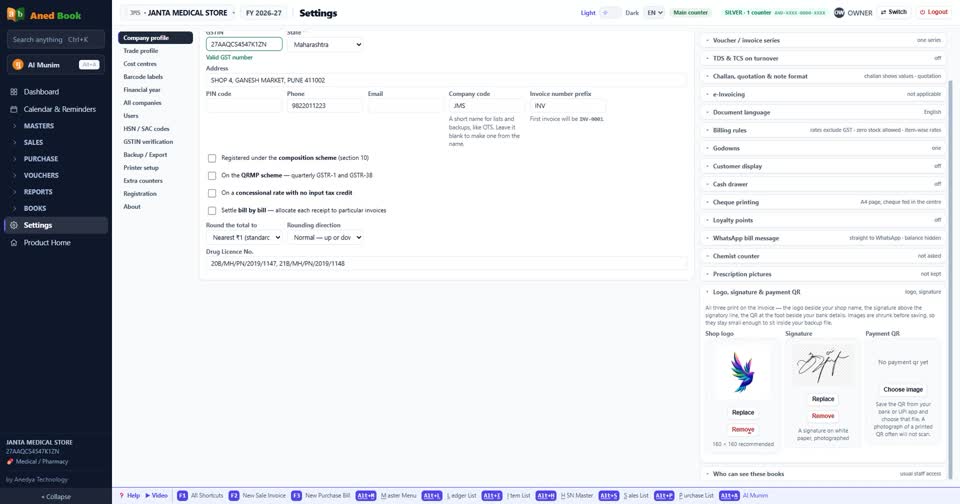
Your payment QR goes here too. Save it from your bank or UPI app, and choose it the same way.
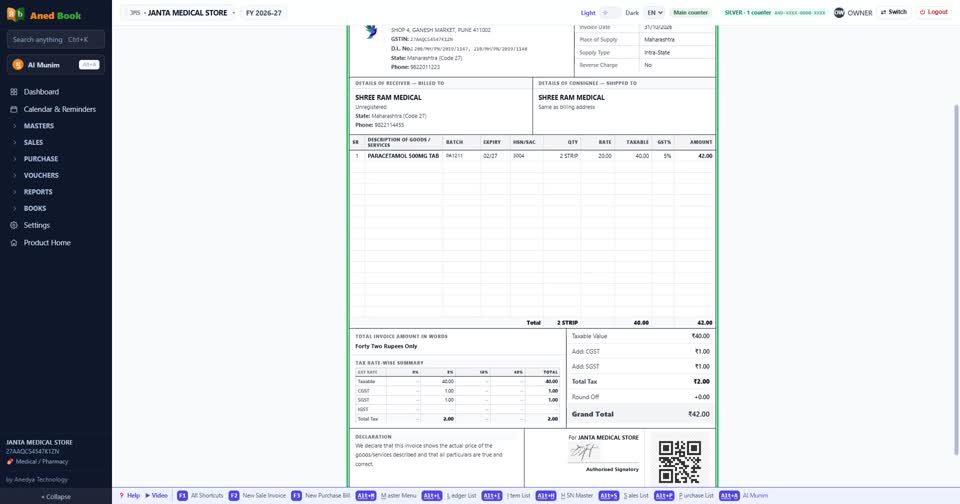
Now open a sale bill. Your logo, signature and payment QR are all printed on it.
Still stuck? Press Alt + A inside the software and ask in your own words — it
works with no internet. Or talk to us on WhatsApp, phone or e-mail.