Aned Book help › Video guides › Settings और नया साल
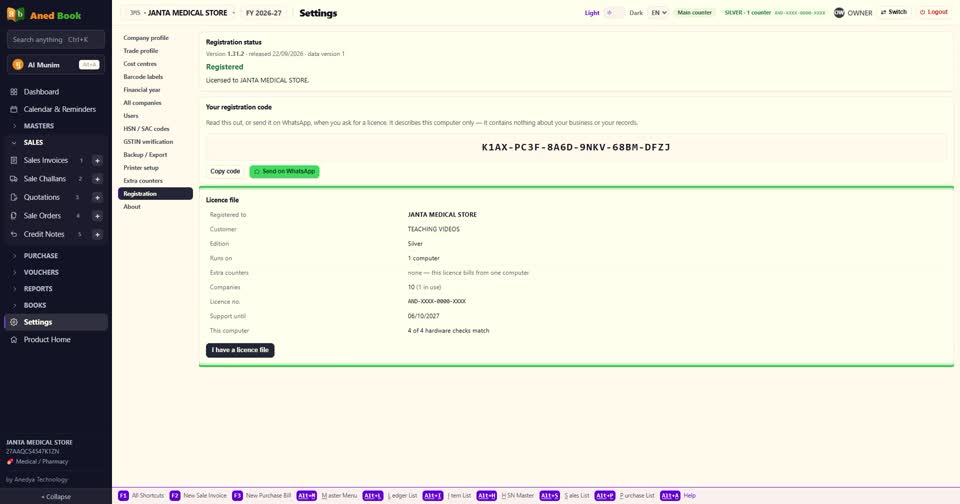
Registration — licence, support की तारीख, नई licence file
Basic, Silver और Gold edition में।आपका licence, support कब तक है, और नया licence कैसे लगाएँ — Settings में Registration।

सबसे ऊपर — कौन-सा version चल रहा है, और Registered।
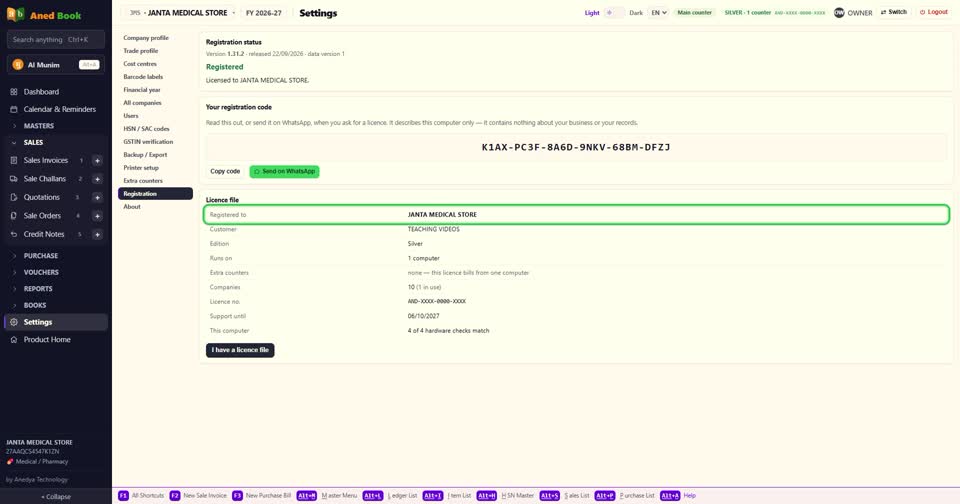
Your registration code — licence माँगते समय यही बताइए। इसमें सिर्फ़ इस computer की पहचान है — आपके business या हिसाब का कुछ नहीं।

Copy code, या Send on WhatsApp — सीधे dealer को।

Licence file — किसके नाम, कौन-सा edition, कितने computer, कितने counter, और कितनी companies।

Support until — इस तारीख तक updates और support। Basic पर उसके बाद भी बिलिंग चलती रहती है; Silver और Gold समय पर renew करने होते हैं।

This computer — hardware की जाँच, कि licence इसी computer का है।
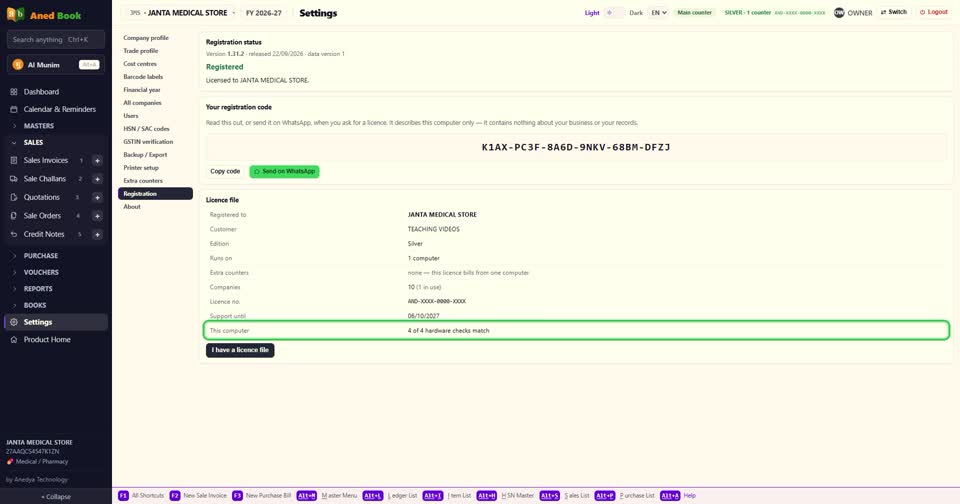
Renewal, upgrade या downgrade — dealer से नई licence file मिले, तो I have a licence file दबाकर लगाइए।

बस। licence का पूरा हाल — Registration।
Still stuck? Press Alt + A inside the software and ask in your own words — it
works with no internet. Or talk to us on WhatsApp, phone or e-mail.