Put your bank details on your bill
सभी edition में — Lite, Basic, Silver और Gold।Want customers to pay straight into your bank account? Put your bank details on your bill.
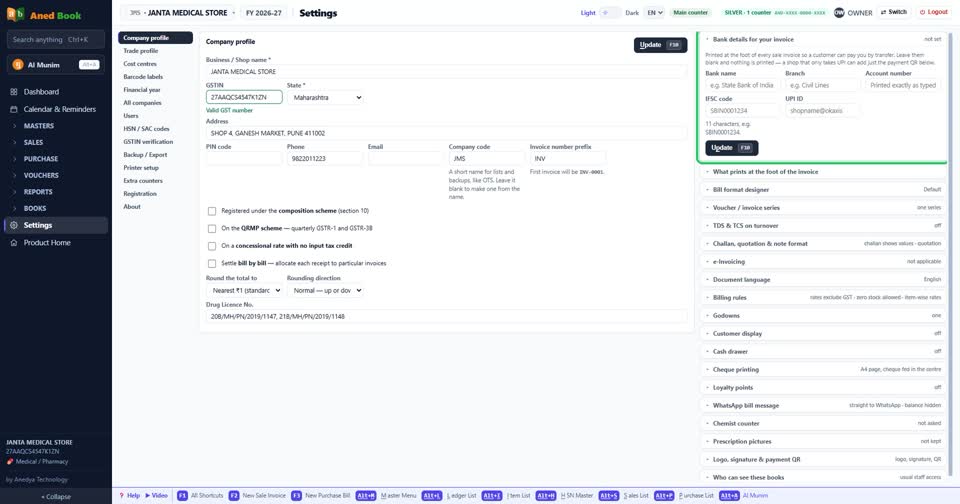
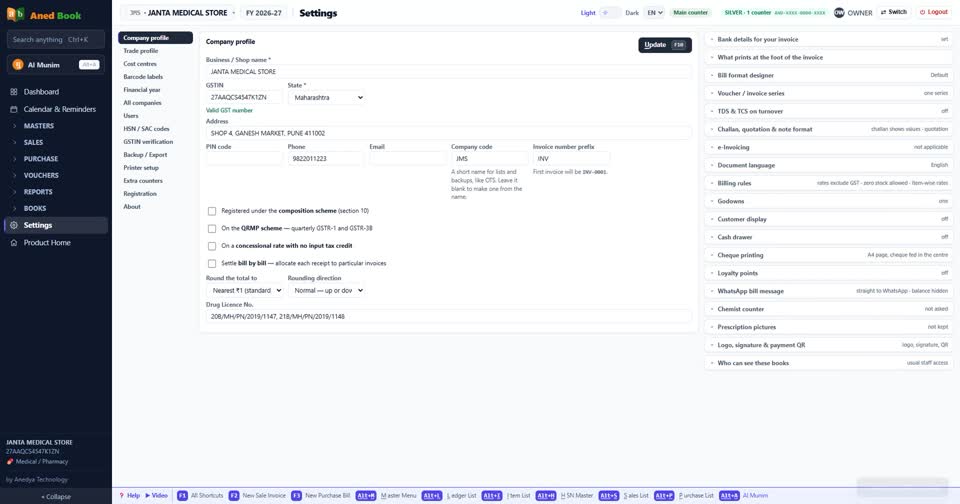
Open Settings, then Company profile. Scroll down and open Bank details for your invoice.
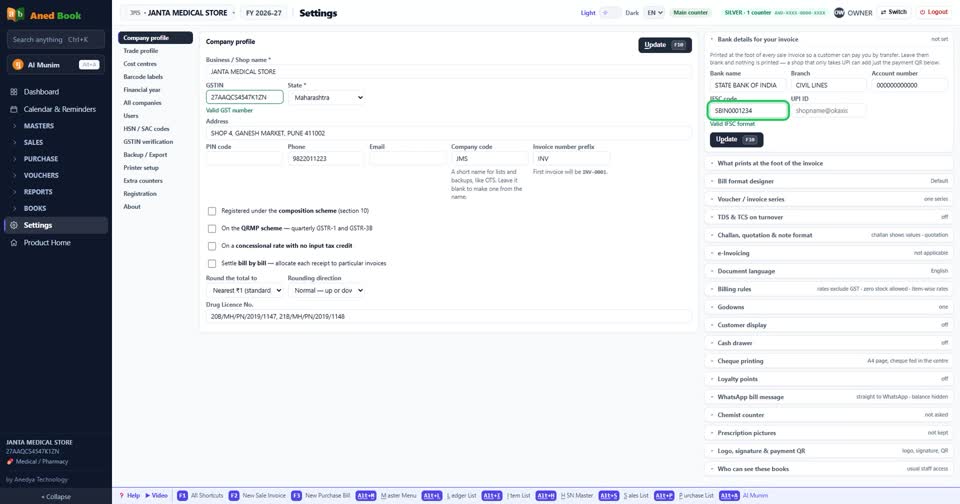
Type your bank name, branch, account number and IFSC code. The IFSC code is checked as you type.
If you have a UPI ID, add it here as well.
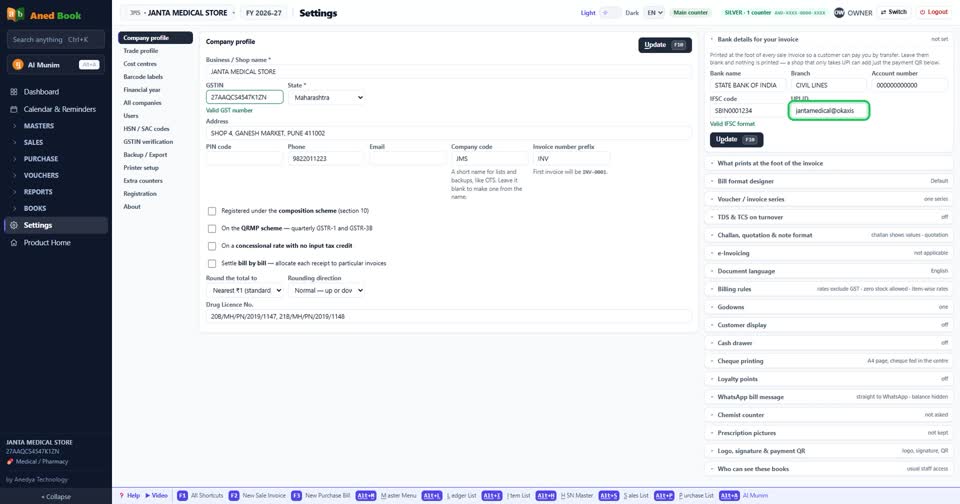
Press Update to save.
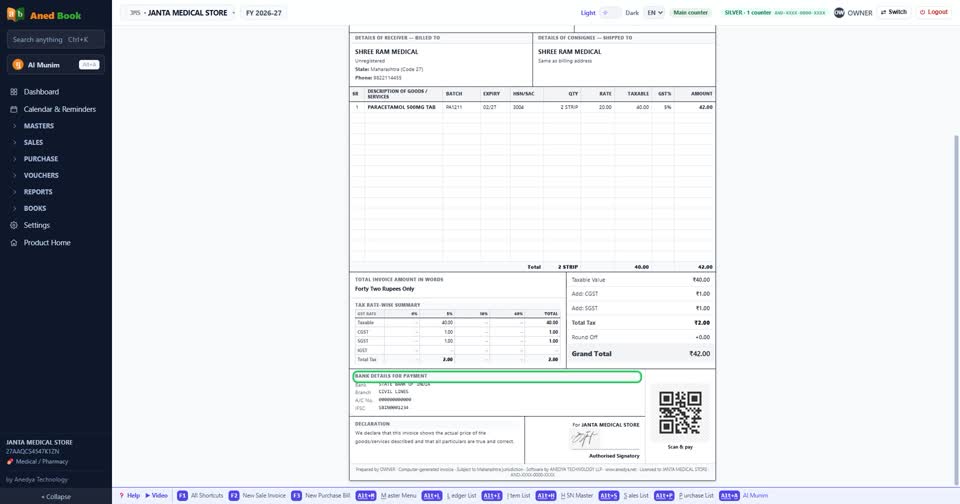
Now open a sale bill. Your bank details are printed at the foot of the bill.
Still stuck? Press Alt + A inside the software and ask in your own words — it
works with no internet. Or talk to us on WhatsApp, phone or e-mail.