Aned Book help › Menu › Purchase
Debit Notes
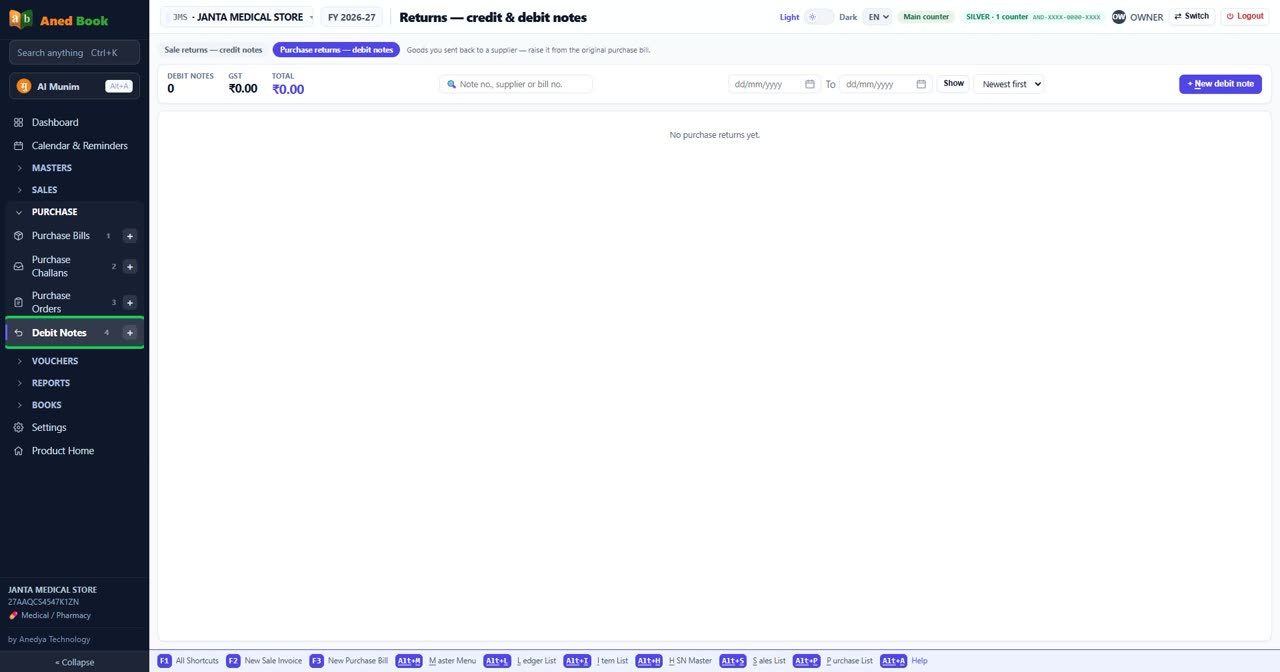
In the software: Purchase › Debit Notes
Basic, Silver, Gold onlyGoods sent back to a supplier (purchase return).
Questions about this screen
Every option on this screen
Tabs
- Sale returns — credit notes
- Purchase returns — debit notes
Buttons
- Show
- + New debit note
Boxes to fill in
- Note no., supplier or bill no.
- Date
- Order by date — choose from: Newest first · Oldest first
Still stuck? Press Alt + A inside the software and ask in your own words — it
works with no internet. Or talk to us on WhatsApp, phone or e-mail.