E-way bill — portal की file बनाइए, number बिल पर छापिए
Basic, Silver और Gold edition में।सीमा से ऊपर का माल गाड़ी से जा रहा है, तो e-way bill चाहिए। इस video में देखेंगे कि software उसकी file कैसे बनाता है, और number वापस बिल पर कैसे आता है।
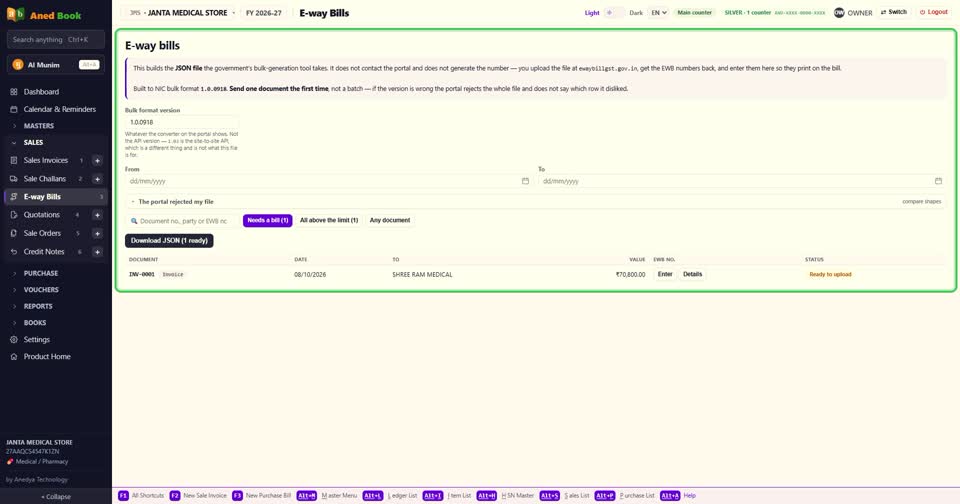
एक बात पहले साफ़ — software खुद e-way bill नहीं बनाता, और government के portal से बात नहीं करता। वो portal पर upload करने वाली file बनाता है। number portal देता है, और आप उसे यहाँ लिखते हैं।
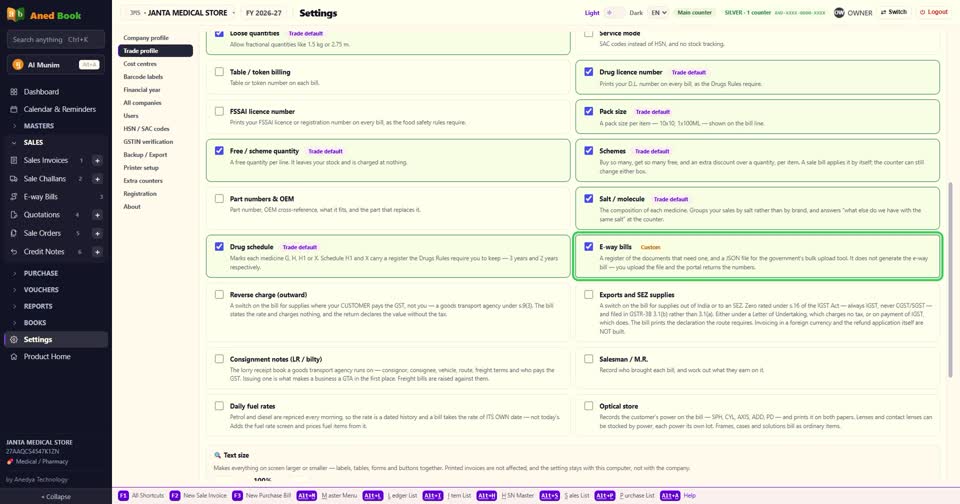
ये switch पहले से बंद रहता है। Settings में Trade profile खोलिए, और E-way bills पर निशान।
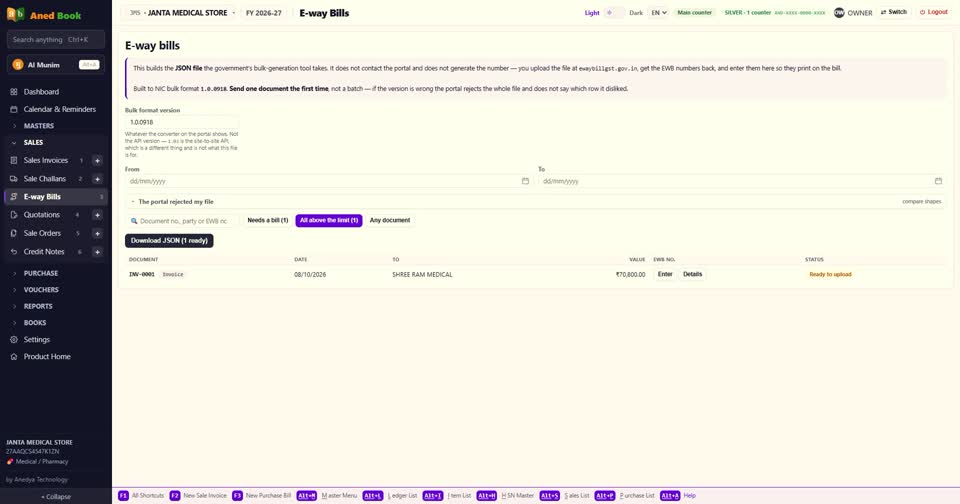
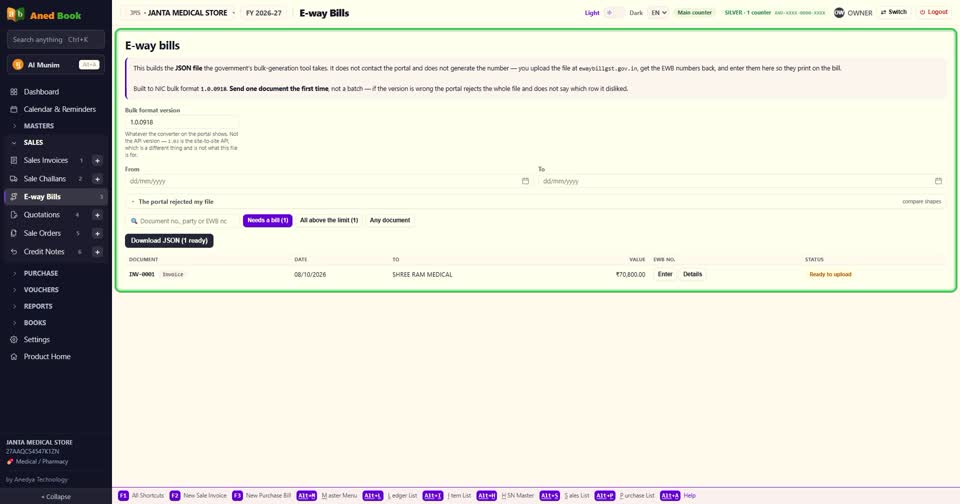
अब menu में Sales, और E-way Bills। ऊपर यही बात लिखी है — file बनती है, number portal से आता है।
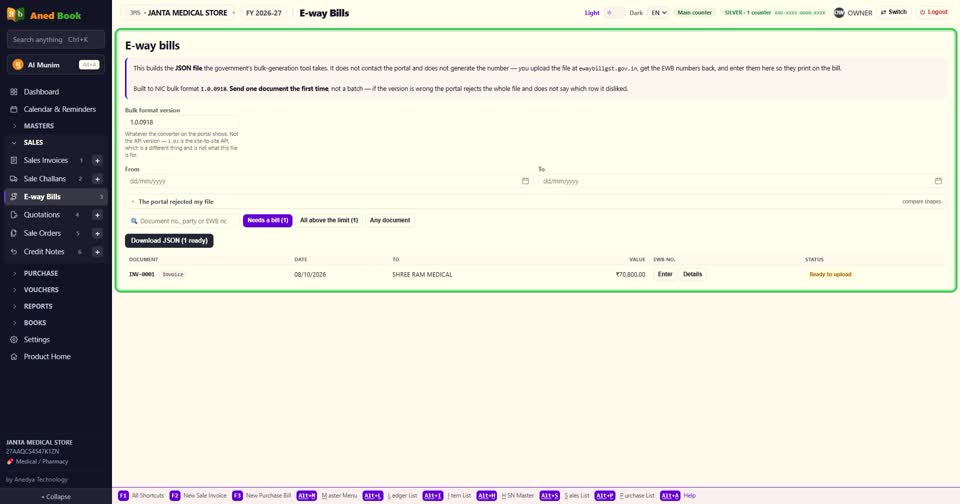
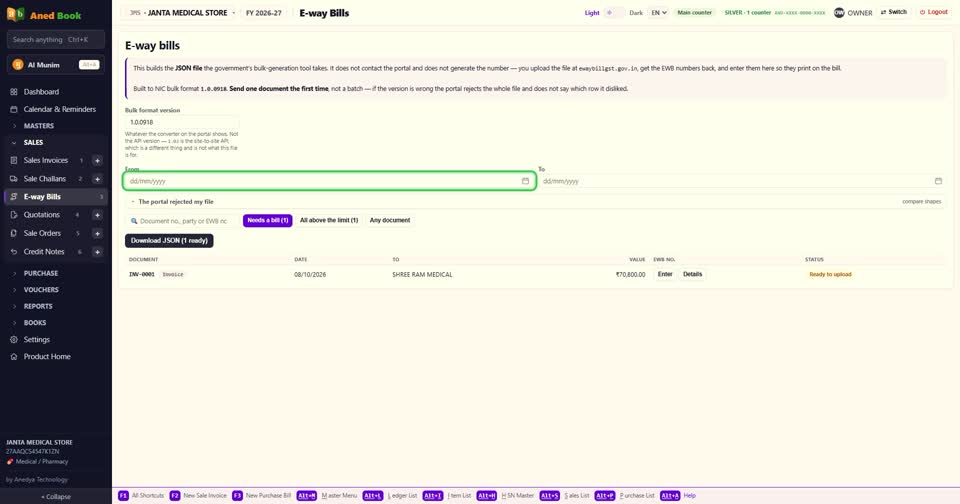
ऊपर के हिस्से — Needs a bill, यानी जिनका e-way बनना बाकी है। All above the limit — सीमा से ऊपर के सारे बिल। और Any document — कोई भी बिल या challan। ऊपर तारीख से छाँट सकते हैं।
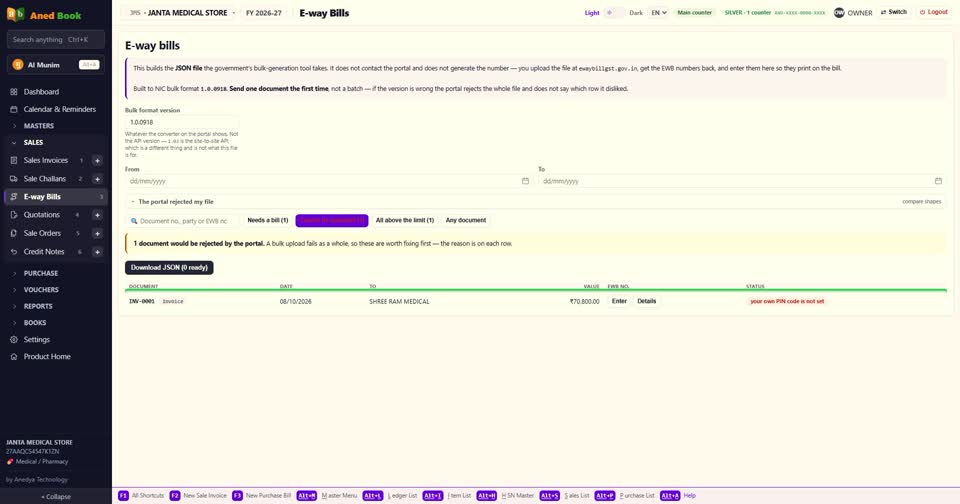
अगर कोई बिल Cannot be uploaded में दिखे, तो साथ में लिखा होता है क्यों — जैसे आपकी दुकान का PIN code नहीं भरा, या ग्राहक का पता या PIN नहीं है। portal ऐसी file पूरी लौटा देता है, इसलिए software पहले ही बता देता है।
ये कमियाँ Company profile में और ग्राहक के खाते में भरिए। फिर बिल के आगे Details दबाइए।
ऊपर Sub type — Supply, Export, Job work, Sales return, ऐसे कई। और Document type — Tax invoice, Delivery challan, और बाकी।
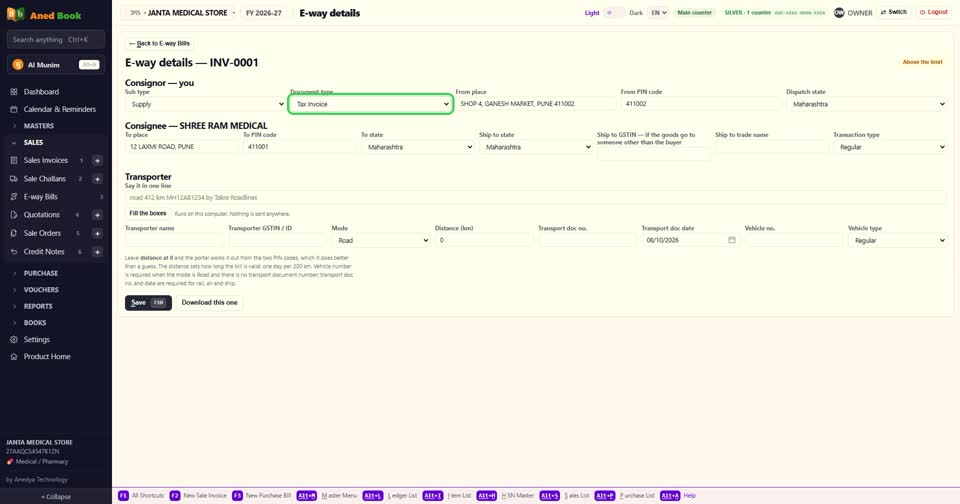
फिर From — माल कहाँ से चला, उसका PIN और state। और To — कहाँ जा रहा है। माल किसी और के पास जाए, तो Ship to के खाने।
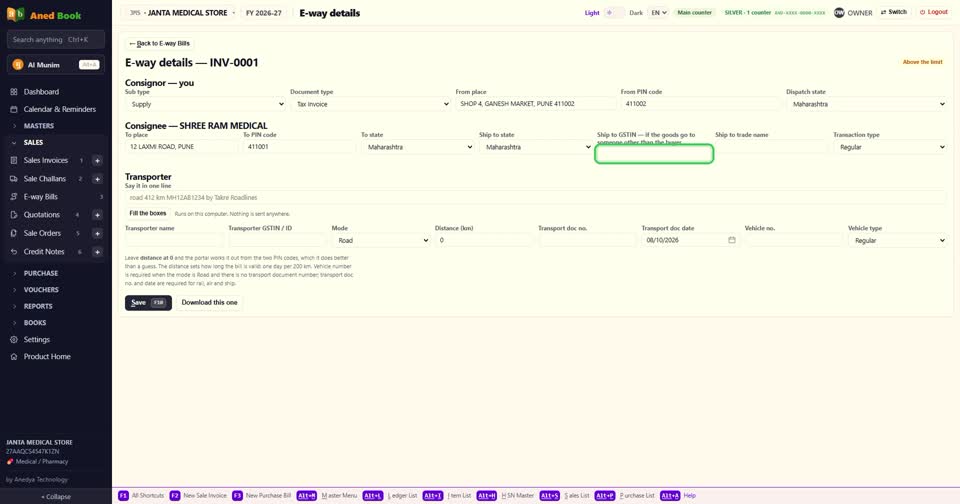
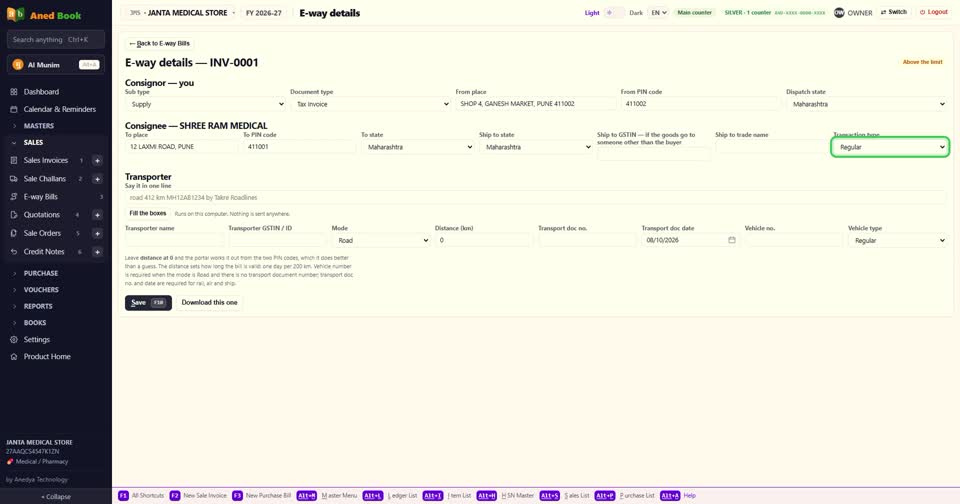
Transaction type — Regular, या Bill to ship to, जब बिल एक को और माल दूसरे को।
अब गाड़ी। सबसे आसान — Say it in one line में एक line लिखिए, जैसे road, कितने km, गाड़ी number, और transporter का नाम। Fill the boxes दबाते ही सारे खाने भर जाते हैं। ये इसी computer पर होता है, कहीं कुछ नहीं जाता।
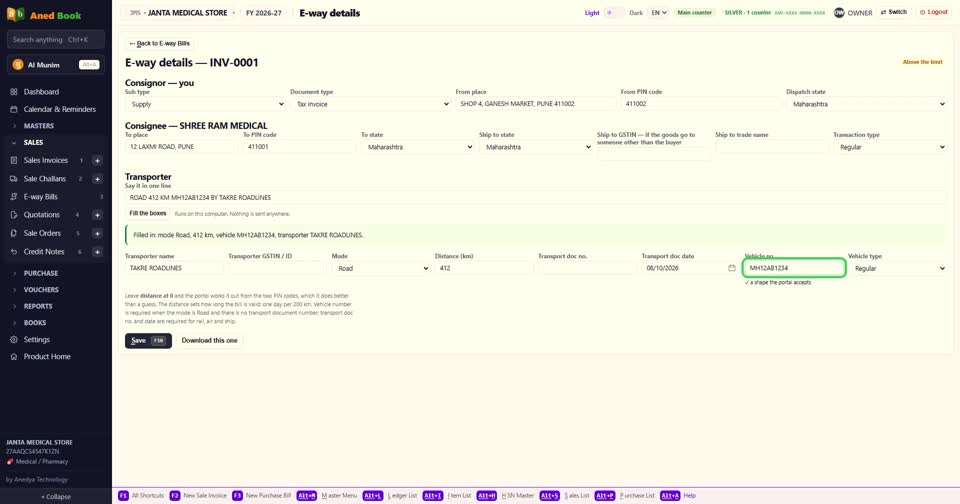
या खाने ख़ुद भरिए — transporter, mode, distance, गाड़ी number। distance शून्य छोड़ देंगे, तो portal दोनों PIN code से ख़ुद निकाल लेता है। road से जा रहा हो, तो गाड़ी number ज़रूरी है।
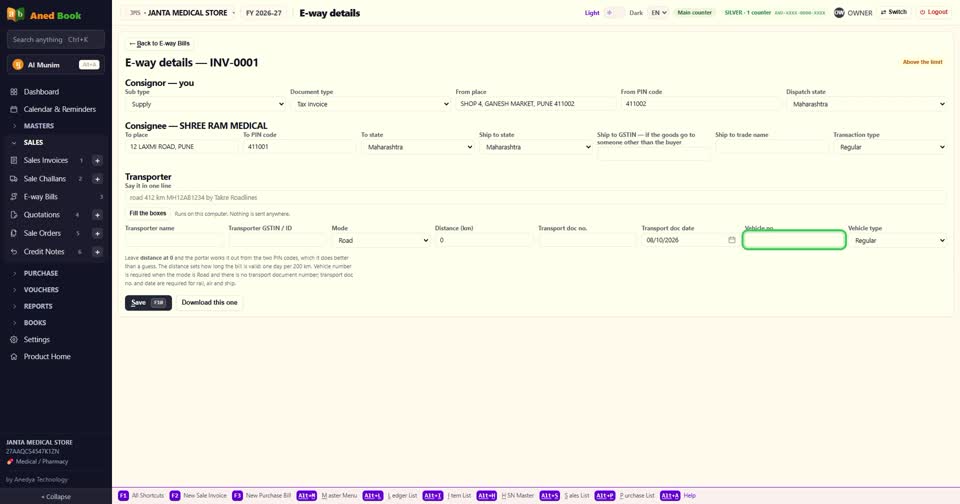
Save कीजिए। एक ही बिल की file चाहिए, तो Download this one।
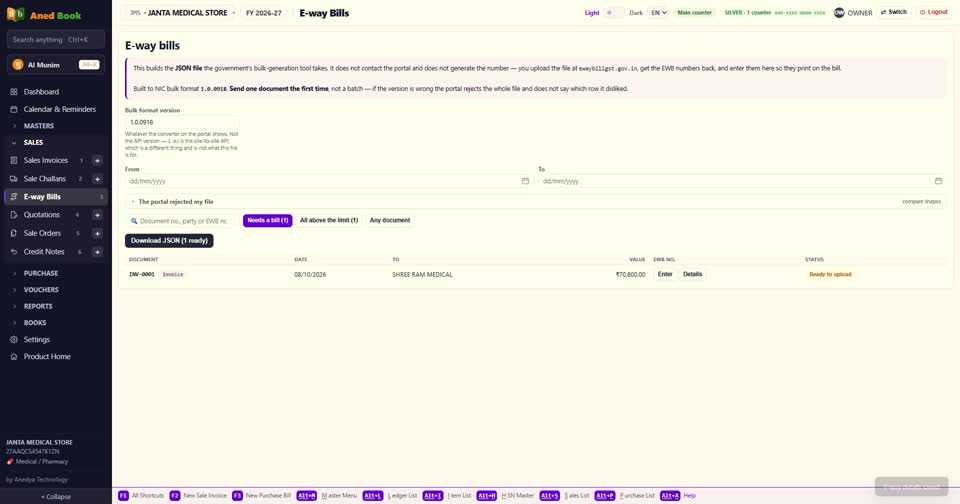
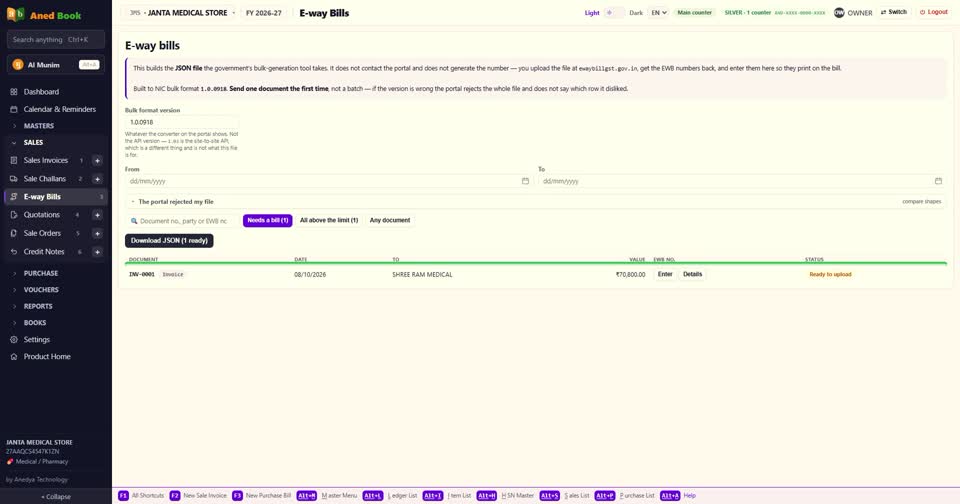
कई बिल एक साथ — list पर Download JSON। ये file ewaybillgst.gov.in पर bulk upload वाले हिस्से में डालिए। portal हर बिल का e-way number देता है।
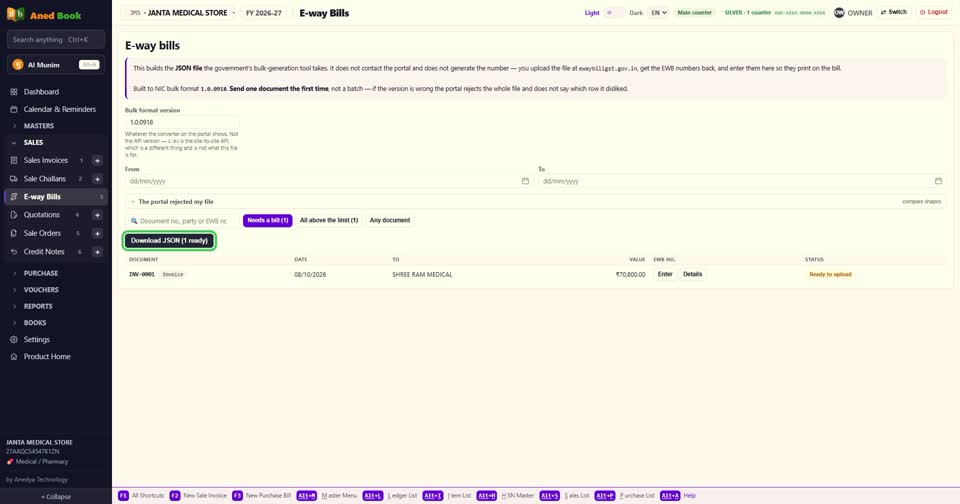
वो number यहाँ वापस लिखिए — बिल के आगे Enter दबाकर। अब ये number बिल पर छपता है।

portal ने file लौटा दी? The portal rejected my file में Compare दबाइए — software दिखाता है कि file की बनावट portal के नमूने से कहाँ अलग है।
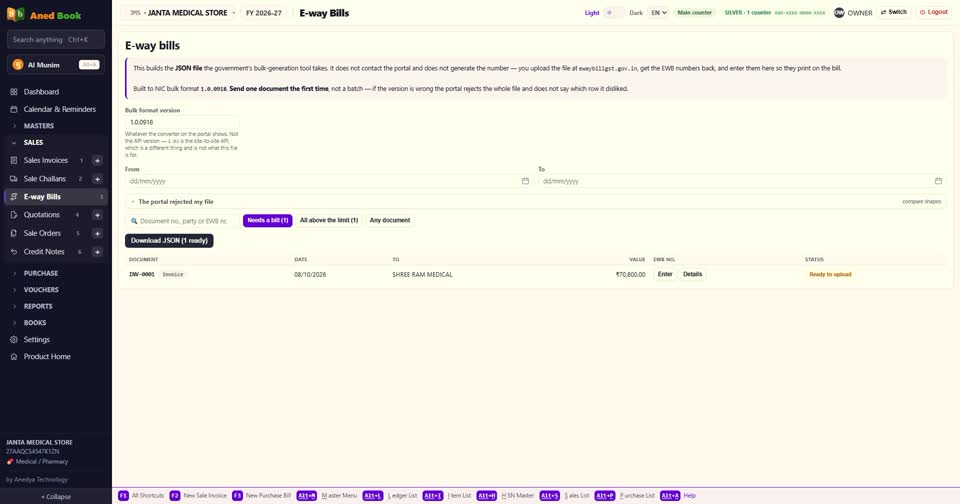
बस। बिल बनाइए, file निकालिए, portal से number लाइए, और बिल पर छापिए।