How do I add a new customer or supplier?
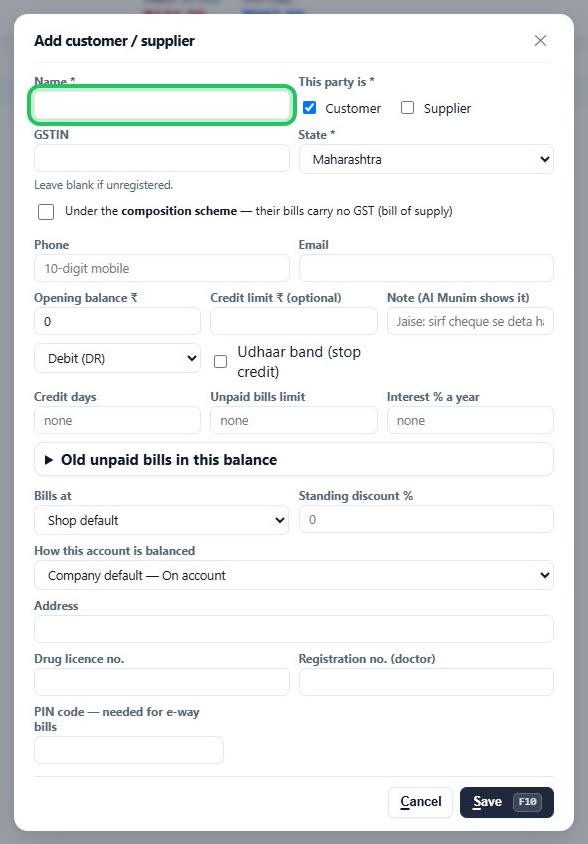
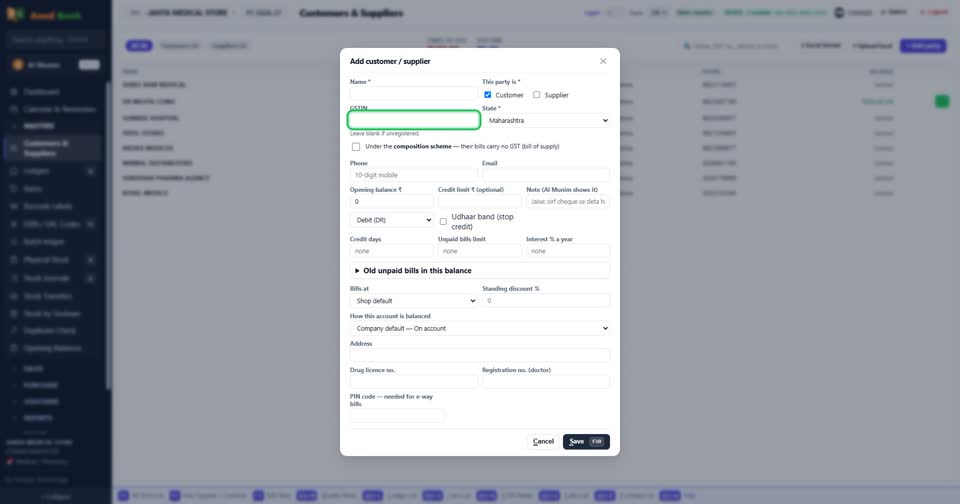
How toOpen Masters, Customers & Suppliers, and press + Add party. Type the name, tick Customer, Supplier or both, and type their GST number if they have one — the state fills itself from it. Press Save.
Press + Add party.
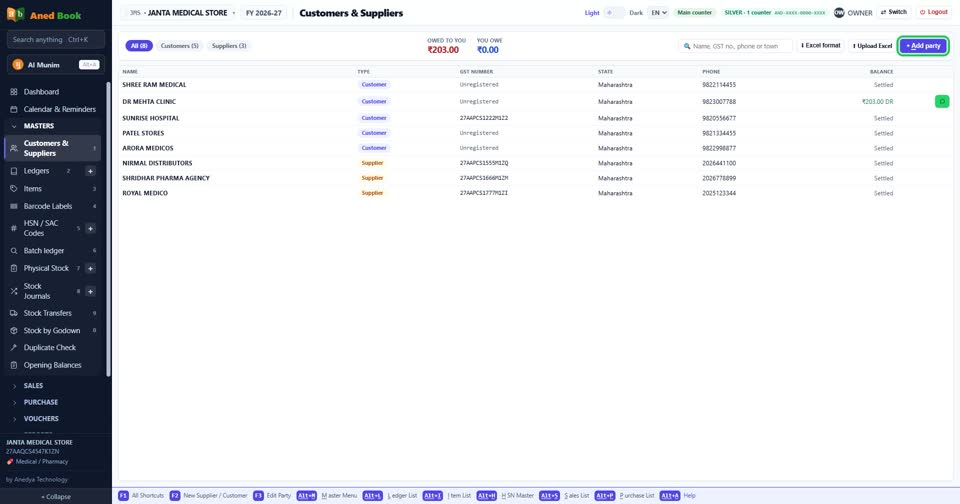
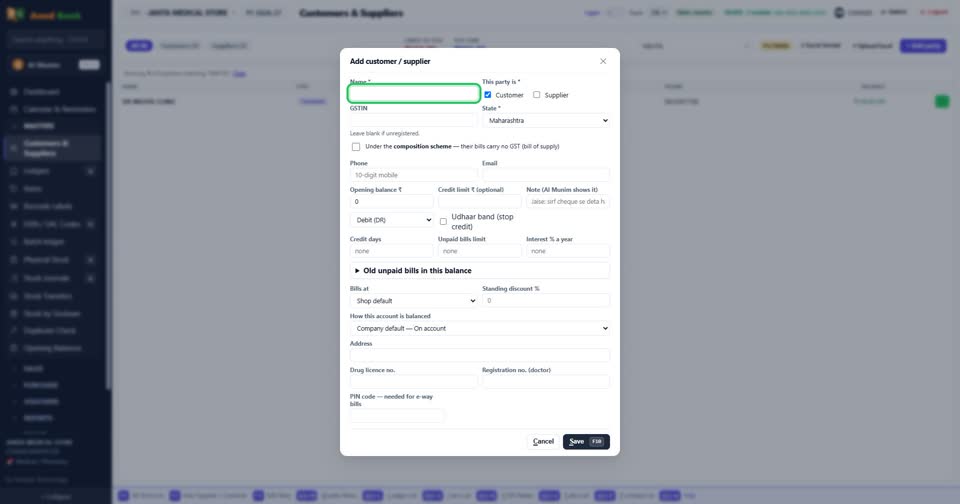
The name, and whether they buy from you, sell to you, or both.
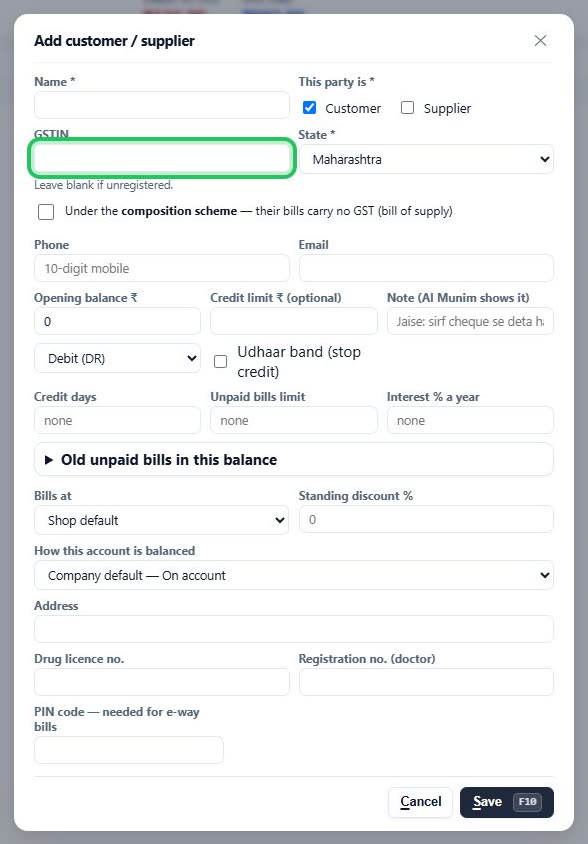
Their GSTIN — leave it blank if they are not registered.
More questions on Customers & Suppliers
- A customer already owed me money before I started. Where do I enter that?
- How do I stop a customer taking too much udhaar?
- How do I see or print what a customer owes?
- How do I send a payment reminder on WhatsApp?
- It says “Invalid GST number”
- It says “This GST number is already used by …”
- It says “… is already a party”
- It says “Tick Customer, Supplier, or both”
- Why doesn’t a party come up when I make a bill?
Still stuck? Press Alt + A inside the software and ask in your own words — it
works with no internet. Or talk to us on WhatsApp, phone or e-mail.