Aned Book help › Menu › Settings
Barcode labels
In the software: Settings › Barcode labels (Settings, then the tab on the left)
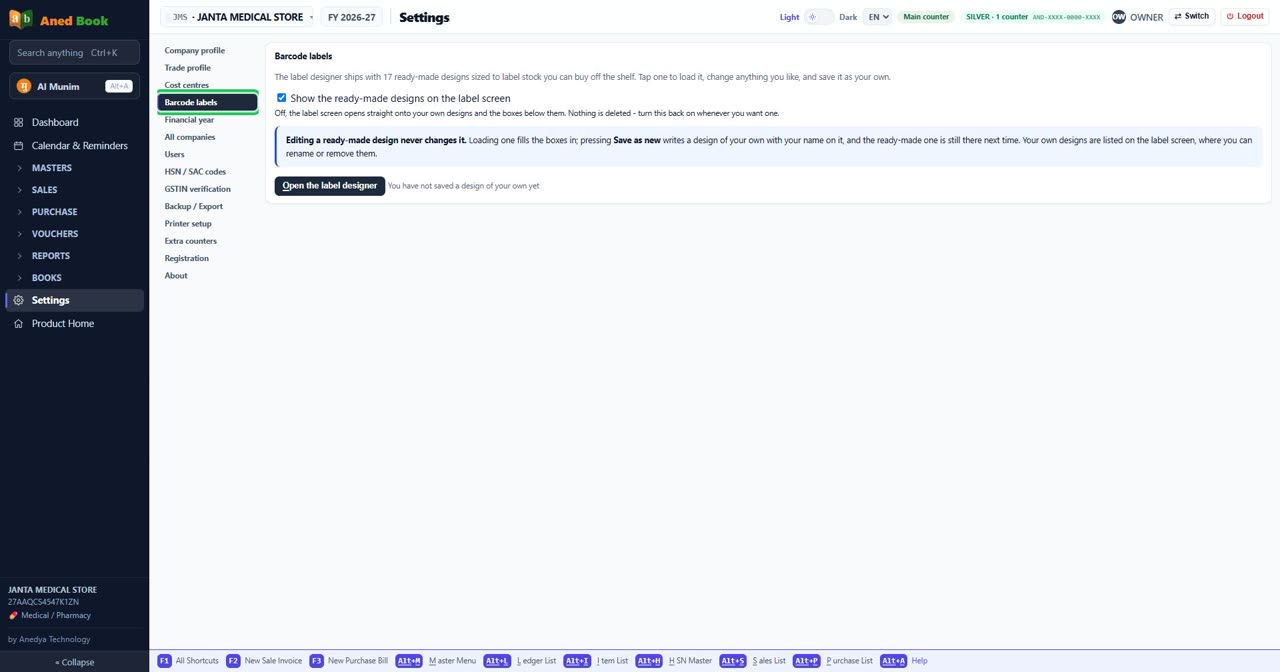
Every option on this screen
Buttons
- Open the label designer
Tick boxes and choices
- Show the ready-made designs on the label screen — Off, the label screen opens straight onto your own designs and the boxes below them. Nothing is deleted - turn this back on whenever you want one.
Sections on this screen
- Barcode labels
Still stuck? Press Alt + A inside the software and ask in your own words — it
works with no internet. Or talk to us on WhatsApp, phone or e-mail.