Aned Book help › Step-by-step guides › Getting started and settings
How to add staff, set PINs, and get back in if a PIN is forgotten
Every edition — Lite, Basic, Silver and GoldEvery bill is stamped with who made it. A PIN keeps staff profiles apart; the owner sets up the way back before it is needed.
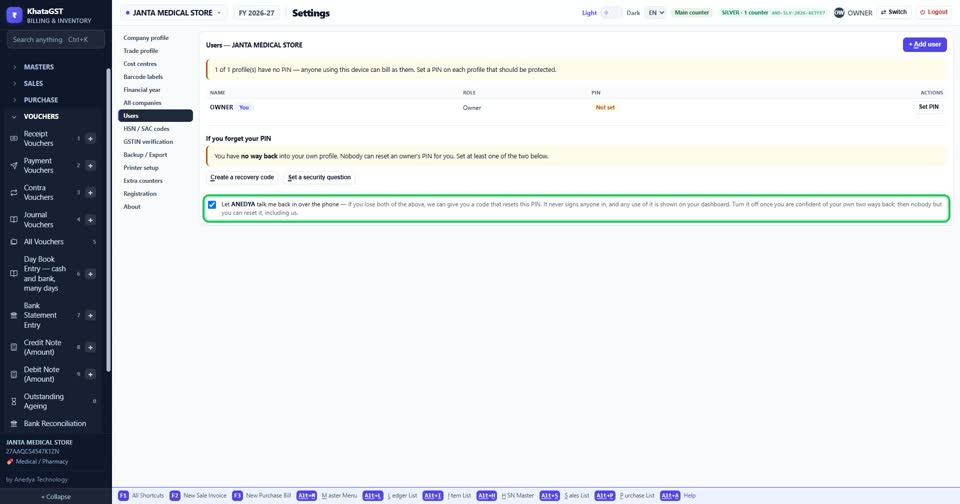
Open Settings, Users. Every profile is listed with its role and whether a PIN is set.
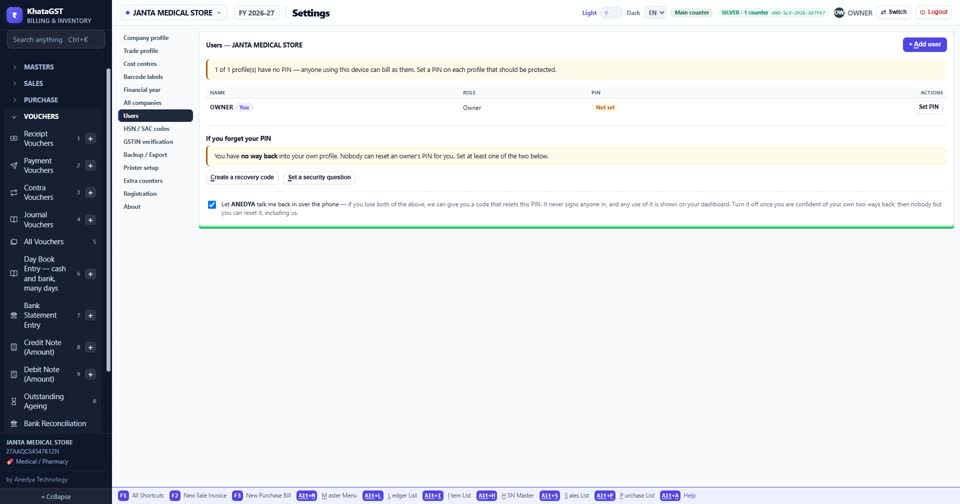
The owner adds staff with + Add user.
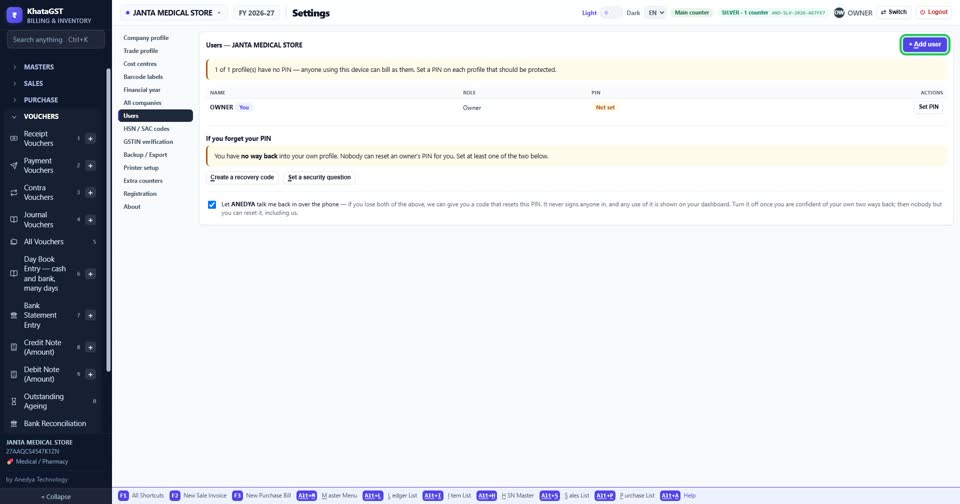
Set PIN or Change PIN on a row. A PIN is stored scrambled, never as plain text.
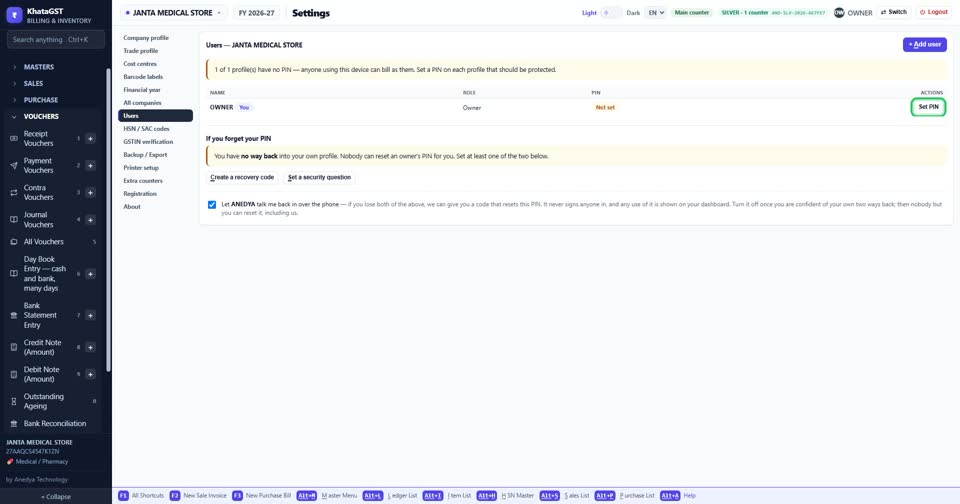
Under “If you forget your PIN”, make a recovery code and set a security question. Nobody can reset an owner’s PIN, so two ways back are better than one.
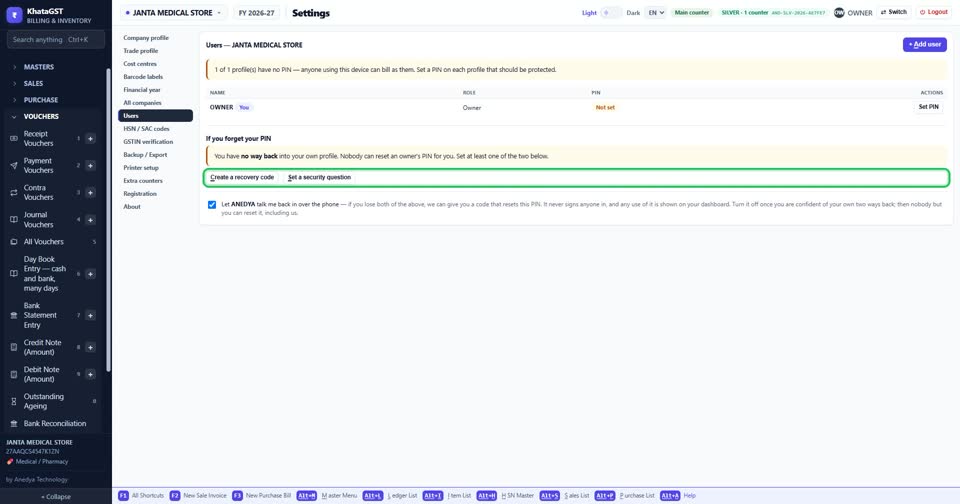
Tick “Let ANEDYA talk me back in over the phone” if you want us to be able to help when both are lost.
Still stuck? Press Alt + A inside the software and ask in your own words — it
works with no internet. Or talk to us on WhatsApp, phone or e-mail.