How to change your shop’s details, bank account and invoice footer
Every edition — Lite, Basic, Silver and GoldEverything here prints on your bills. Change it once in Settings and every bill after that carries it.
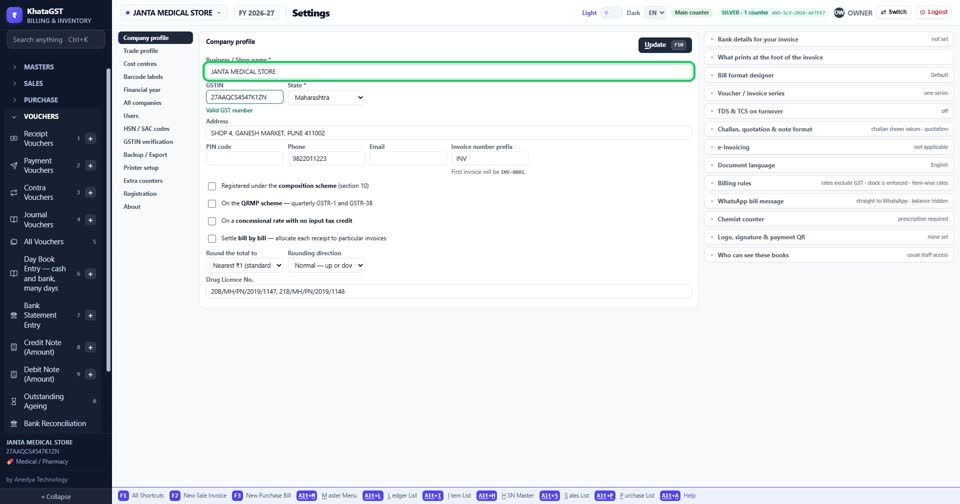
Open Settings, Company profile. Name, GST number, state, address, PIN code, phone, e-mail and the invoice number prefix all print on your bills.
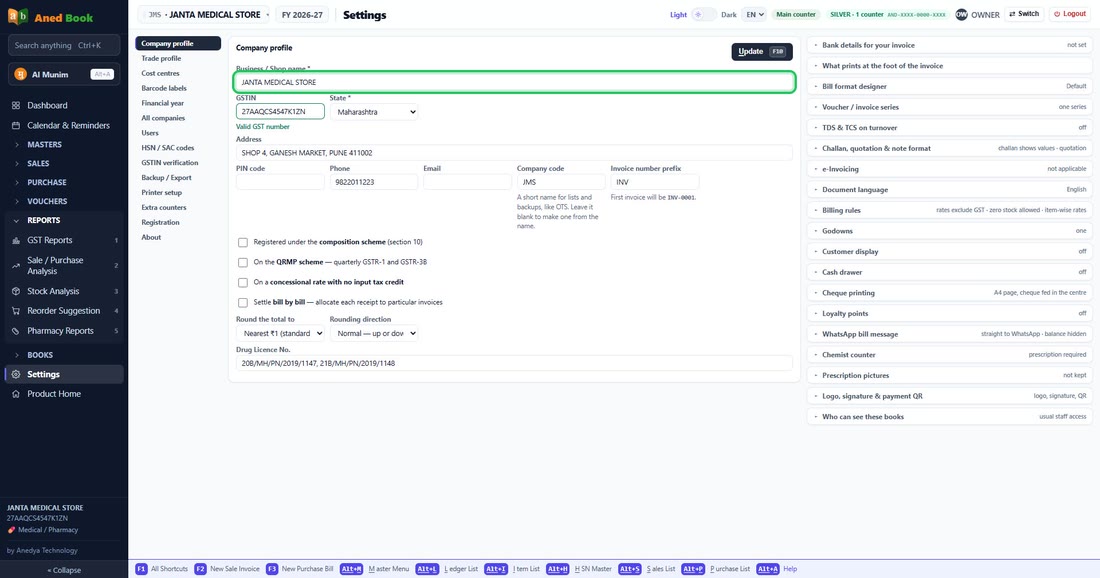 See the whole screen
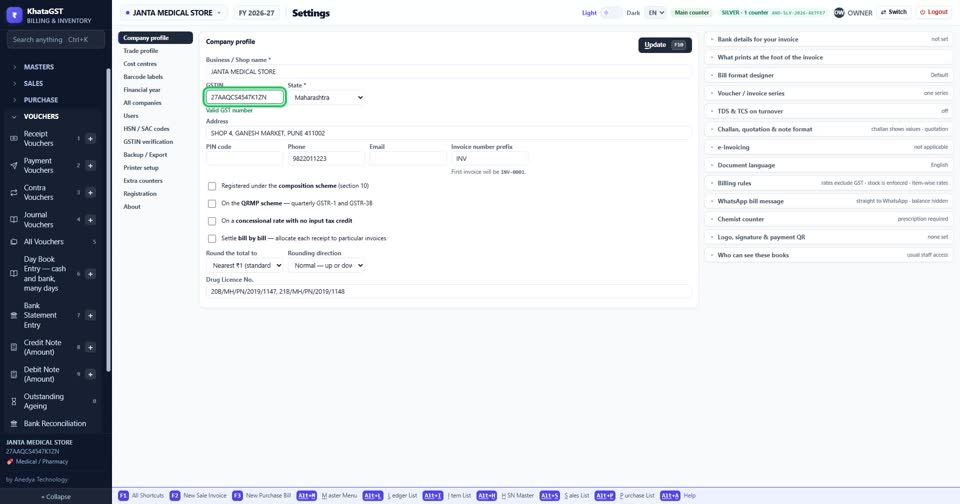
The GST number is checked as you type it, and the state must match it. The state decides CGST + SGST or IGST on every bill.
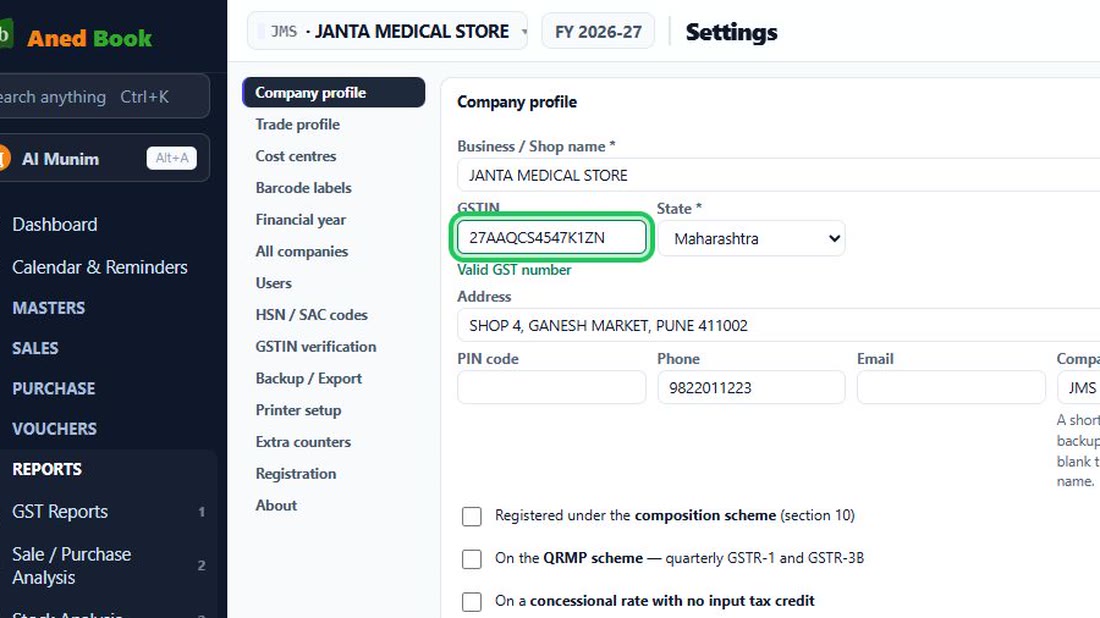 See the whole screen
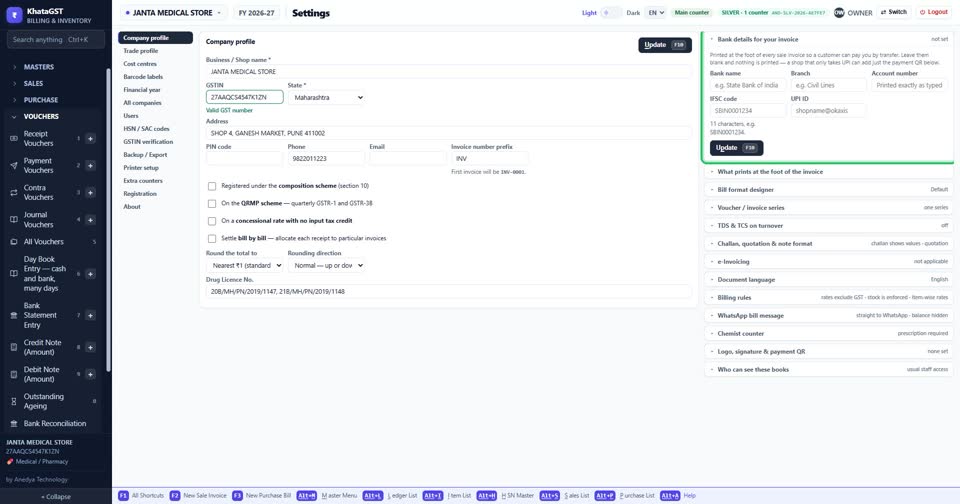
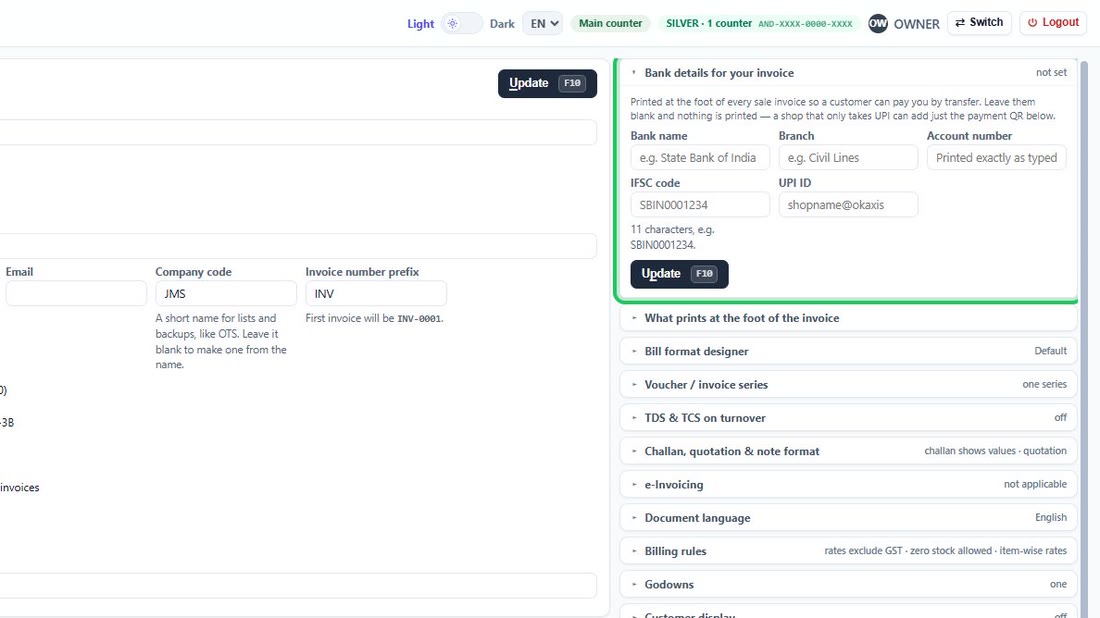
Open “Bank details for your invoice” and fill in the bank, branch, account number and IFSC. They print at the foot of every sale invoice — never on a purchase.
 See the whole screen
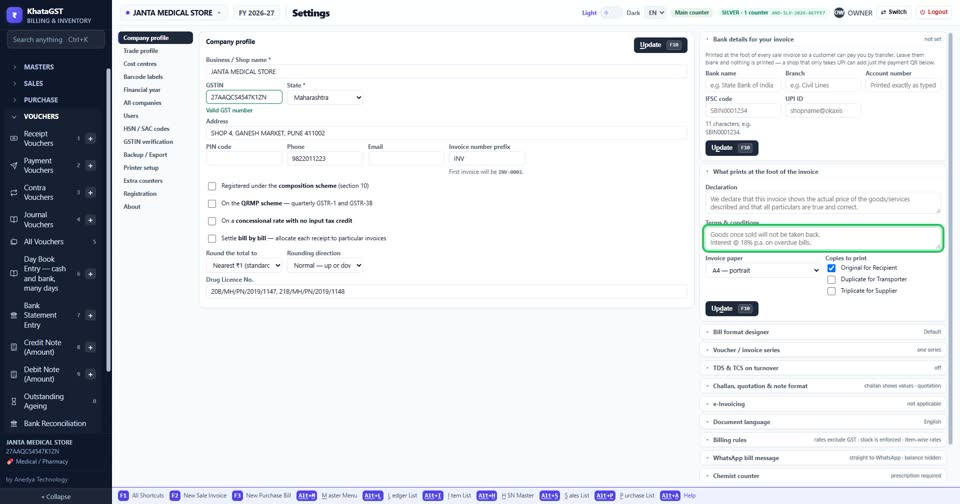
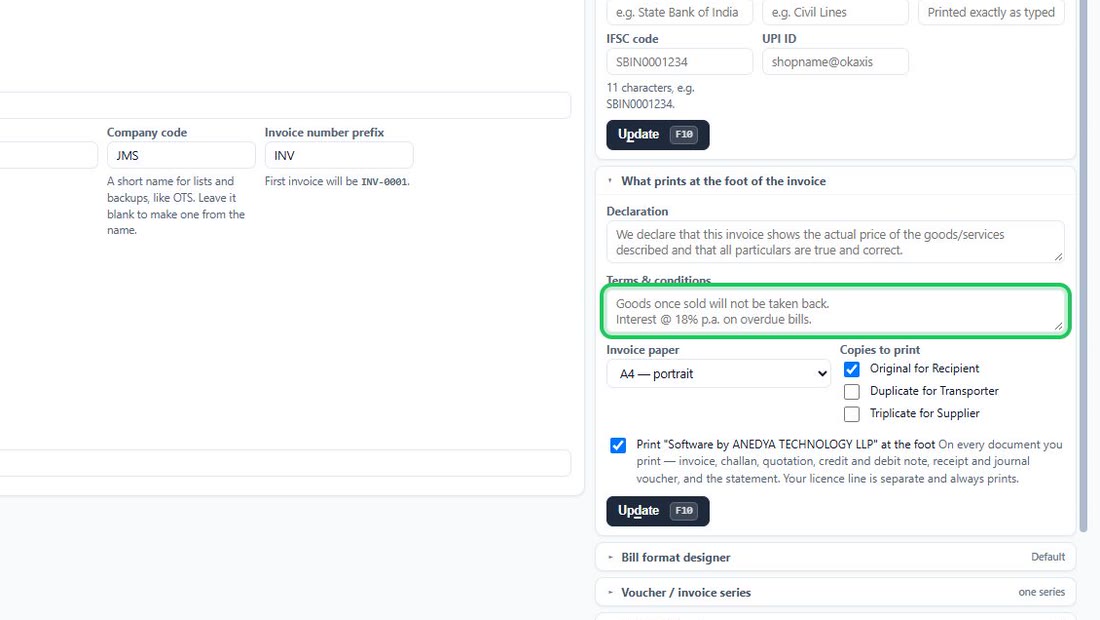
Under “What prints at the foot of the invoice”, the declaration and your terms and conditions. Leave the declaration blank to print the standard wording.
 See the whole screen
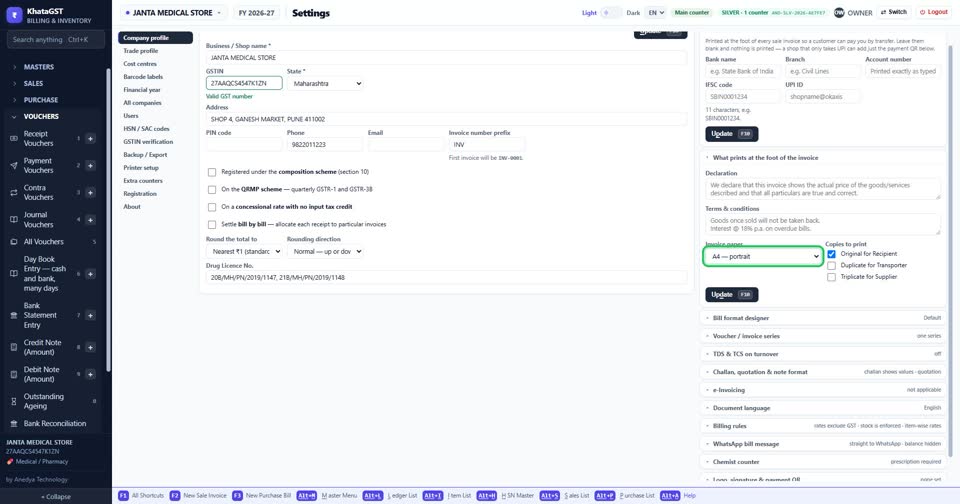
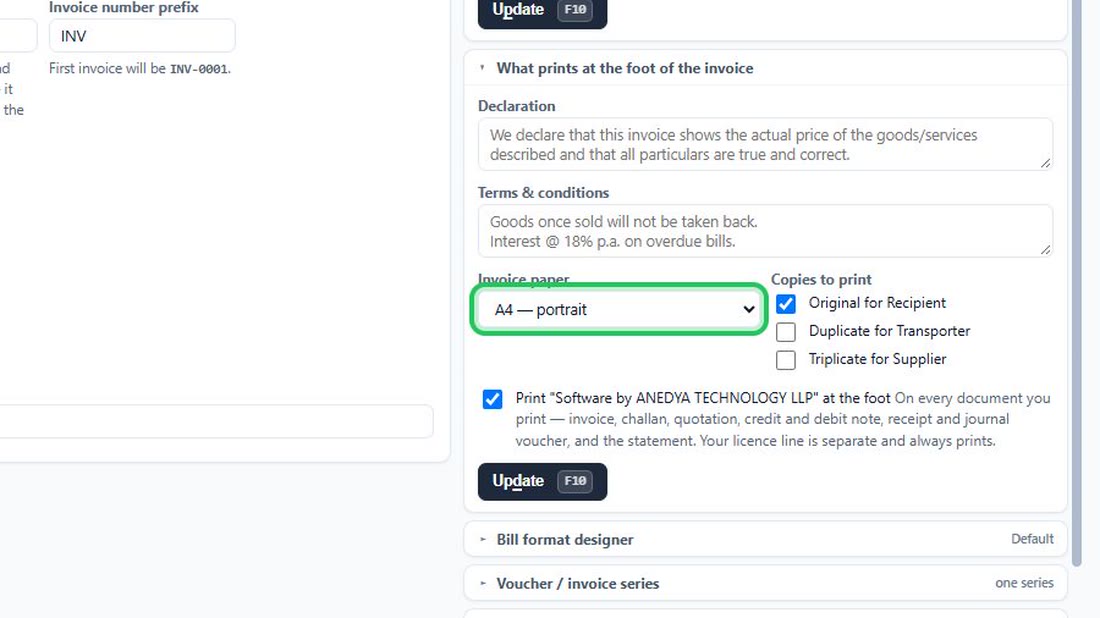
Choose the invoice paper — A4, half page or thermal roll — and tick only the copies you actually hand out.
 See the whole screen
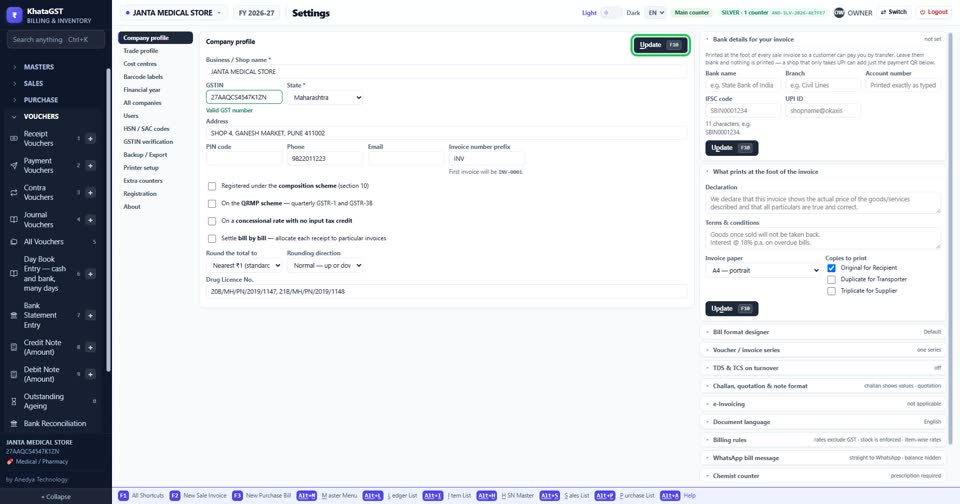
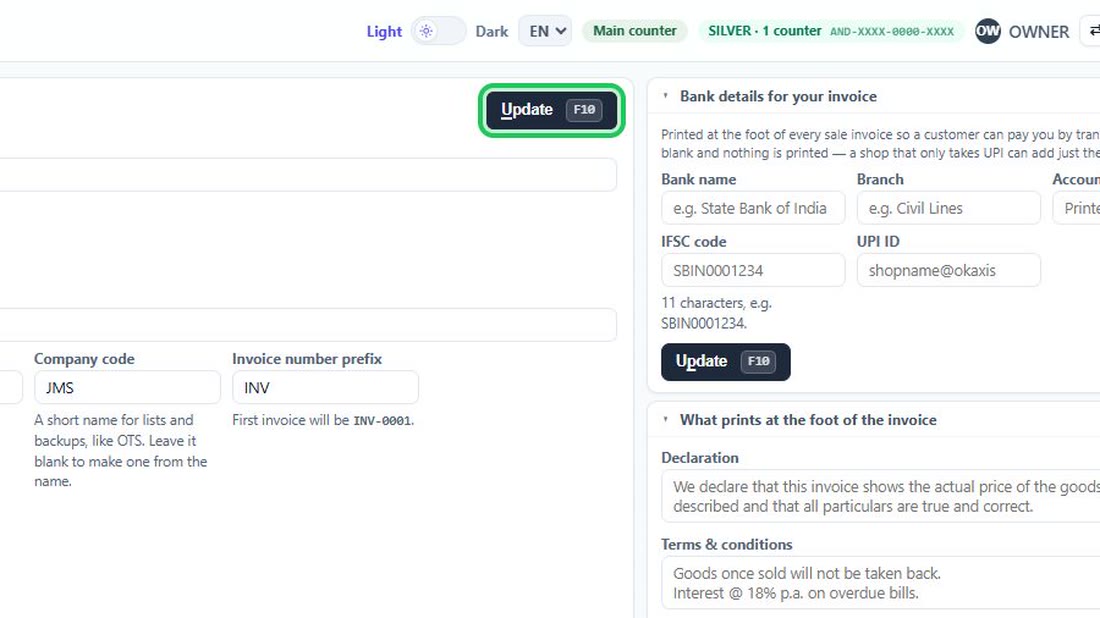
Press Update, or F10, to save.
 See the whole screen