How to bring your items, stock or customers in from Excel
Basic, Silver and GoldMoving from another package, or from a notebook? Fill our sheet and bring the whole list in at once. Nothing is written until you have seen the preview.
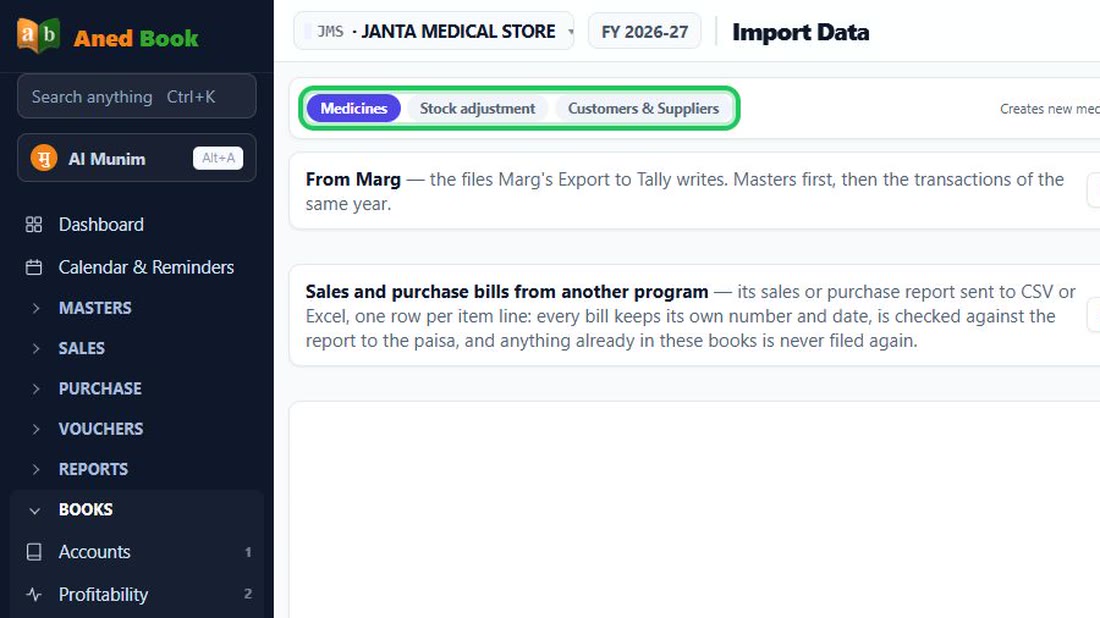
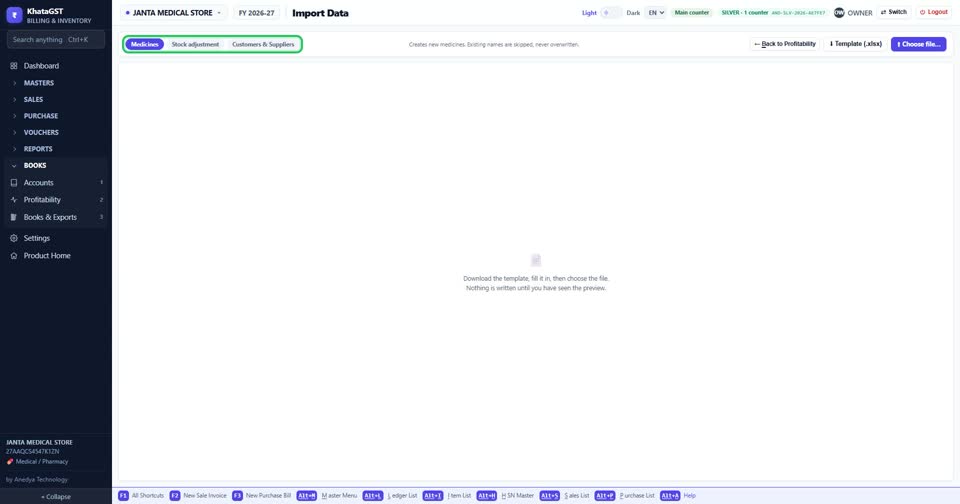
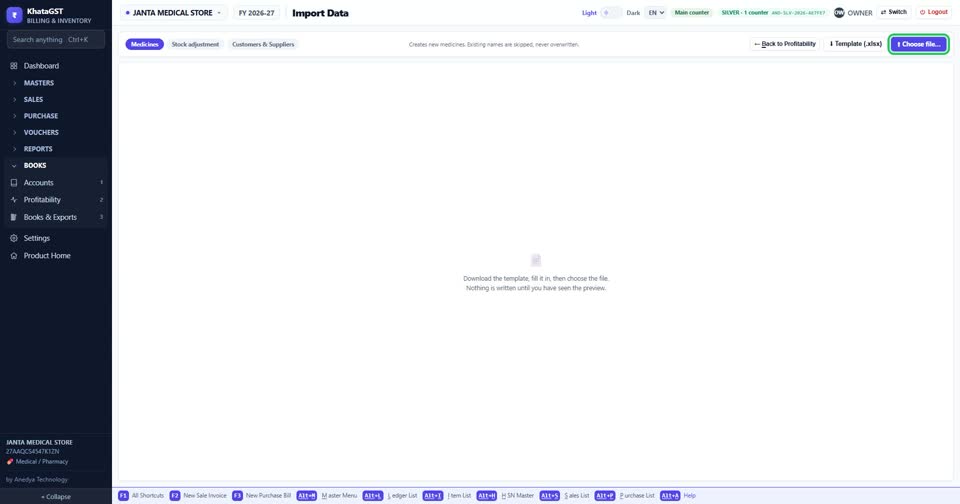
Open Imports & Exports, Import data. Choose what you are bringing in: items, a stock adjustment, or customers and suppliers.
 See the whole screen
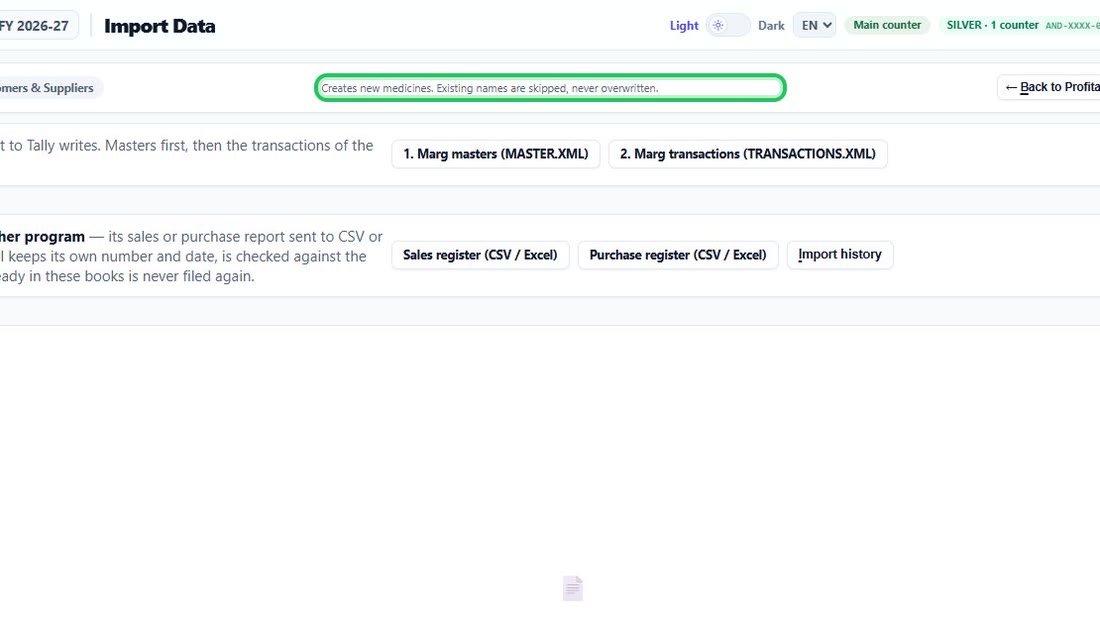
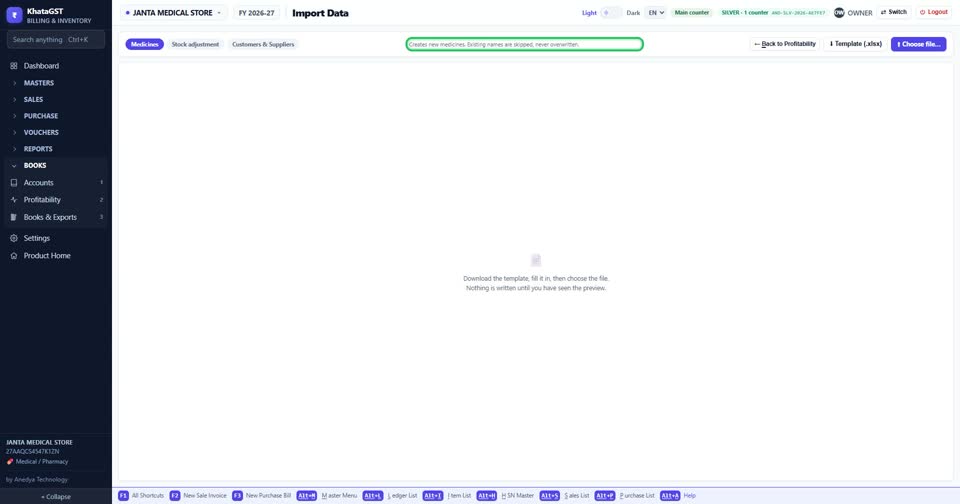
Items: new names are created; a name you already have is skipped, never overwritten.
 See the whole screen
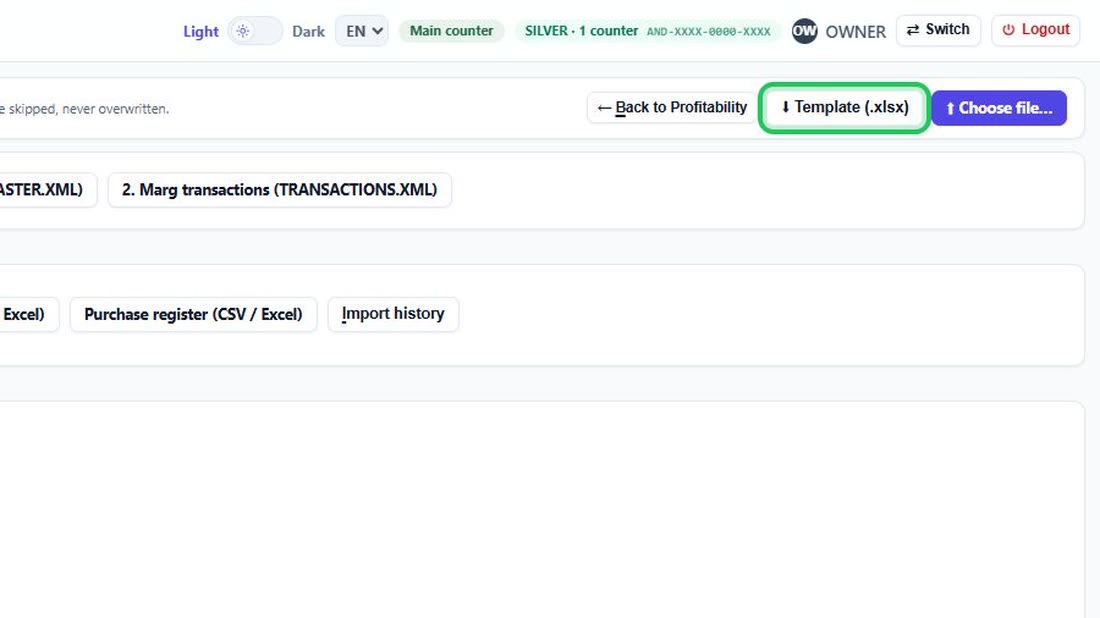
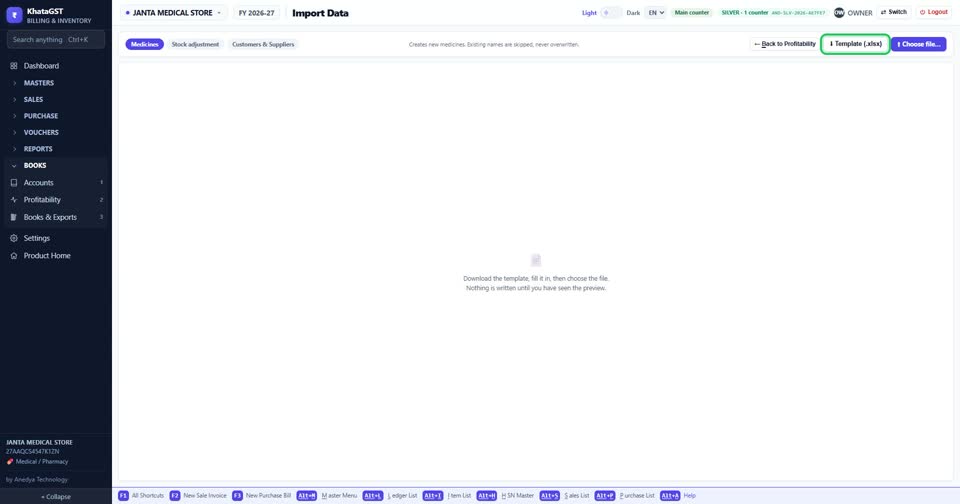
Download the template. It carries only the columns your trade uses.
 See the whole screen
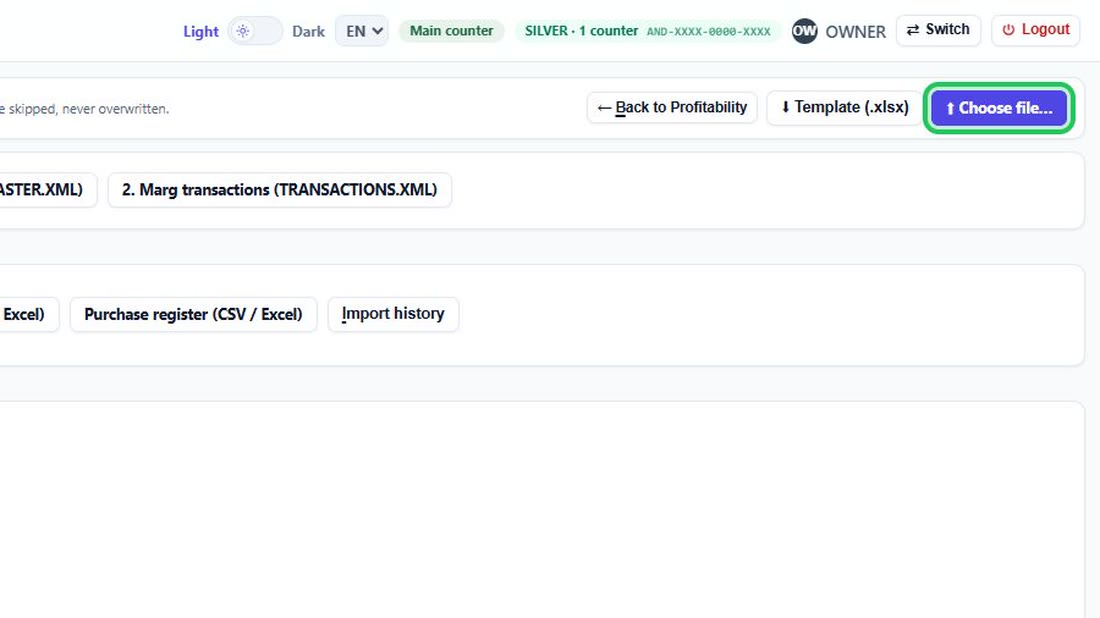
Fill it in, then Choose file. You see every row before anything is saved.
 See the whole screen
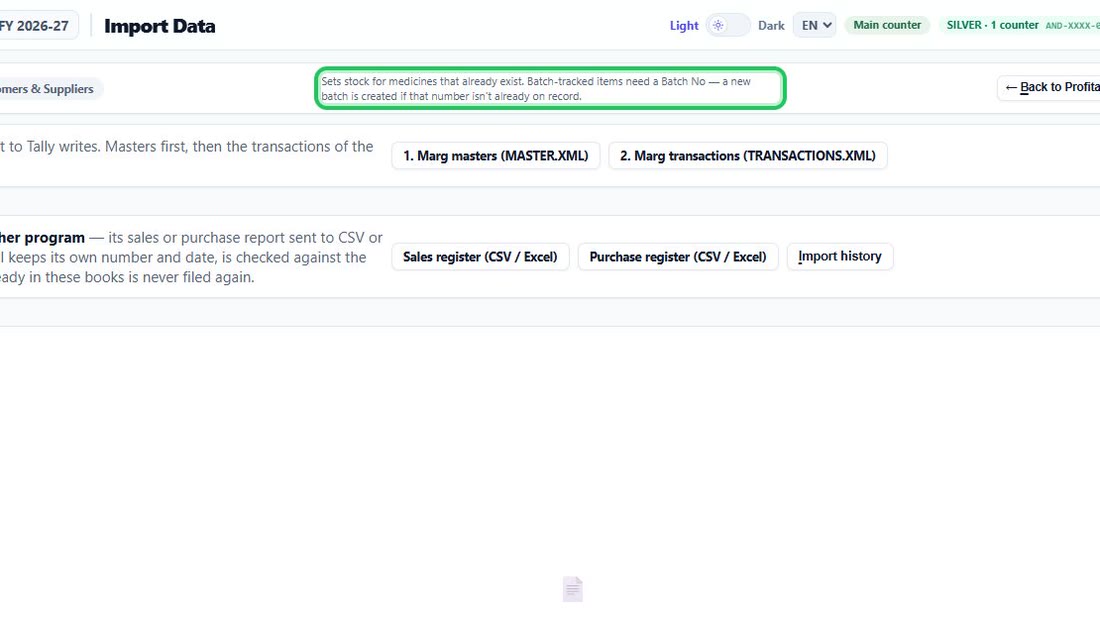
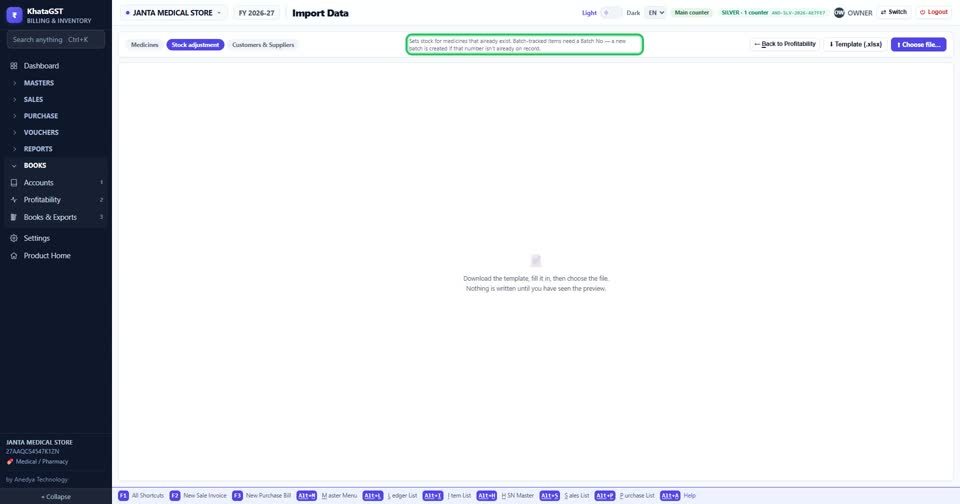
Stock adjustment sets the stock of items you already have. A batch-tracked item needs its batch number, and a batch number not on record is created.
 See the whole screen
Did this answer your question?
No — ask us on WhatsApp
Still stuck? Press Alt + A inside the software and ask in your own words — it
works with no internet. Or talk to us on WhatsApp, phone or e-mail.