How to start a new financial year
Every edition — Lite, Basic, Silver and GoldA new financial year is not a new company. Each year keeps its own bills, purchases and stock, and you can start the next one whenever you like.
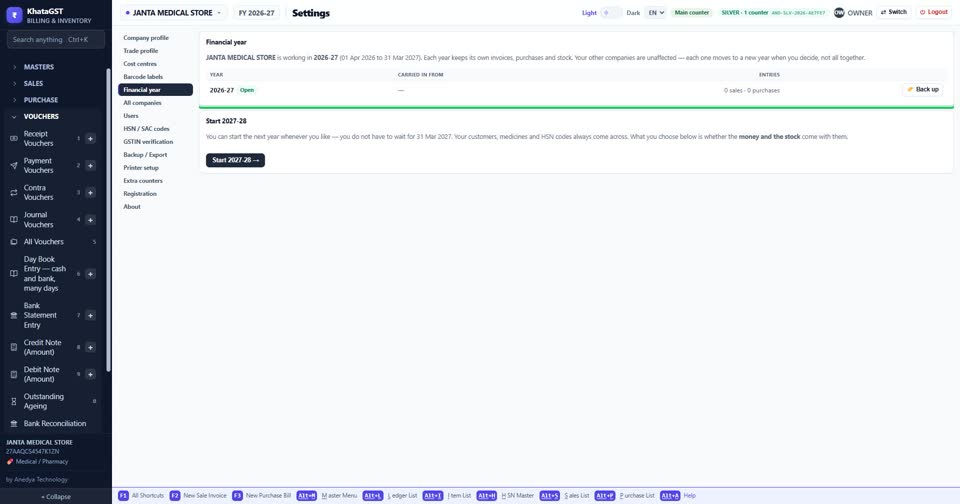
Open Settings and choose Financial year. The first card says which year this company is working in, with its start and end dates.
 See the whole screen
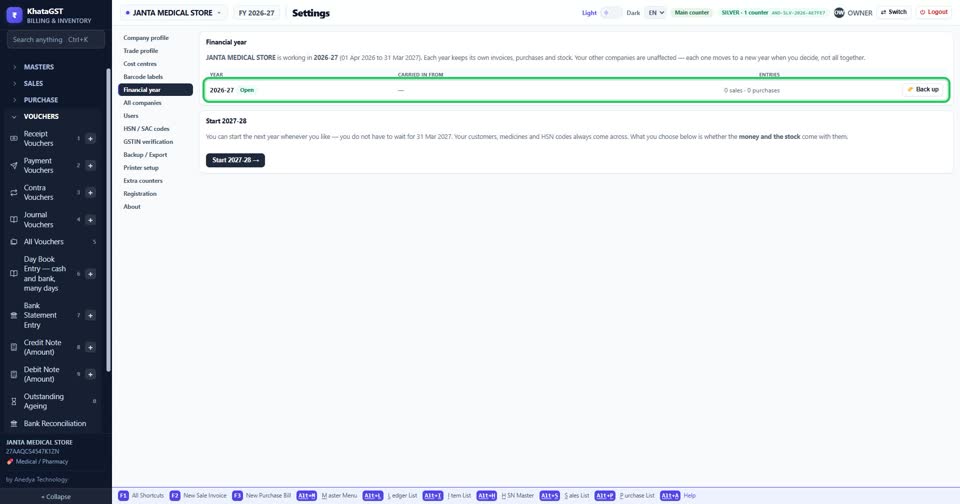
Every year you have is listed. “Open” marks the one you are working in, and Back up saves that one year on its own — the copy to keep for the eight years GST asks for.
 See the whole screen
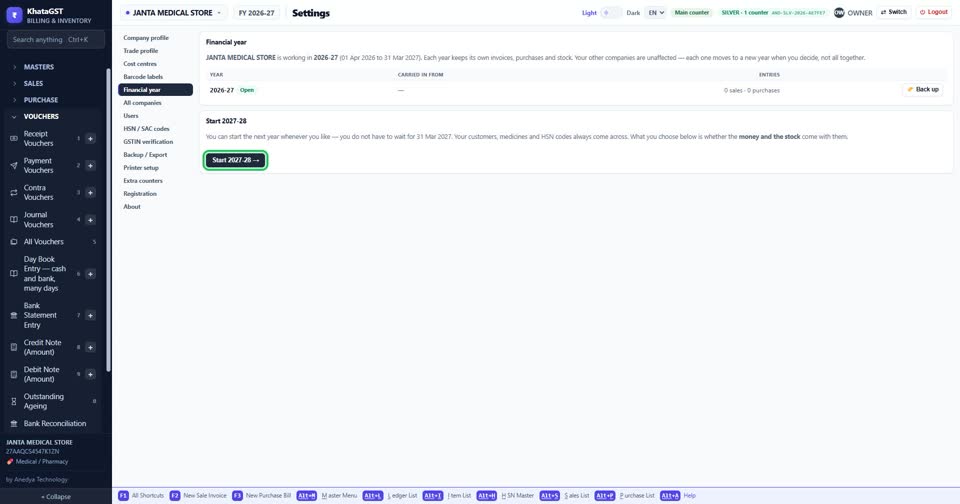
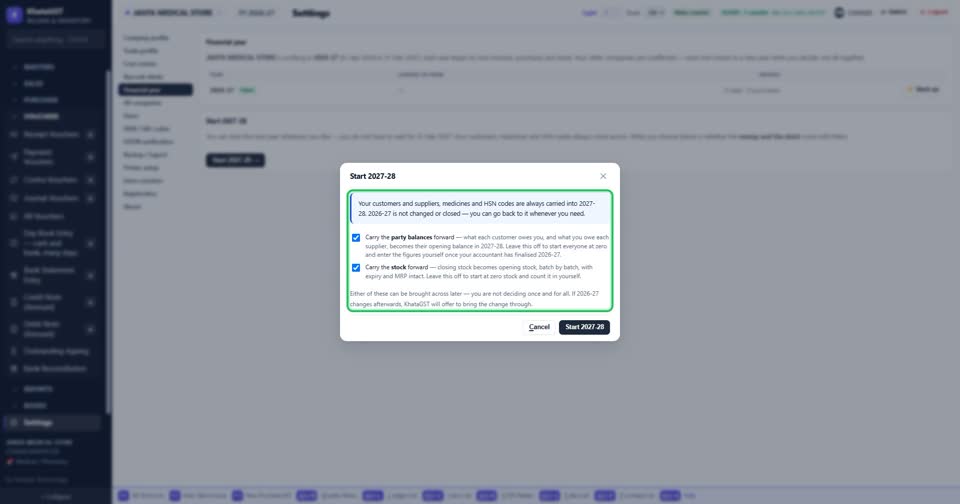
Press Start and the next year. You do not have to wait for 31 March.
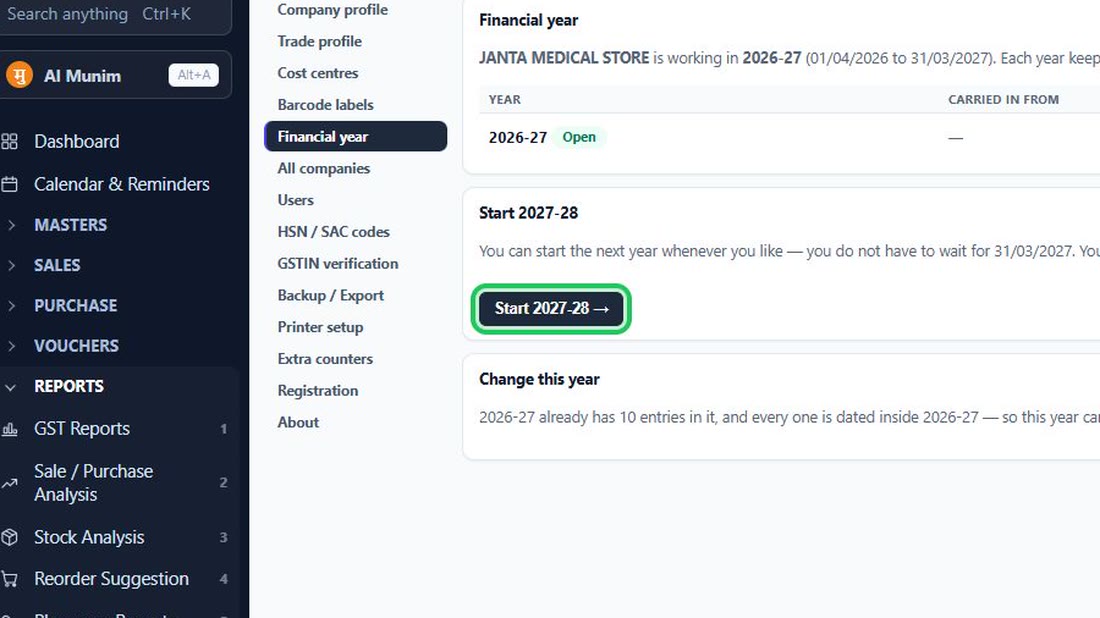 See the whole screen
Customers, suppliers, items and HSN codes always come across. Tick whether the party balances and the stock come too — either can be brought across later. The old year is not changed or closed; you can go back to it whenever you need.
 See the whole screen
Did this answer your question?
No — ask us on WhatsApp
Still stuck? Press Alt + A inside the software and ask in your own words — it
works with no internet. Or talk to us on WhatsApp, phone or e-mail.