How do I turn “Routes and dispatch” on or off?
How toShort answerSettings › Trade profile: tick “Routes and dispatch” to turn it on, untick it to turn it off. The change is kept as soon as you make it. Route and area on each customer, outstanding by route, and a dispatch sheet for the day's bills.
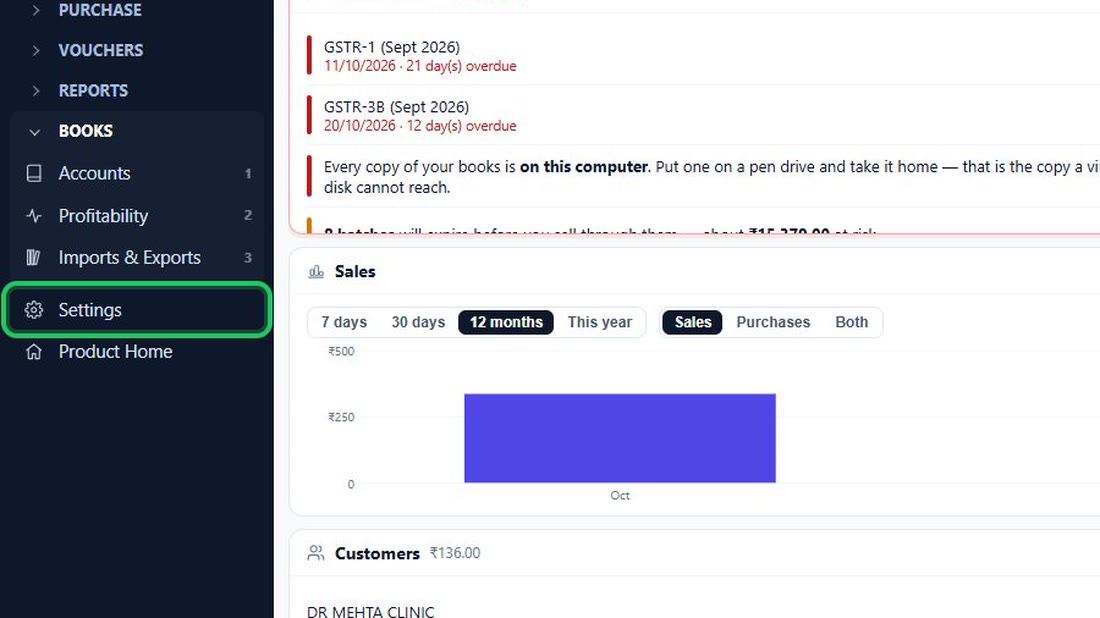
- In the menu on the left, press Settings (near…
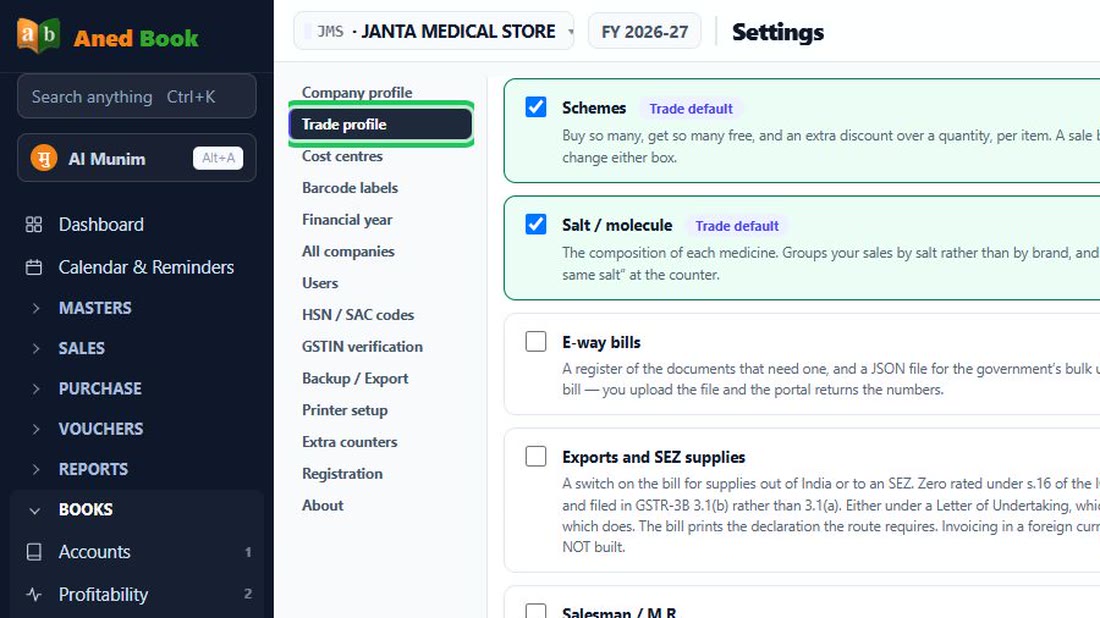
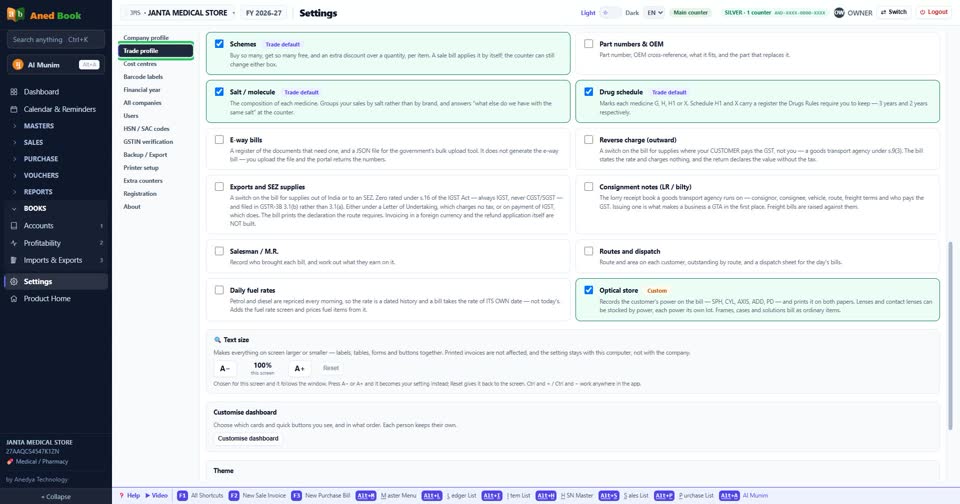
- Choose “Trade profile” in the list of Settings.
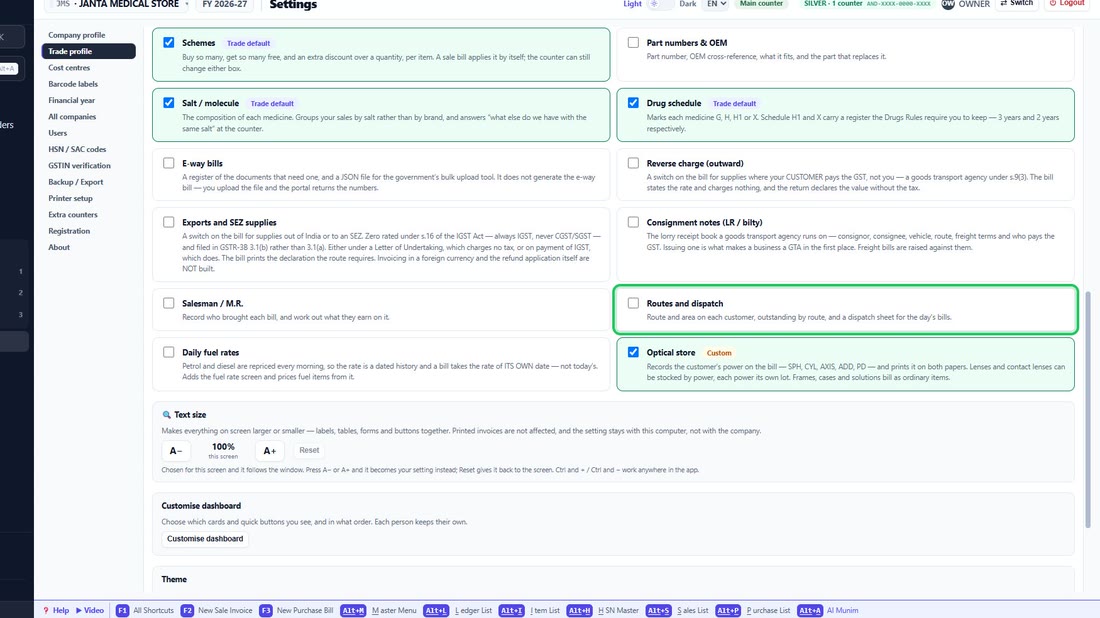
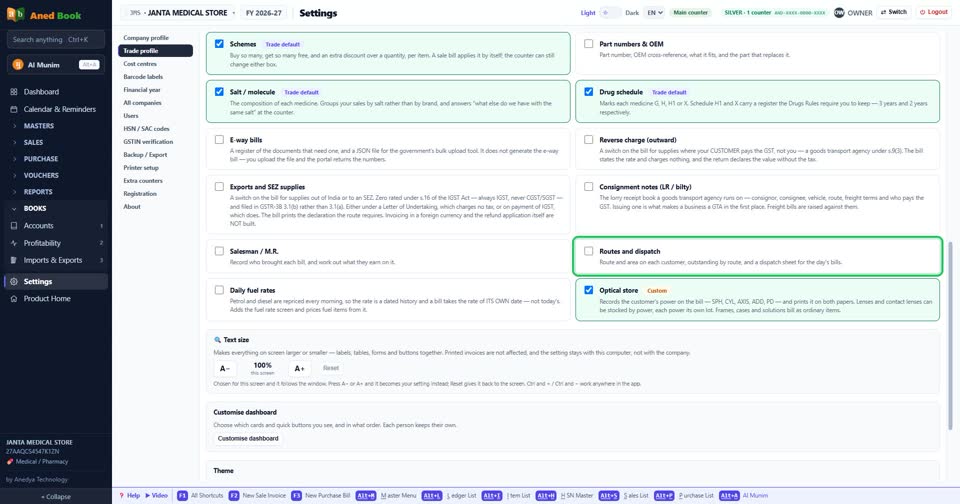
- Tick “Routes and dispatch” to turn it on,…
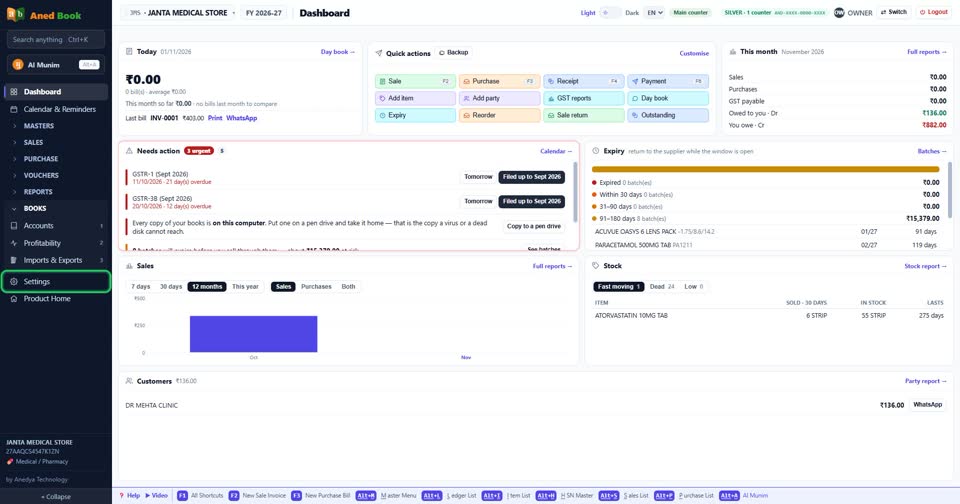
In the menu on the left, press Settings (near the bottom).
 See the whole screen
Choose “Trade profile” in the list of Settings.
 See the whole screen
Tick “Routes and dispatch” to turn it on, untick it to turn it off. It is kept as soon as you change it — there is no Save button to press.
 See the whole screen
Did this answer your question?
No — ask us on WhatsApp