Purchase challan — माल आया, बिल बाद में; लौटाया माल और वजह
Basic, Silver और Gold edition में।Step 1 माल आ गया, पर supplier का बिल अभी नहीं आया। माल गिनकर रख लेना है — और बिल आने पर उसे जोड़ना है। इसके लिए purchase challan।
▶ Watch this step · 0:00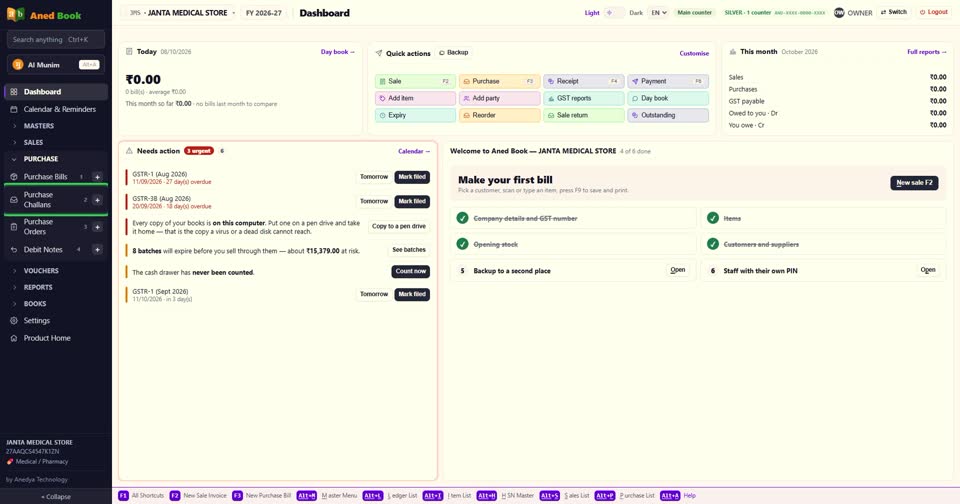
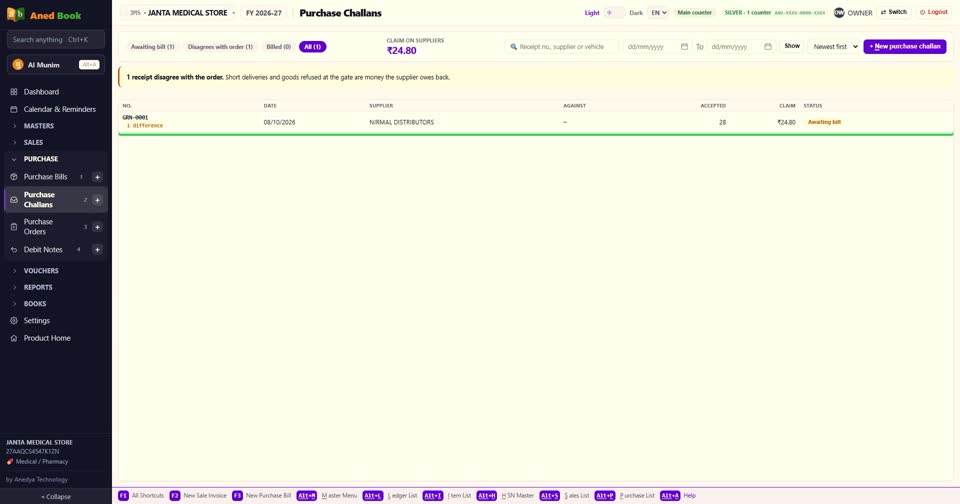
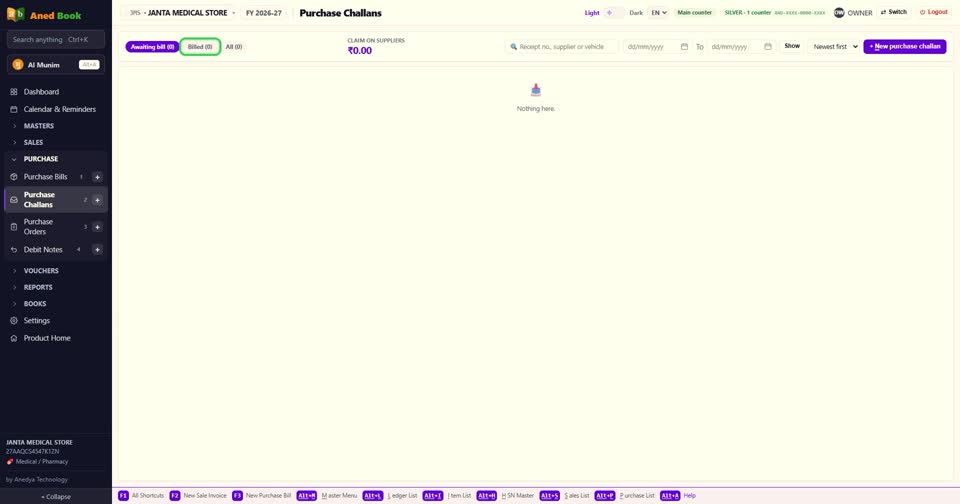
Step 2 menu में Purchase खोलिए, और Purchase Challans। ऊपर हिस्से हैं — Awaiting bill, यानी जिनका बिल अभी आना है। Billed, और All।
▶ Watch this step · 0:11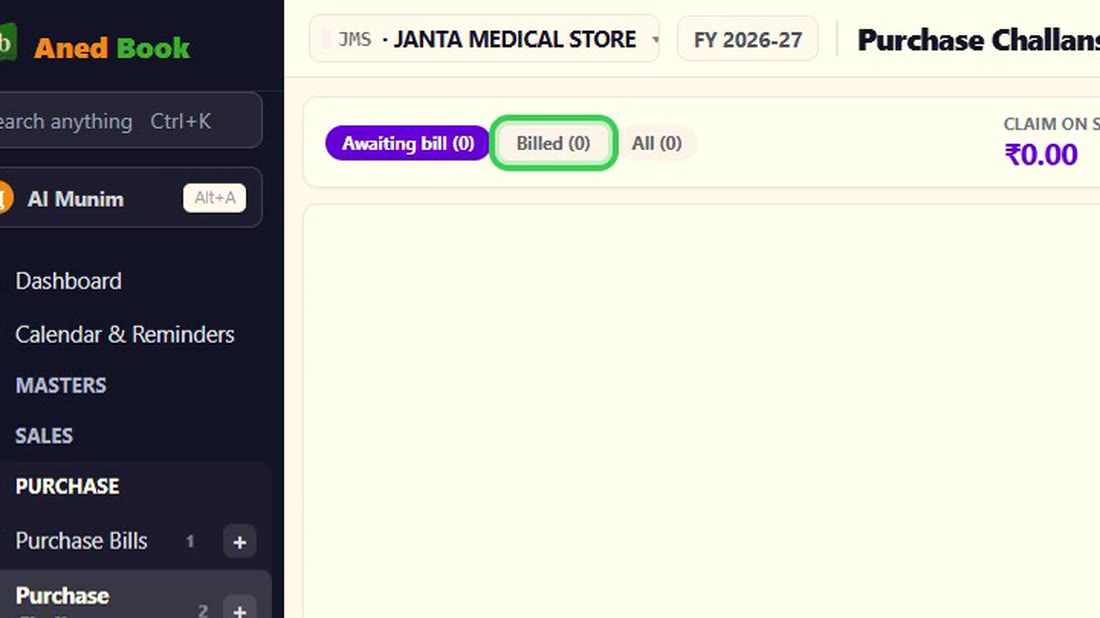 See the whole screen
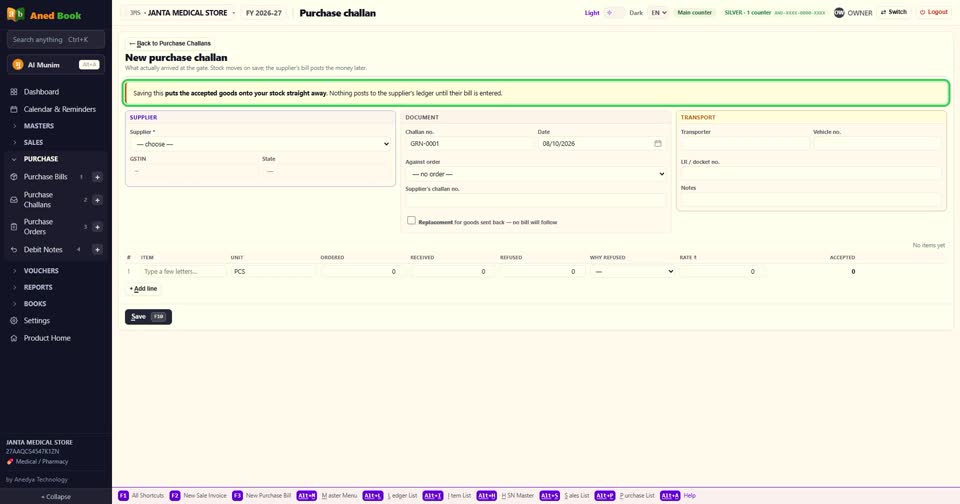
Step 3 New purchase challan दबाइए। ऊपर लिखा है — save करते ही माल stock में आ जाता है, पर supplier के खाते में कुछ नहीं चढ़ता, जब तक उसका बिल न आए।
▶ Watch this step · 0:25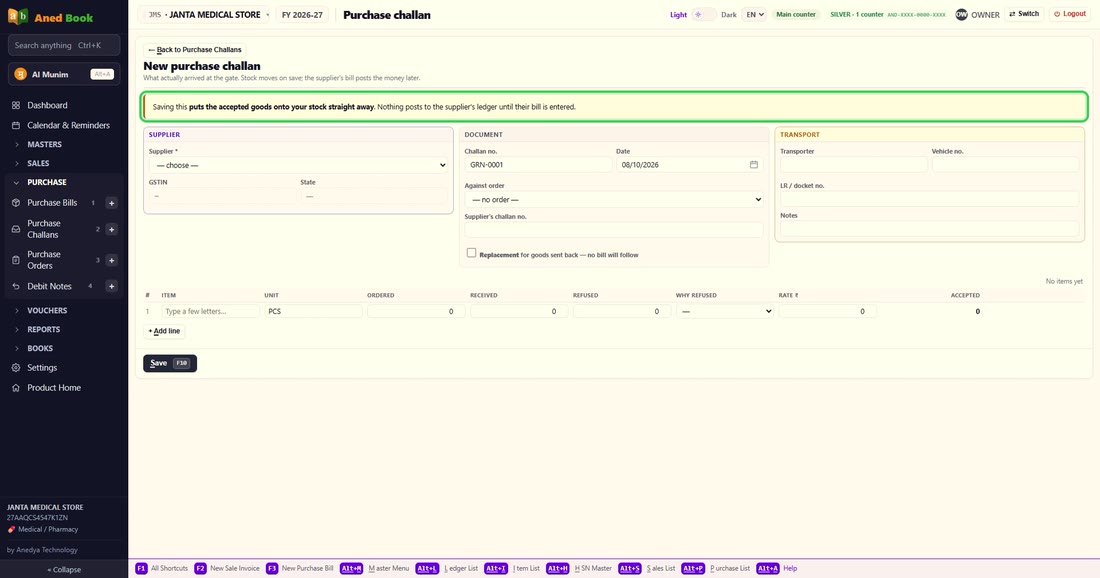 See the whole screen
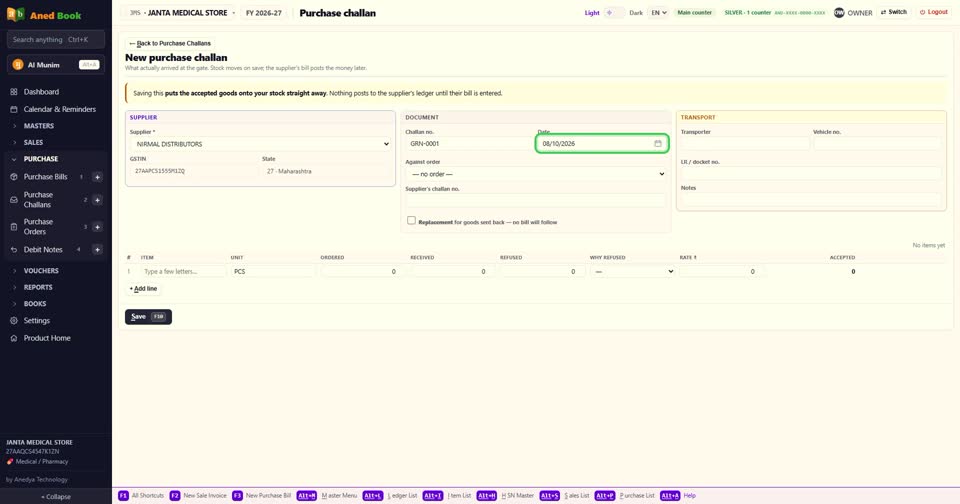
Step 4 Supplier चुनिए। challan number और तारीख अपने आप। Against order — ये माल आपके किसी purchase order का है, तो वो order चुनिए। और Supplier's challan no — उसके कागज़ पर जो number है।
▶ Watch this step · 0:37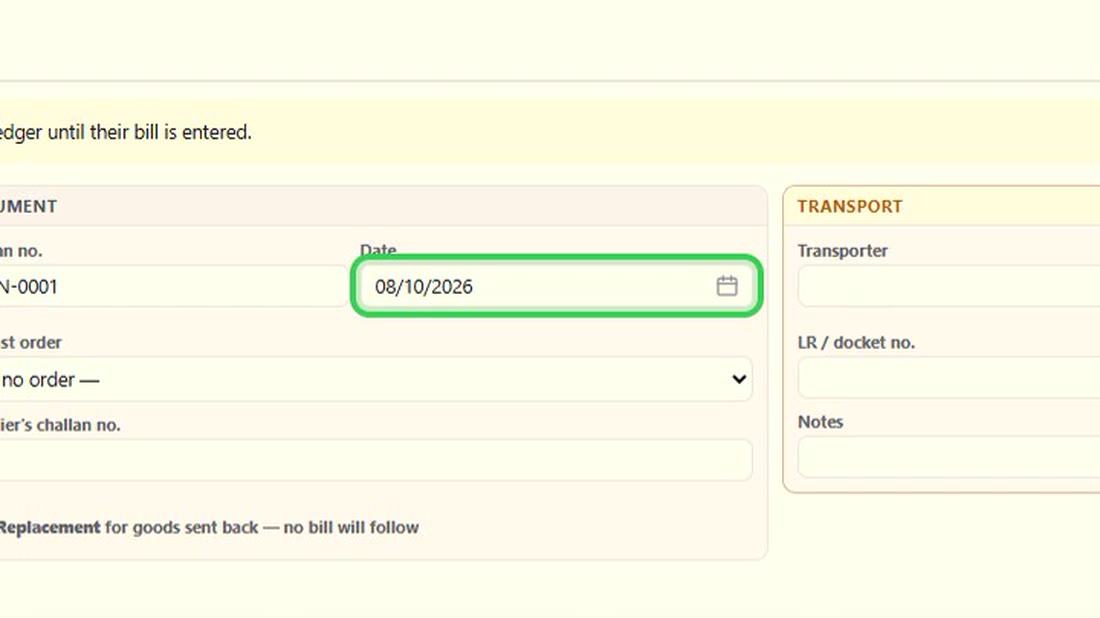 See the whole screen
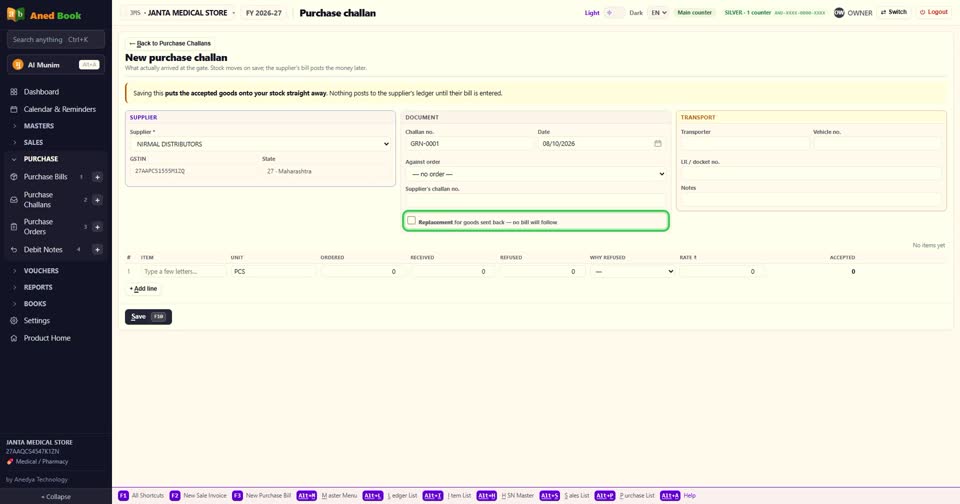
Step 5 ये निशान — Replacement for goods sent back। लौटाए माल के बदले नया माल आया, तो निशान लगाइए। इसका कोई बिल नहीं आएगा।
▶ Watch this step · 0:56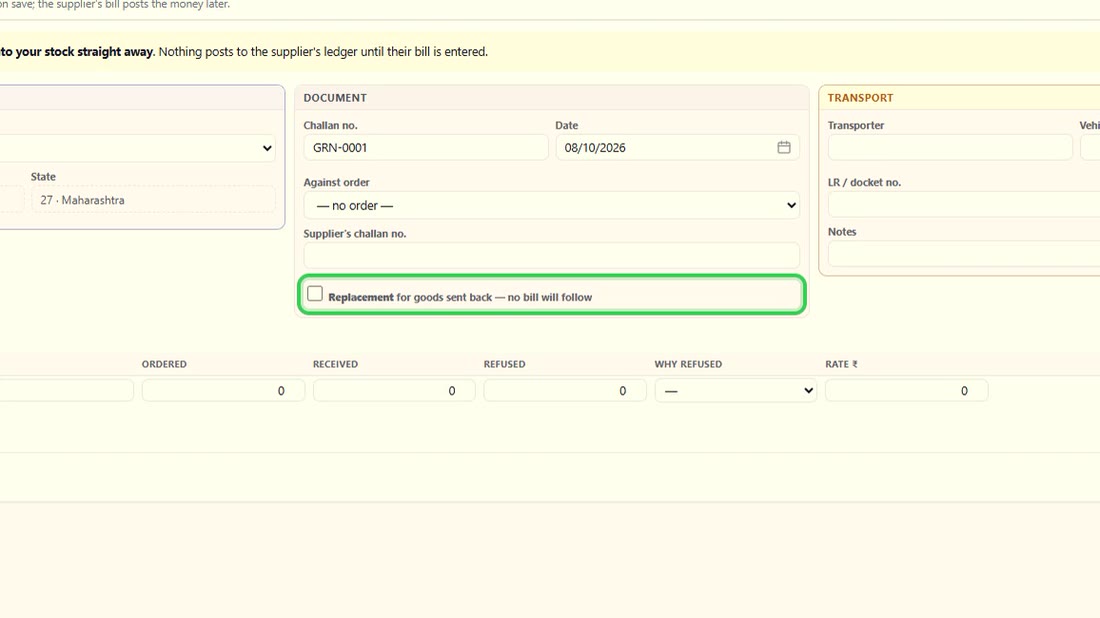 See the whole screen
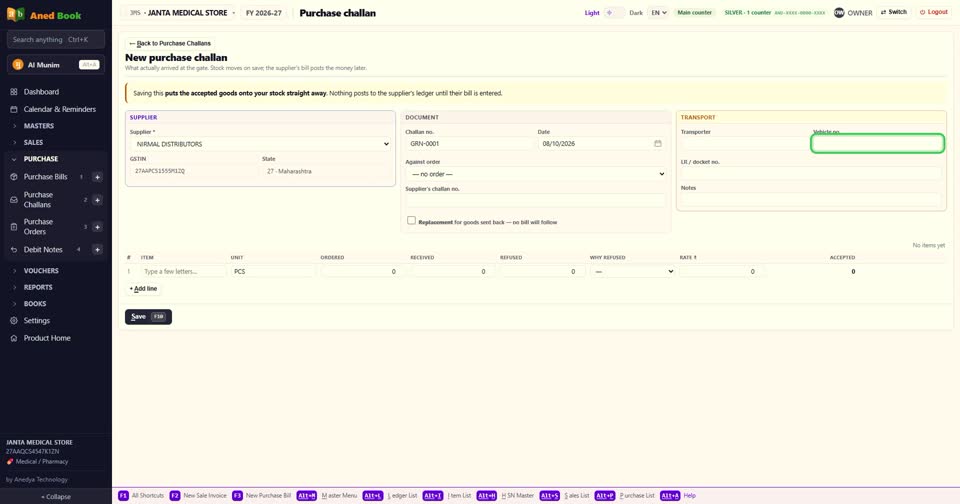
Step 6 Transport में transporter, गाड़ी number और LR number। और Notes।
▶ Watch this step · 1:07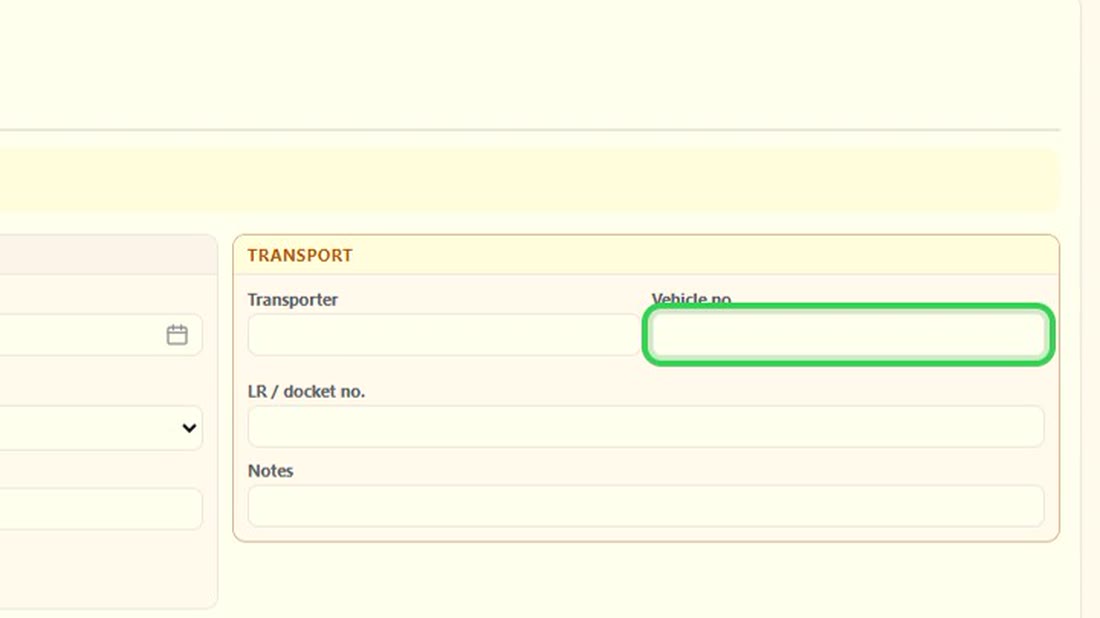 See the whole screen
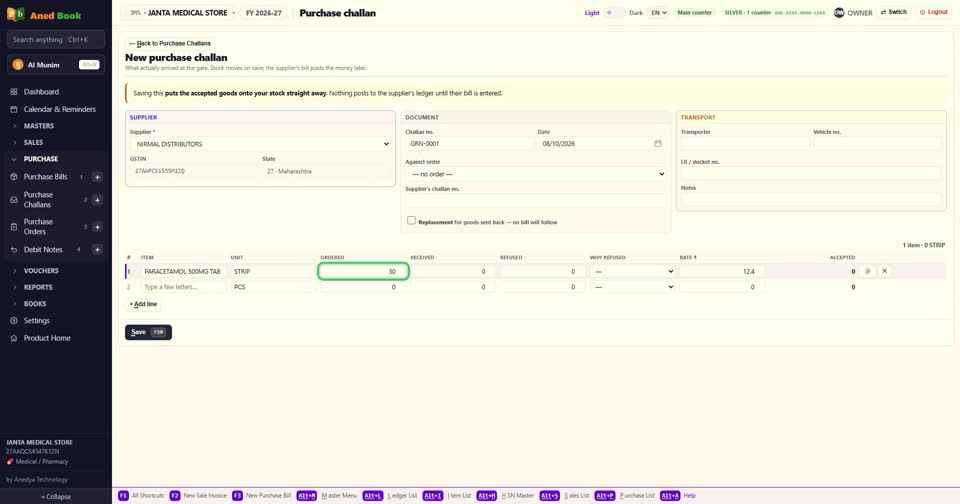
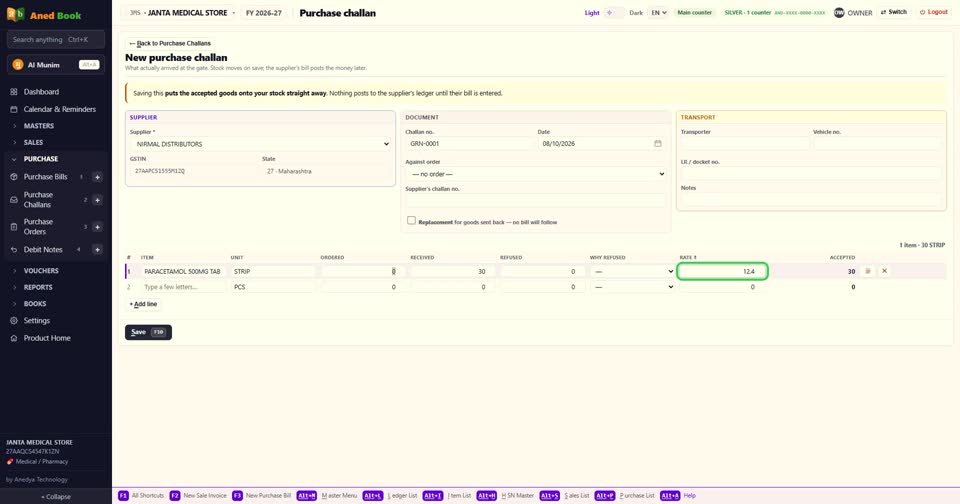
Step 7 अब माल की line। item चुनिए। Ordered — कितना मँगाया था। Received — कितना आया।
▶ Watch this step · 1:15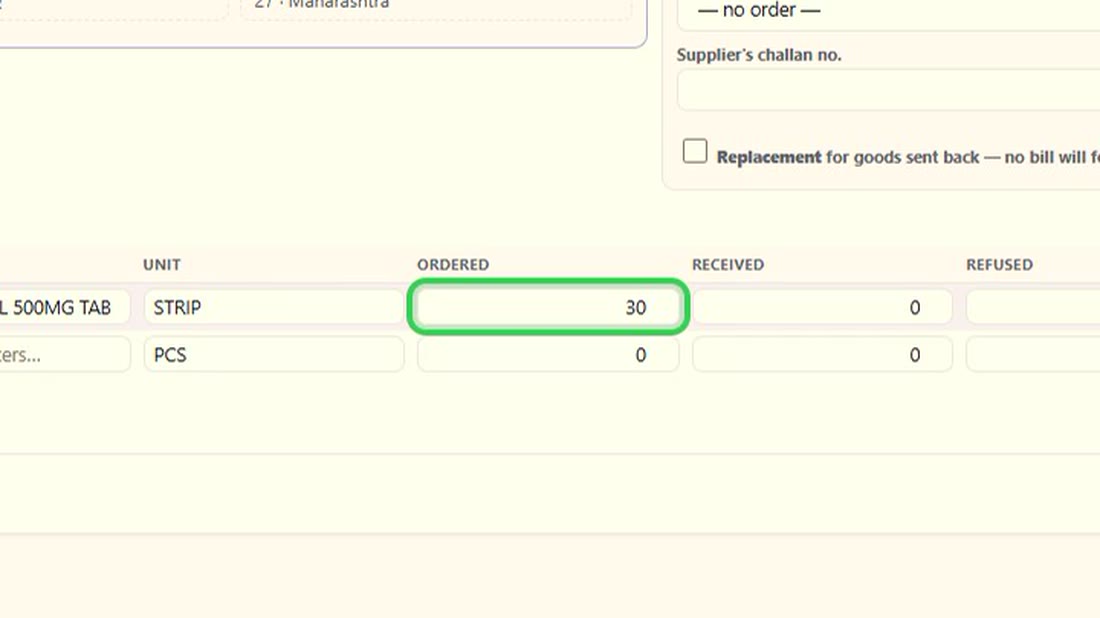 See the whole screen
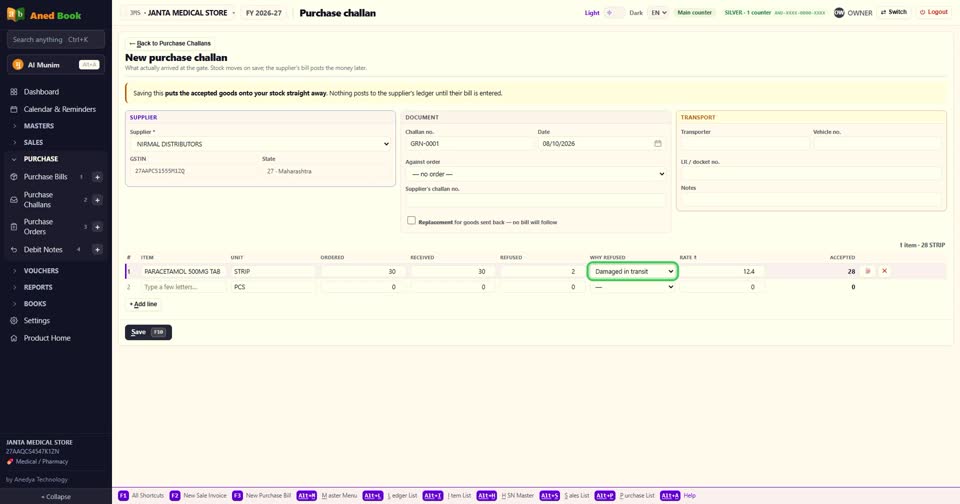
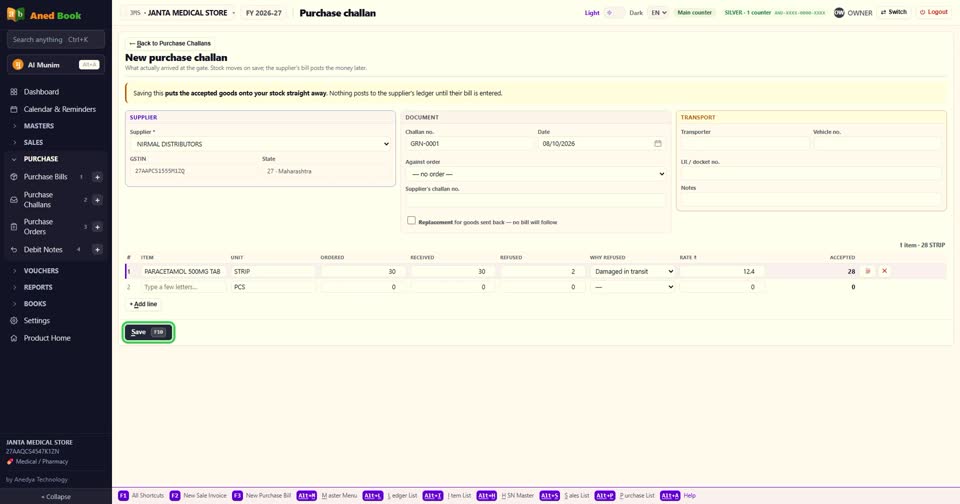
Step 8 कुछ माल ठीक नहीं था? Refused में उसकी quantity, और Why refused में वजह — रास्ते में टूटा, गलत माल, कम आया, quality ठीक नहीं, expiry पास, या मँगाया ही नहीं था।
▶ Watch this step · 1:24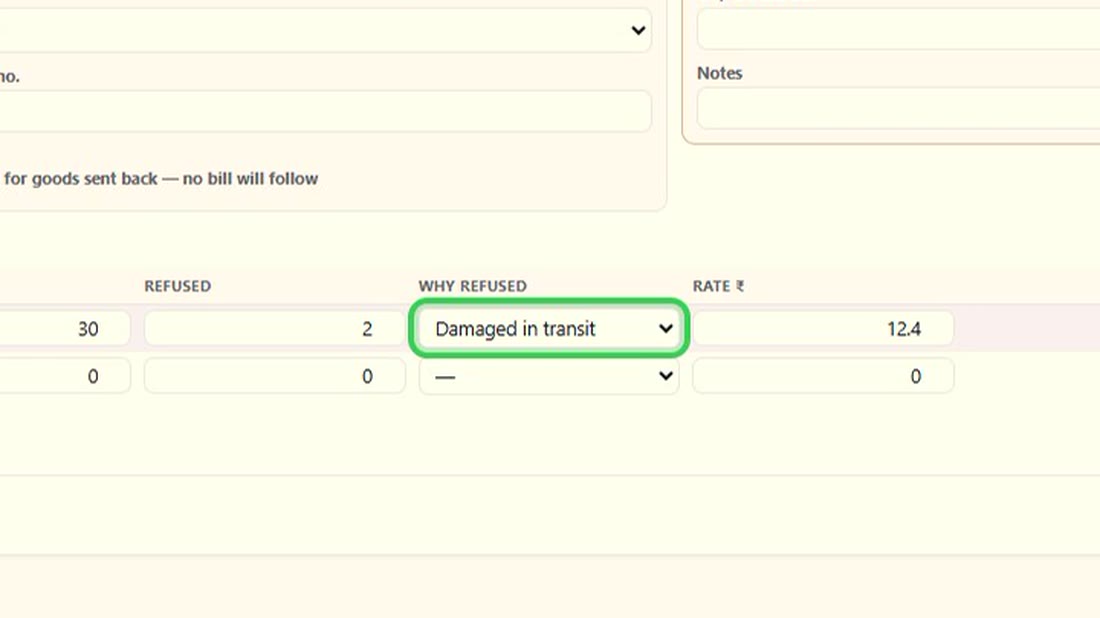 See the whole screen
Step 9 Accepted अपने आप बनता है — आया हुआ, घटा लौटाया हुआ। stock में सिर्फ़ वही जाता है।
▶ Watch this step · 1:43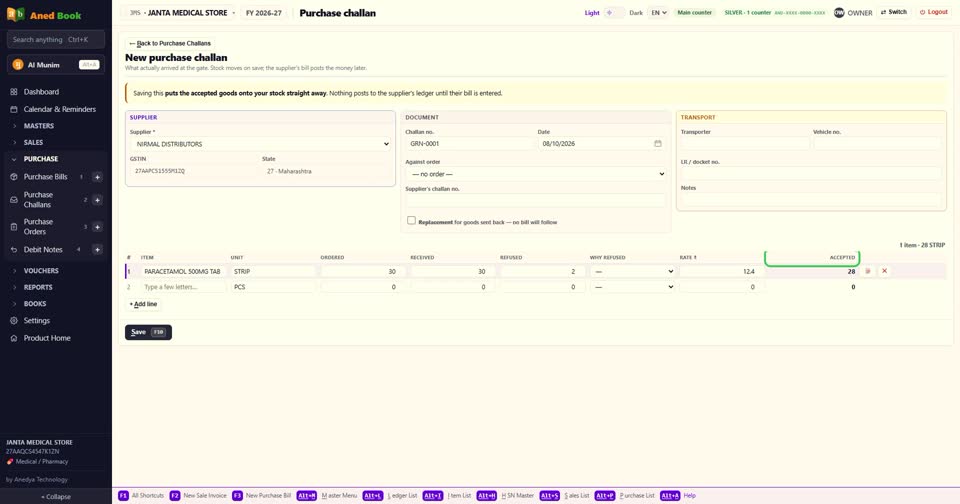
Step 10 Rate भी लिख सकते हैं, ताकि बिल आने पर मिलान आसान हो।
▶ Watch this step · 1:52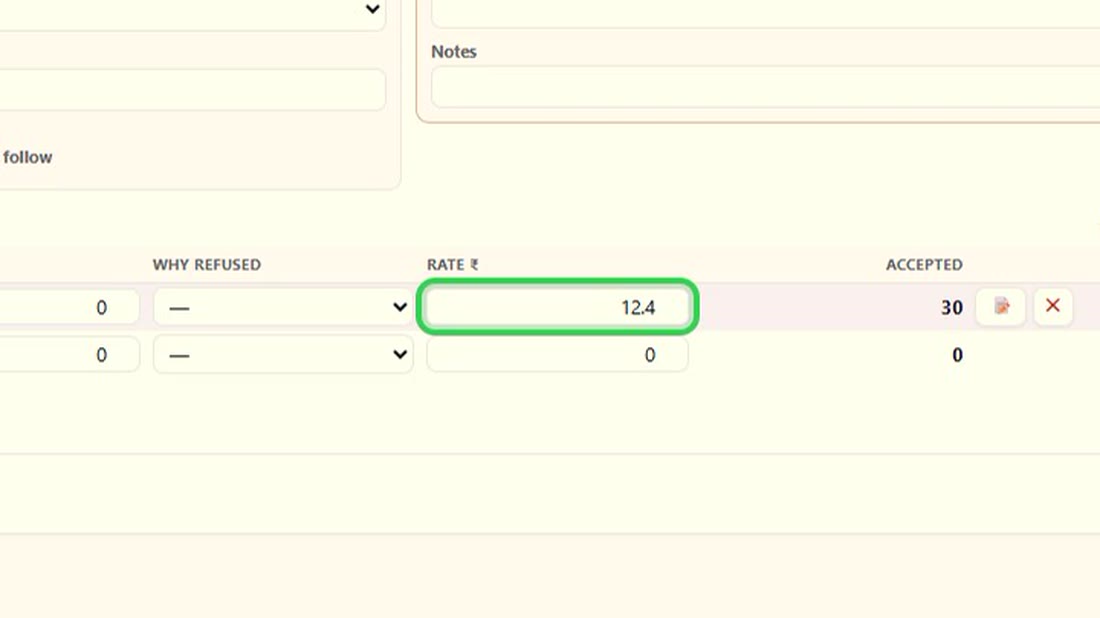 See the whole screen
Step 11 F10 से save। challan Awaiting bill में दिखता है।
▶ Watch this step · 1:56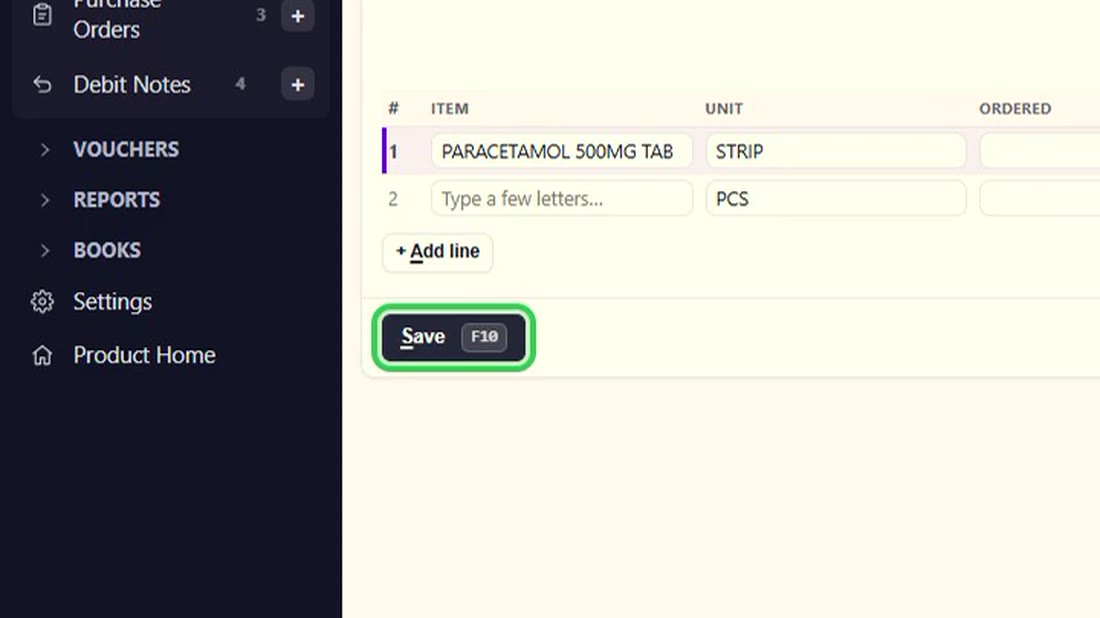 See the whole screen
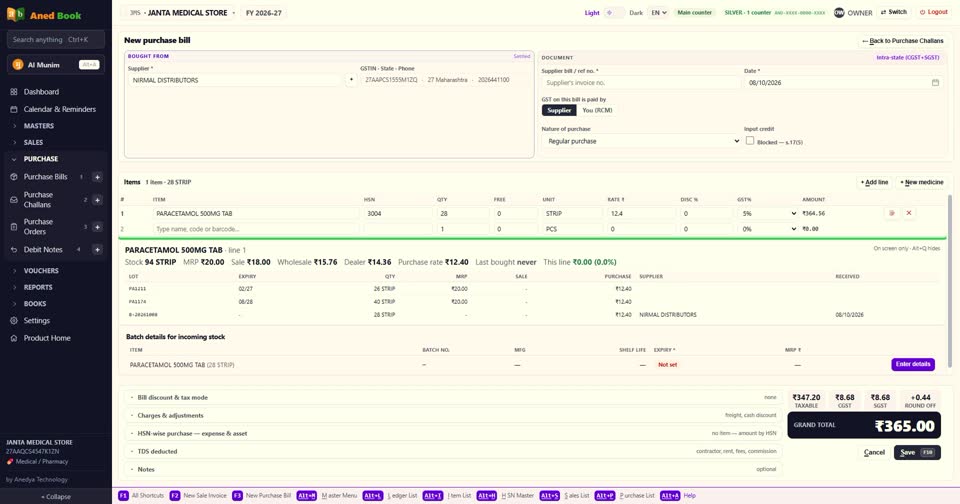
Step 12 supplier का बिल आ गया? challan खोलिए और Enter supplier's bill दबाइए। purchase बिल खुलता है, उसी माल के साथ। बिल की तरह भरिए और F10। माल दोबारा stock में नहीं जुड़ता — बस supplier के खाते में बिल चढ़ जाता है।
▶ Watch this step · 2:02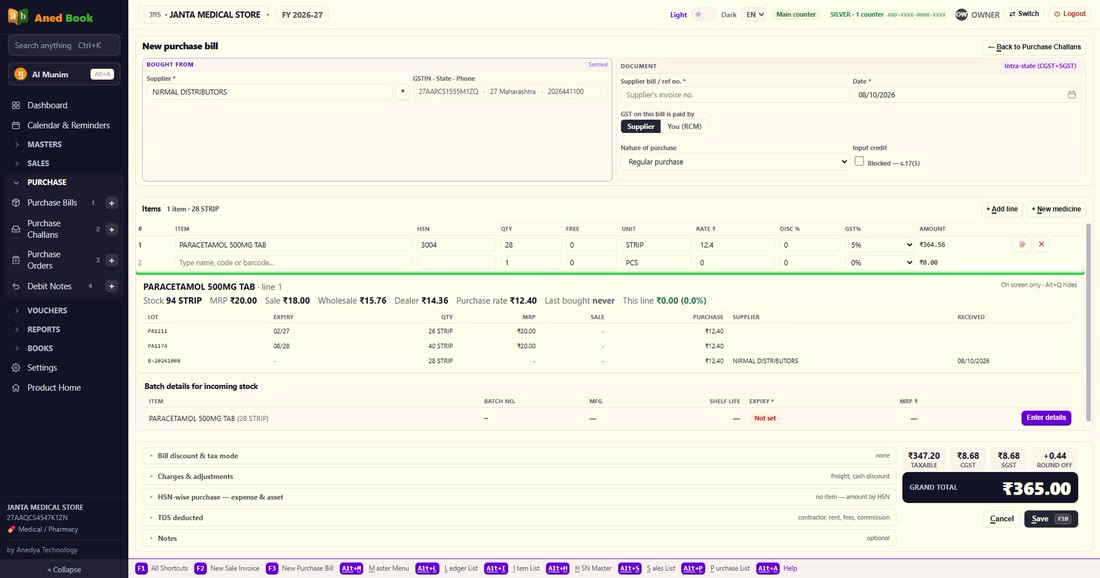 See the whole screen
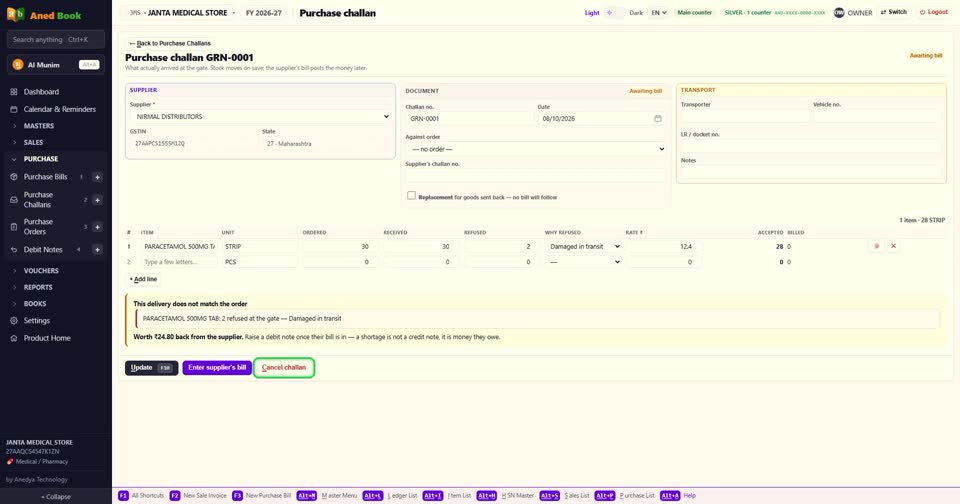
Step 13 challan गलती से बना? Cancel challan।
▶ Watch this step · 2:22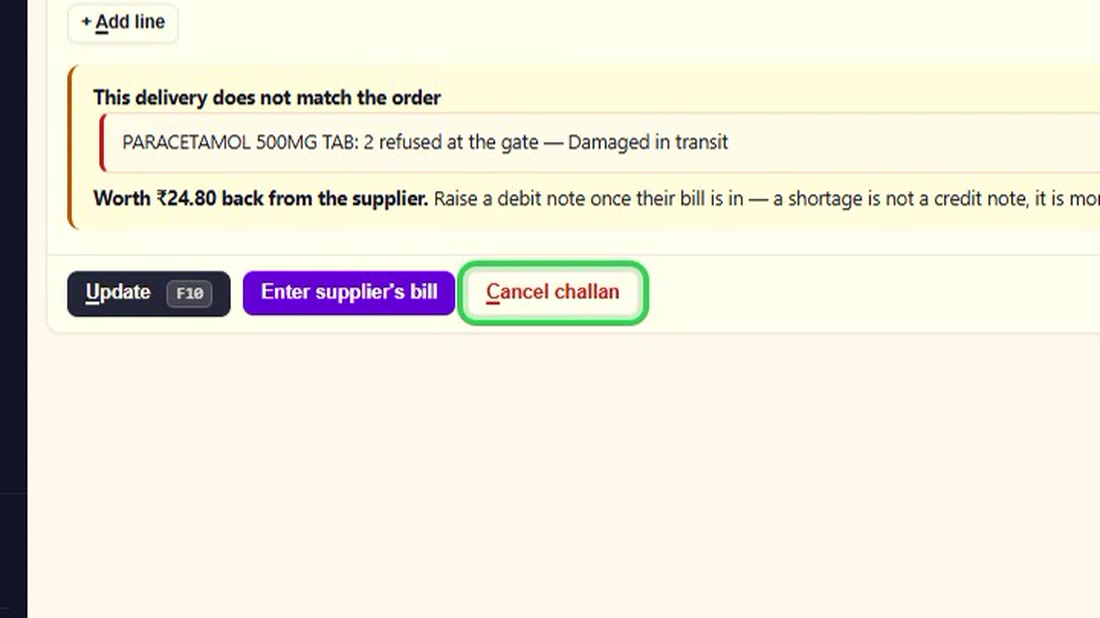 See the whole screen
Step 14 बस। माल पहले, बिल बाद में — और list बताती है कि किसका बिल अभी आना है।
▶ Watch this step · 2:26