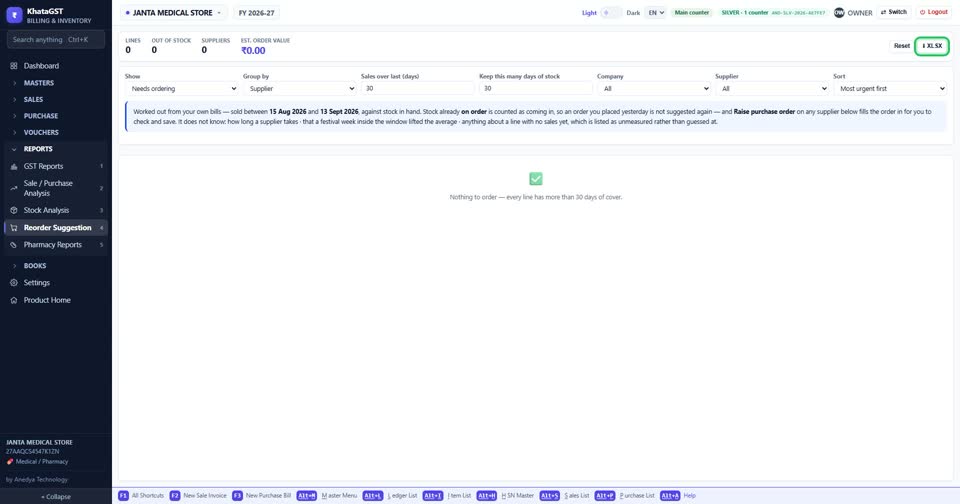
How to see what to order, and from which supplier
Basic, Silver and GoldThe reorder suggestion is worked out from your own bills — what sold, how fast, and how many days of stock you want to keep — and grouped the way you place orders.
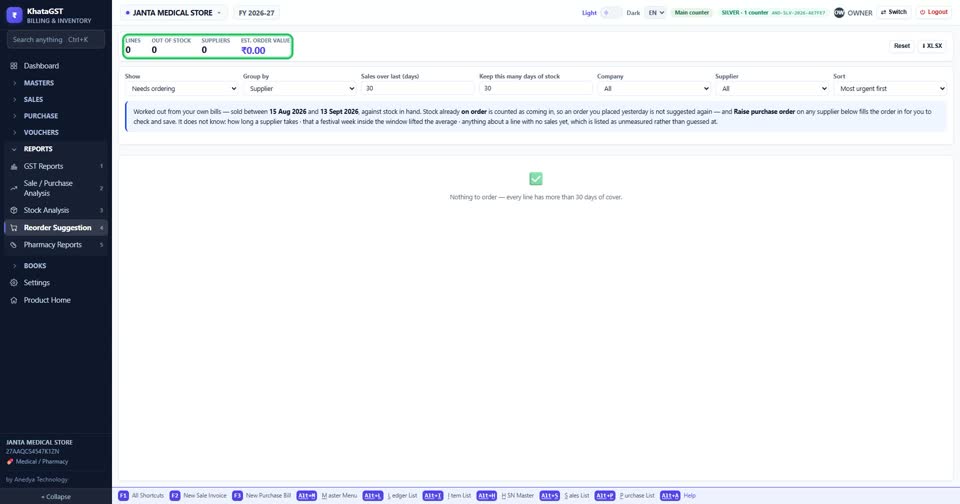
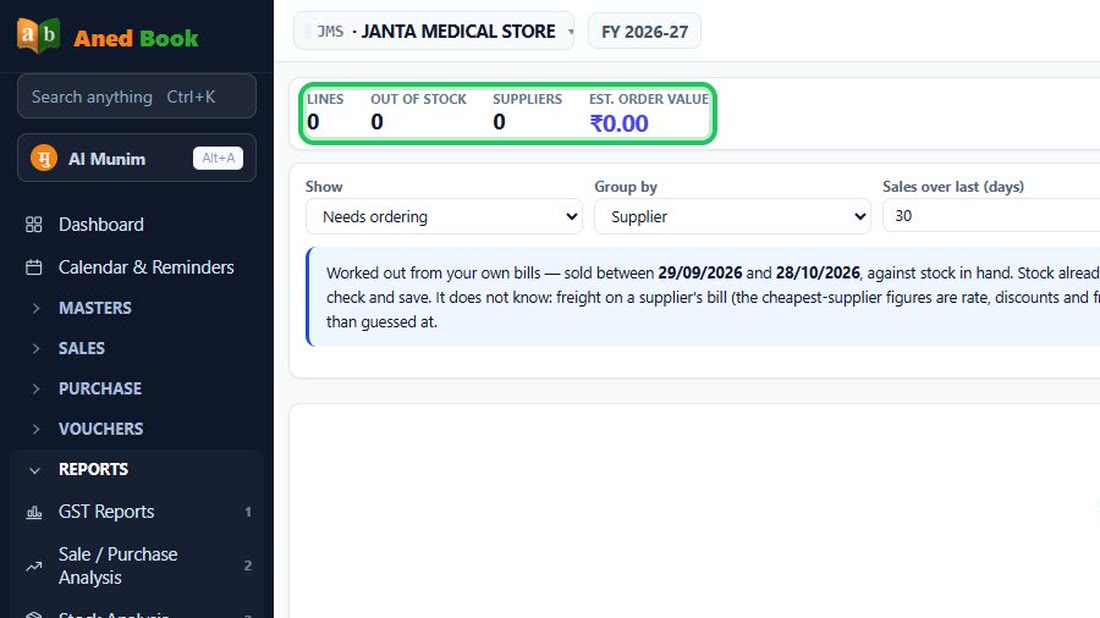
Open Reports, Reorder Suggestion. The top line counts the lines to order, what is already out of stock, how many suppliers they come from, and the estimated order value.
 See the whole screen
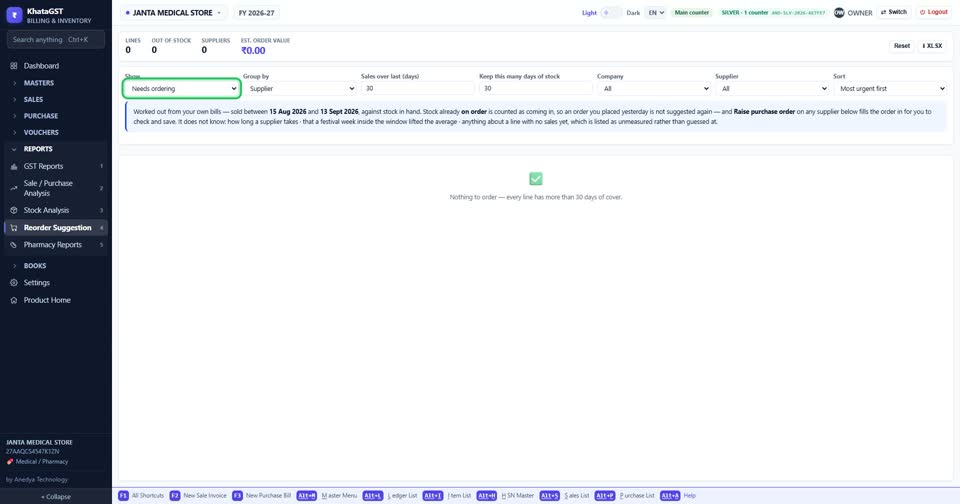
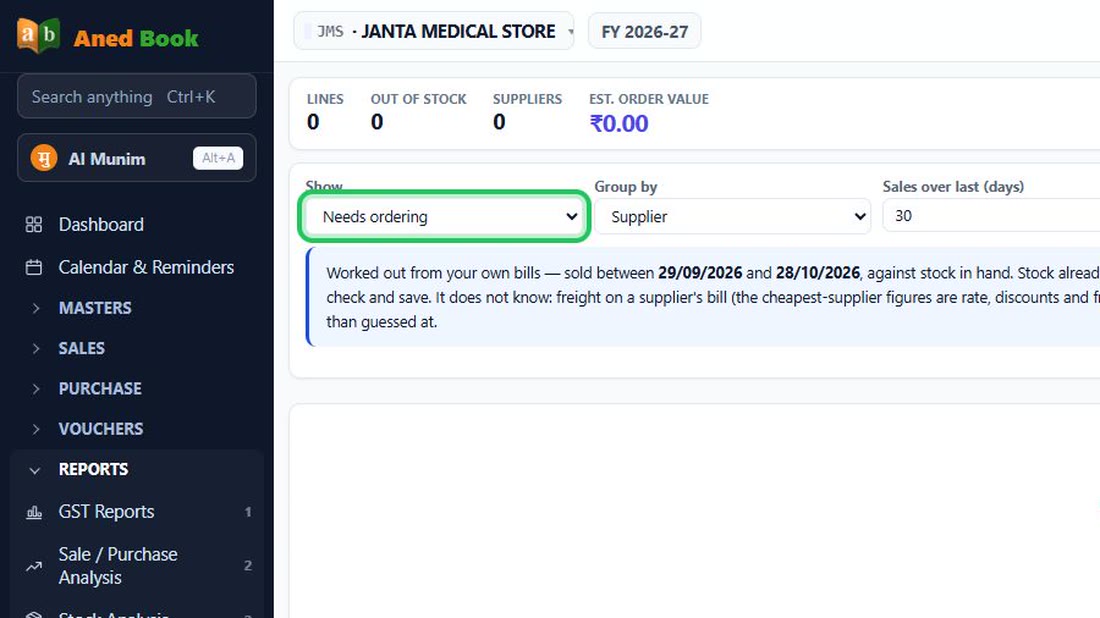
Choose what to show — what needs ordering, what is out of stock, what is overstocked, what has no sales history, or everything — and group it by supplier, company or category.
 See the whole screen
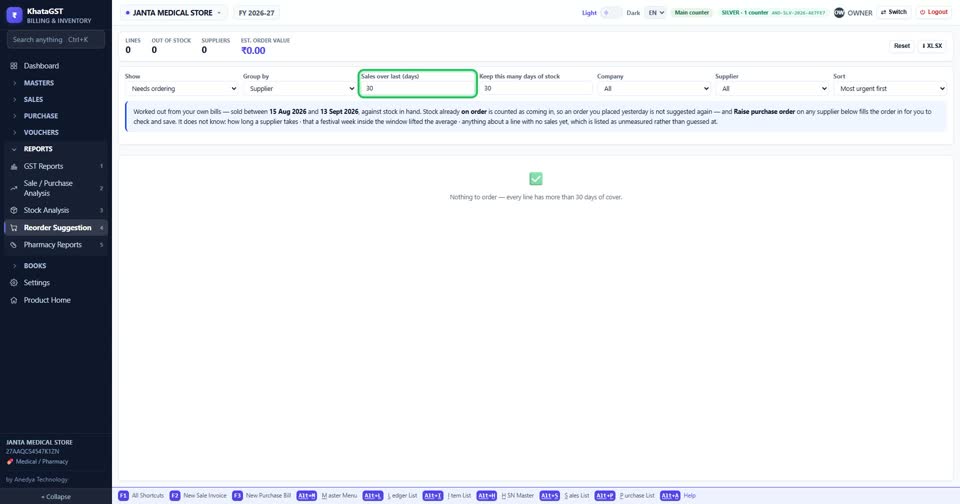
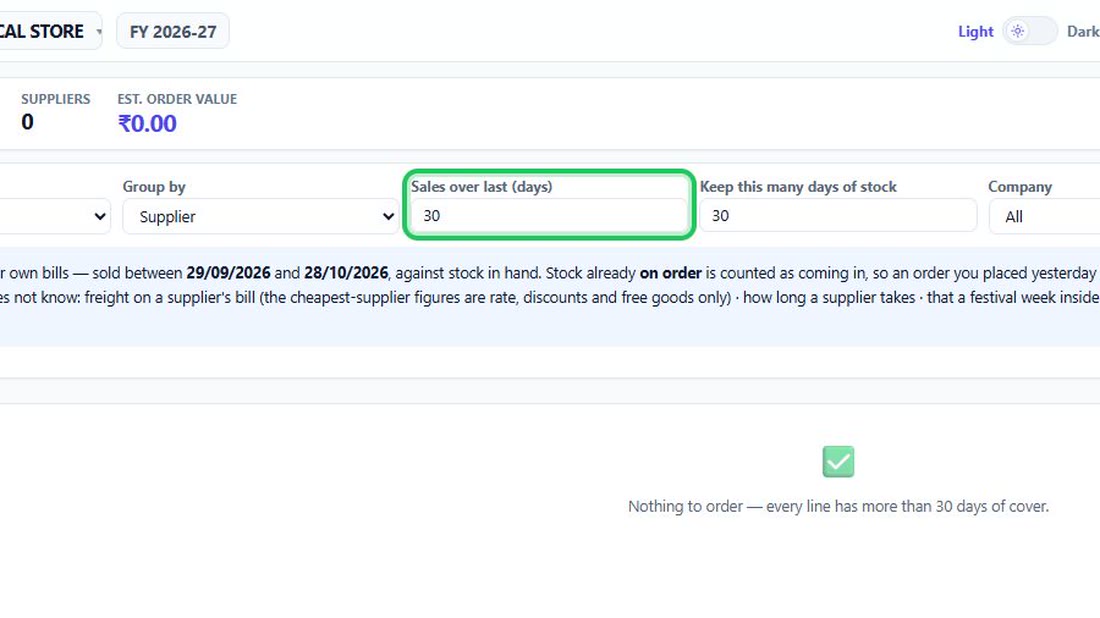
Set how many days of sales to read, and how many days of stock you want to keep on the shelf.
 See the whole screen
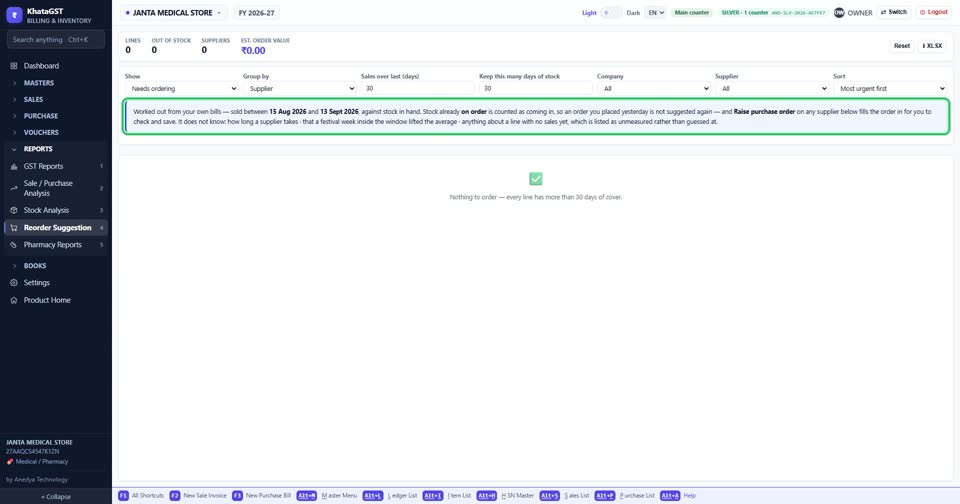
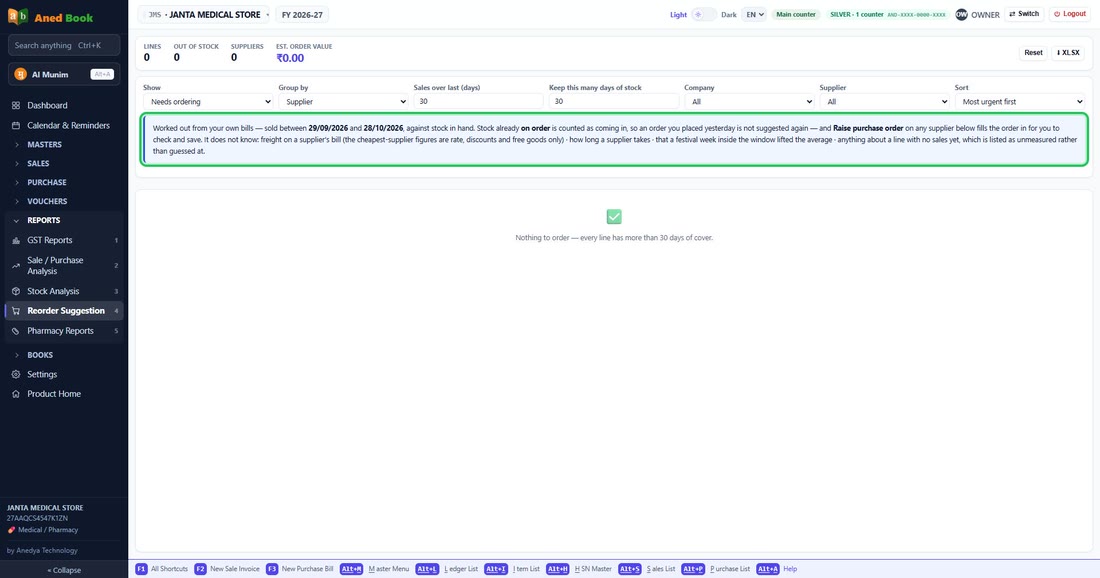
The note says exactly which dates it read, and what it cannot know from your bills.
 See the whole screen
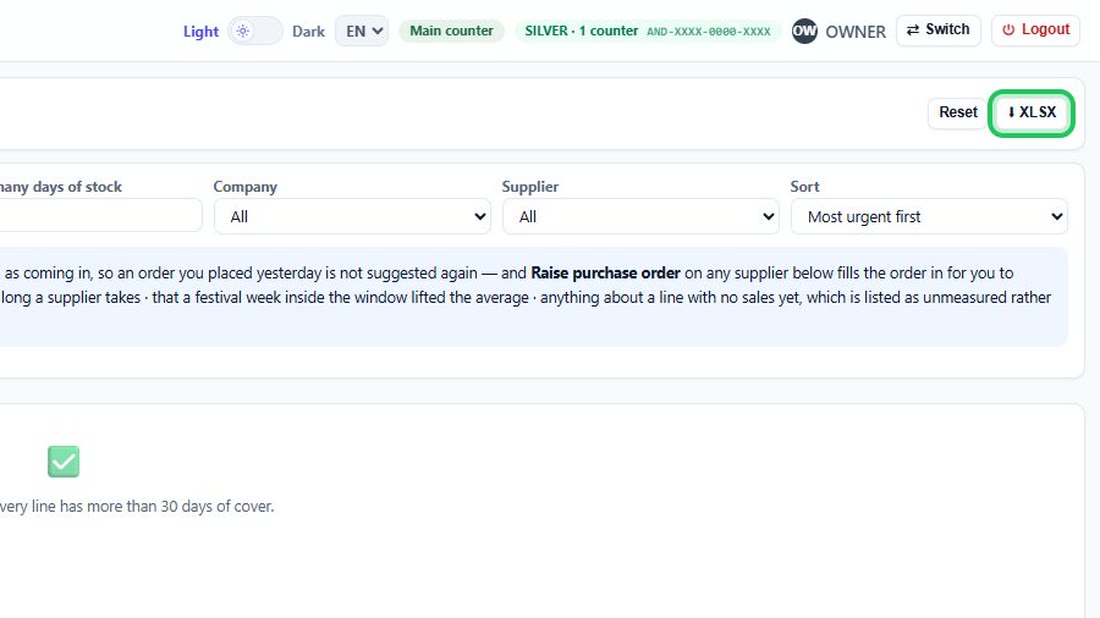
XLSX saves the list to send to your supplier; Reset puts every choice back.
 See the whole screen