How to follow one batch — what came in, what was sold, what is left
Basic, Silver and GoldThe batch ledger is every lot of an item and every movement of each lot. Empty lots, and lots that ran negative, stay on the list — they are the ones a shop usually comes looking for.
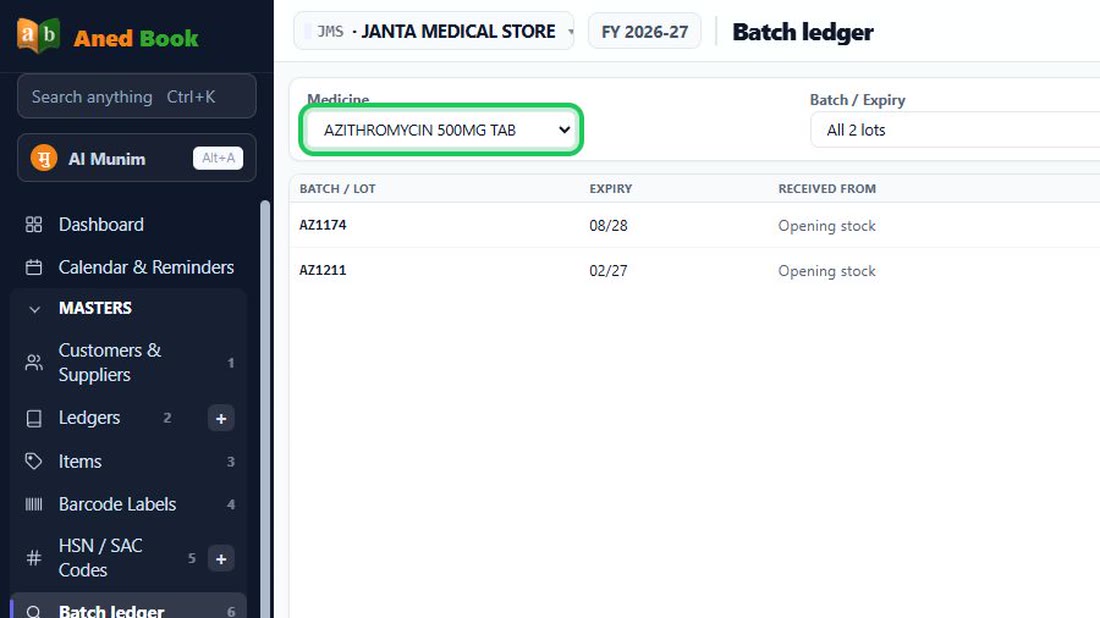
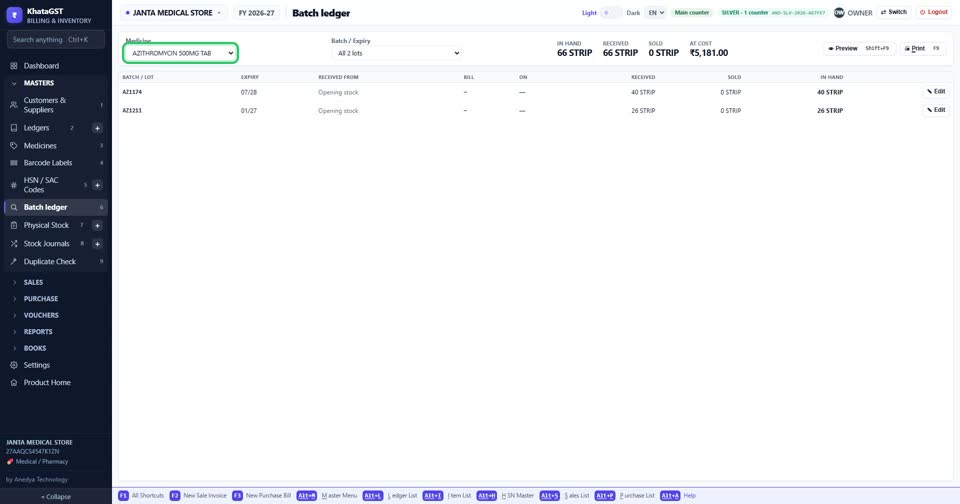
Open Masters, Batch Ledger and choose the item.
 See the whole screen
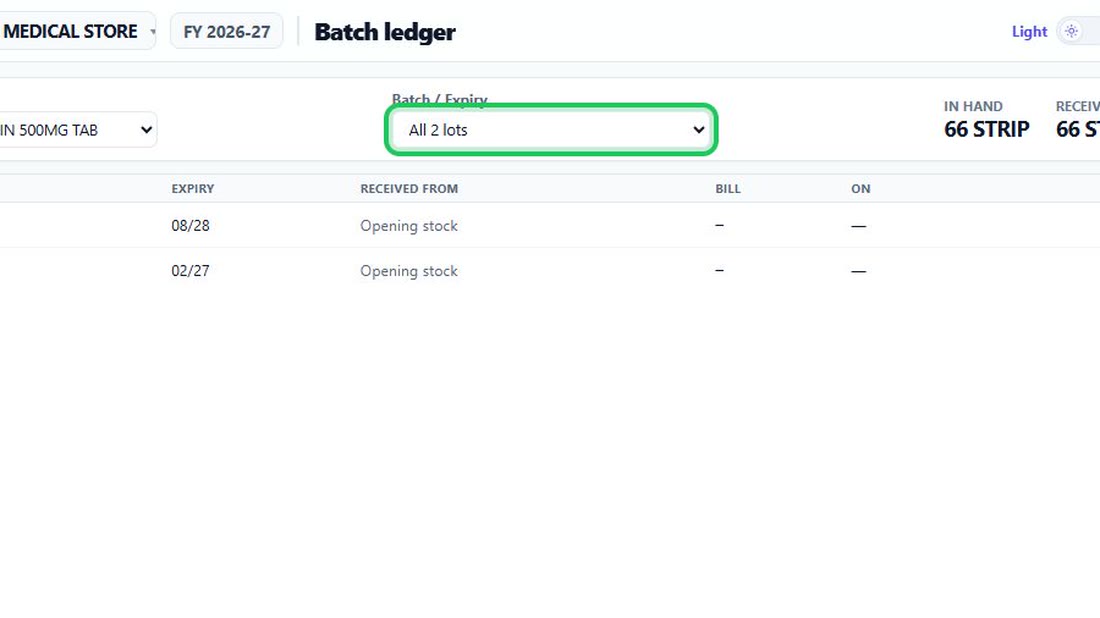
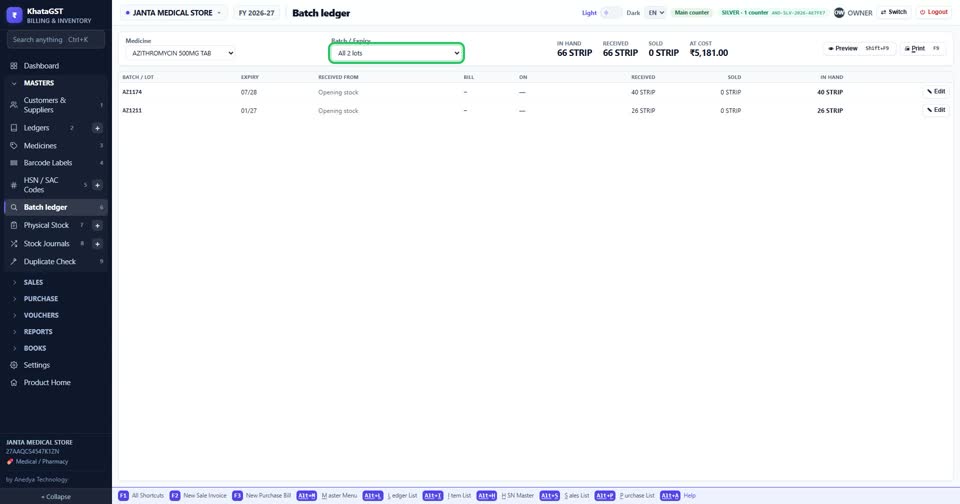
Choose one lot, or all of them. Each lot shows its expiry and what is in hand, and an expired one says so.
 See the whole screen
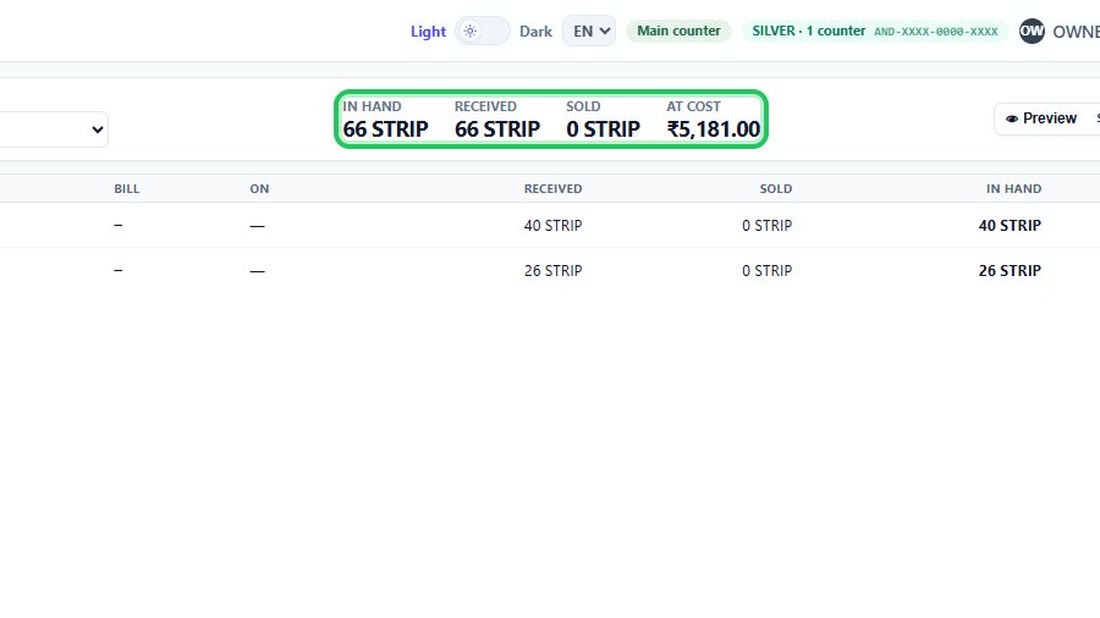
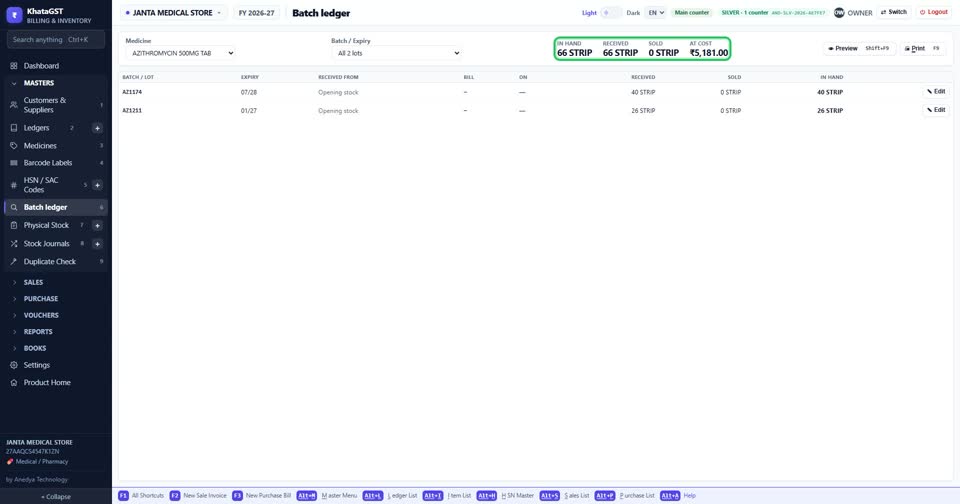
The top line gives what is in hand, what was received, what was sold, and its value at cost.
 See the whole screen
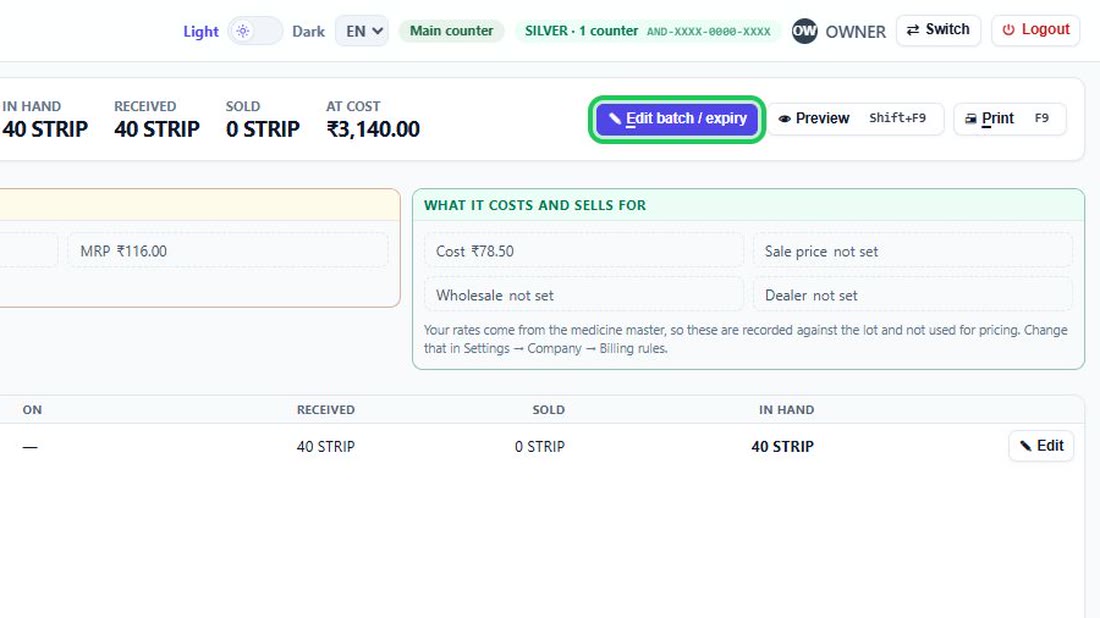
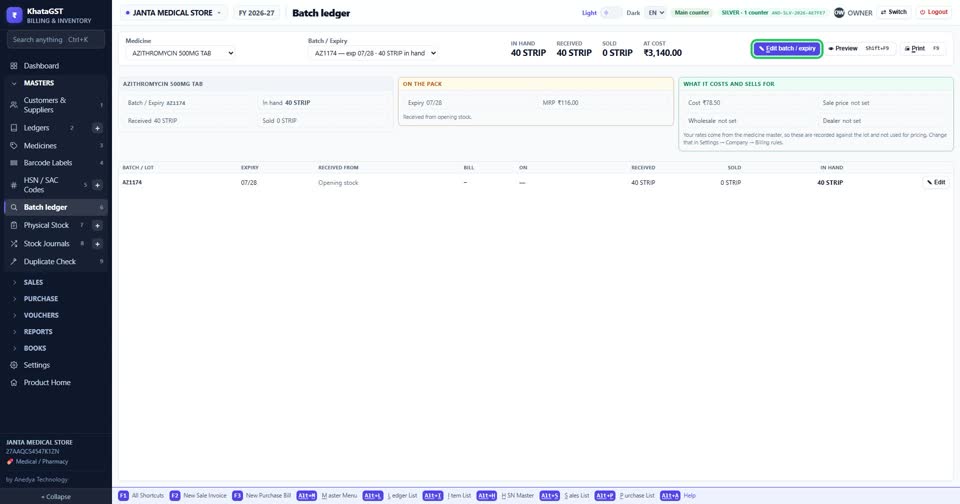
With one lot chosen, Edit corrects its number, expiry or MRP.
 See the whole screen
Did this answer your question?
No — ask us on WhatsApp
Still stuck? Press Alt + A inside the software and ask in your own words — it
works with no internet. Or talk to us on WhatsApp, phone or e-mail.