Aned Book help › Step-by-step guides › Stock
How to find dead stock and what your stock is worth
Basic, Silver and GoldStock analysis values the shelf at cost and at sale price, and finds what is not moving.
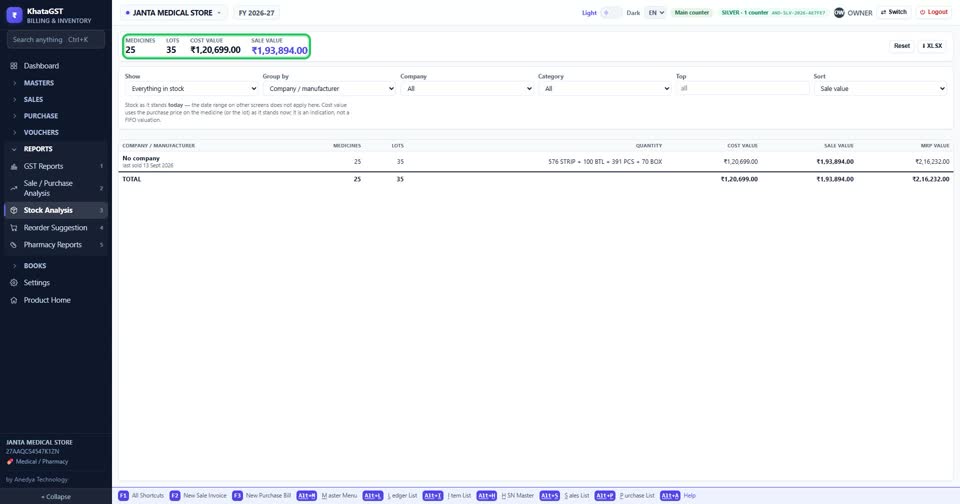
Open Reports, Stock Analysis. The top line counts items and lots, and gives the stock at cost and at sale value.
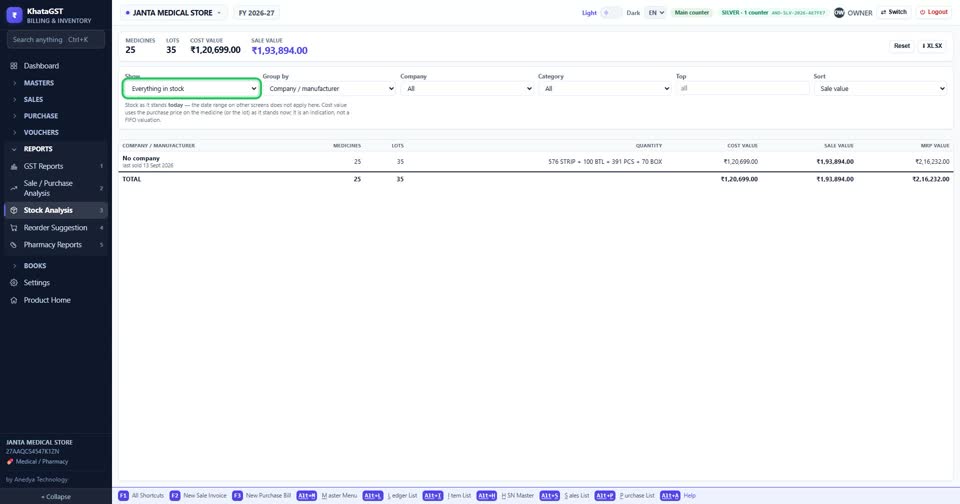
Choose what to show and how to group it, and narrow it to one company or category.
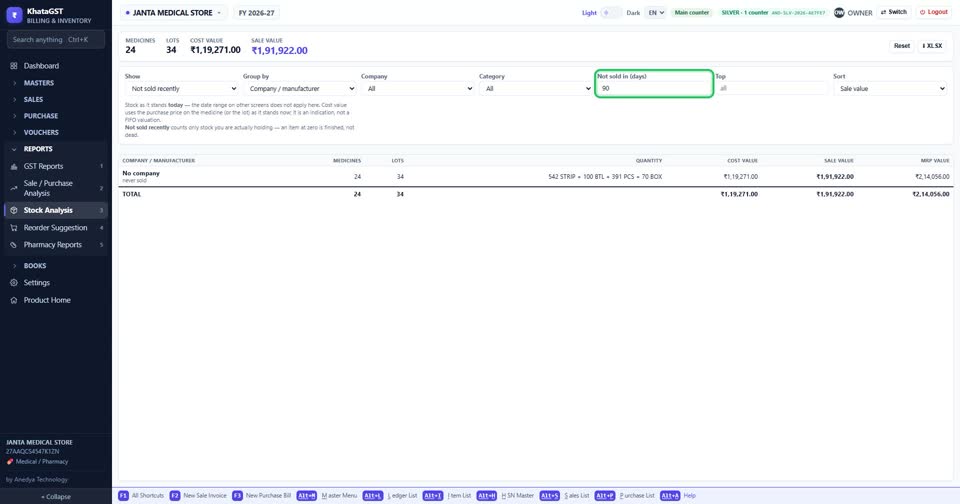
Dead stock asks how many days an item must have gone unsold before it is listed.
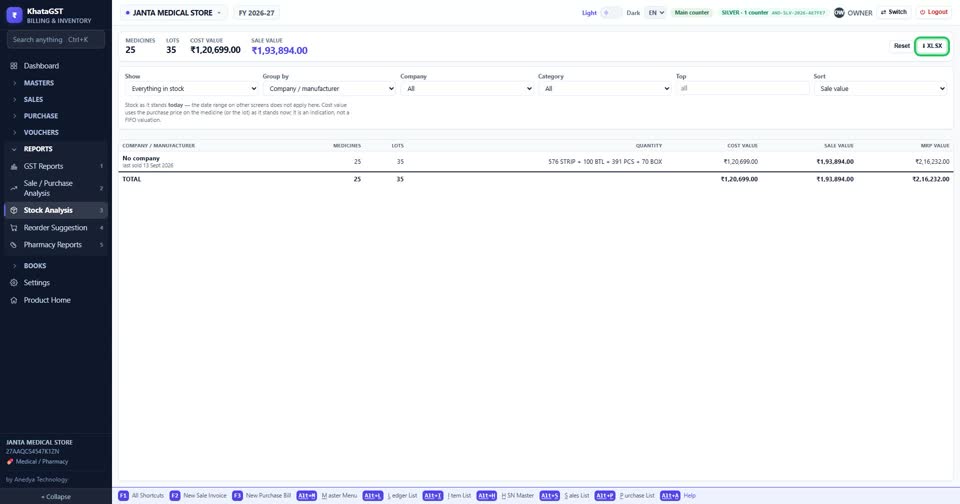
XLSX saves the list for Excel.
Still stuck? Press Alt + A inside the software and ask in your own words — it
works with no internet. Or talk to us on WhatsApp, phone or e-mail.