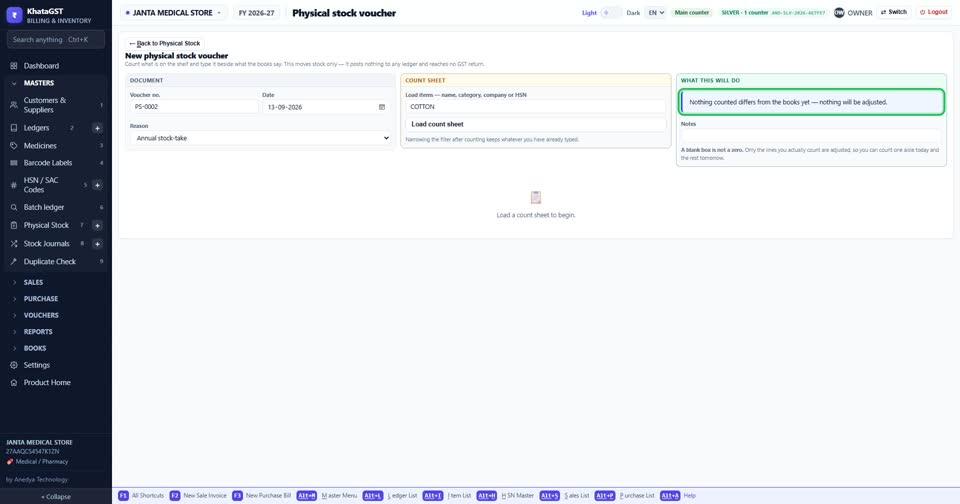
How to correct stock after counting the shelf
Basic, Silver and GoldA stock-take is a count of what is actually on the shelf. It corrects stock and nothing else — no ledger, no tax, no GST return — and nothing is ever deleted: a correction is a new count.
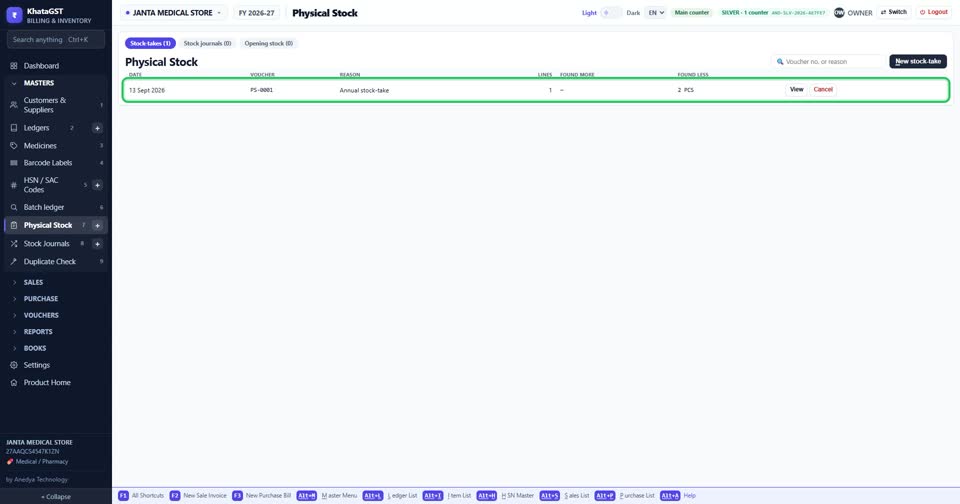
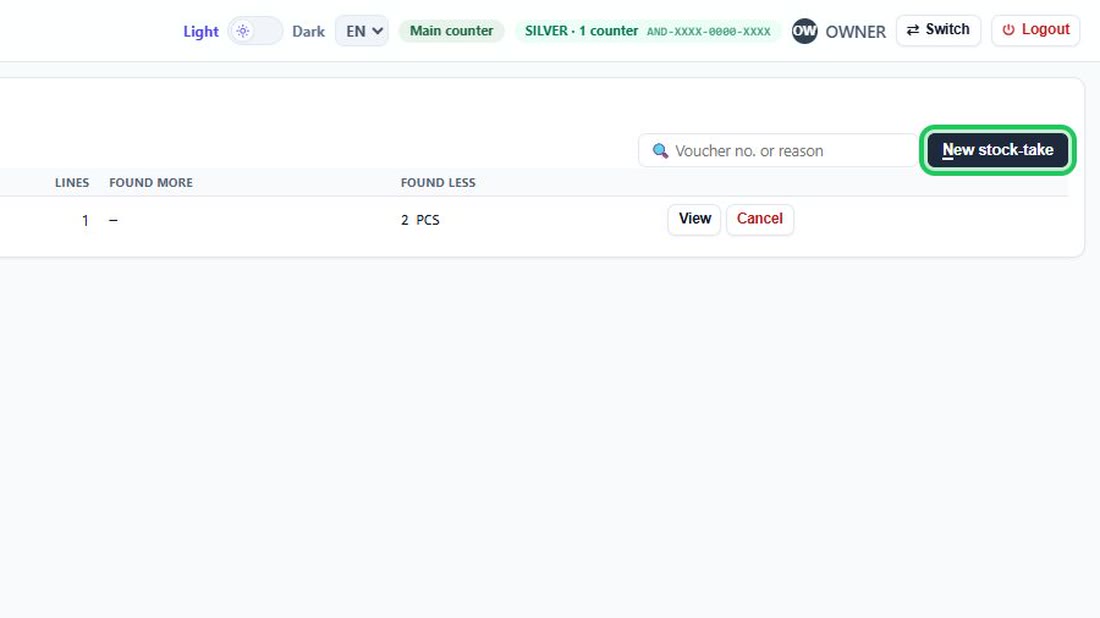
Open Masters, Physical Stock. Every count you have recorded is listed, with what was found more and what was found less.
 See the whole screen
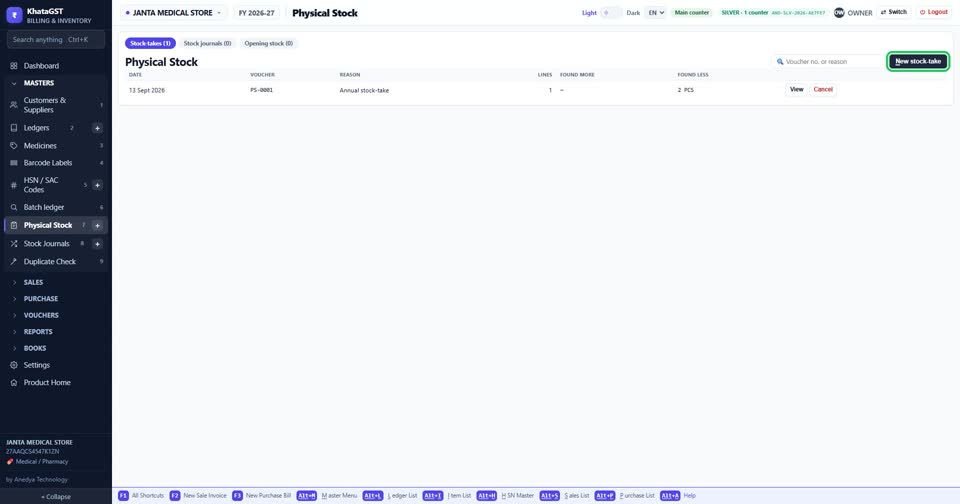
Press New stock-take.
 See the whole screen
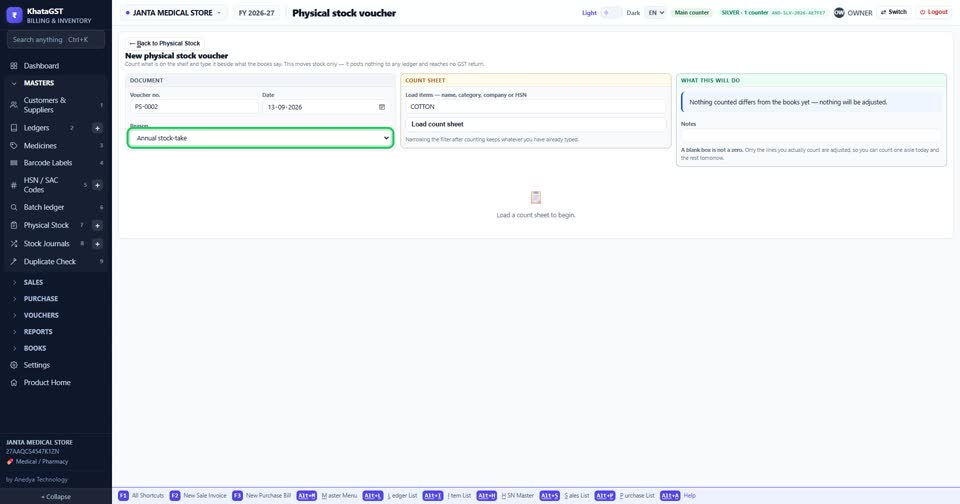
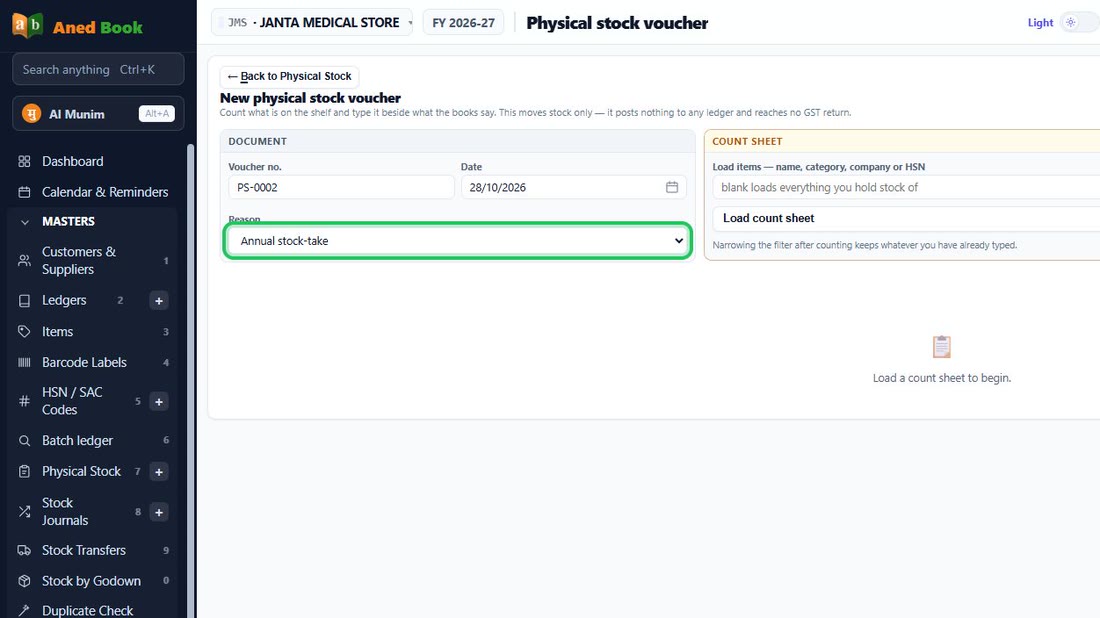
Choose the reason. It is what an auditor reads next year to find out why the shelf figure moved without a bill.
 See the whole screen
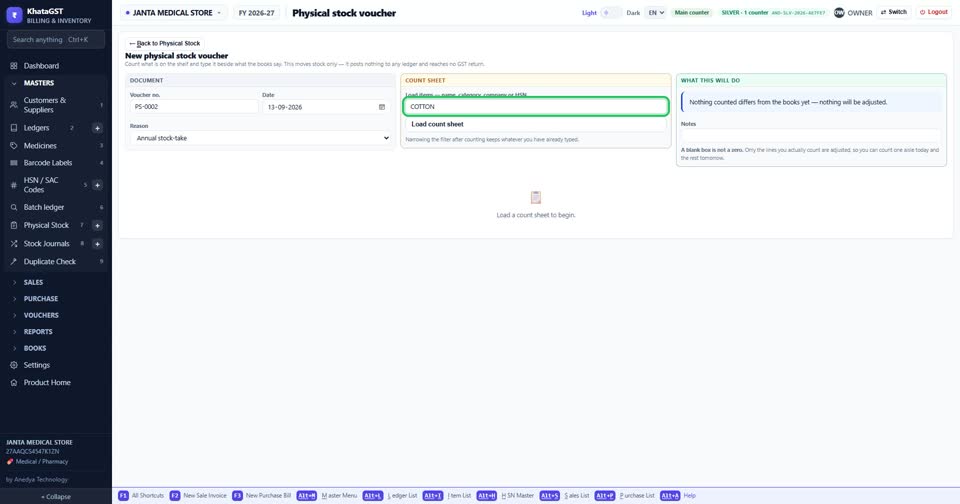
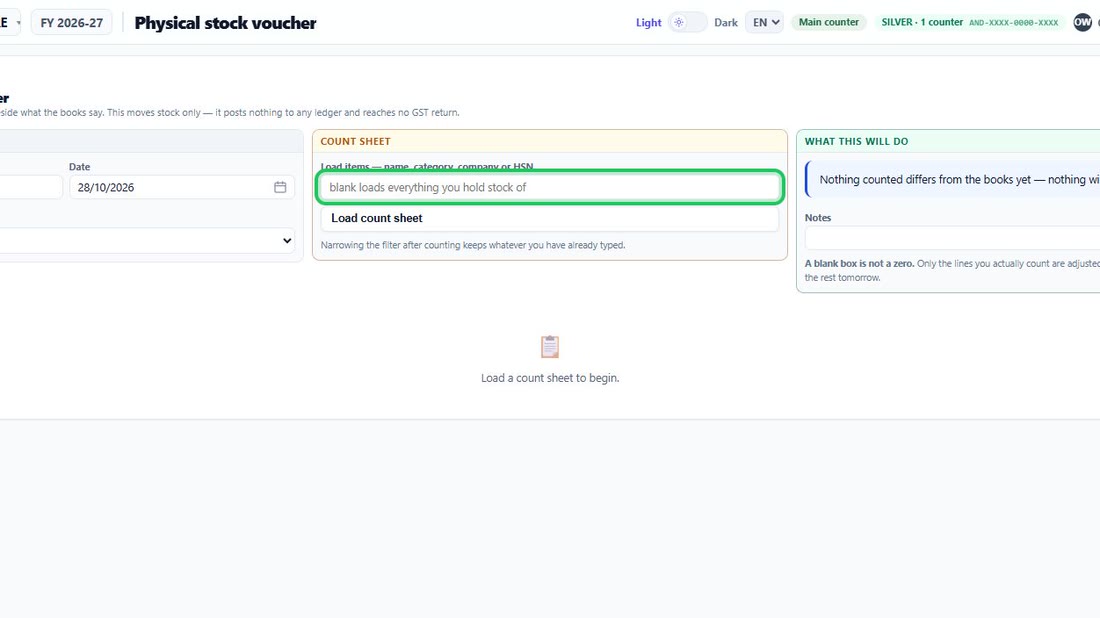
Narrow the count sheet by name, category, company or HSN — or leave it blank to load everything you hold stock of — and press Load count sheet.
 See the whole screen
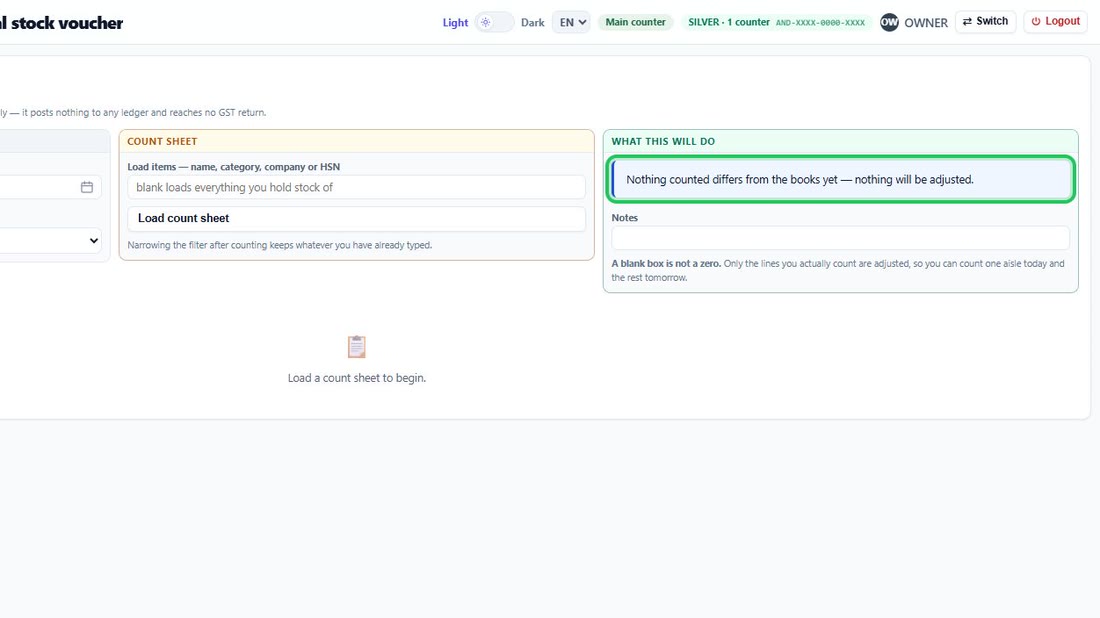
Type what you counted beside what the books say. “What this will do” shows, before you save, exactly how the stock will change. A blank box is not a zero — only the lines you actually counted change.
 See the whole screen