How to give a quotation or estimate, and turn it into a bill
Basic, Silver and GoldA quotation is an offer, not a bill. Nothing on it touches your stock, your books or any GST return until it is converted.
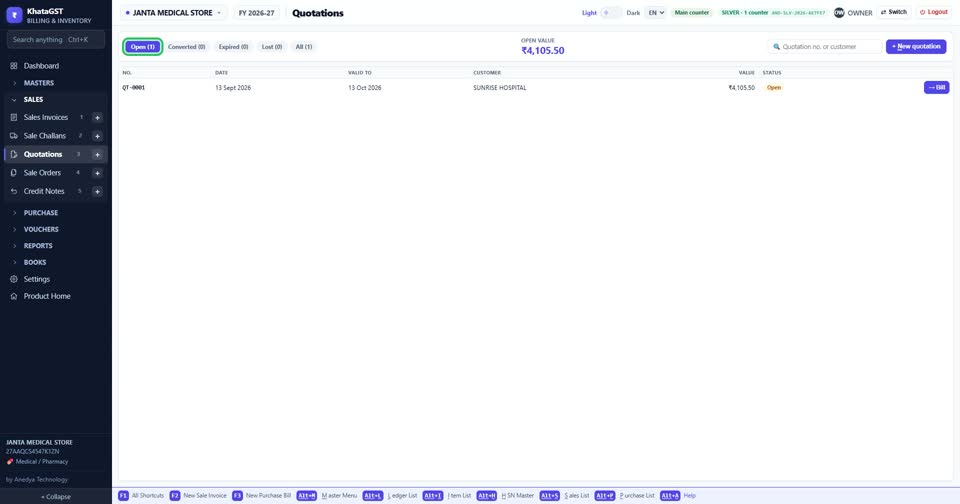
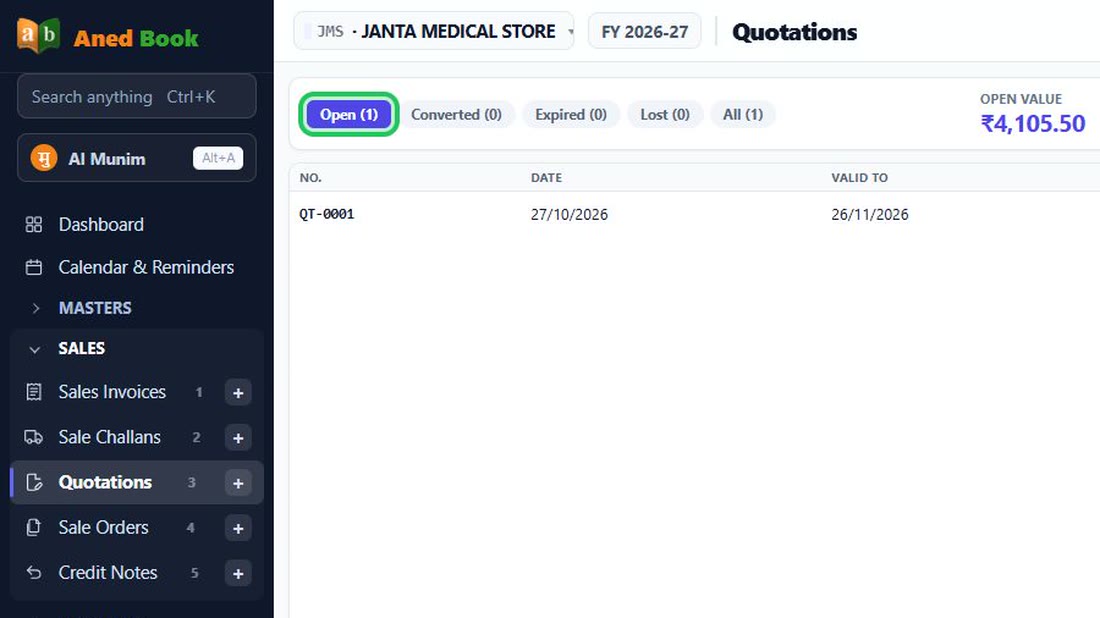
Open Sales, Quotations. The tabs show open, converted, expired and lost quotations, and the top figure is the value of what is still open.
 See the whole screen
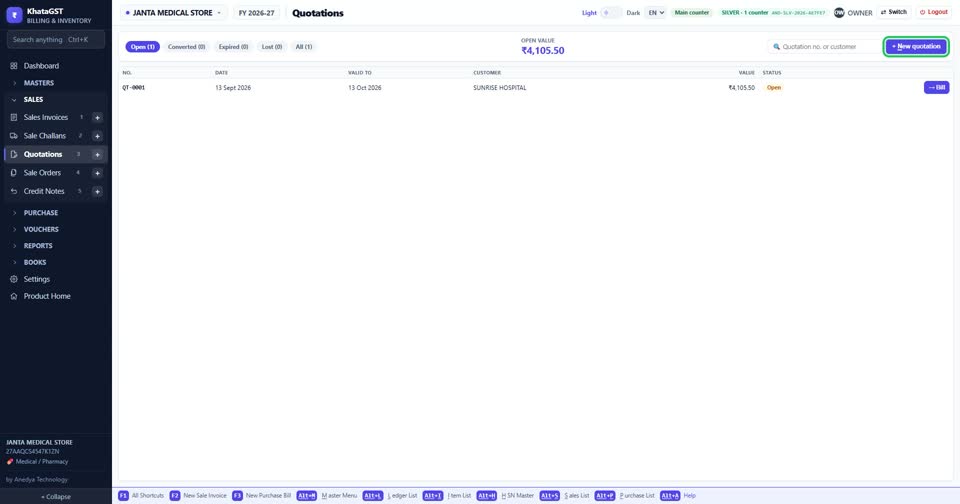
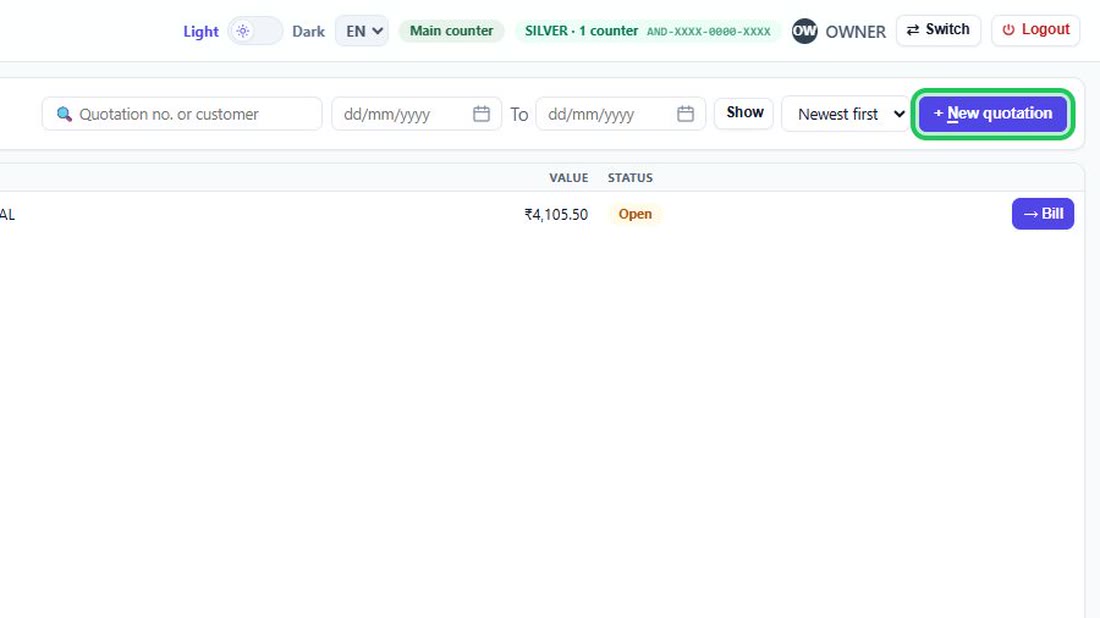
Press + New quotation.
 See the whole screen
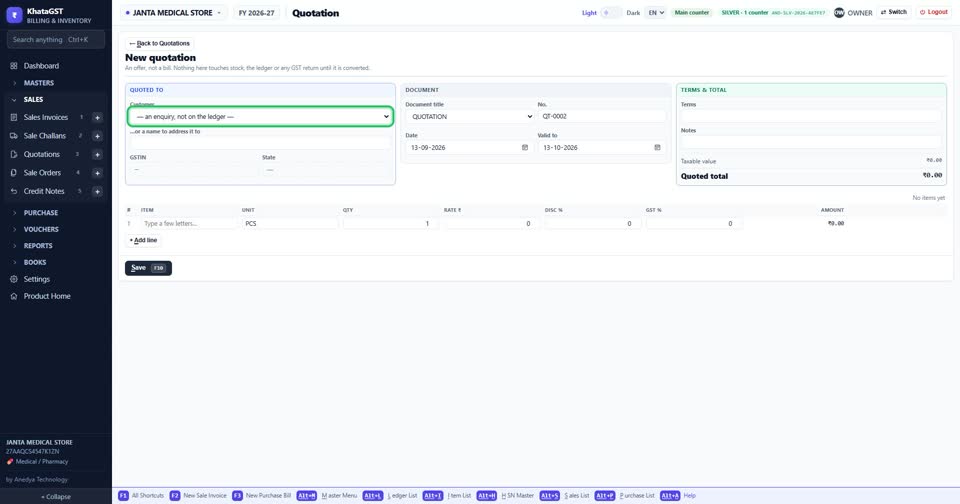
Choose the customer — or leave it as an enquiry and just type a name. A shop quoting a new enquiry does not have to open an account for somebody it may never hear from again.
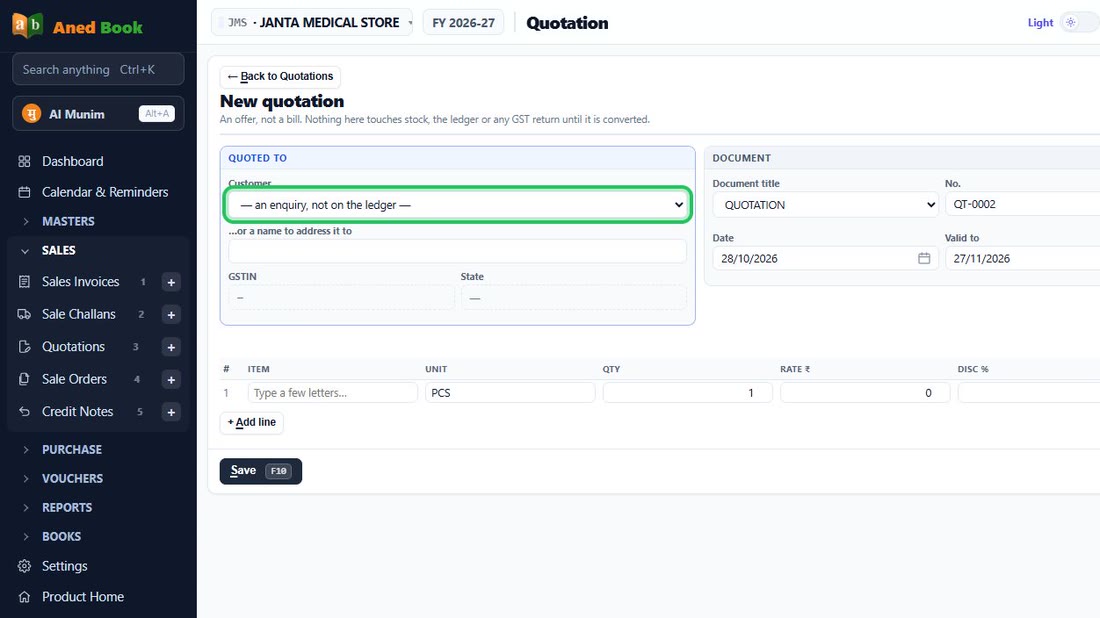 See the whole screen
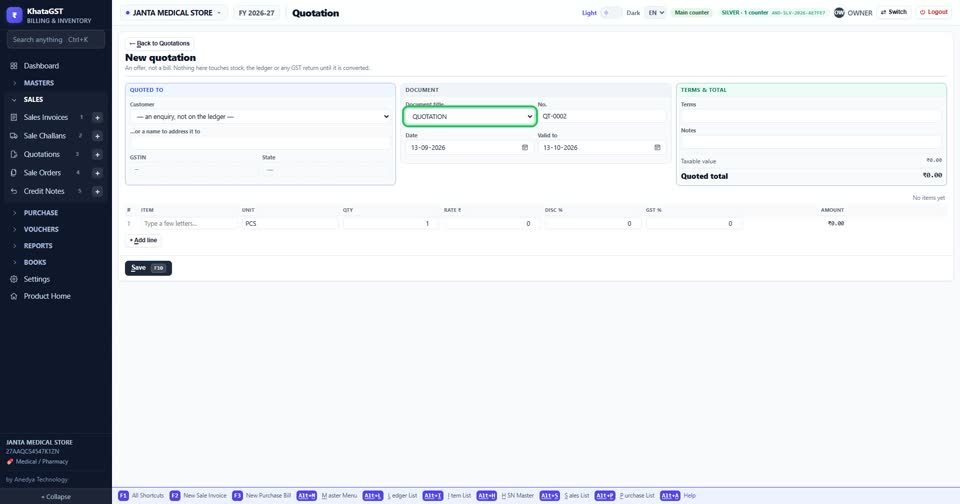
Choose the document title the customer should see.
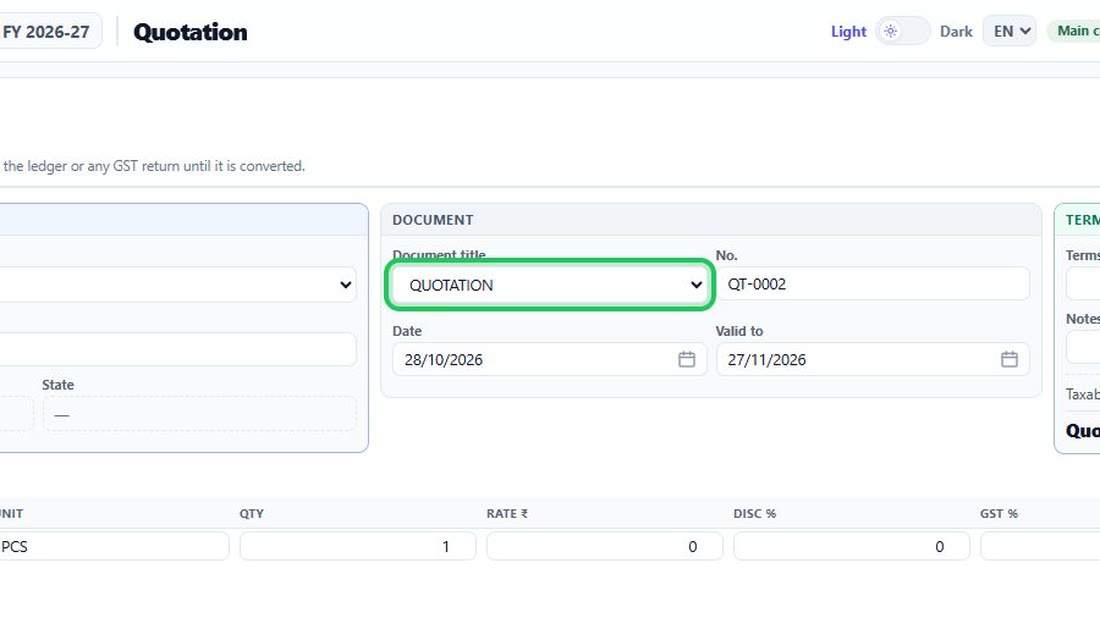 See the whole screen
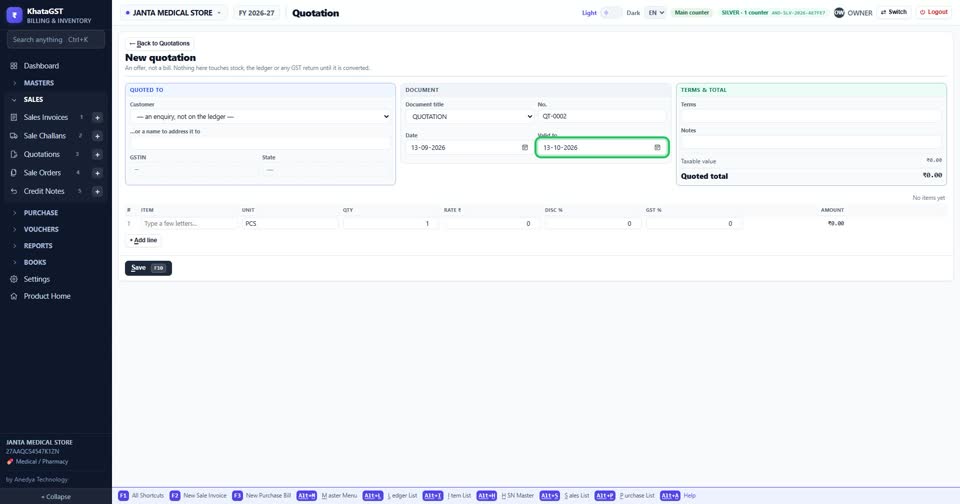
Set the date it is valid to. An expired quotation can still be converted — shops honour old quotes — but it tells you to check the price first.
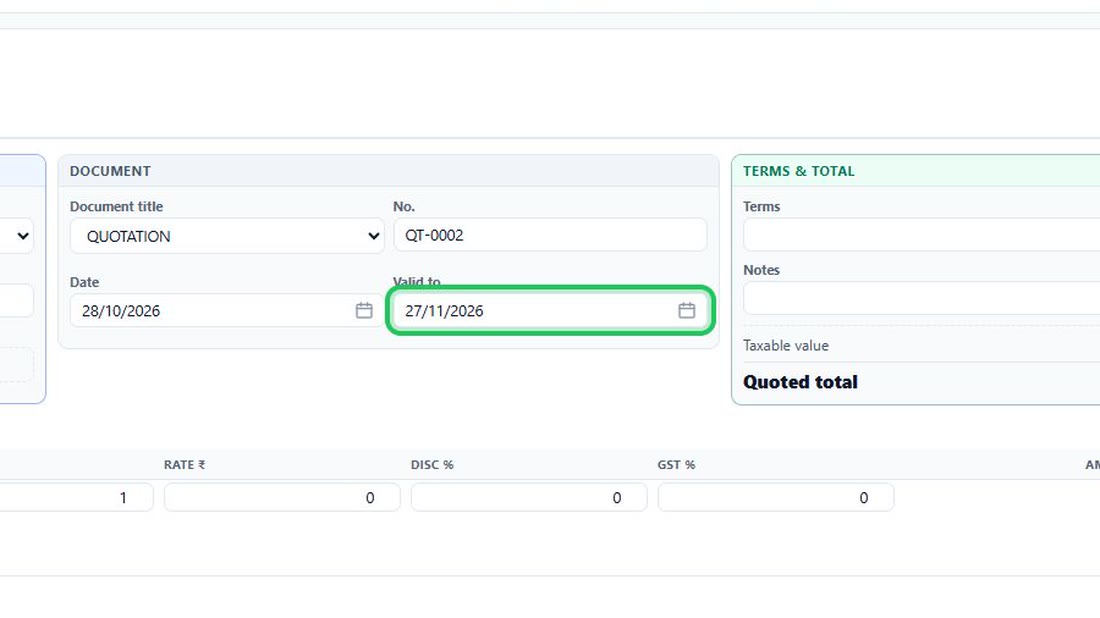 See the whole screen
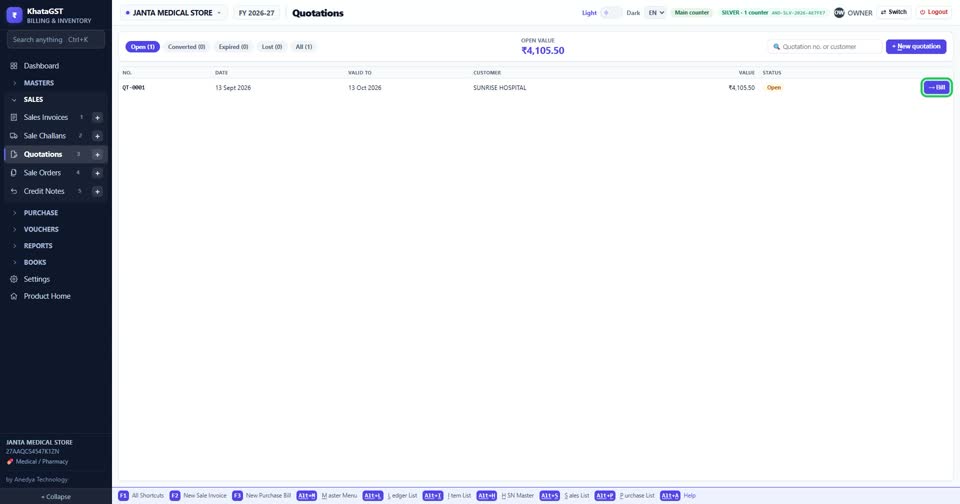
Back on the list, the Bill button on an open quotation turns it into an invoice. A converted quotation is then locked, so the price that was offered can always be shown.
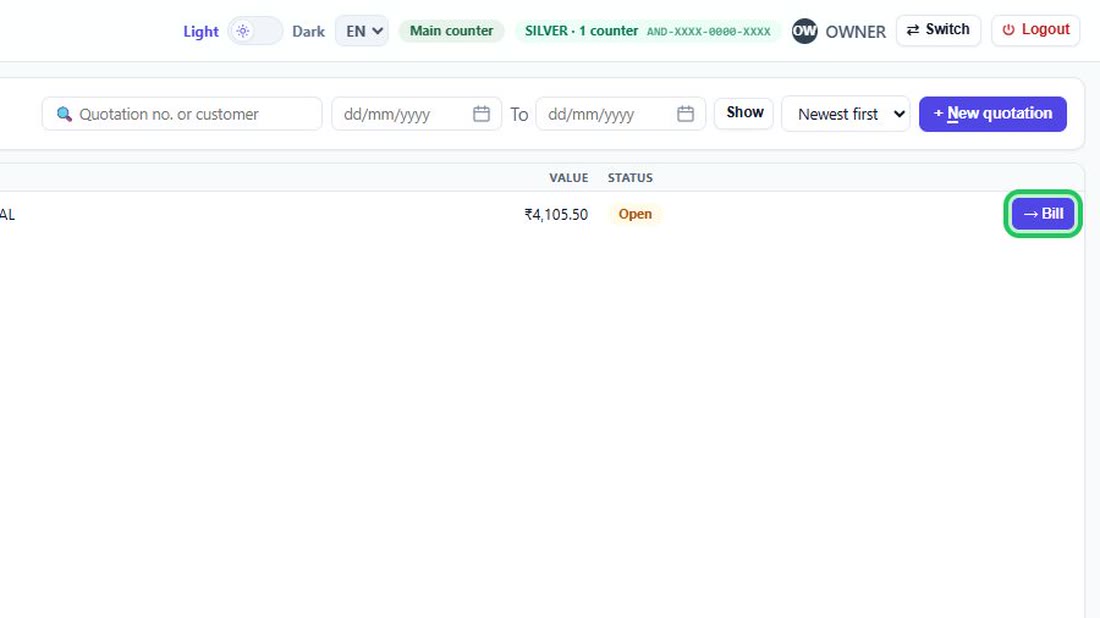 See the whole screen