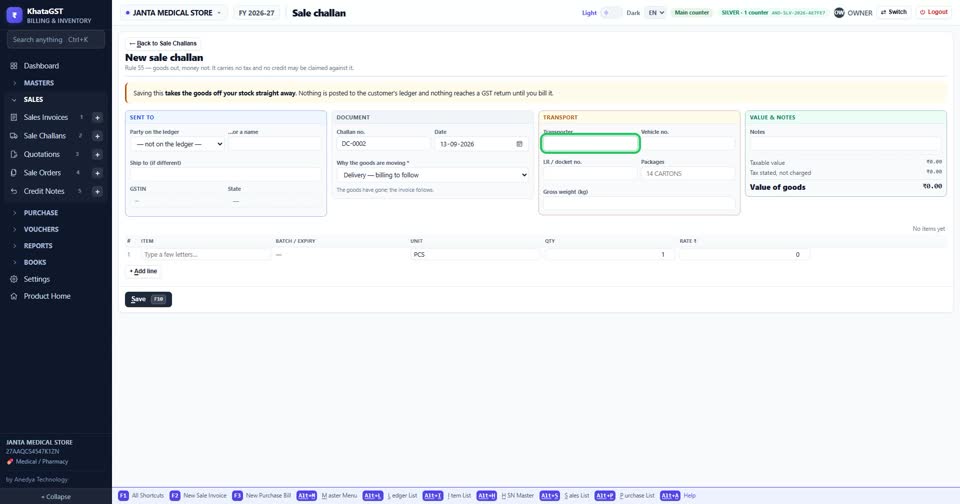
How to send goods on a delivery challan, and bill them later
Basic, Silver and GoldA sale challan moves goods without a bill — goods on approval, job work, a delivery ahead of the invoice. Goods sent on approval become a supply after six months whether or not they were billed; job work not returned within a year reverses the credit.
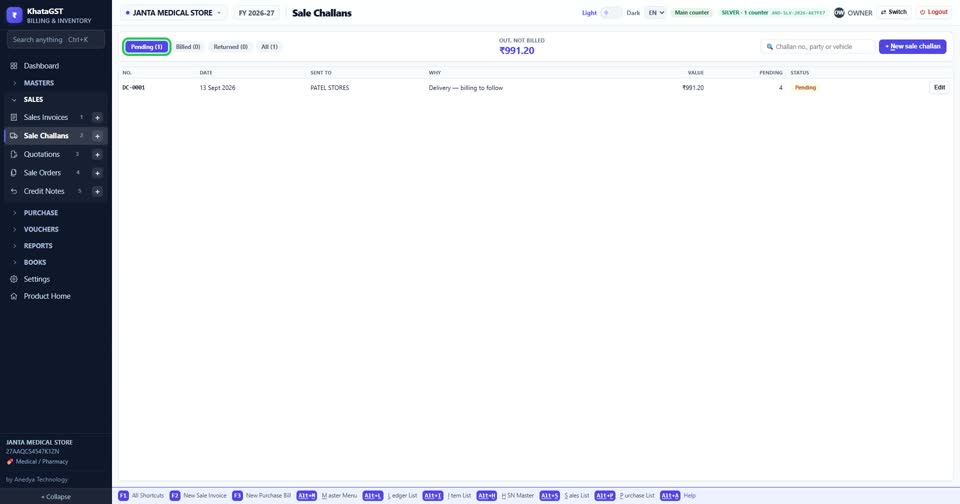
Open Sales, Sale Challans. The tabs show what is pending, overdue, billed or returned, and the top figure is the value of goods out and not yet billed.
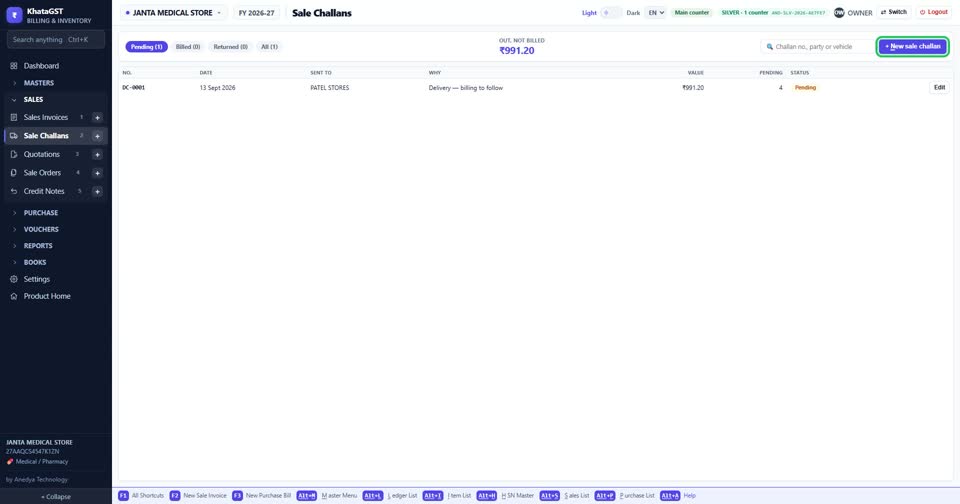
Press + New sale challan.
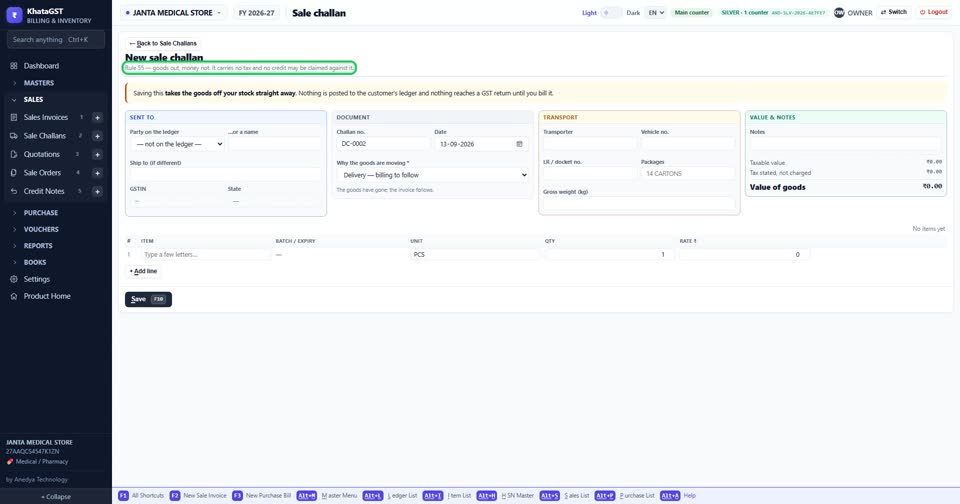
A challan is goods out, money not (Rule 55). It carries no tax, and no credit can be claimed against it.
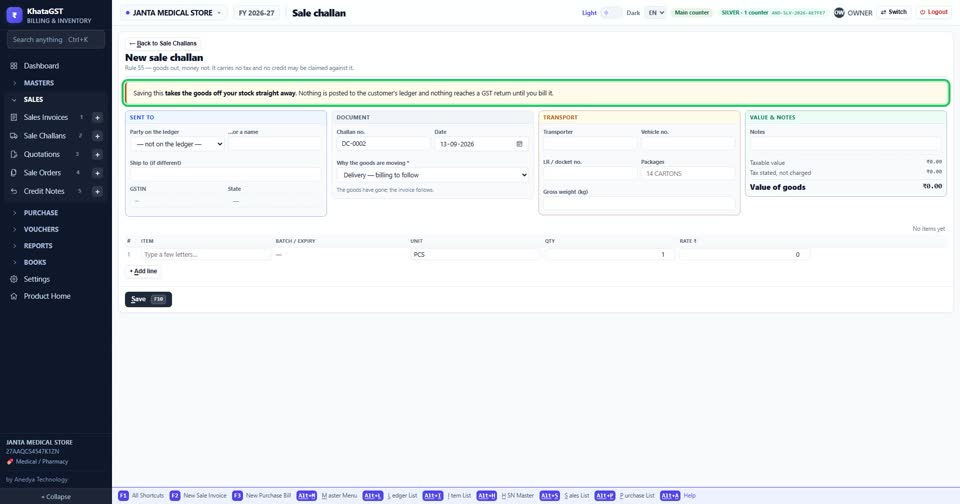
Saving takes the goods off your stock straight away. Nothing reaches the customer’s account or any GST return until you bill it.
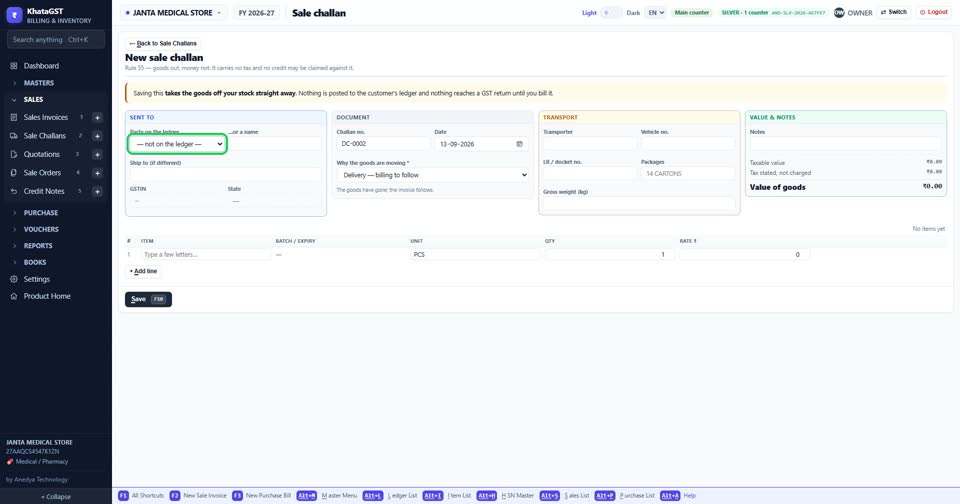
Choose who it is sent to — a party on your books, or just a name — and a ship-to address if the goods go somewhere else.
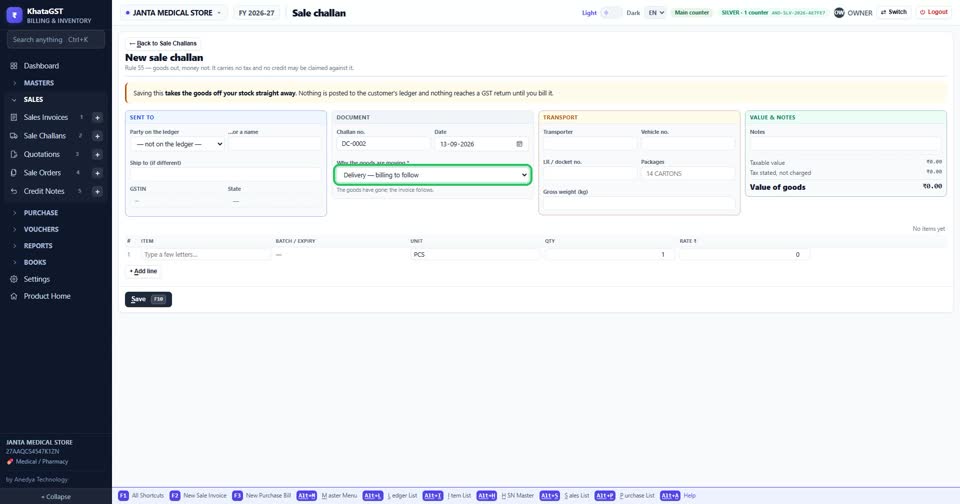
Say why the goods are moving. The line under the box gives the rule and the time limit for that kind of challan.
Fill in the transporter and vehicle number for the lorry.