Aned Book help › Step-by-step guides › Sales
How to record a customer’s order before you deliver it
Silver and Gold onlyA sale order records what a customer has asked for and you have not yet delivered — and the Reorder screen counts it as demand, so stock already promised is not offered to somebody else. Silver and Gold.
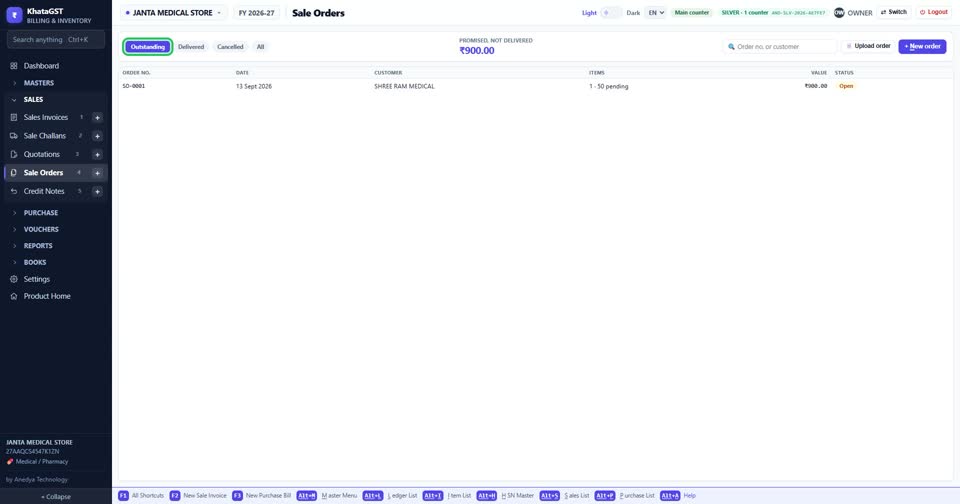
Open Sales, Sale Orders. The tabs show outstanding, delivered and cancelled orders, and the top figure is the value promised but not yet delivered.
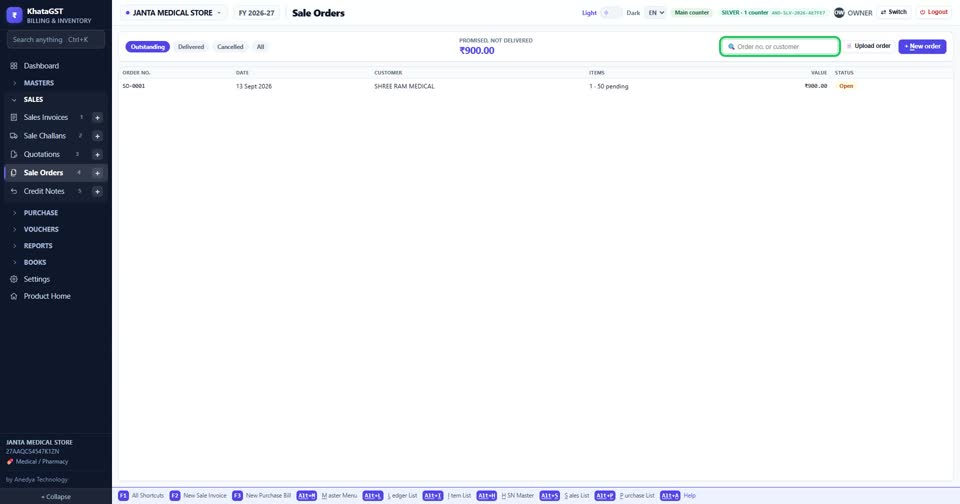
Search by your order number, the customer’s name, or the customer’s own order number — the number on the paper in their hand when they ring.
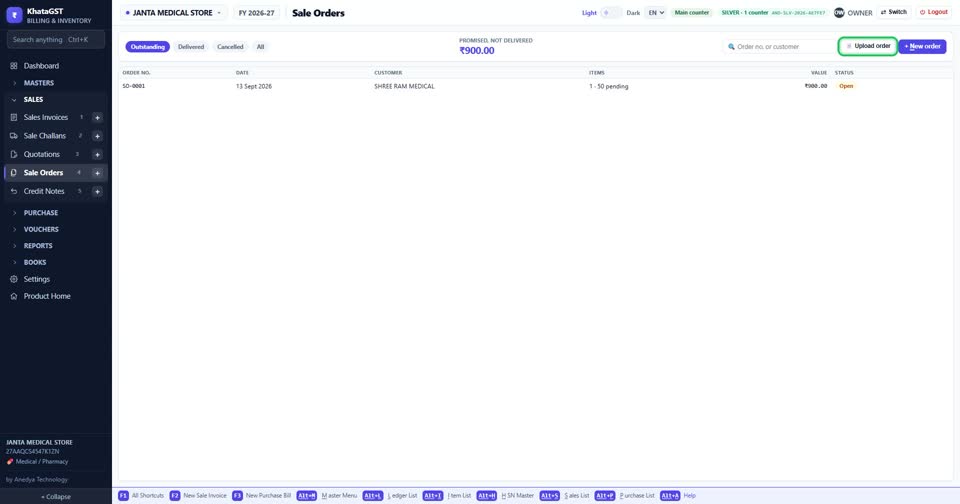
Upload order reads a customer’s order from a PDF or photo instead of typing it.
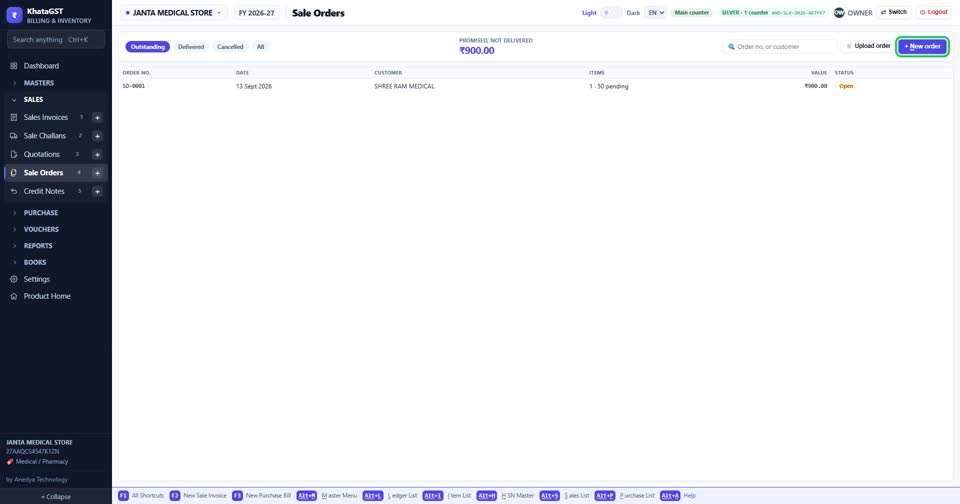
Press + New order to write one yourself.
Still stuck? Press Alt + A inside the software and ask in your own words — it
works with no internet. Or talk to us on WhatsApp, phone or e-mail.