How to find, reprint, correct or delete a receipt or payment
Basic, Silver and GoldEvery receipt, payment and contra is in one book. Alt + V opens it from anywhere.
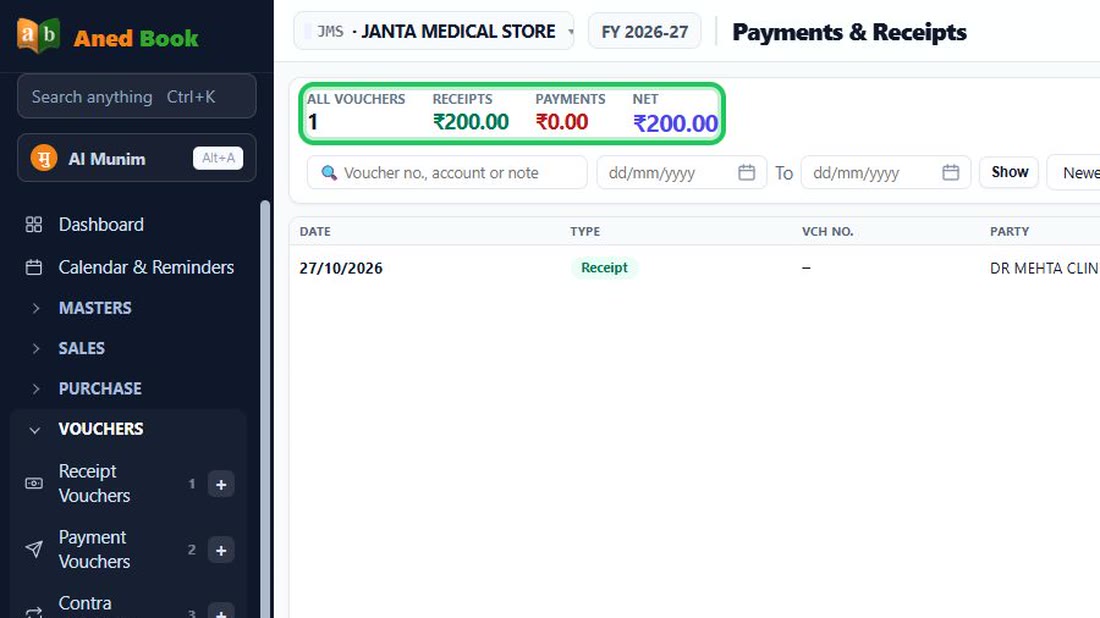
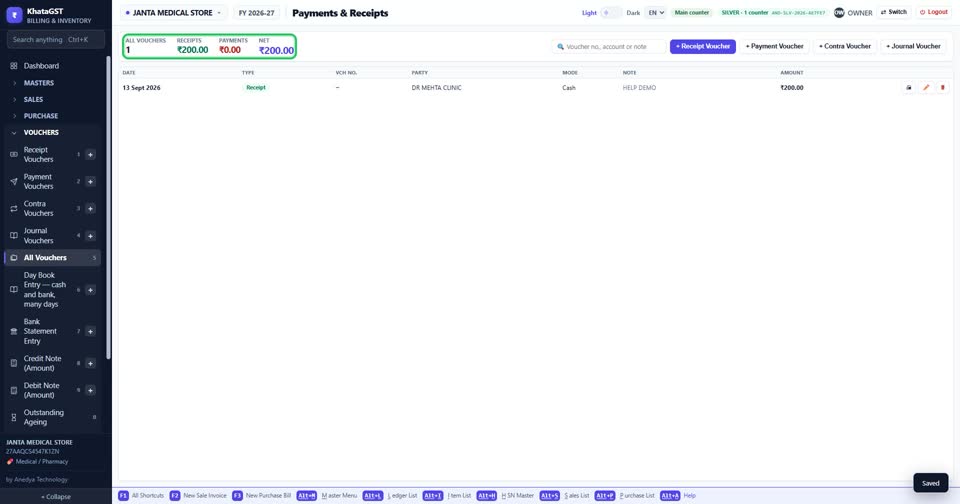
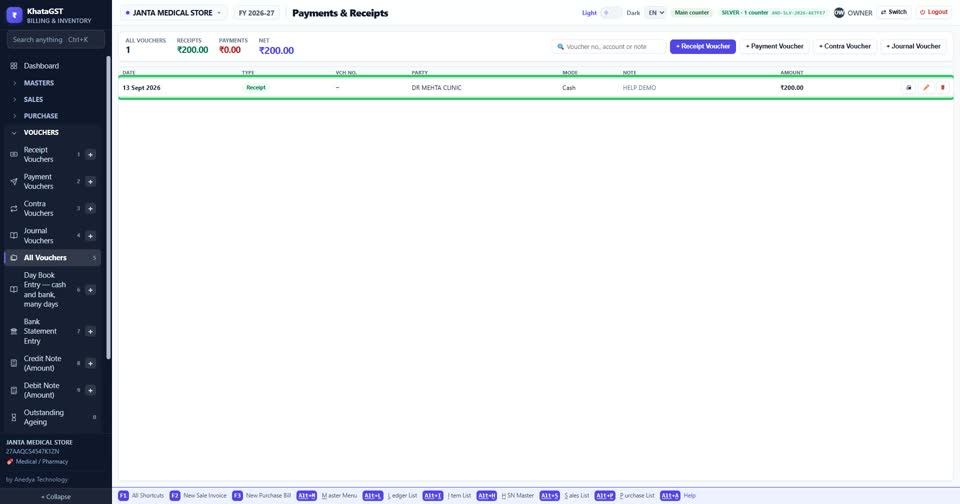
Press Alt + V, or open Vouchers, All Vouchers. The top line totals receipts and payments; transfers between your own cash and bank are shown apart, because they are not takings.
 See the whole screen
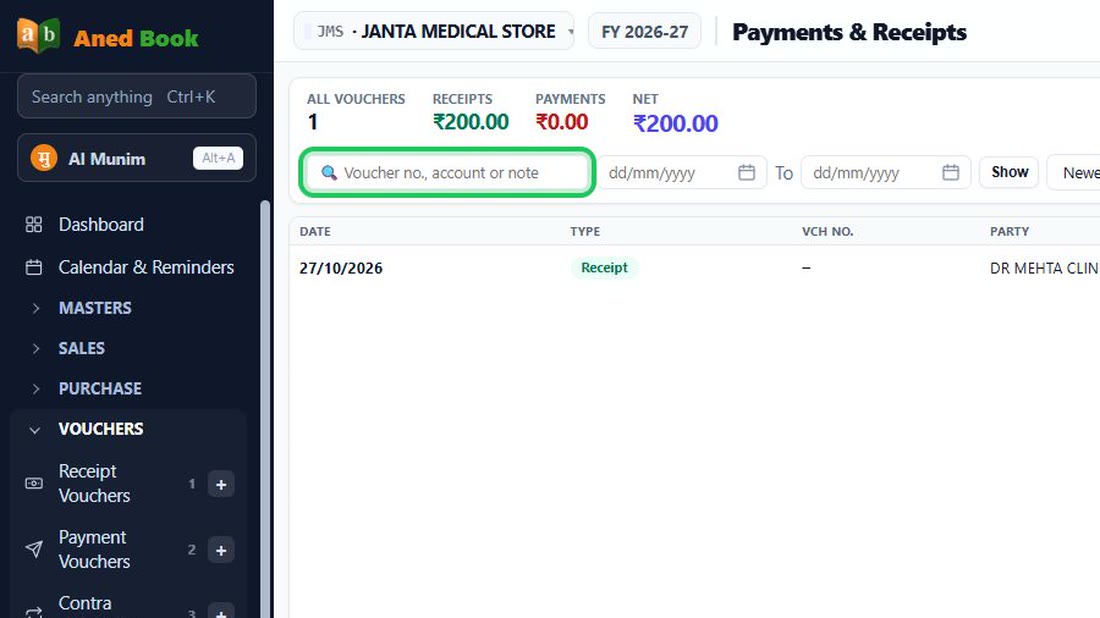
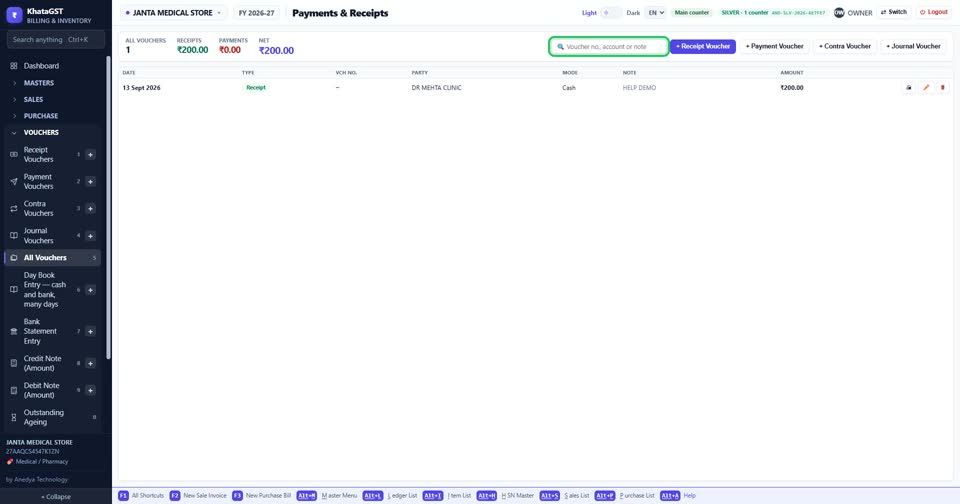
Search by voucher number, the account on the other side, or the note.
 See the whole screen
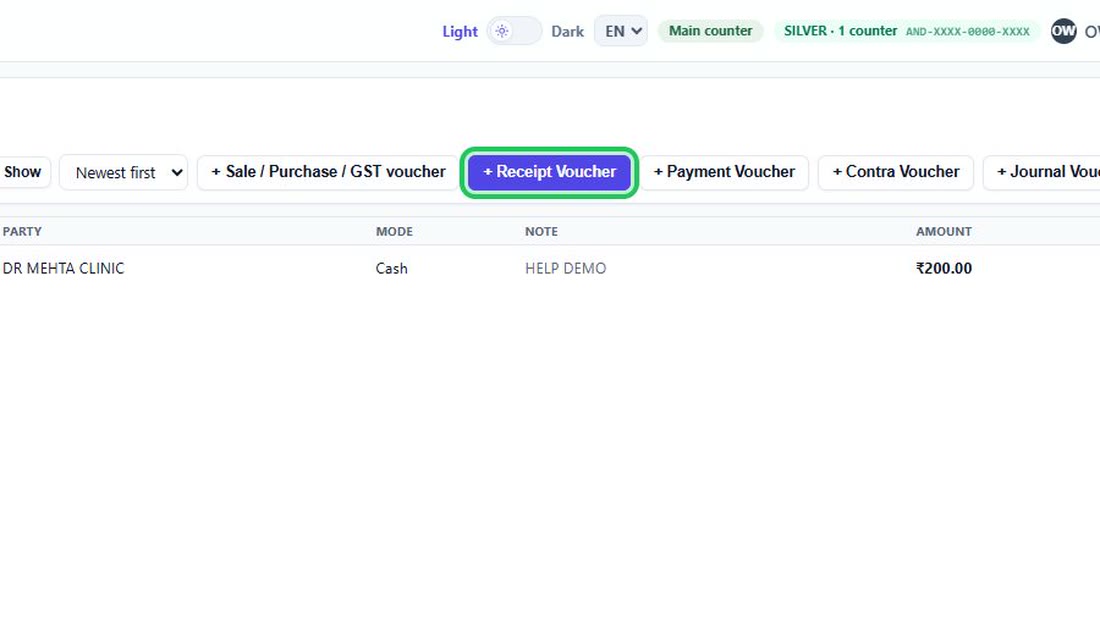
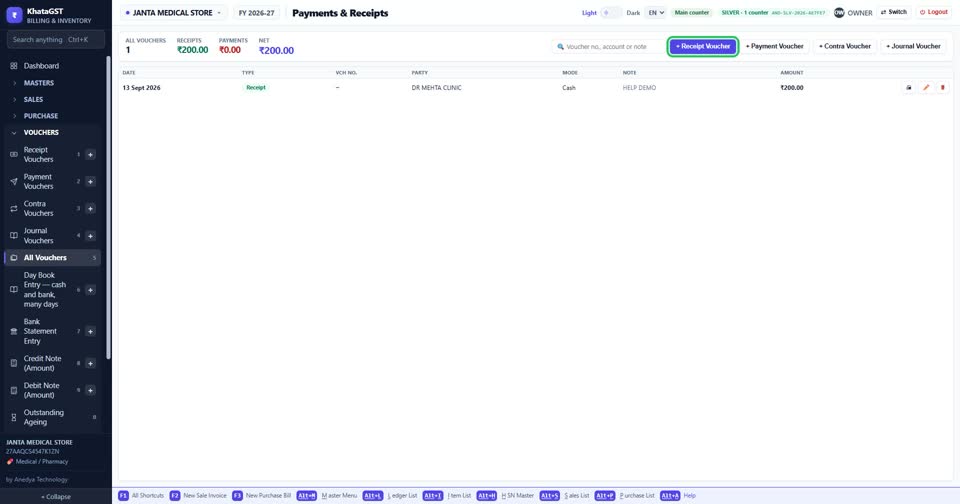
Start a new receipt, payment or contra from the buttons here — or F4, F6 and F5 from anywhere.
 See the whole screen
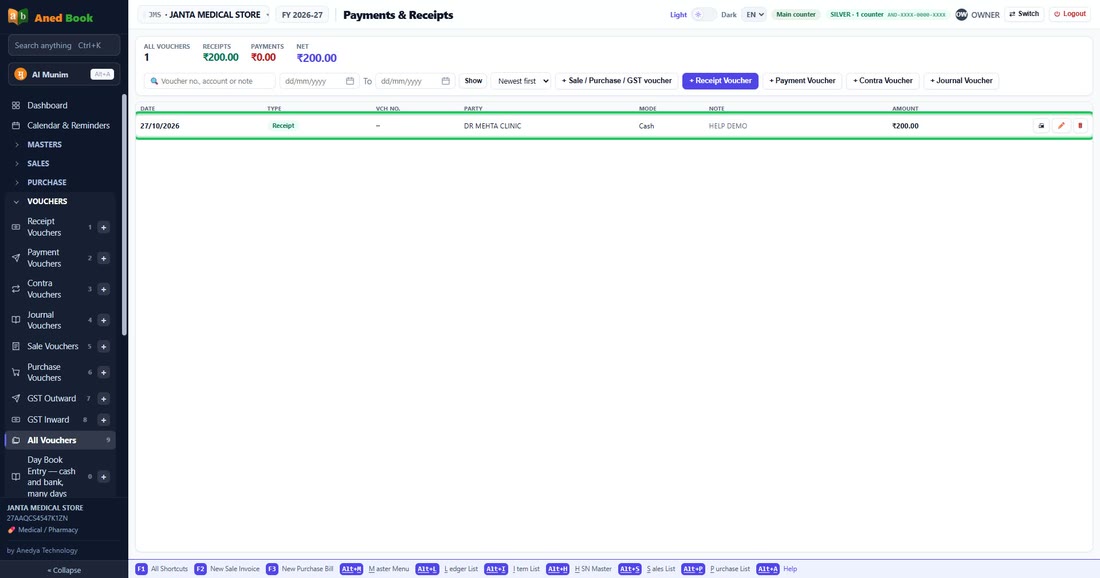
Click a row to open the voucher slip, ready to print.
 See the whole screen
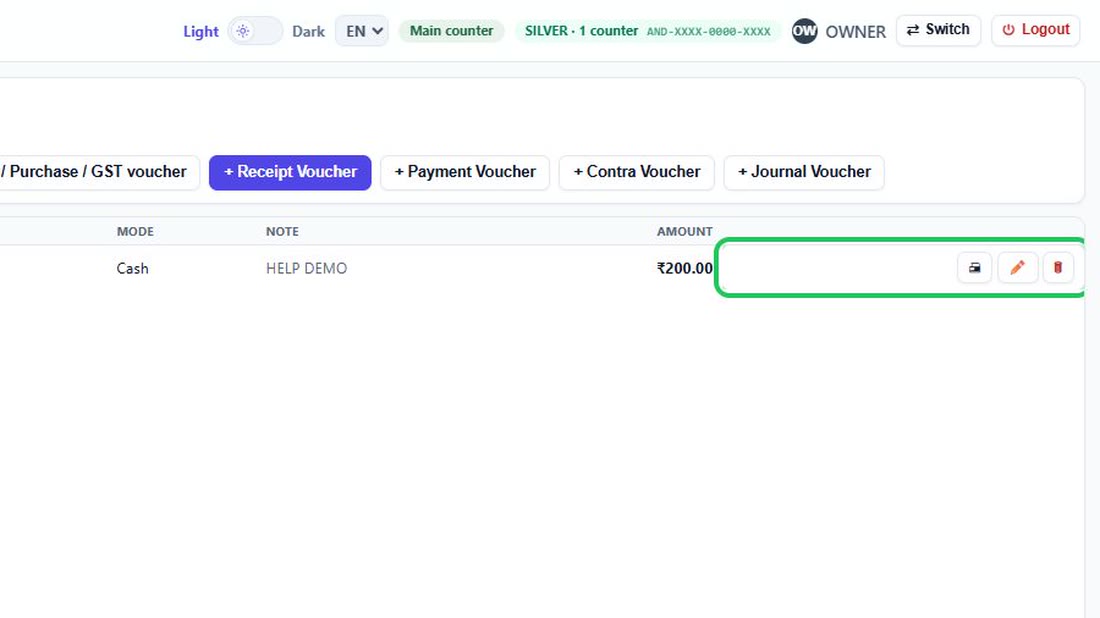
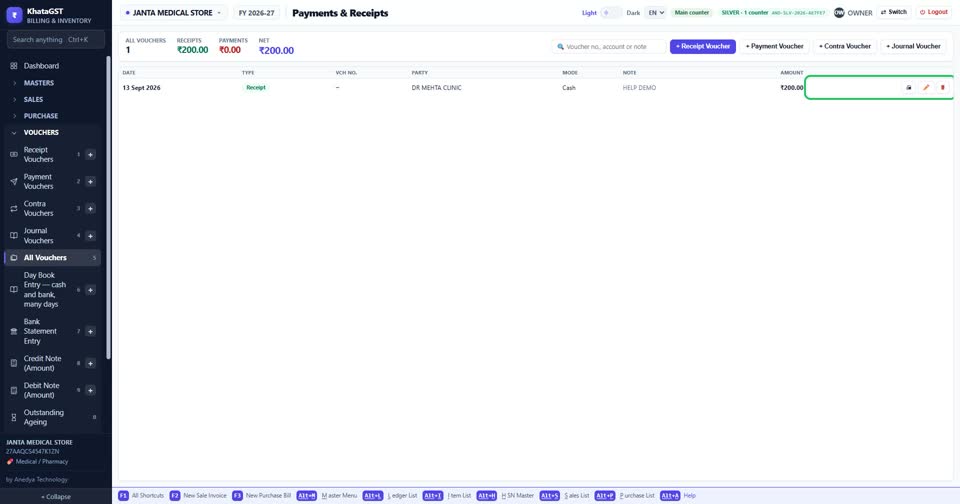
The pencil corrects a voucher and the red bin deletes it.
 See the whole screen
Did this answer your question?
No — ask us on WhatsApp
Still stuck? Press Alt + A inside the software and ask in your own words — it
works with no internet. Or talk to us on WhatsApp, phone or e-mail.