How to enter a month of bank passbook at once
Silver and Gold onlyBank statement entry keys a month of passbook as one grid, the way the bank prints it, and checks it against the bank’s own opening and closing figures. Every row is saved as an ordinary receipt, payment or contra. Silver and Gold — on every edition the same vouchers can still be keyed one at a time.
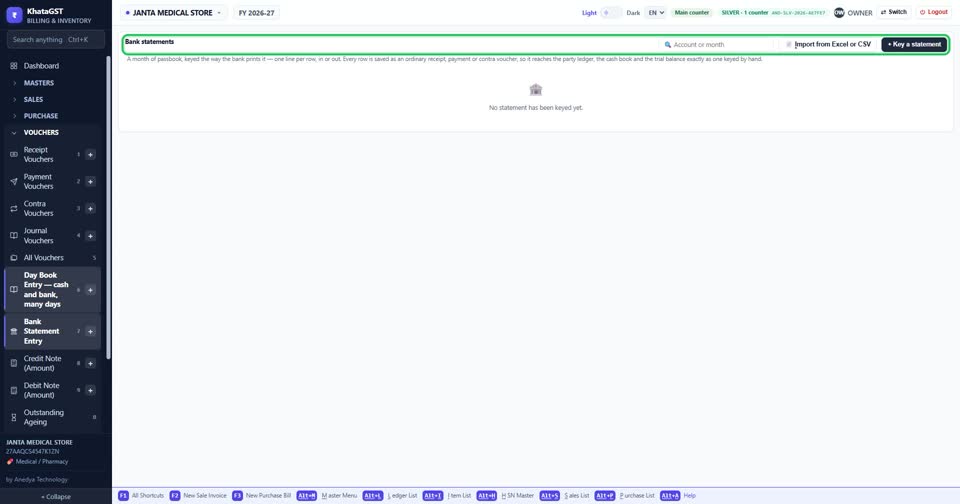
Open Vouchers, Bank Statement Entry. Each statement is listed by account and period, with what went out, what came in, the closing figure, and whether it ties to the bank’s own.
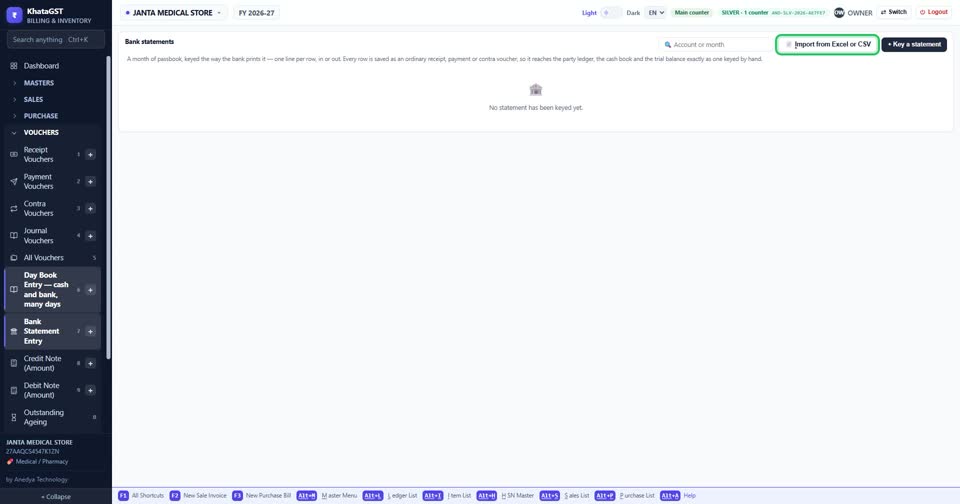
Import from Excel or CSV takes the file your bank gives you.
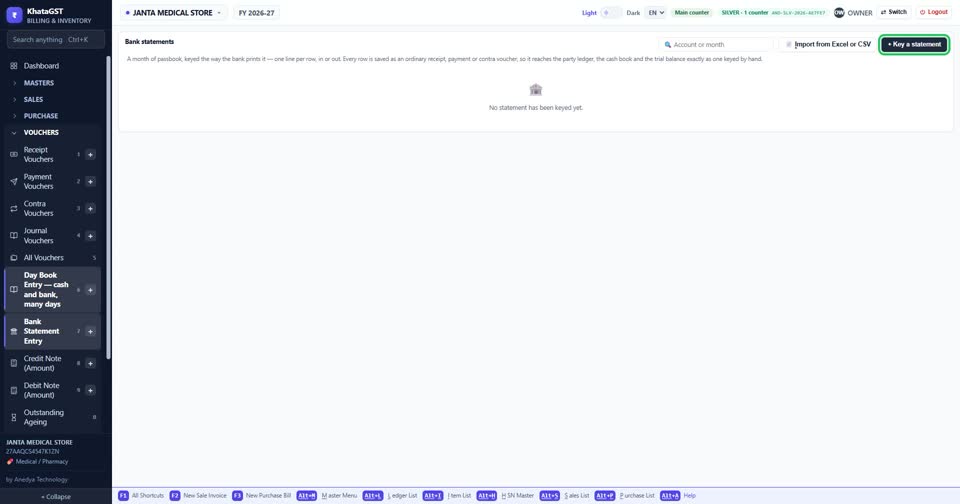
Or press + Key a statement to type it in.
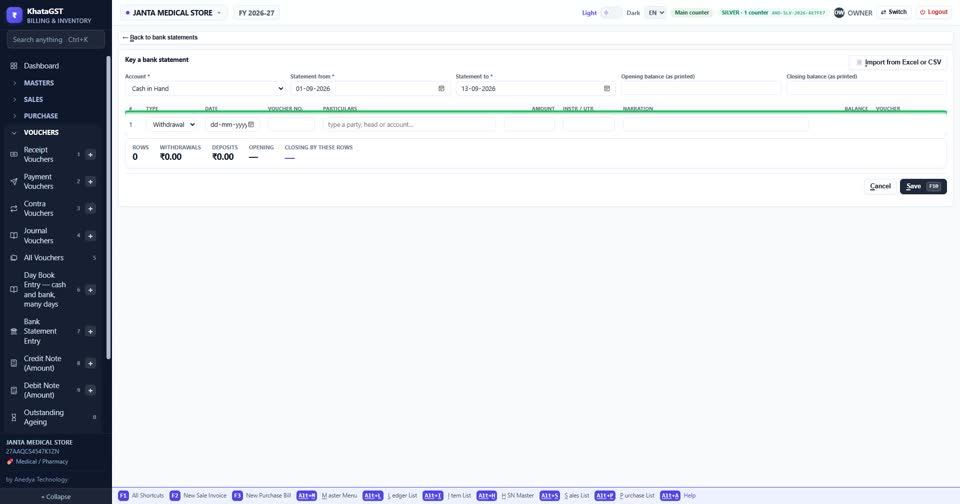
Choose the bank account the statement belongs to.
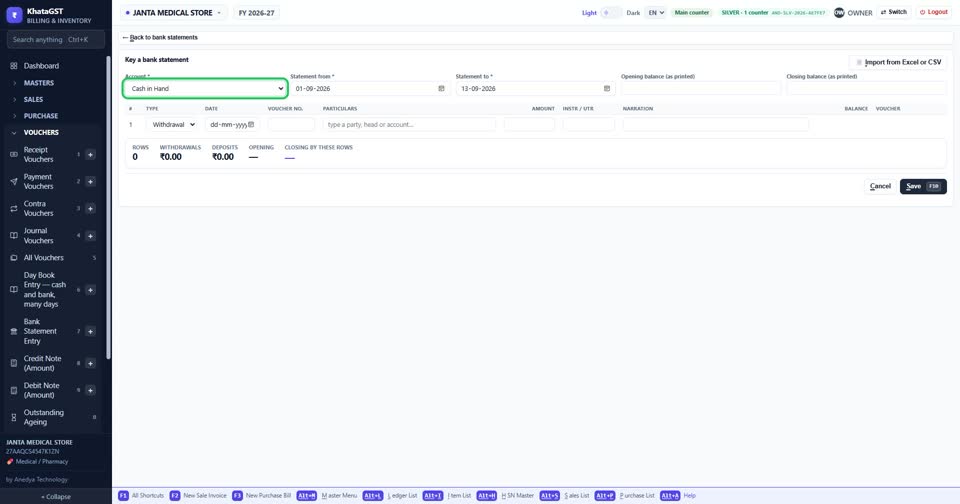
Type the statement’s dates, and the opening and closing balance exactly as the bank printed them — that is what the rows are tied back to.
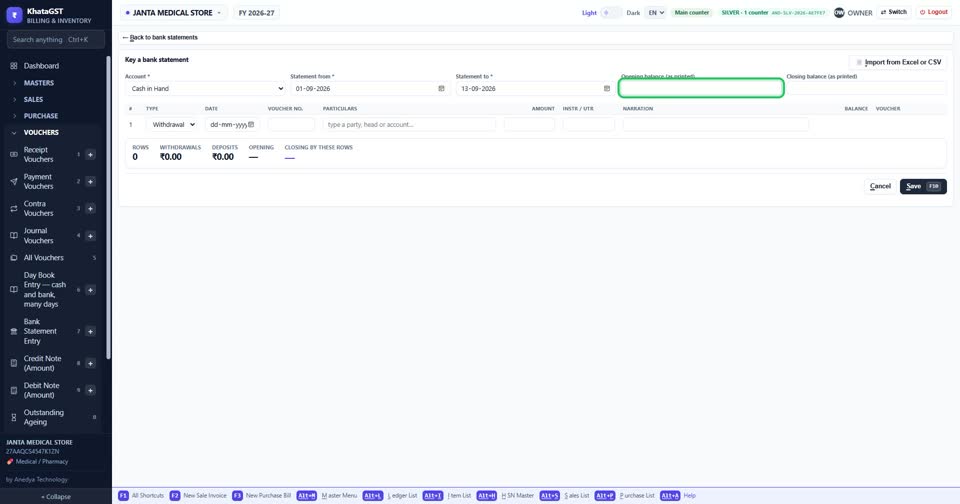
Then one line per row, in or out, as the passbook prints it. Each row becomes a receipt, payment or contra in your books.