Aned Book help › Step-by-step guides › Money — receipts, payments, bank
How to record cash put into the bank, or taken out of it
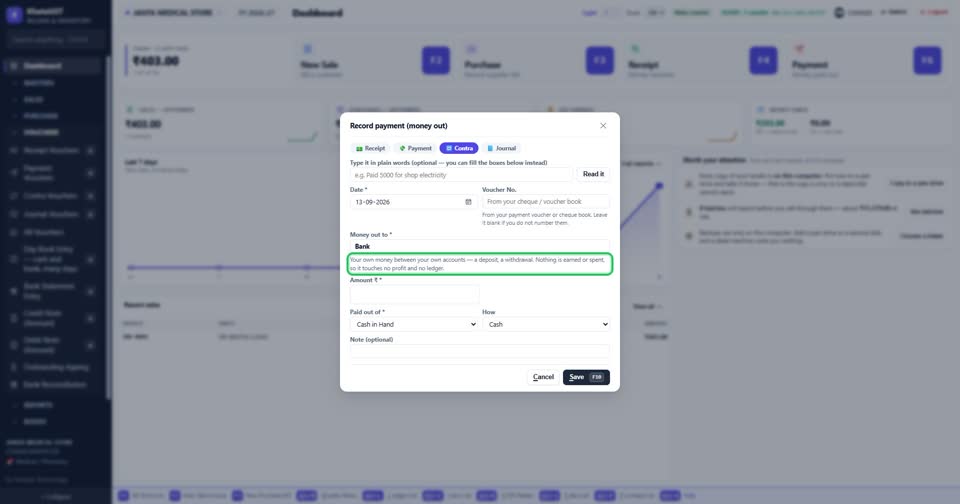
Basic, Silver and GoldA contra is your own money moving between your own accounts — a deposit, a withdrawal. Nothing is earned or spent, so it touches no profit and no customer’s or supplier’s account.
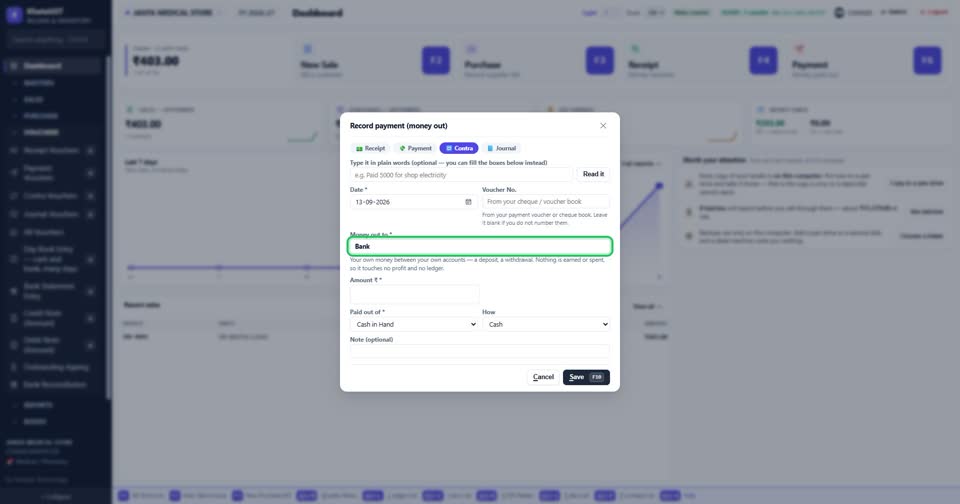
Press F5, or choose Contra at the top of the voucher window. The other side is already filled with your bank.
The line under it says what a transfer is — your own money between your own accounts.
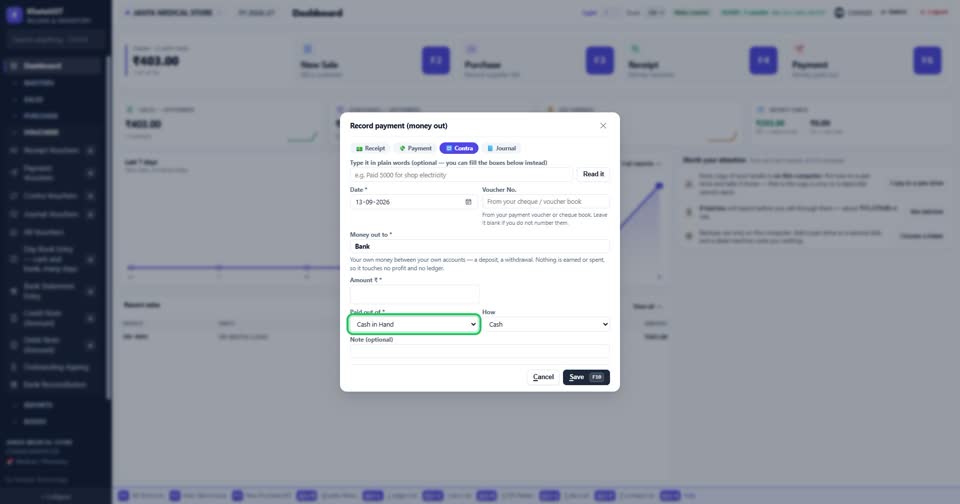
Choose where the money came out of — Cash in hand for a deposit. For a withdrawal, it is the other way round: out of the bank, into cash.
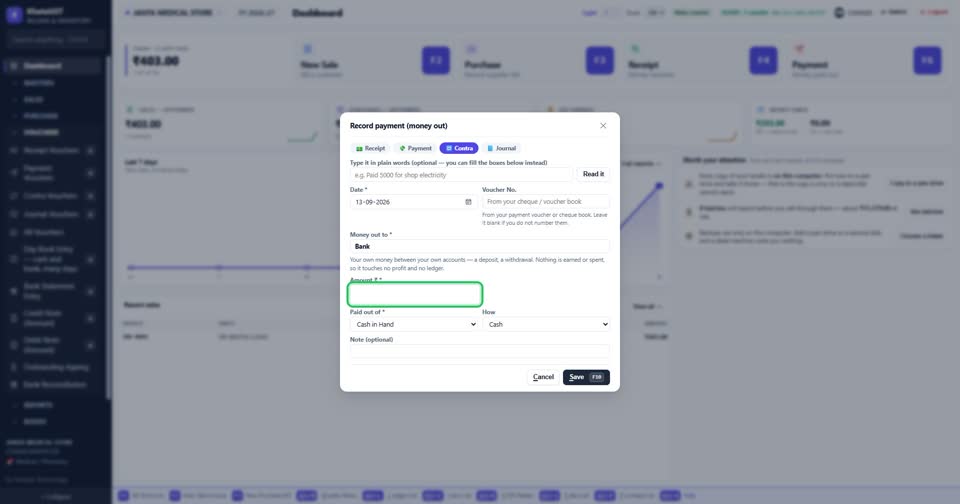
Type the amount and press F10.
Still stuck? Press Alt + A inside the software and ask in your own words — it
works with no internet. Or talk to us on WhatsApp, phone or e-mail.