How do I print a receipt, or correct one?
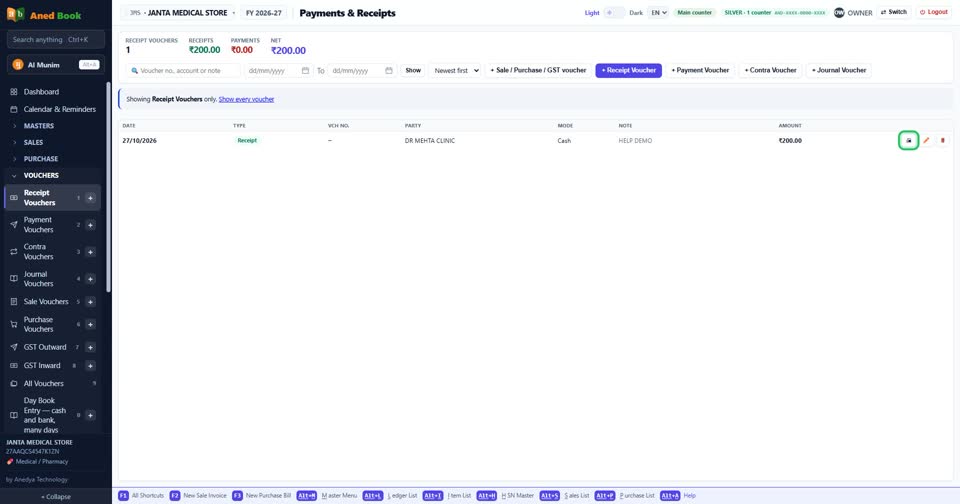
How toIn Receipt Vouchers, each row has three buttons: the printer prints the receipt, the pencil opens it to correct, and the bin deletes it.
The printer on the receipt’s row. The pencil beside it corrects it.
More questions on Receipt Vouchers
- A customer paid me. How do I enter it?
- The customer paid by UPI or cheque. Where do I choose that?
- How do I clear a customer’s whole balance in one go?
- It says “Say where the money is coming from”
- It says “There is no account called …”
- It says “Amount is required”
- It says “Voucher No. is already used”
- Why don’t my sales go up when I enter a receipt?
Still stuck? Press Alt + A inside the software and ask in your own words — it
works with no internet. Or talk to us on WhatsApp, phone or e-mail.