A customer paid me. How do I enter it?
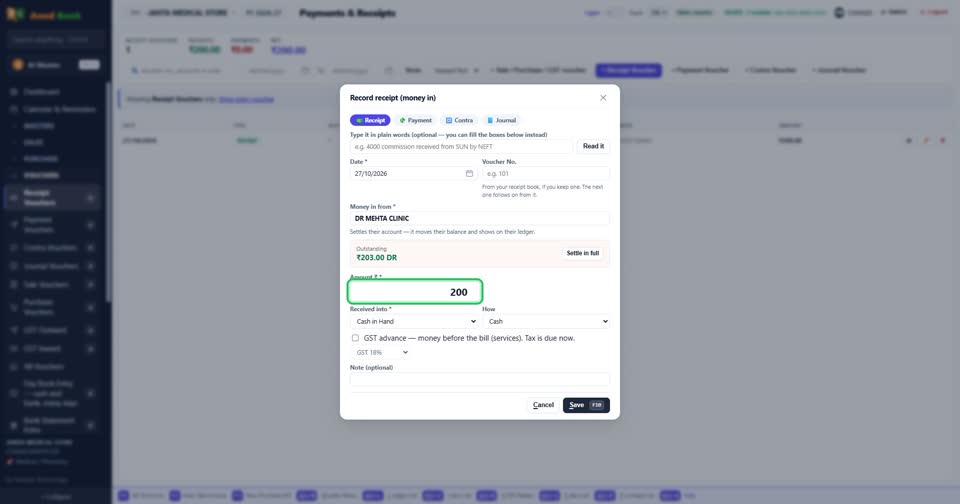
How toOpen Vouchers, Receipt Vouchers, and press + Receipt Voucher. Type the customer’s name, the amount and how they paid, and press Save. Their balance goes down by that amount.
Press + Receipt Voucher.
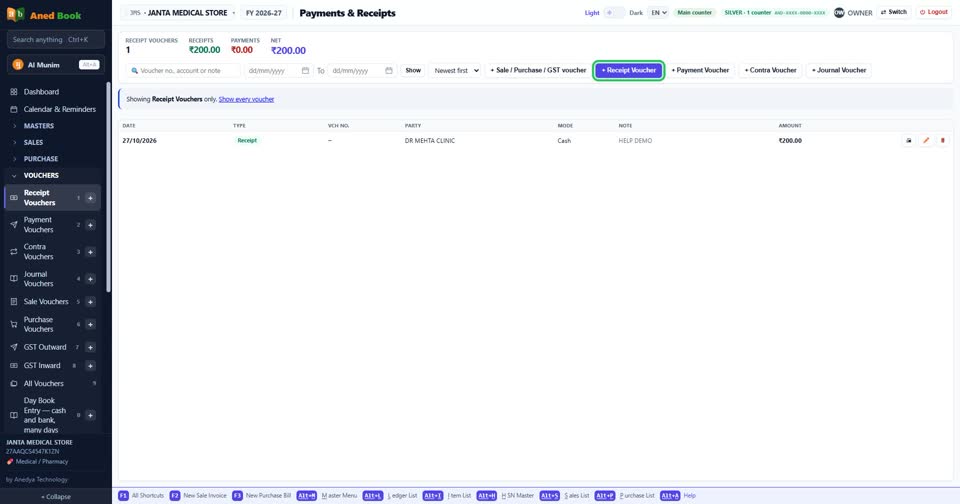
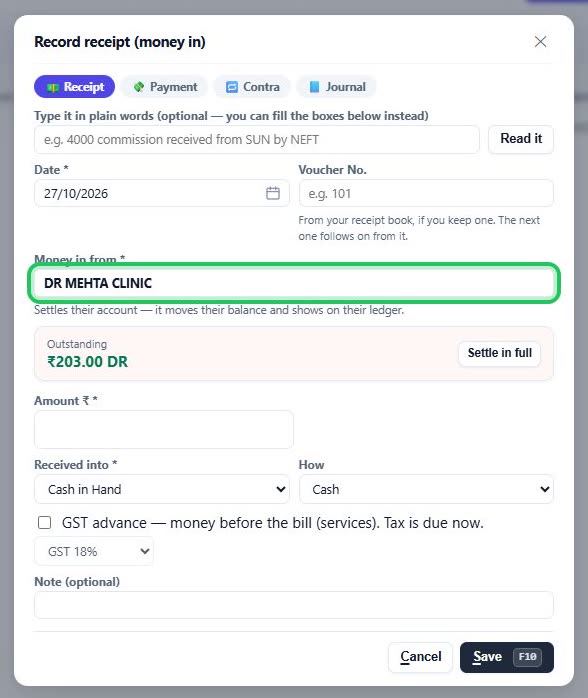
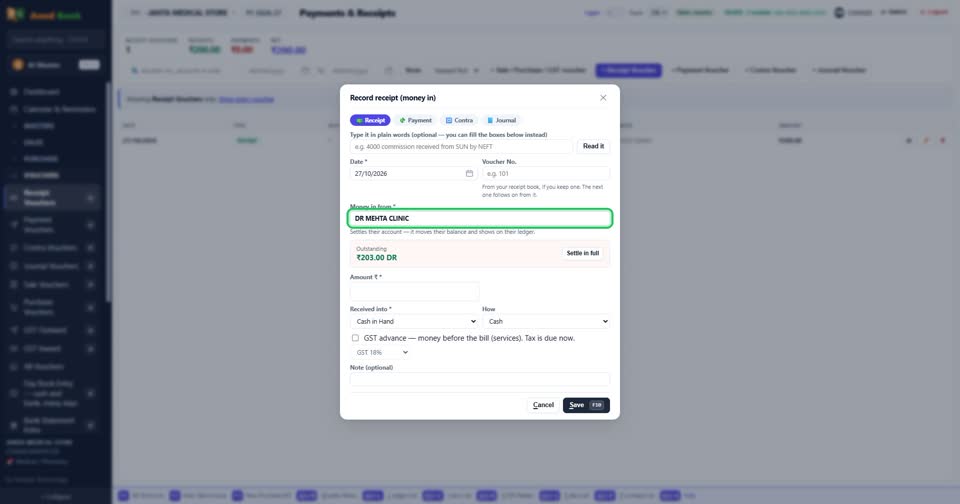
Type the customer’s name and pick them from the list. Their balance shows straight away.
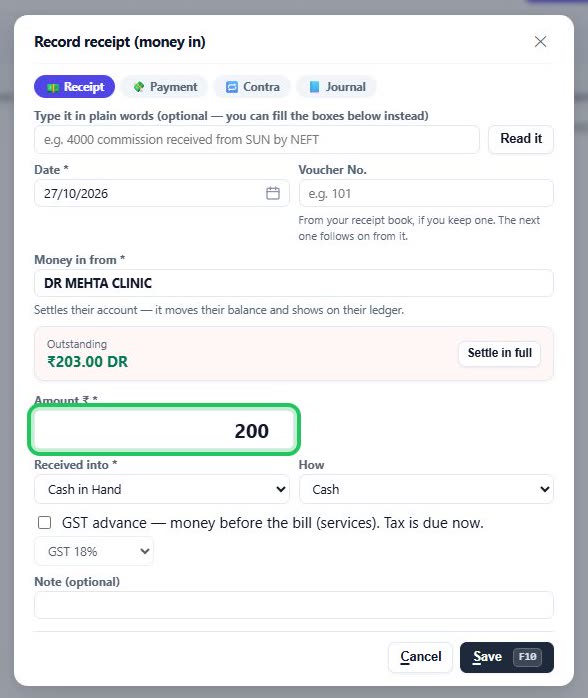
Type the amount received, then Save.
More questions on Receipt Vouchers
- The customer paid by UPI or cheque. Where do I choose that?
- How do I clear a customer’s whole balance in one go?
- How do I print a receipt, or correct one?
- It says “Say where the money is coming from”
- It says “There is no account called …”
- It says “Amount is required”
- It says “Voucher No. is already used”
- Why don’t my sales go up when I enter a receipt?
Still stuck? Press Alt + A inside the software and ask in your own words — it
works with no internet. Or talk to us on WhatsApp, phone or e-mail.