How to place a purchase order and track what is still to come
Silver and Gold onlyA purchase order records what you have committed to buy but not yet received — and it stops the Reorder screen suggesting stock that is already on its way. Silver and Gold.
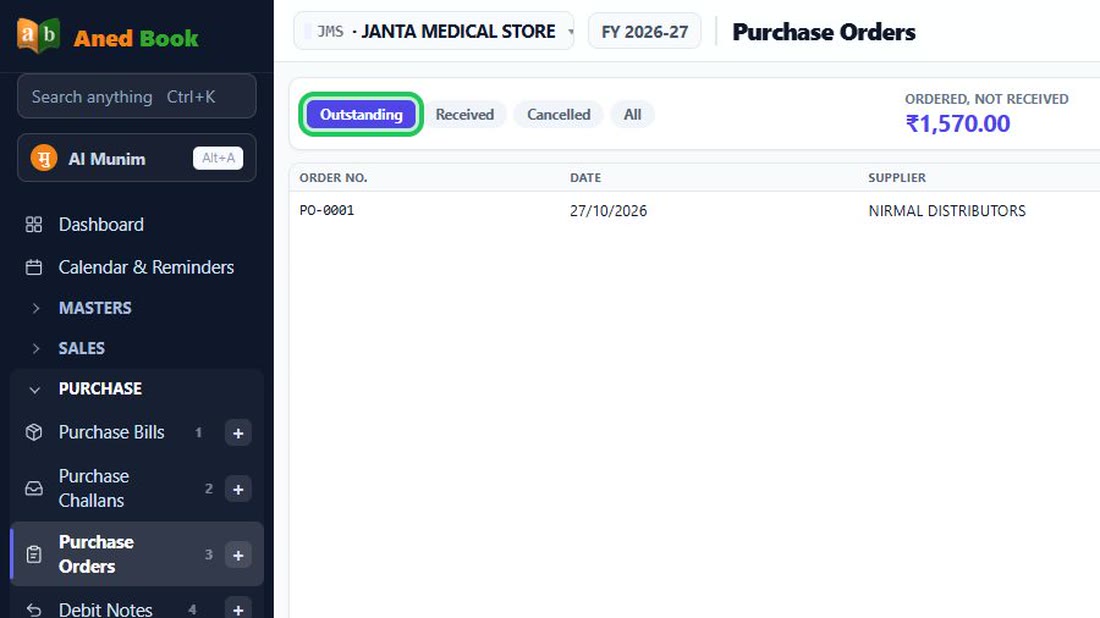
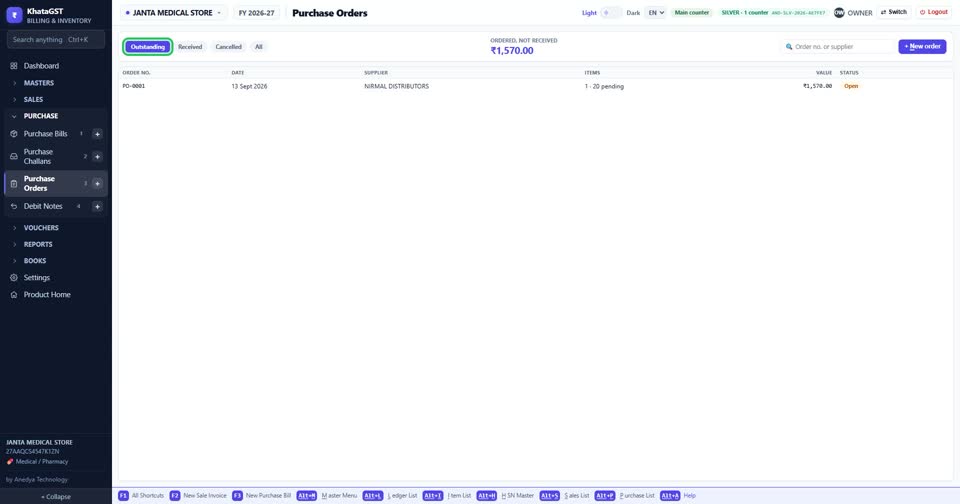
Open Purchase, Purchase Orders. The tabs show outstanding, received and cancelled orders, and the top figure is the value ordered but not yet received.
 See the whole screen
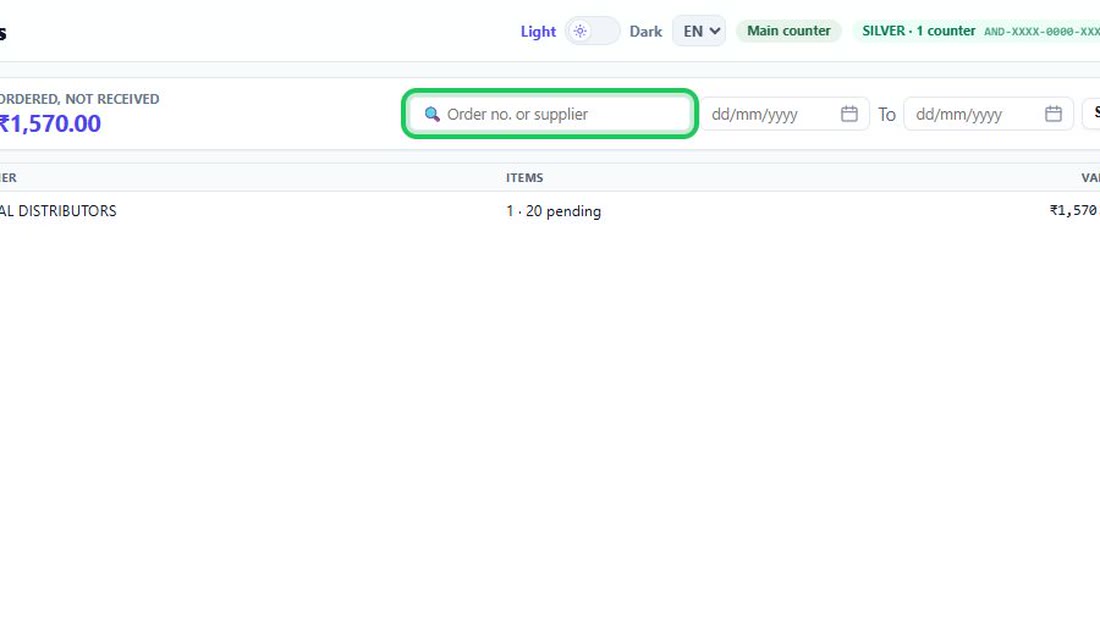
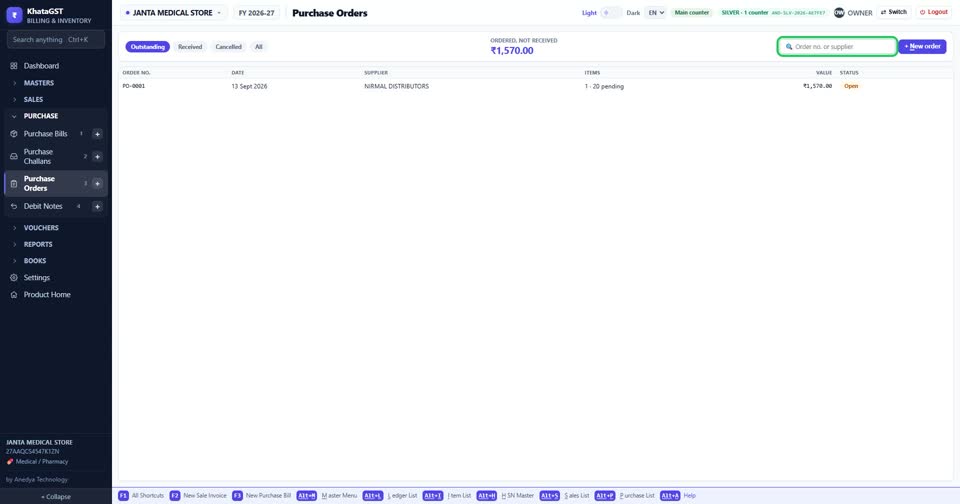
Search by order number or supplier.
 See the whole screen
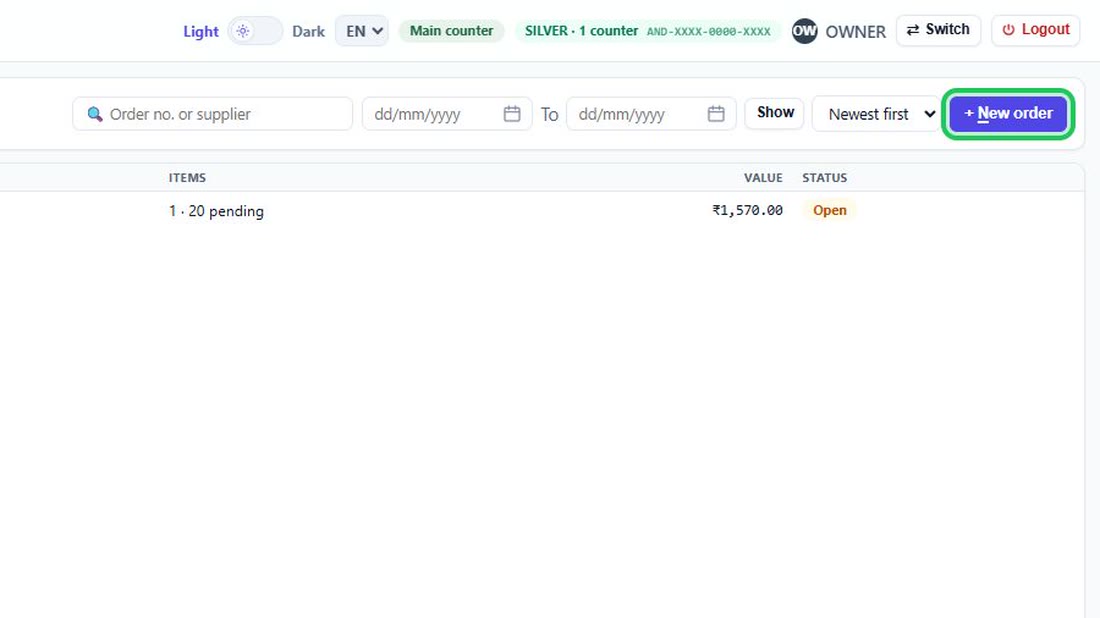
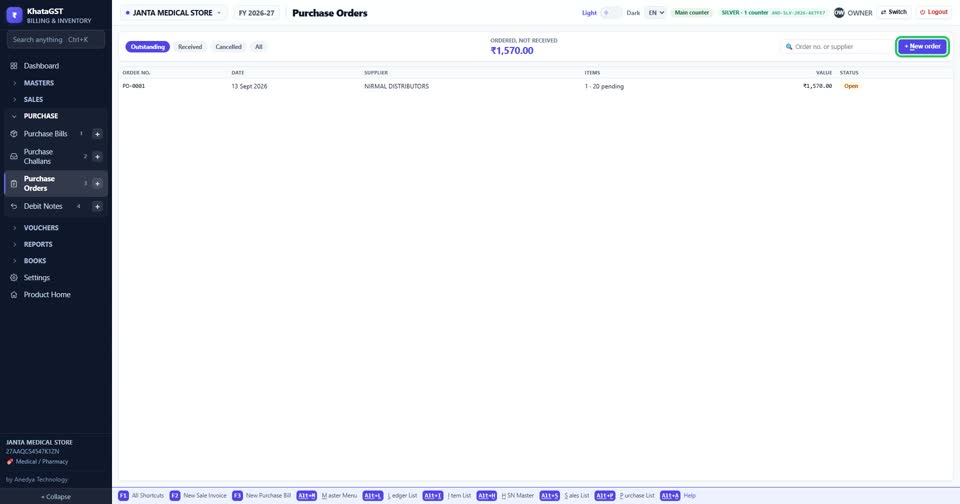
Press + New order.
 See the whole screen
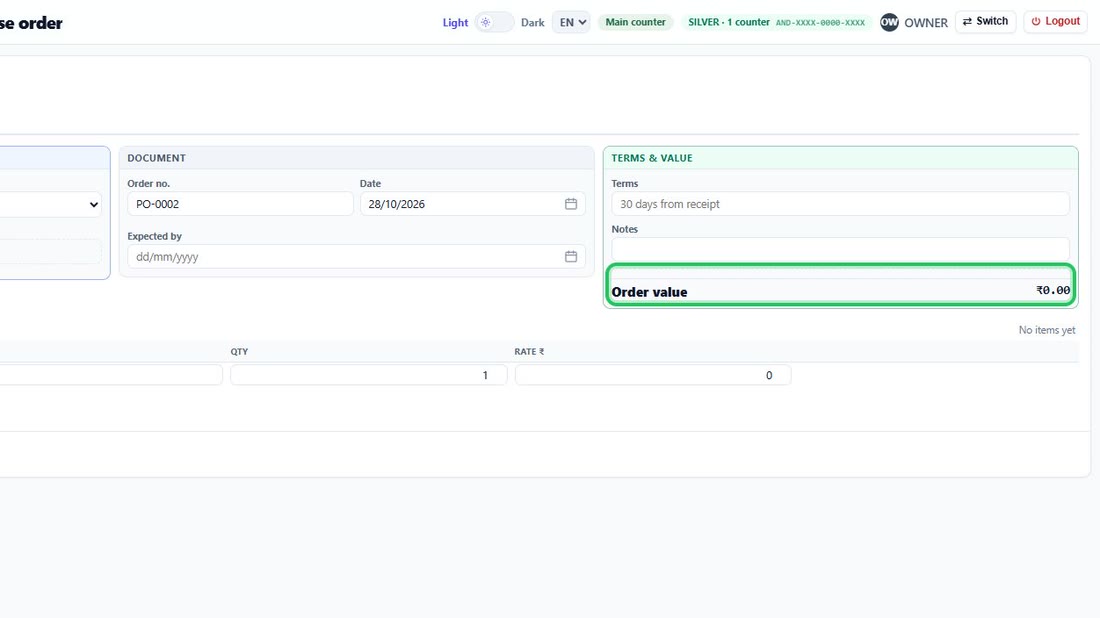
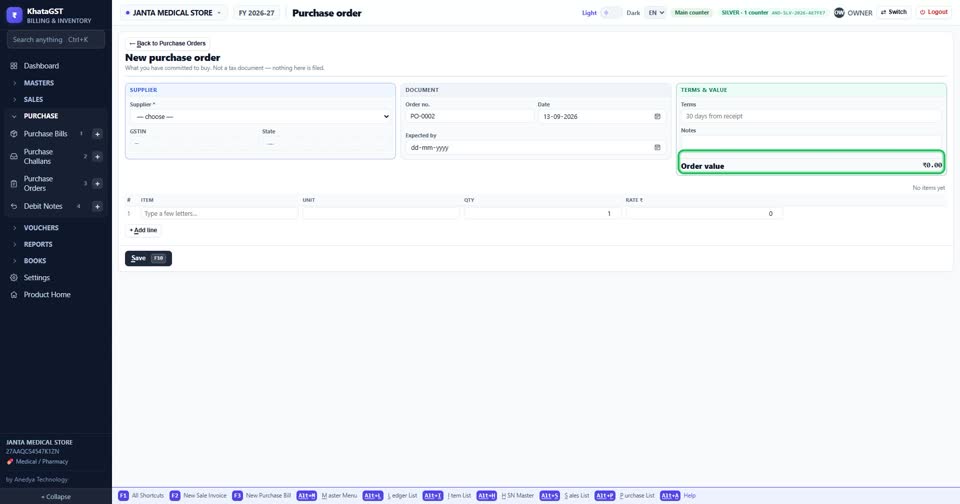
The order’s value is added up as you fill it. Once goods start arriving, the same box shows what was ordered, what has been received so far, and what is still to come.
 See the whole screen
Did this answer your question?
No — ask us on WhatsApp
Still stuck? Press Alt + A inside the software and ask in your own words — it
works with no internet. Or talk to us on WhatsApp, phone or e-mail.