How to receive goods before the supplier’s bill arrives
Basic, Silver and GoldA purchase challan (goods receipt) records what actually arrived at the gate. The stock moves when you save it; the supplier’s bill posts the money later, when it comes.
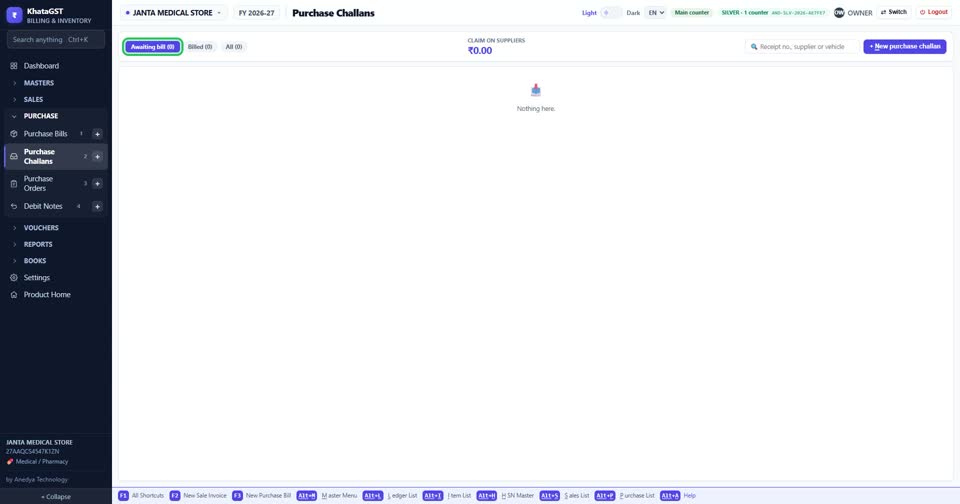
Open Purchase, Purchase Challans. The tabs show receipts awaiting the supplier’s bill, those that disagree with the order, and those already billed.
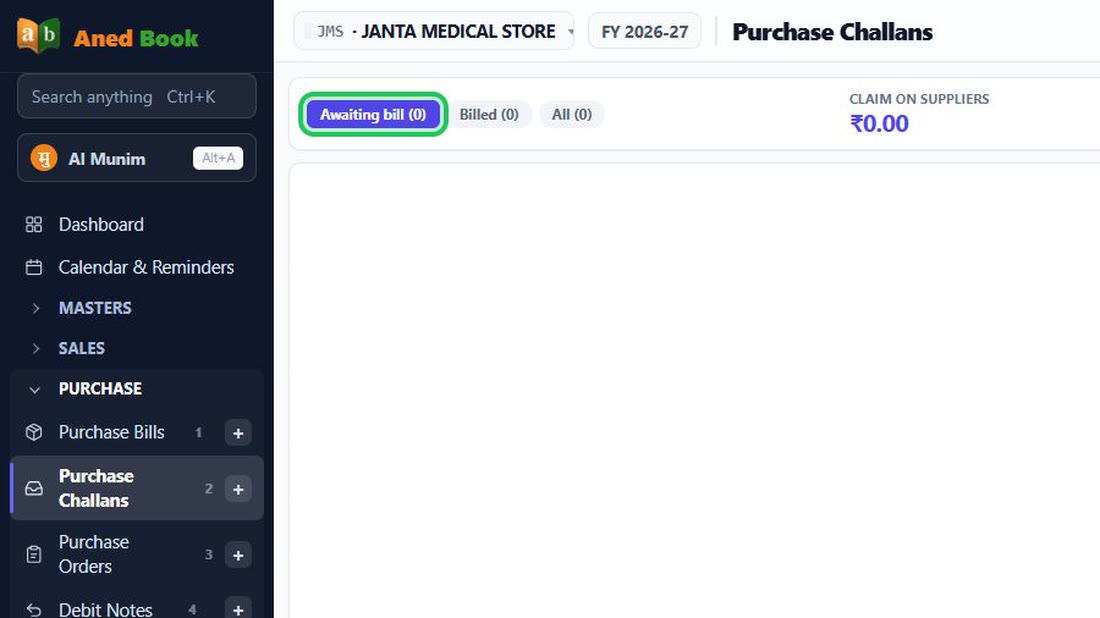 See the whole screen
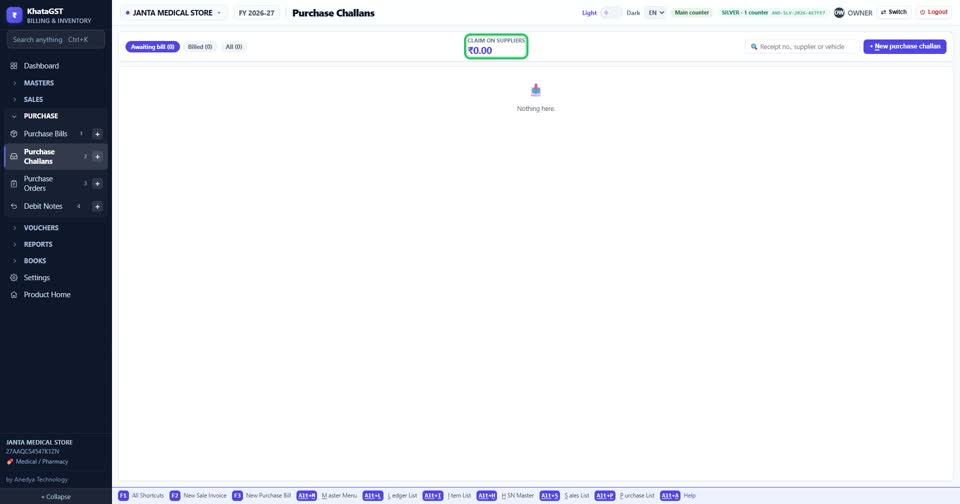
Short deliveries and goods refused at the gate are money the supplier owes back. The total claim on your suppliers is at the top.
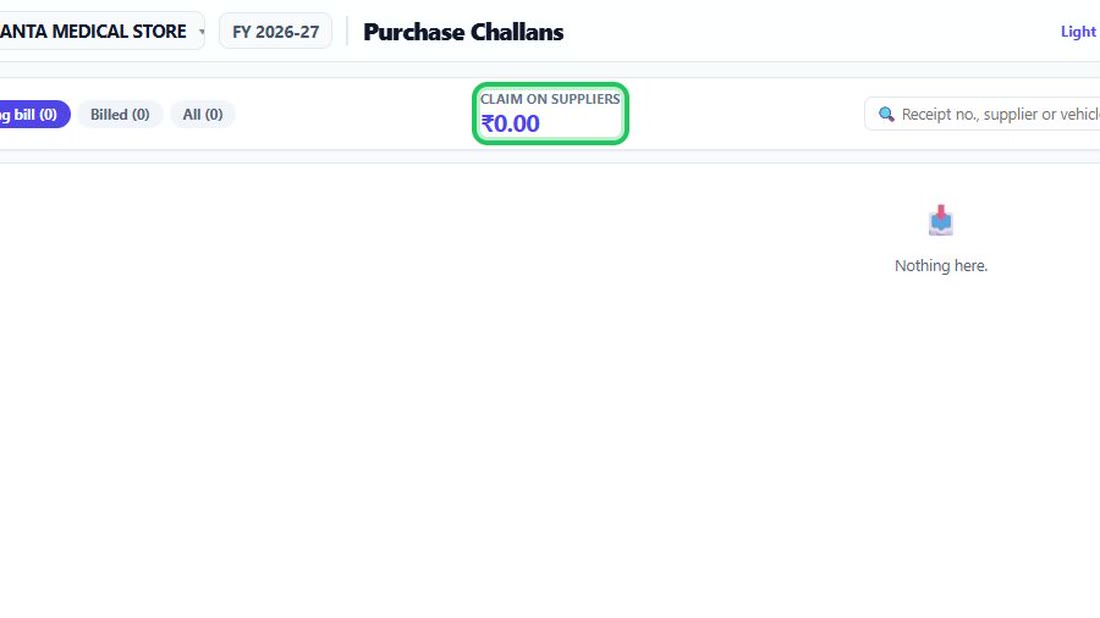 See the whole screen
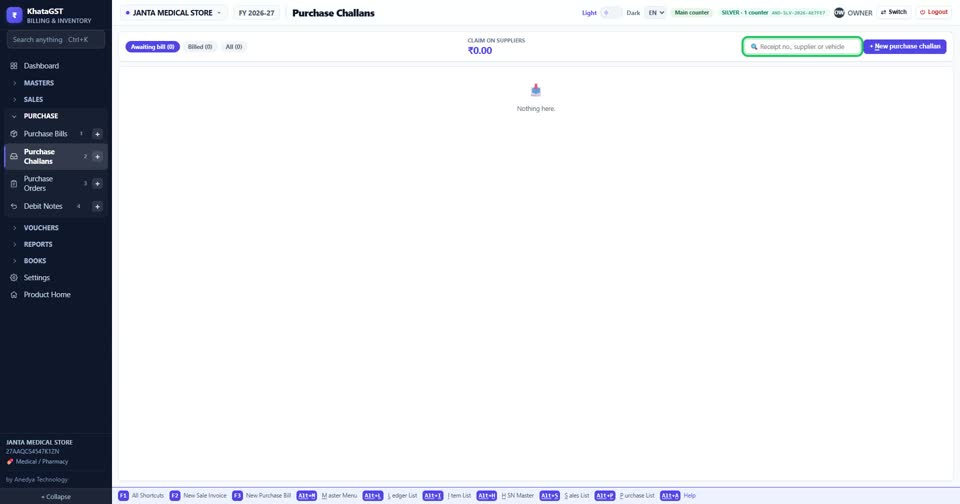
Search by receipt number, supplier, or the vehicle — the lorry is what the gate has in front of it.
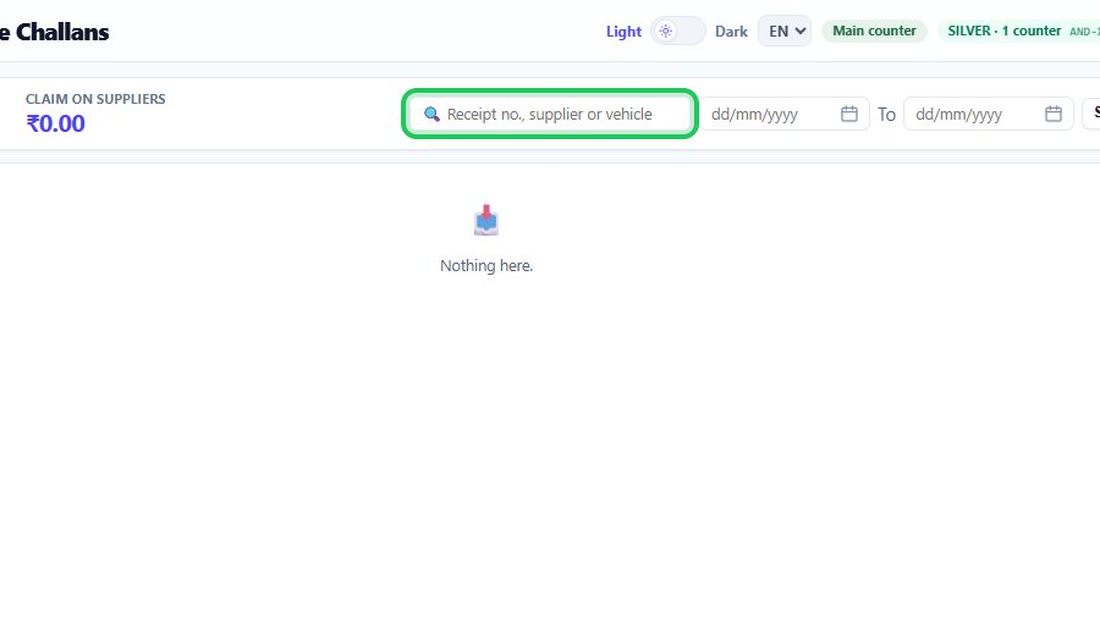 See the whole screen
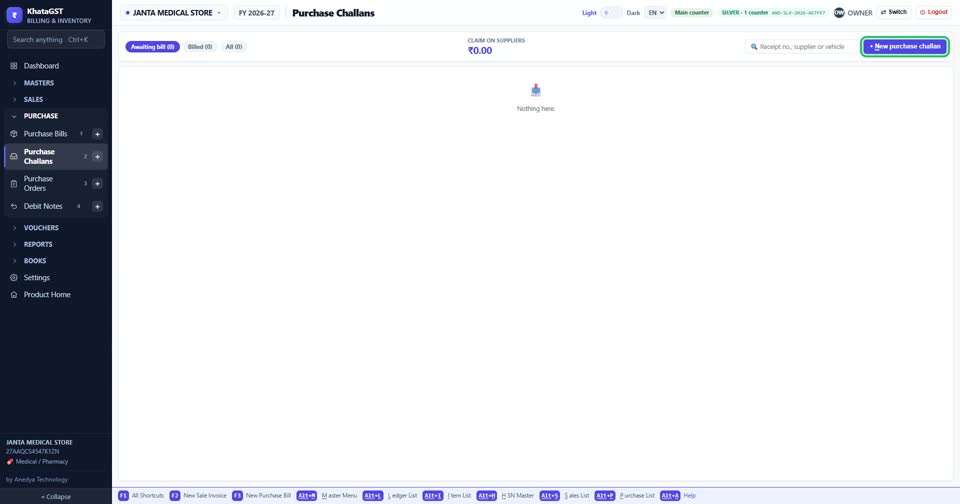
Press + New purchase challan.
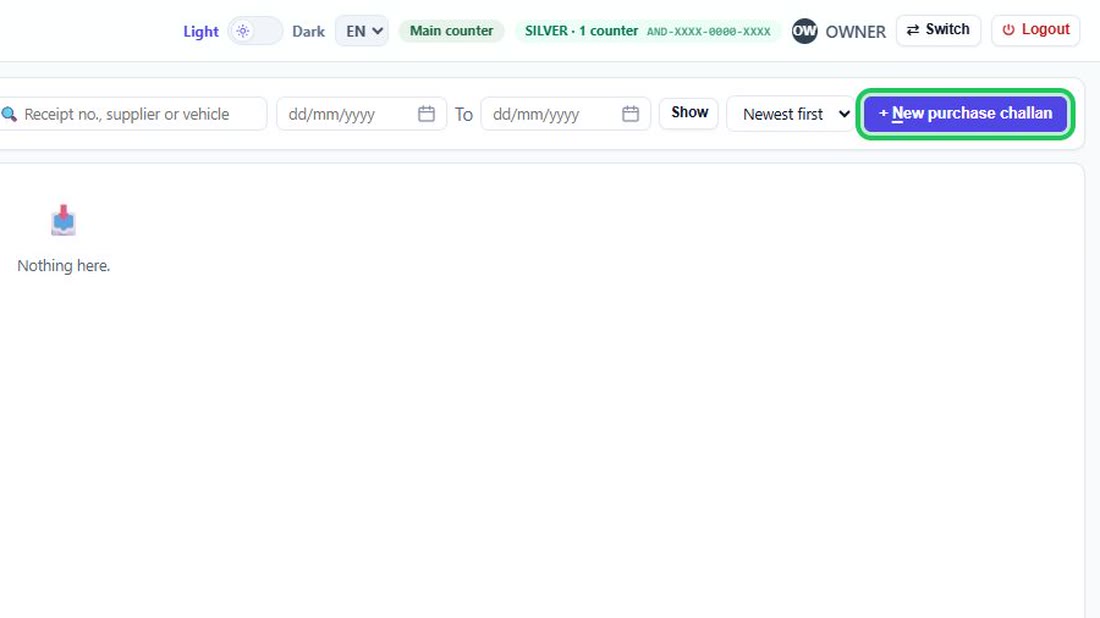 See the whole screen
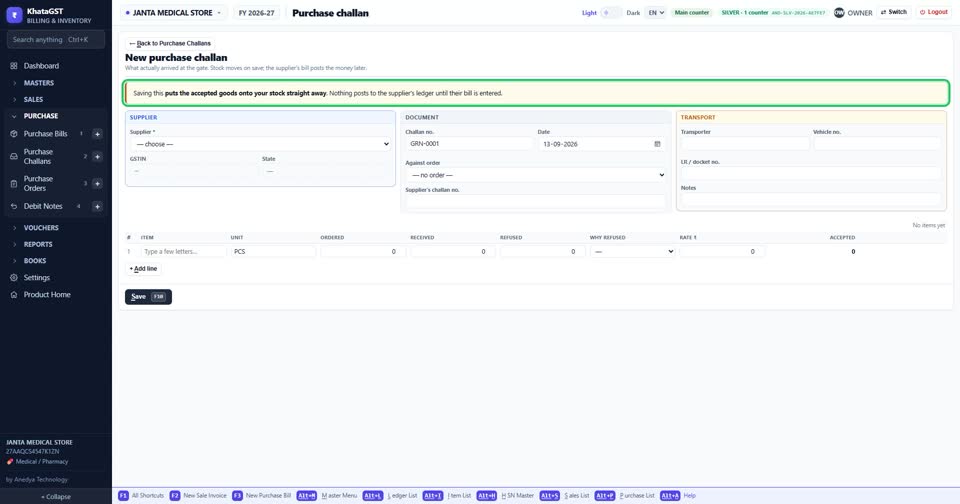
Saving puts the accepted goods onto your stock straight away. Nothing reaches the supplier’s account until their bill is entered.
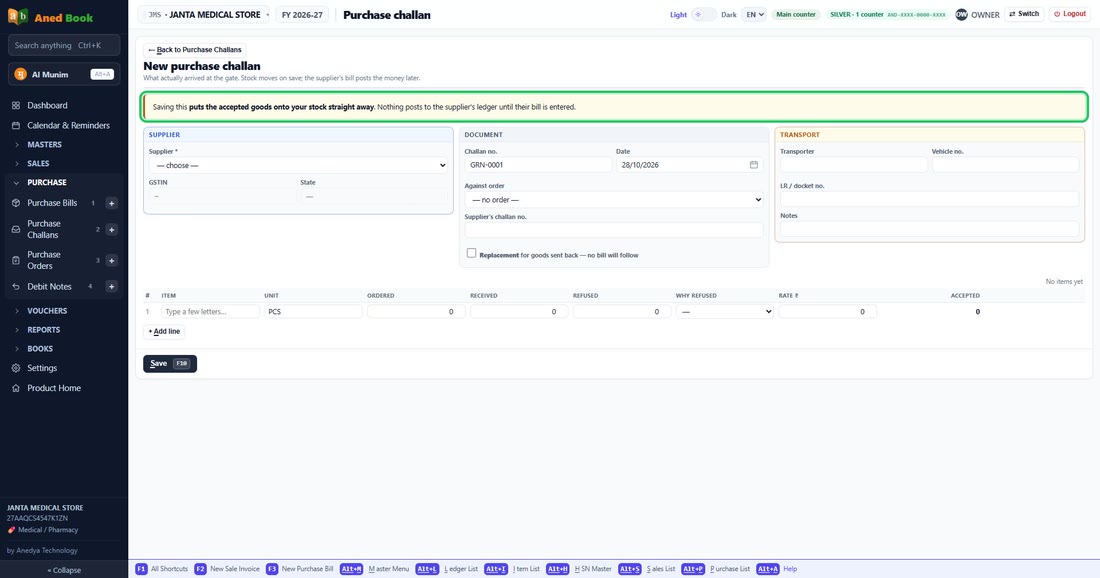 See the whole screen
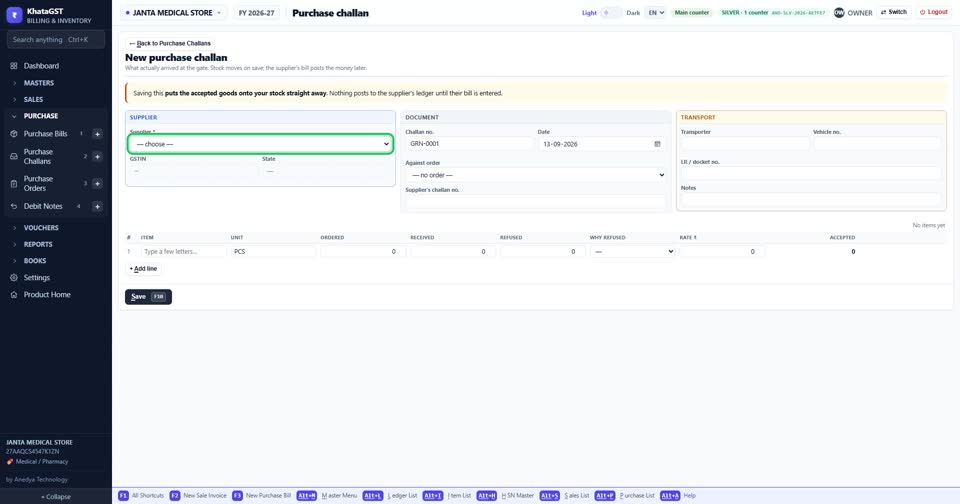
Choose the supplier the goods came from.
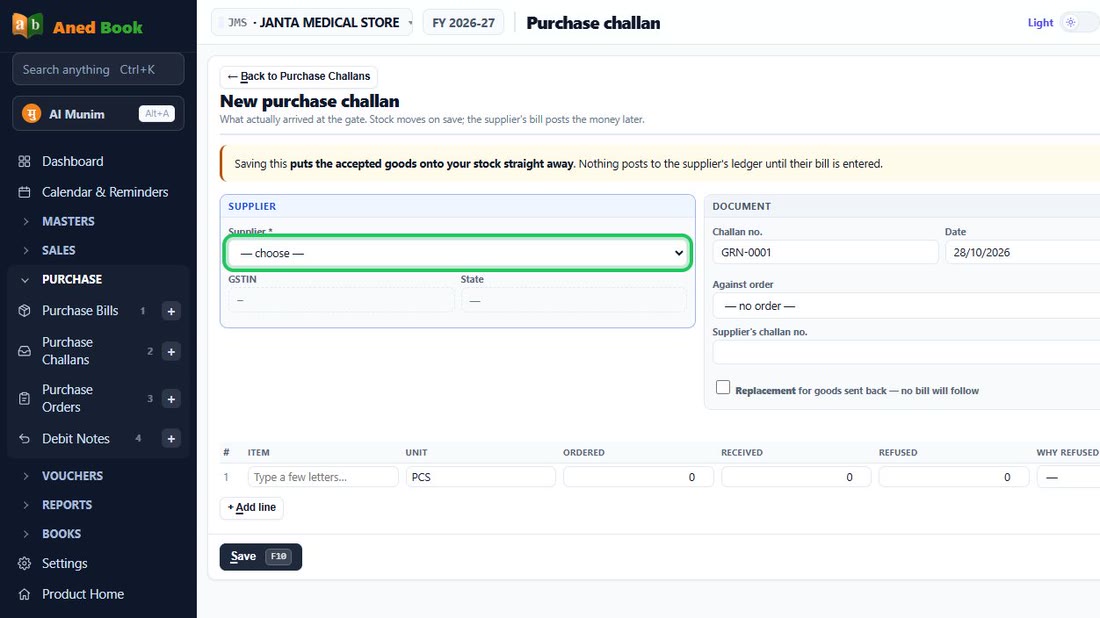 See the whole screen
Did this answer your question?
No — ask us on WhatsApp
Still stuck? Press Alt + A inside the software and ask in your own words — it
works with no internet. Or talk to us on WhatsApp, phone or e-mail.