Aned Book help › Video guides › पैसा और खर्चा

रकम वाला debit note — supplier के बिल में rate का फ़र्क़

Basic, Silver और Gold edition में।
  1. supplier ने बिल में rate ज़्यादा लगा दिया, या बाद में discount देने को माना — माल कुछ नहीं लौटा, बस रकम ठीक करनी है। इसके लिए रकम वाला debit note।

    supplier ने बिल में rate ज़्यादा लगा दिया, या बाद में discount देने को माना — माल कुछ नहीं
  2. menu में Vouchers खोलिए, और Debit Note Amount। यहाँ बिना माल वाले debit note बनते हैं।
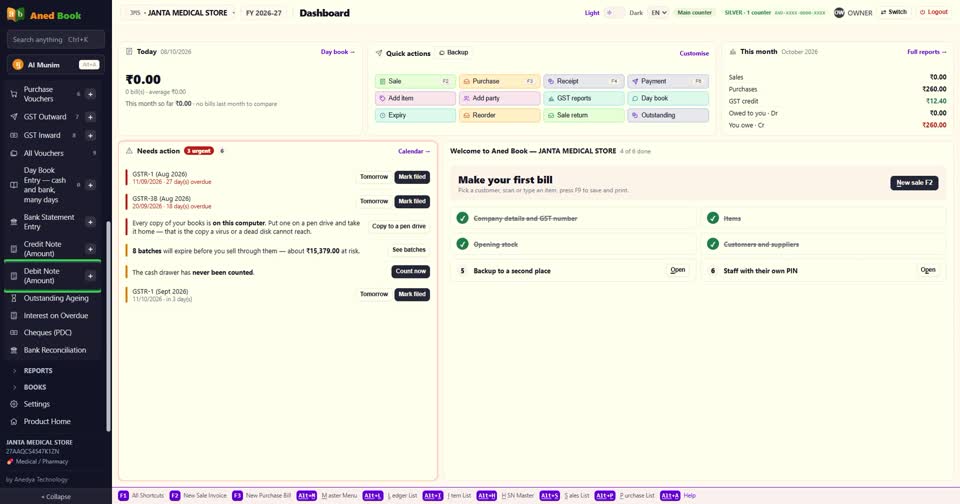
    menu में Vouchers खोलिए, और Debit Note Amount। यहाँ बिना माल वाले debit note बनते हैं।
  3. New debit note में supplier चुनिए। number और तारीख अपने आप, और Against bill no. में supplier का बिल।

    New debit note में supplier चुनिए। number और तारीख अपने आप, और Against bill no. में suppli
  4. How is this note stated में Amount-wise। नीचे लिखा आ जाता है — कोई item नहीं, कोई quantity नहीं, stock नहीं हिलता।

    How is this note stated में Amount-wise। नीचे लिखा आ जाता है — कोई item नहीं, कोई quantity
  5. Why में कारण — जैसे Rate charged higher than agreed।
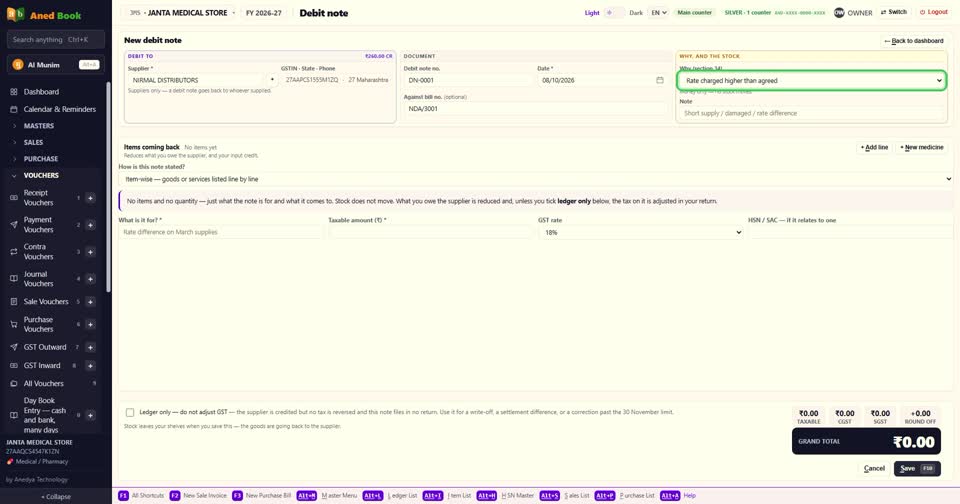
    Why में कारण — जैसे Rate charged higher than agreed।
  6. What is it for — debit किस बात का है, अपने शब्दों में।

    What is it for — debit किस बात का है, अपने शब्दों में।
  7. Taxable amount और GST rate भरिए। GST अपने आप जुड़कर total बनता है।
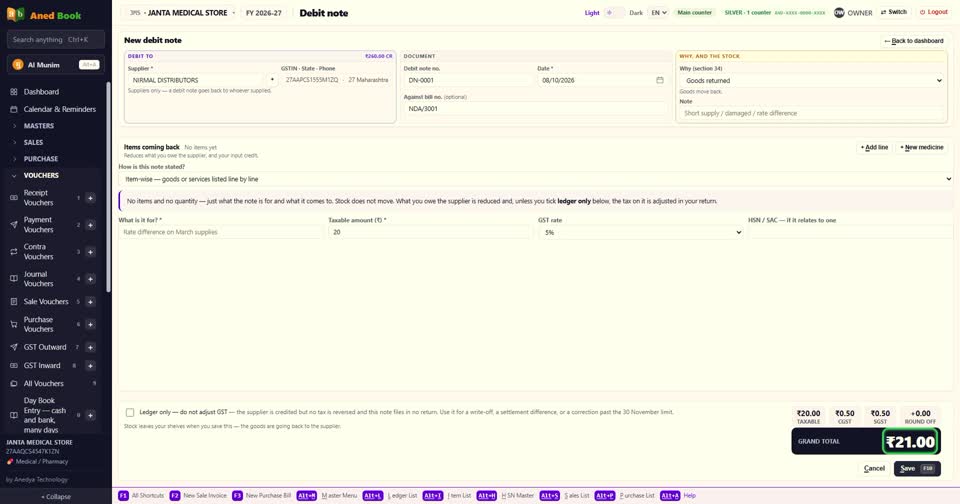
    Taxable amount और GST rate भरिए। GST अपने आप जुड़कर total बनता है।
  8. सिर्फ़ खाता ठीक करना हो, GST नहीं — तो Ledger only का निशान।
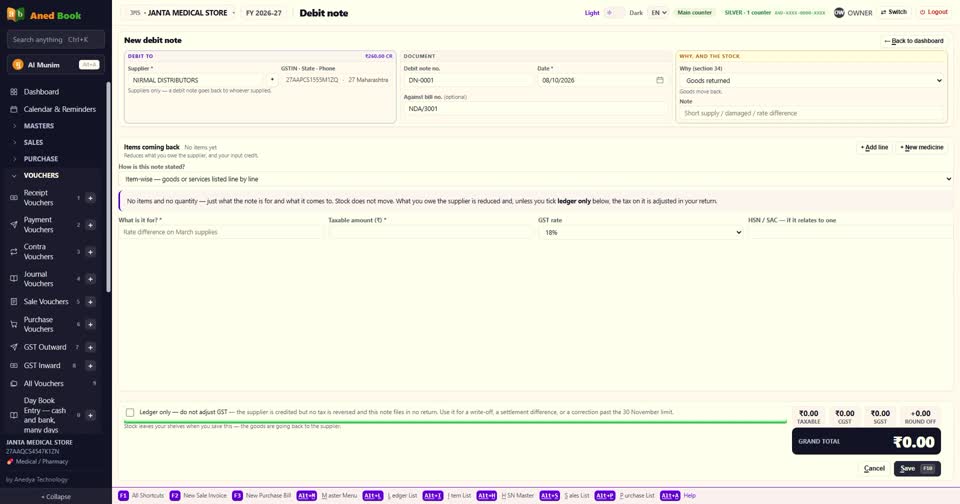
    सिर्फ़ खाता ठीक करना हो, GST नहीं — तो Ledger only का निशान।
  9. F10 से save। supplier को देना उतना कम हो जाता है, और Ledger only नहीं लगाया था, तो input credit भी उतना कम।
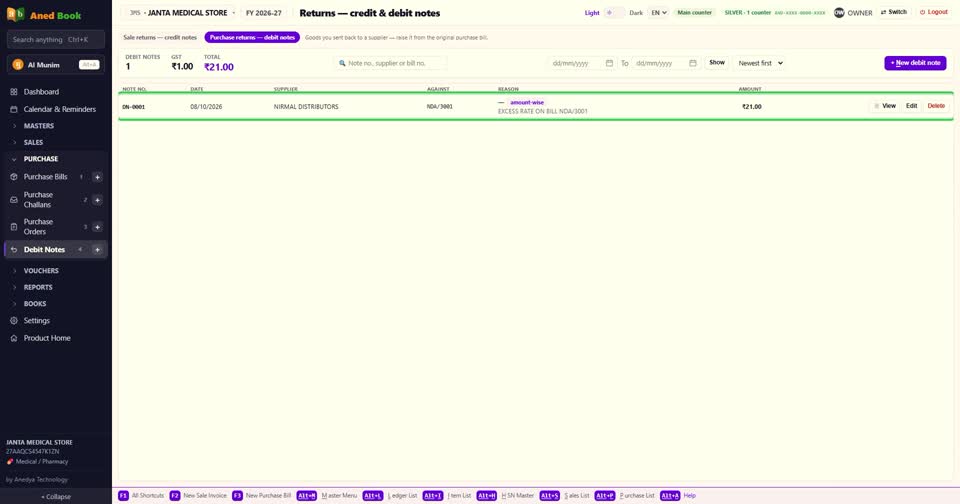
    F10 से save। supplier को देना उतना कम हो जाता है, और Ledger only नहीं लगाया था, तो input c
  10. बस। माल नहीं लौटा, सिर्फ़ रकम — तो Amount-wise debit note।
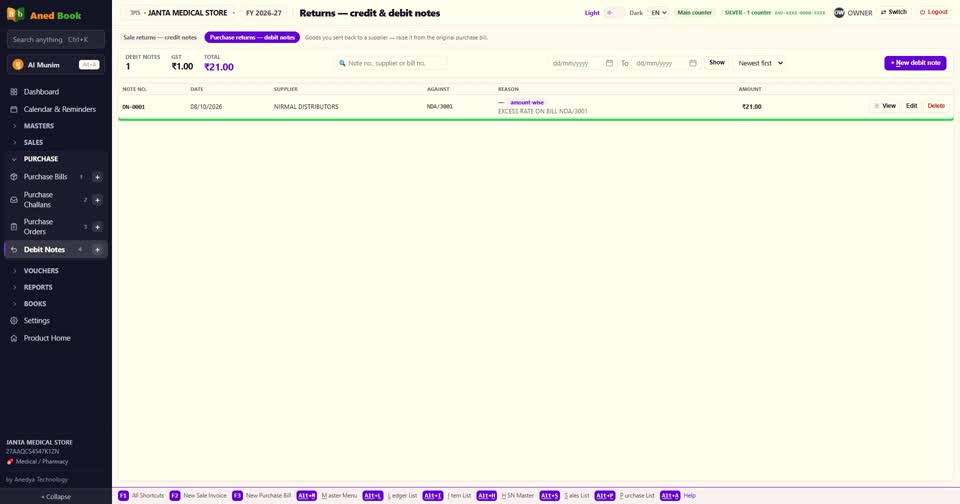
    बस। माल नहीं लौटा, सिर्फ़ रकम — तो Amount-wise debit note।
Still stuck? Press Alt + A inside the software and ask in your own words — it works with no internet. Or talk to us on WhatsApp, phone or e-mail.