Aned Book help › Step-by-step guides › Masters — customers, items, codes
How to add a bank account or other ledger
Basic, Silver and GoldCustomers and suppliers are ledgers already. This screen is for everything else — your bank accounts first, so a receipt can say which bank the money went into.
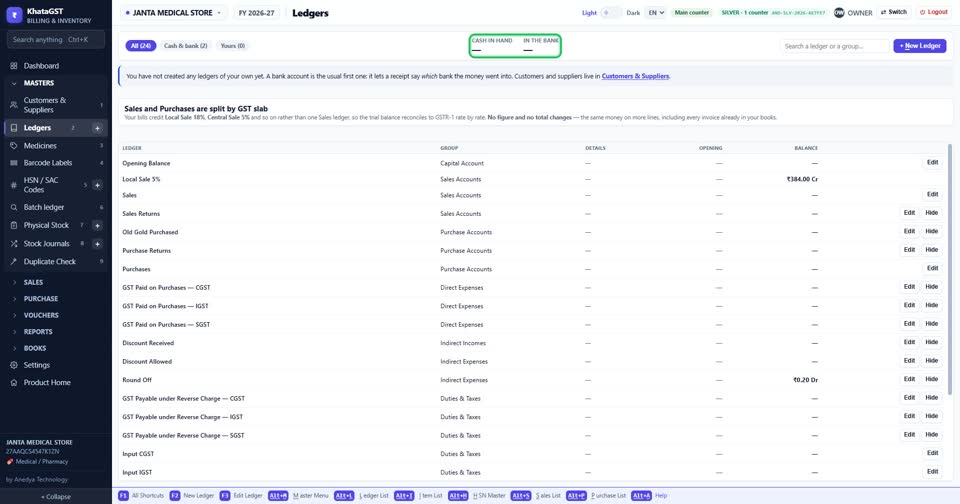
Open Masters, Ledgers. Cash in hand and the money in your banks are shown at the top.
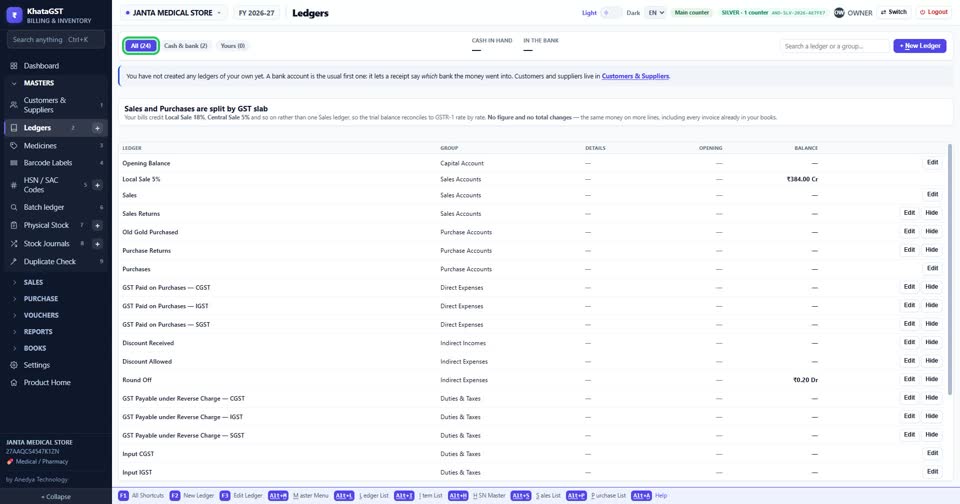
The tabs show every ledger, only cash and bank, or only the ones you made yourself.
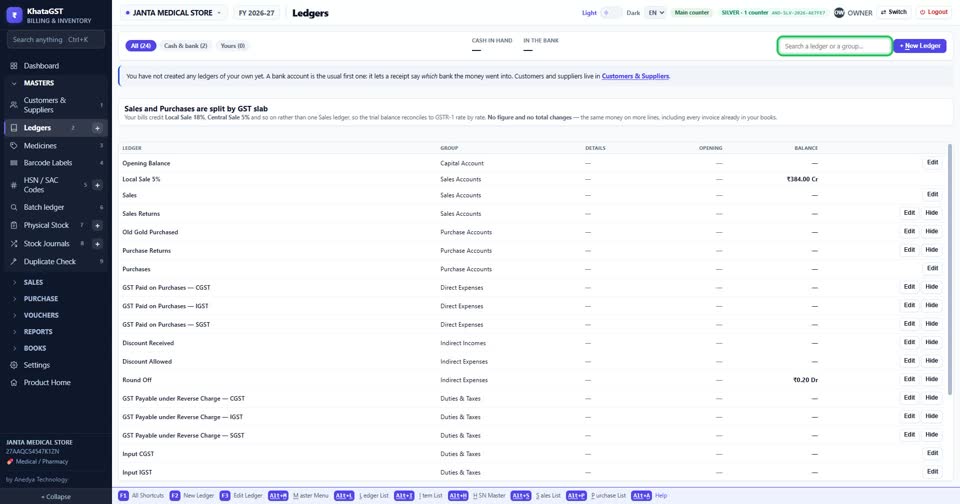
Search a ledger or a group by name.
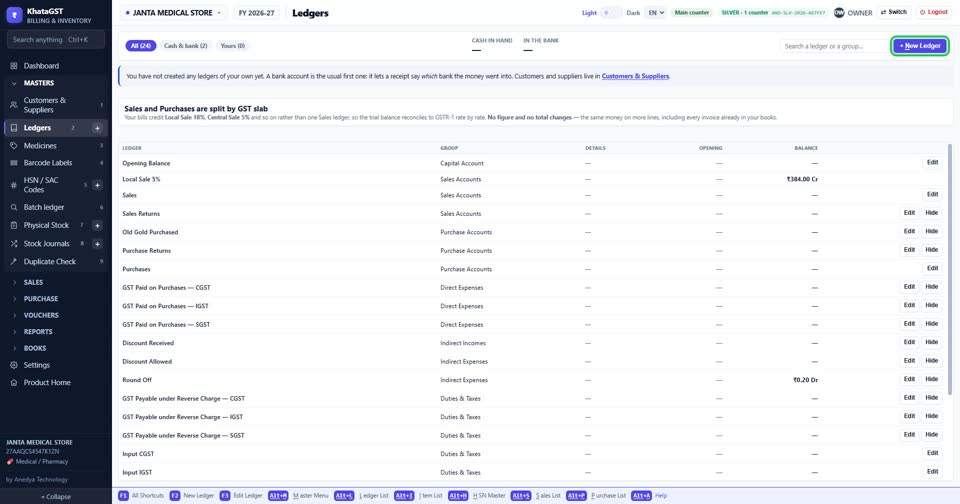
Press + New Ledger, choose its group — a bank account is the usual first one — and give it a name.
Still stuck? Press Alt + A inside the software and ask in your own words — it
works with no internet. Or talk to us on WhatsApp, phone or e-mail.