How to find a customer or supplier, see who owes you, and send a reminder
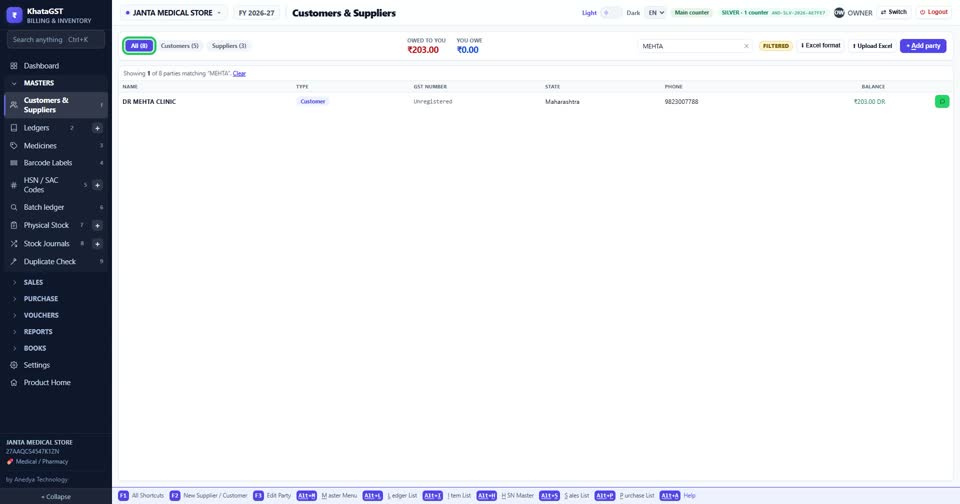
Every edition — Lite, Basic, Silver and GoldOne list holds everybody you bill or buy from. A firm you both buy from and sell to is ONE record, so its two balances net against each other.
Open Masters, Customers & Suppliers. The tabs show everybody, only customers, or only suppliers.
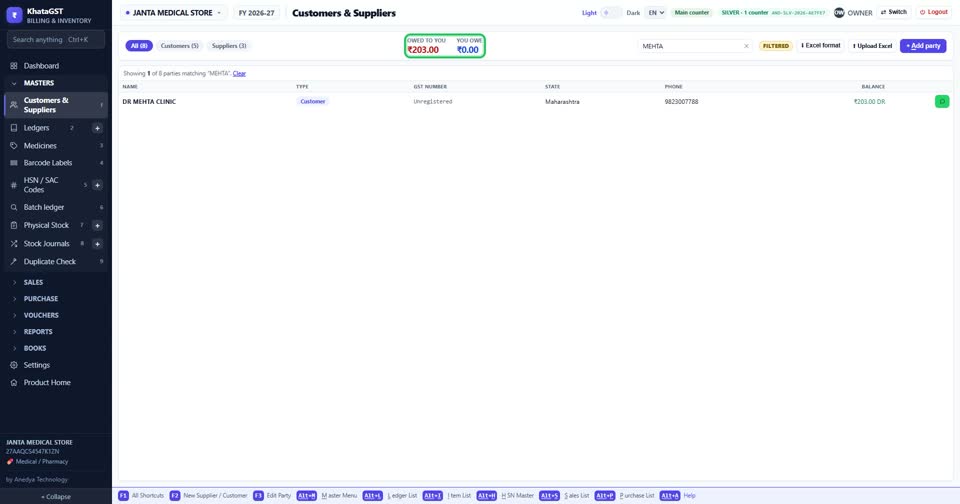
At the top: how much is owed to you, and how much you owe. Green is money coming to the shop, red is money going out of it.
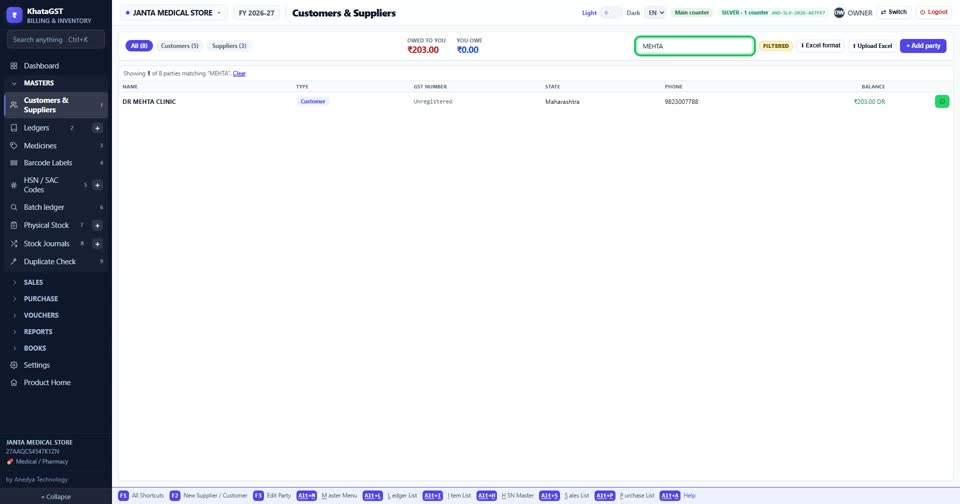
Search by name, GST number, phone or town — the number on a bill in your hand finds the record as well as the name does.
A customer who owes money has a WhatsApp button on the row — it sends a payment reminder from your own WhatsApp.
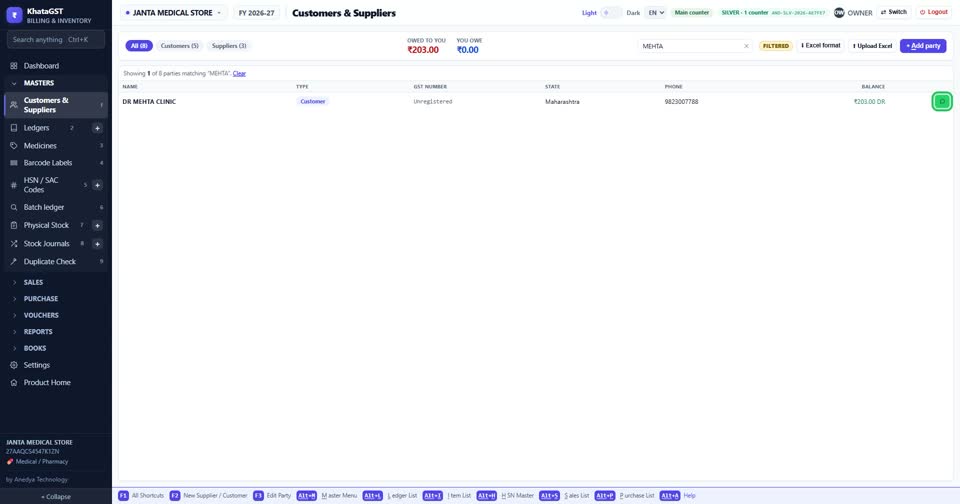
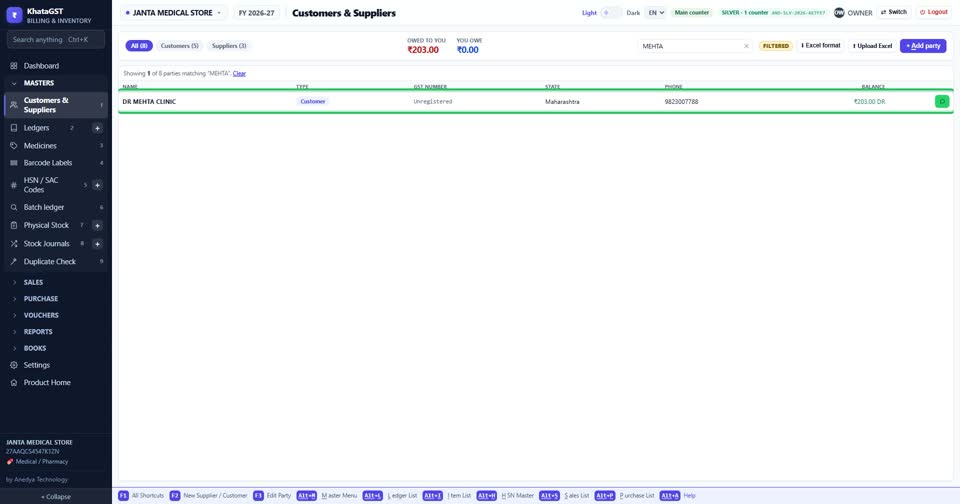
Click a row to open that party’s ledger — every bill, payment and balance.
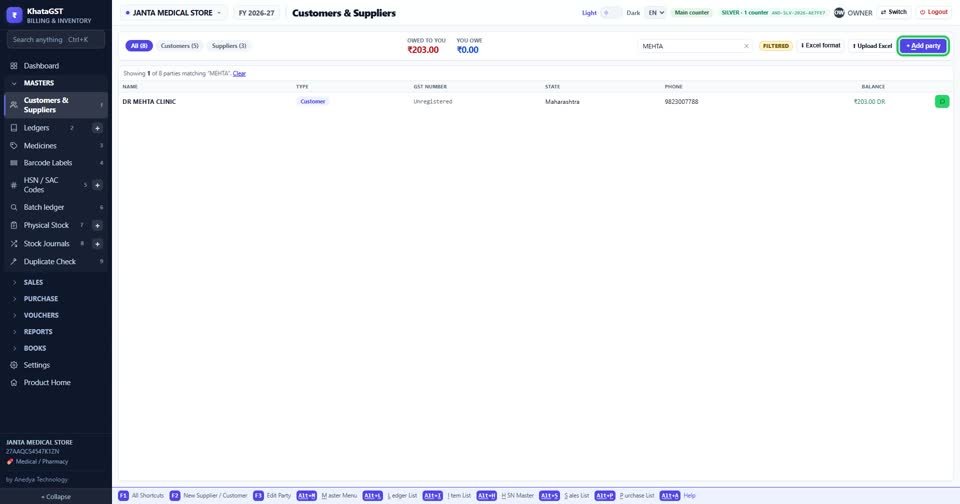
Add a new customer or supplier with the button on the right. While billing, Alt + C does the same without leaving the bill.