Aned Book help › Step-by-step guides › Masters — customers, items, codes
How to check a GST number before you bill
Every edition — Lite, Basic, Silver and GoldEvery GST number is checked as it is typed — its shape, its state code, the PAN inside it and its final check character. No internet is needed.
Open Settings, GSTIN verification. The check runs by itself wherever a GST number is typed — your own, a customer’s or a supplier’s.
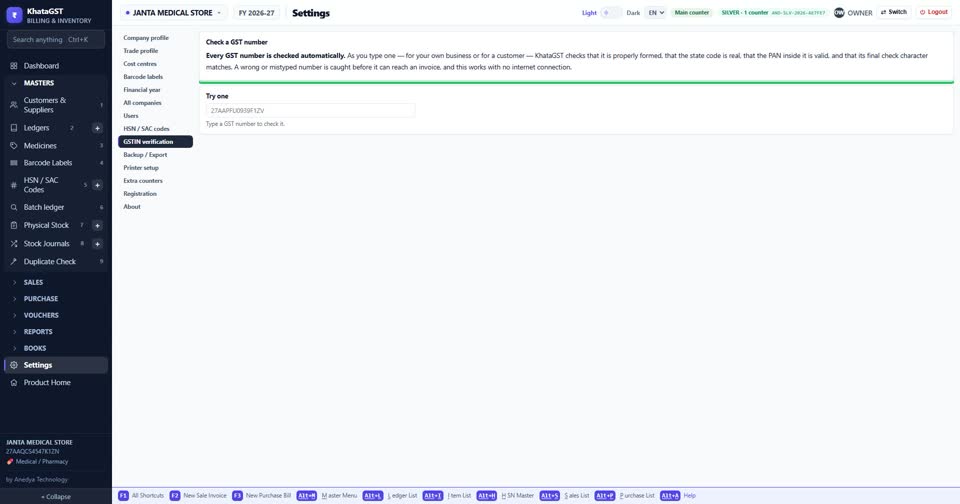
Paste a customer’s GST number under “Try one” to check it before you bill them.
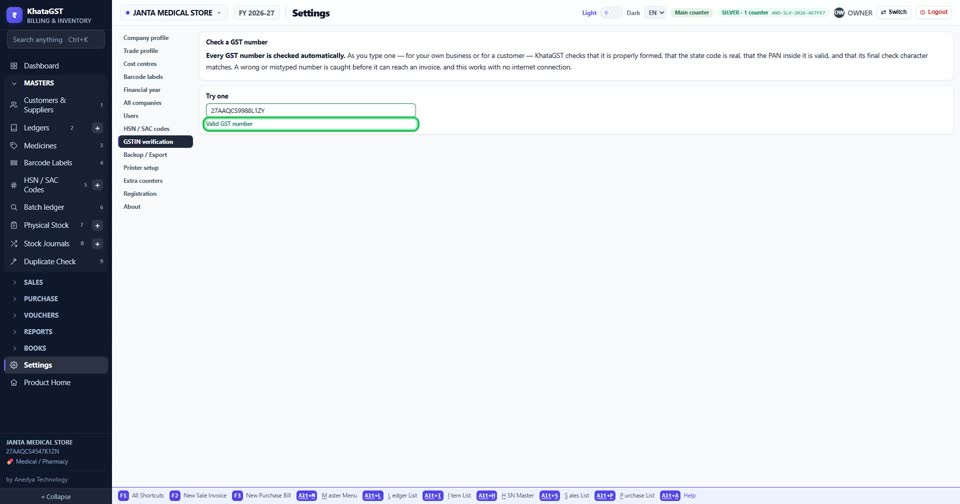
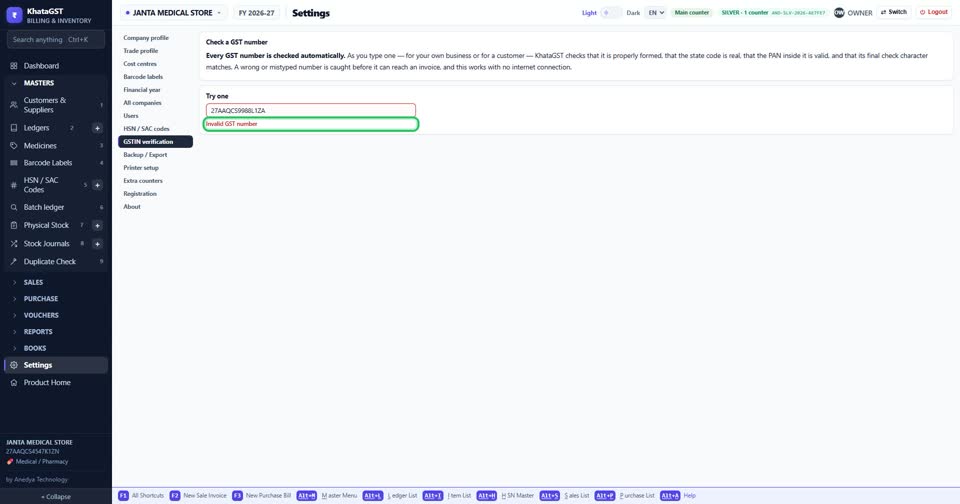
One wrong character and it says so, before the number can reach a bill.
Still stuck? Press Alt + A inside the software and ask in your own words — it
works with no internet. Or talk to us on WhatsApp, phone or e-mail.