Aned Book help › Step-by-step guides › Masters — customers, items, codes
How to print barcode and shelf labels
Silver and Gold onlyDesign a sticker once — size, barcode, name, MRP — and print it for any item, any number of times. Silver and Gold. On every edition an item’s barcode can still be scanned while billing.
Open Masters, Barcode Labels. The line at the top says how many labels the current run will print.
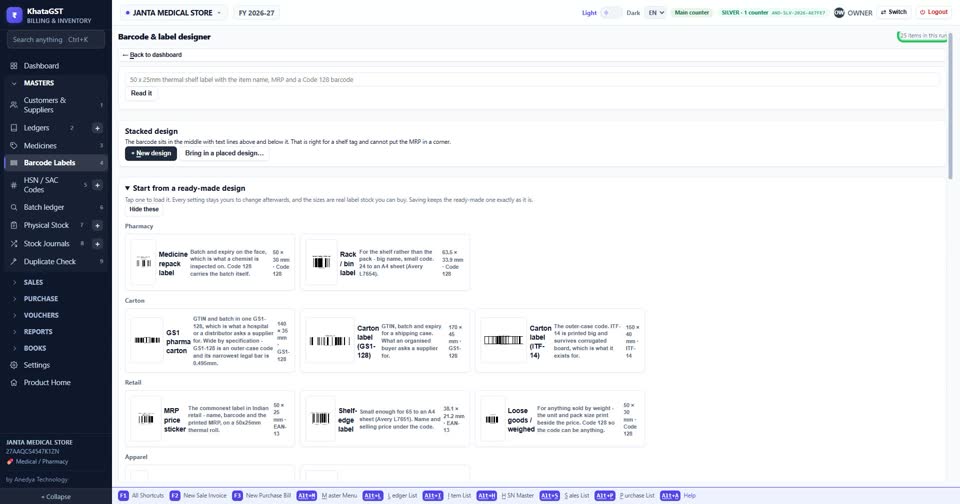
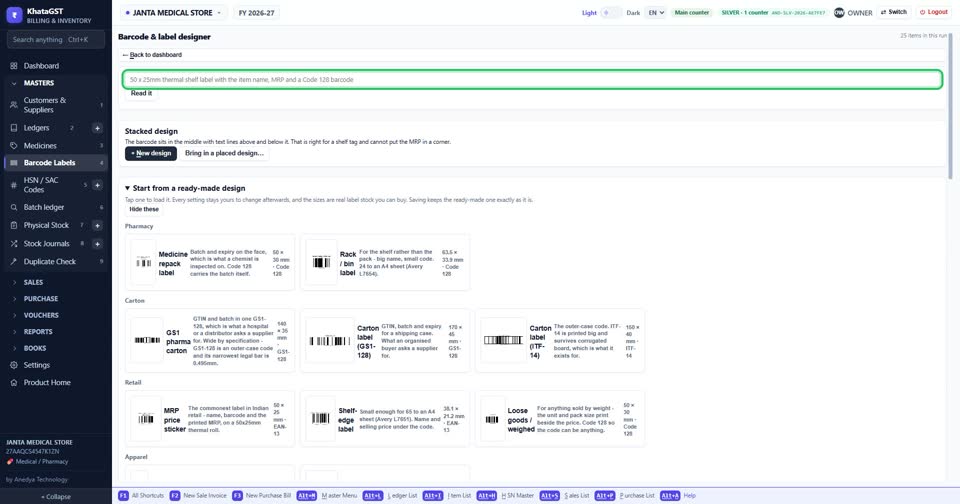
Describe the label in plain words — for example “50 x 25 mm thermal shelf label with the item name and MRP” — and press Read it. It sets the size and the layout for you, and you can change anything after.
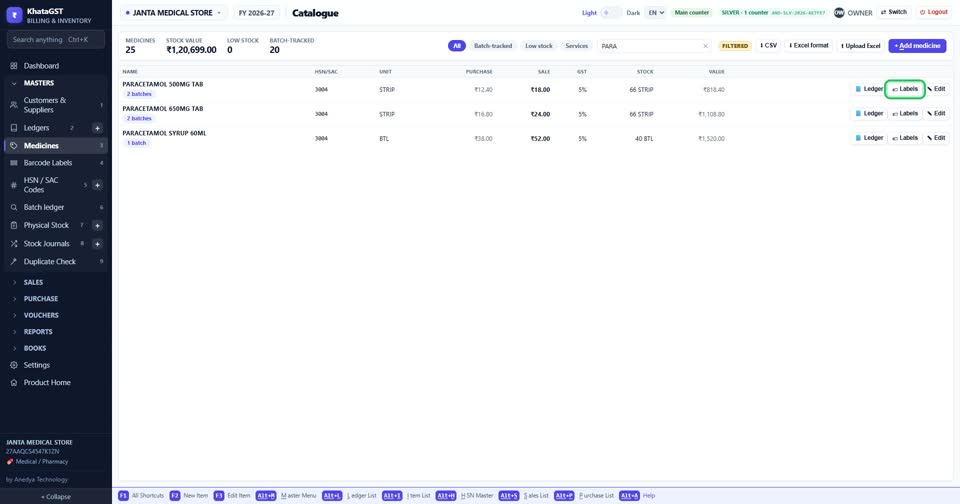
From the item list, the Labels button on a row prints labels for that one item.
Still stuck? Press Alt + A inside the software and ask in your own words — it
works with no internet. Or talk to us on WhatsApp, phone or e-mail.