Aned Book help › Step-by-step guides › Masters — customers, items, codes
How to find and merge a customer or item entered twice
Basic, Silver and GoldOne business on two records splits its balance; one product on two records splits its stock — and each record looks perfectly fine on its own. This screen finds them.
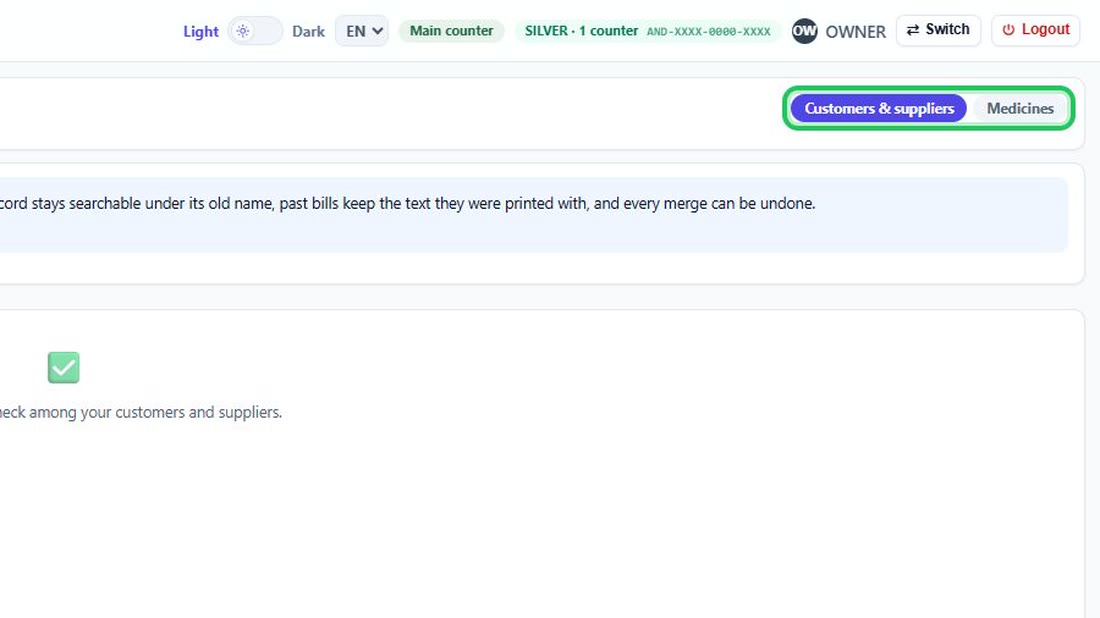
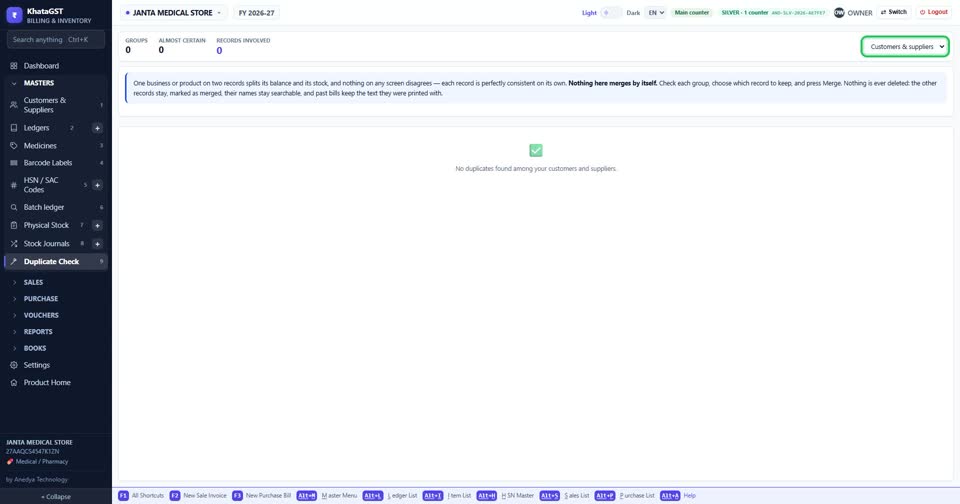
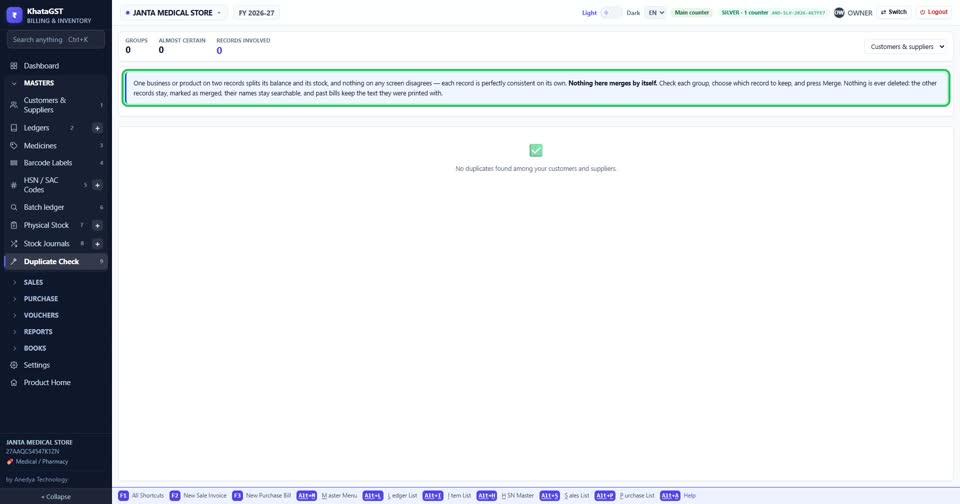
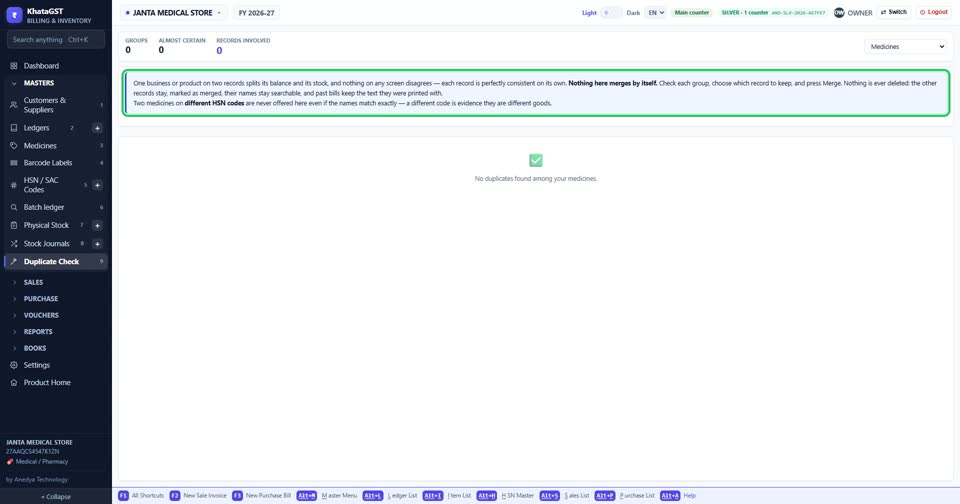
Open Masters, Duplicate Check. Choose the tab: customers and suppliers, or items.
 See the whole screen
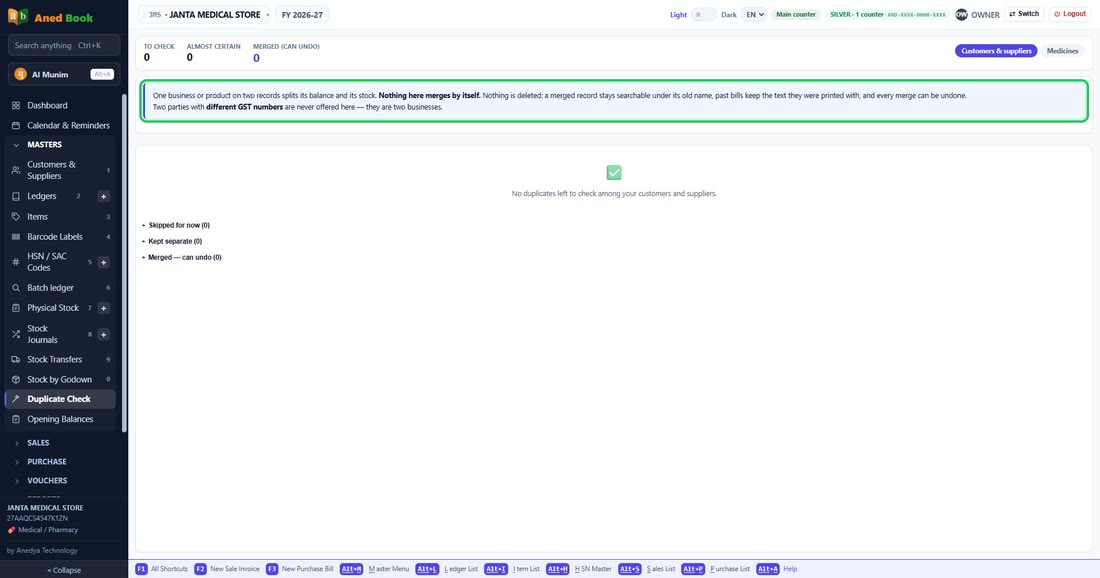
Nothing merges by itself. Check each group, choose which record to keep, and press Merge.
 See the whole screen
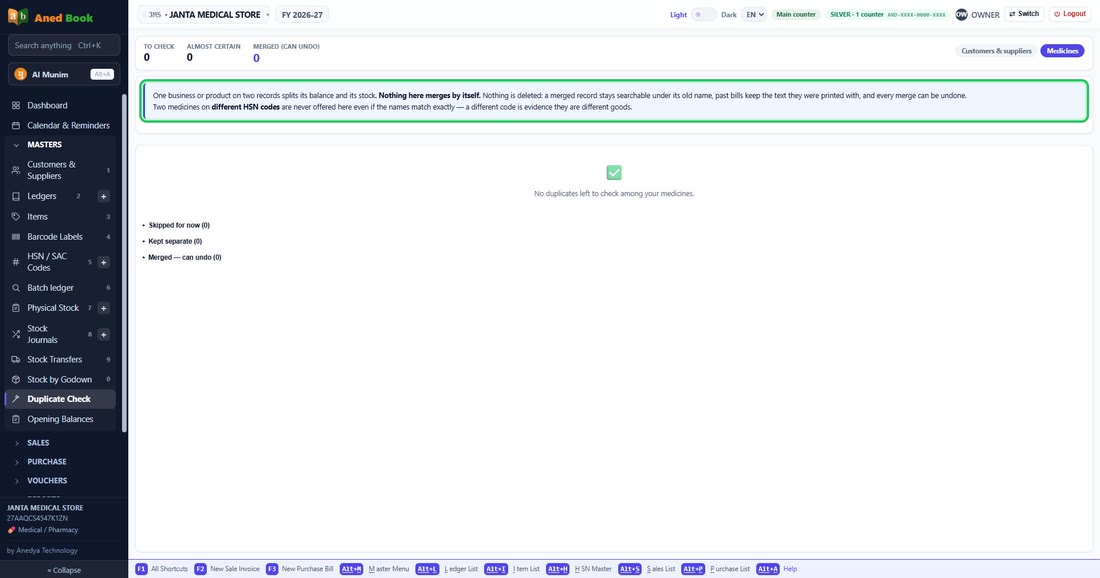
Nothing is ever deleted: the other records stay, marked as merged, their names stay searchable, and past bills keep the text they were printed with. Two items on different HSN codes are never offered, even with the same name.
 See the whole screen
Did this answer your question?
No — ask us on WhatsApp
Still stuck? Press Alt + A inside the software and ask in your own words — it
works with no internet. Or talk to us on WhatsApp, phone or e-mail.