Aned Book help › Video guides › Stock और expiry
Barcode और MRP के sticker — अपने printer पर
Silver और Gold edition में।दवाई पर MRP का sticker, shelf पर barcode — अपने ही printer से छापिए।
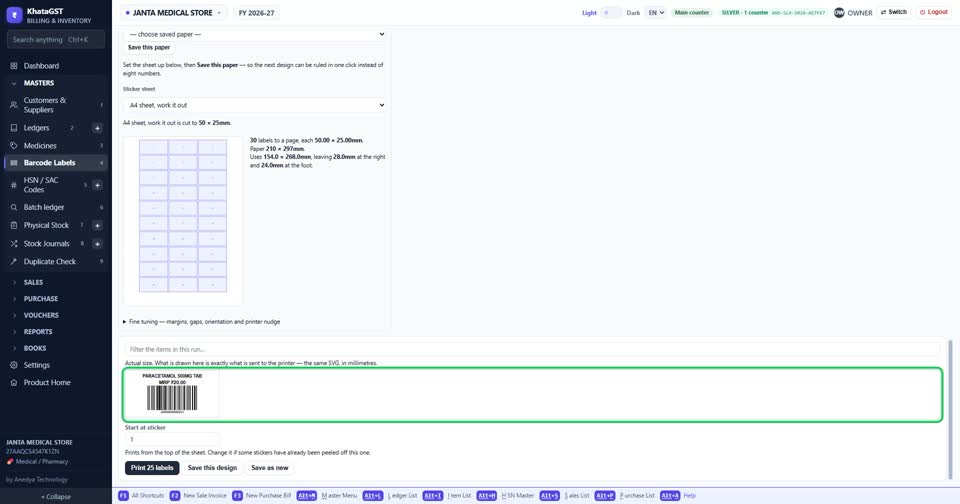
Masters में Barcode Labels खोलिए। ऊपर लिखा रहता है — इस बार कितने item के label छपेंगे।
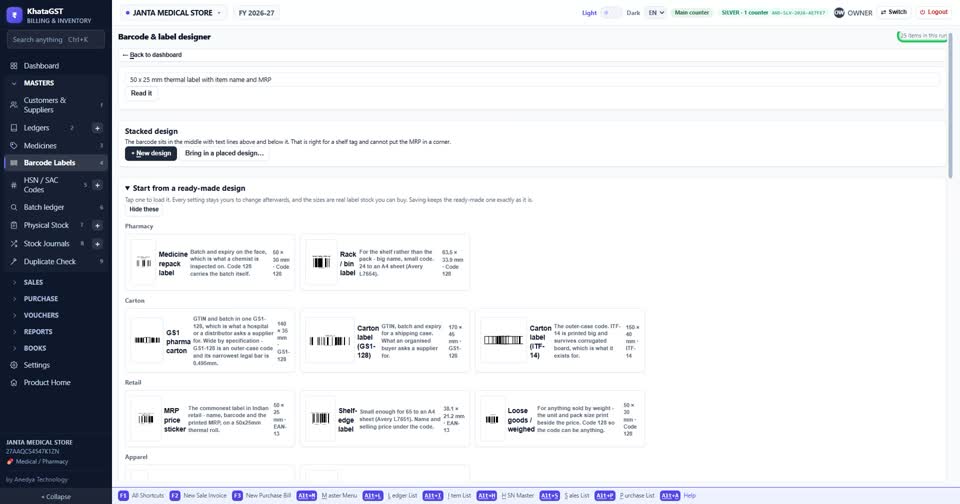
label कैसा चाहिए, सीधे शब्दों में लिखिए — कितने mm का, किस printer पर, और उस पर नाम और MRP — फिर Read it दबाइए।
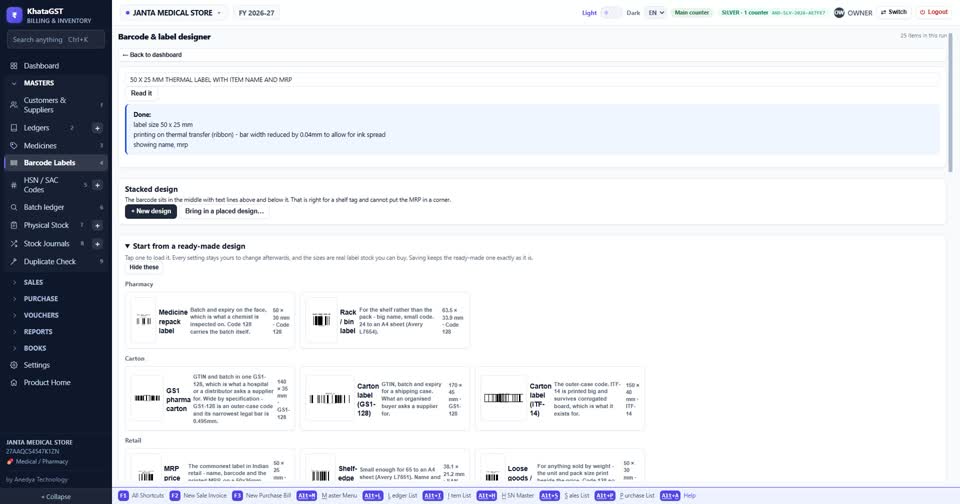
size, barcode और खाने अपने आप सेट हो जाते हैं — और नीचे साफ़ लिखा आता है कि क्या-क्या बदला। कुछ और चाहिए, तो नीचे खुद बदल लीजिए।
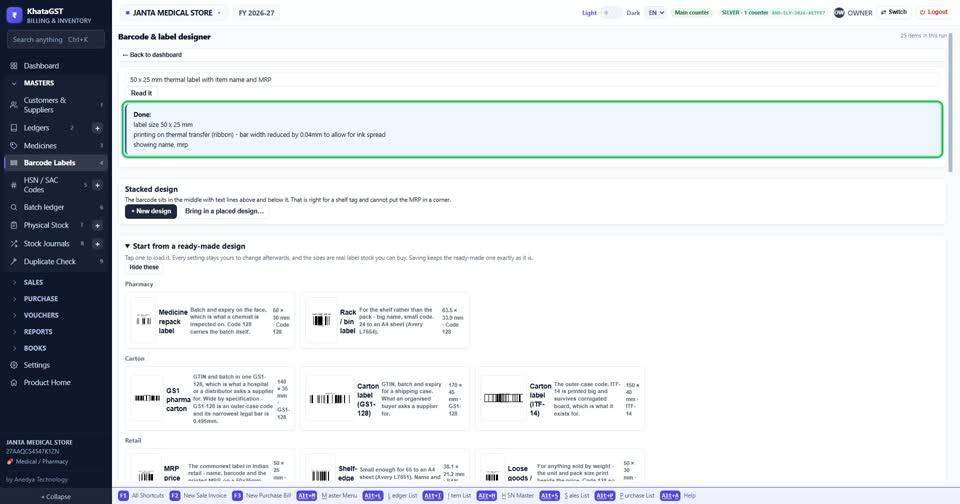
नीचे label असली size में दिखता है — जो यहाँ दिख रहा है, वही printer पर जाएगा।
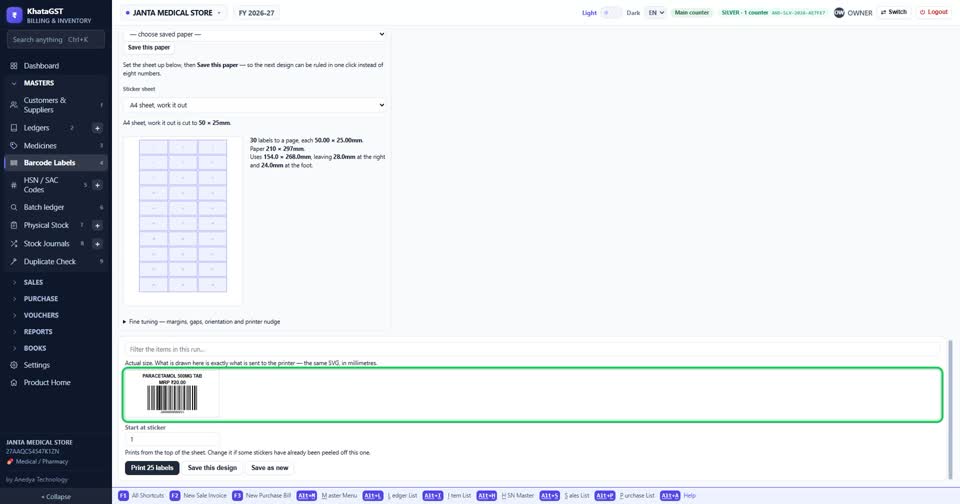
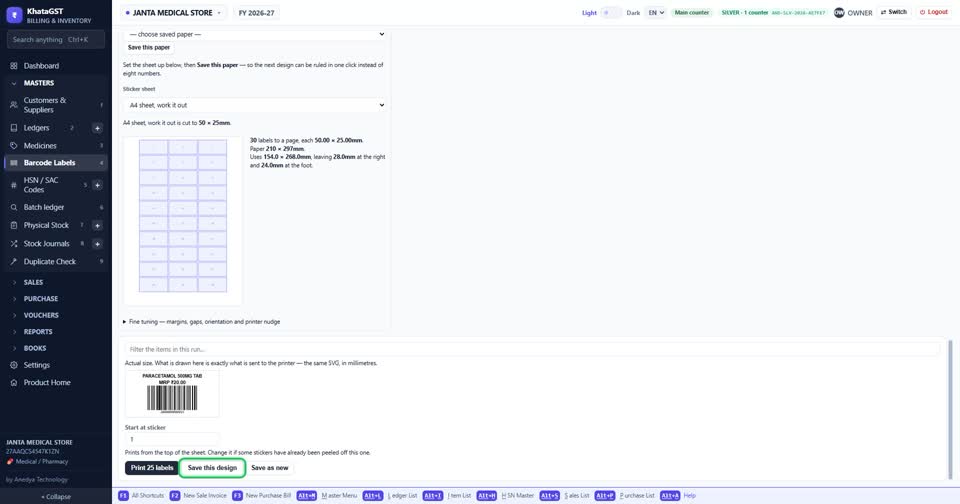
Print दबाइए — सारे label एक साथ। design save कर लीजिए, अगली बार सीधे काम आएगा।
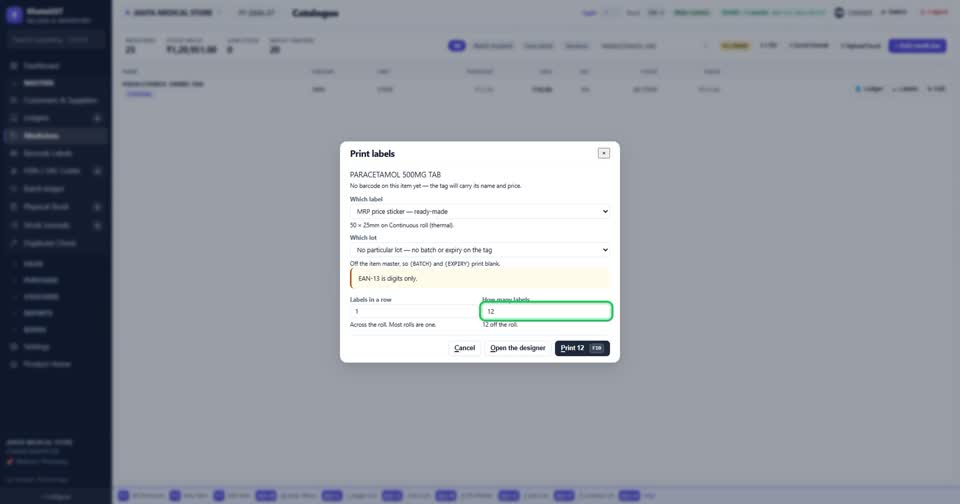
एक ही item के label चाहिए? item list में उसकी line पर Labels दबाइए — कौन सा label, और कितने चाहिए, बस इतना।
Still stuck? Press Alt + A inside the software and ask in your own words — it
works with no internet. Or talk to us on WhatsApp, phone or e-mail.