Aned Book help › Step-by-step guides › Reports and GST
How to ask your sales and purchases a question in plain English
Basic, Silver and GoldThe analysis screen answers “who bought most last month” or “top ten items” from your own bills. It works offline — nothing leaves the computer.
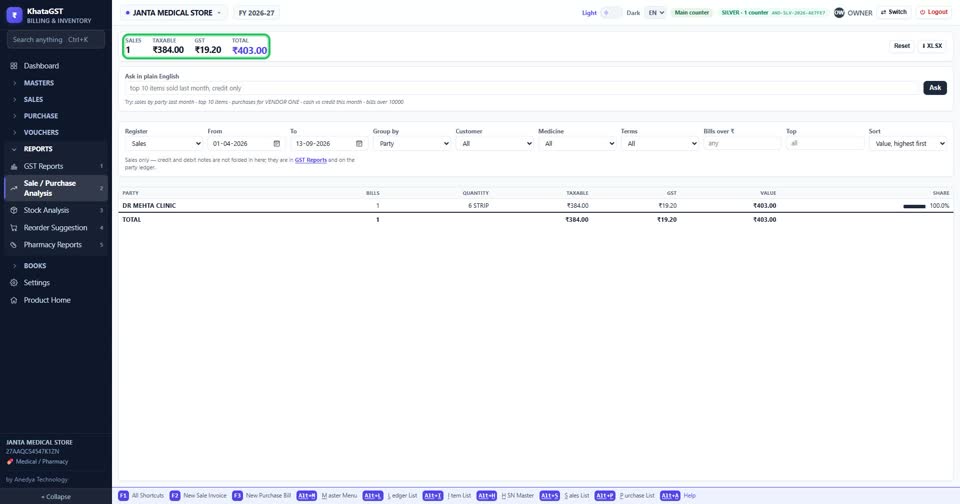
Open Reports, Sale / Purchase Analysis. The top line gives the number of bills, the taxable value, the GST and the total for what is shown.
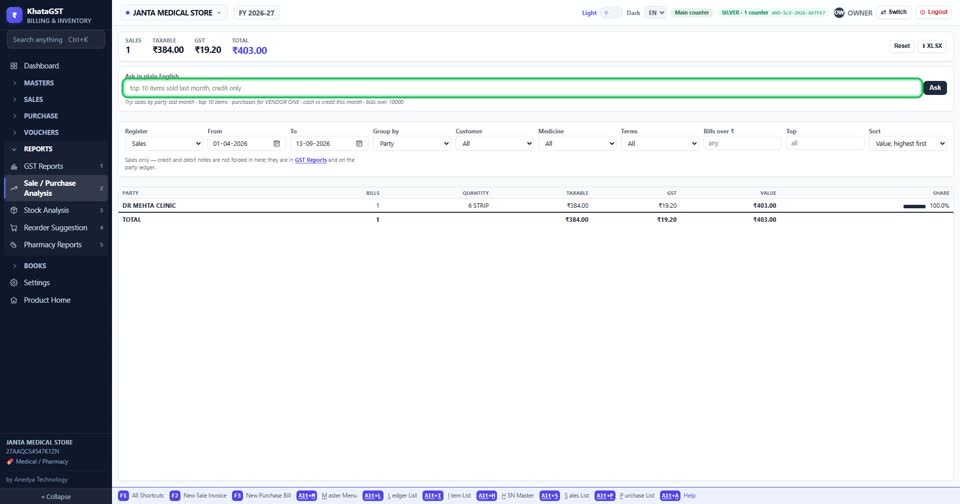
Type your question — for example “sales by party last month”, “top 10 items” or “cash vs credit this month” — and press Ask.
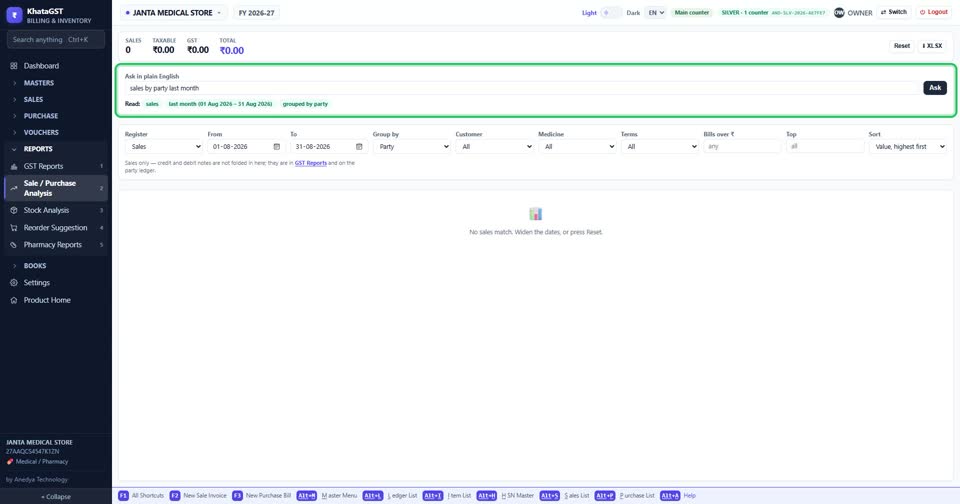
It fills in the report’s own settings and says exactly what it understood — and, by name, anything it could not. Nothing is guessed silently.
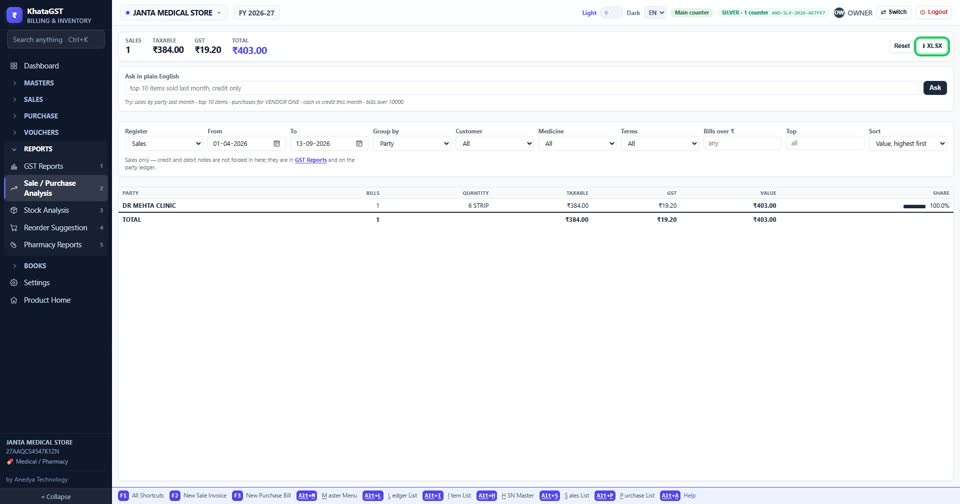
XLSX saves what you see for Excel; Reset clears the question and the settings.
Still stuck? Press Alt + A inside the software and ask in your own words — it
works with no internet. Or talk to us on WhatsApp, phone or e-mail.