Aned Book help › Step-by-step guides › Reports and GST
How to see your trial balance, profit & loss and balance sheet
Silver and Gold onlyThe accounts are worked out from the bills and vouchers you already type — there is nothing extra to key. Silver and Gold.
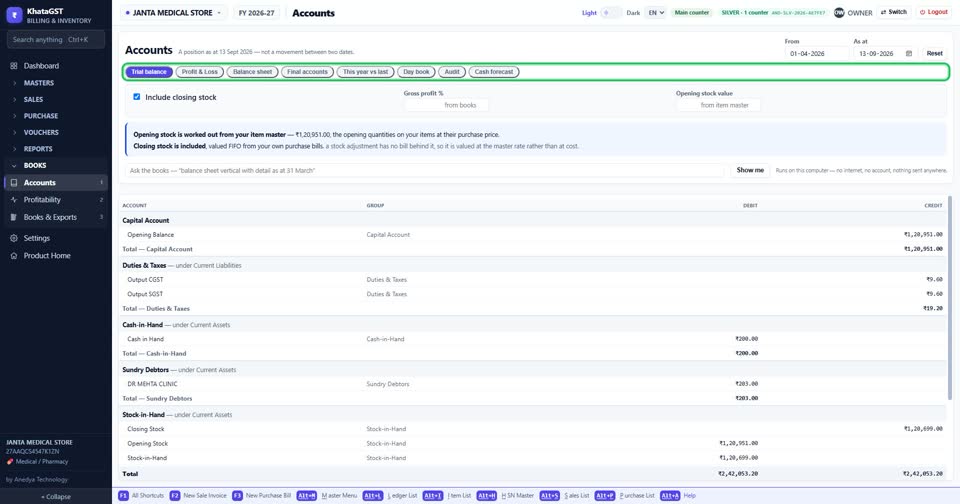
Open Reports, Accounts. The tabs are the trial balance, profit & loss, balance sheet, final accounts, this year against last, the day book, the audit checks and a cash forecast.
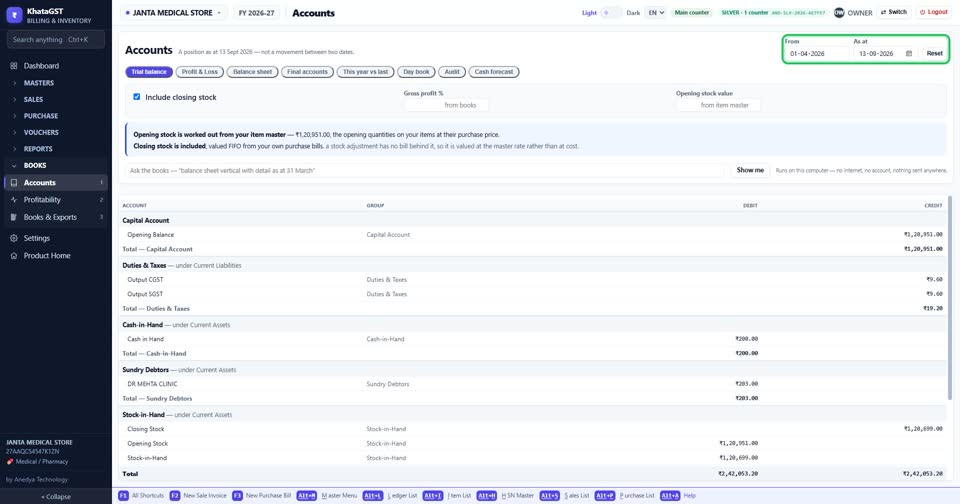
Set the dates. Profit & loss, the day book and final accounts cover a period between two dates; a trial balance and a balance sheet are a position on one date, so the From box is greyed out for them.
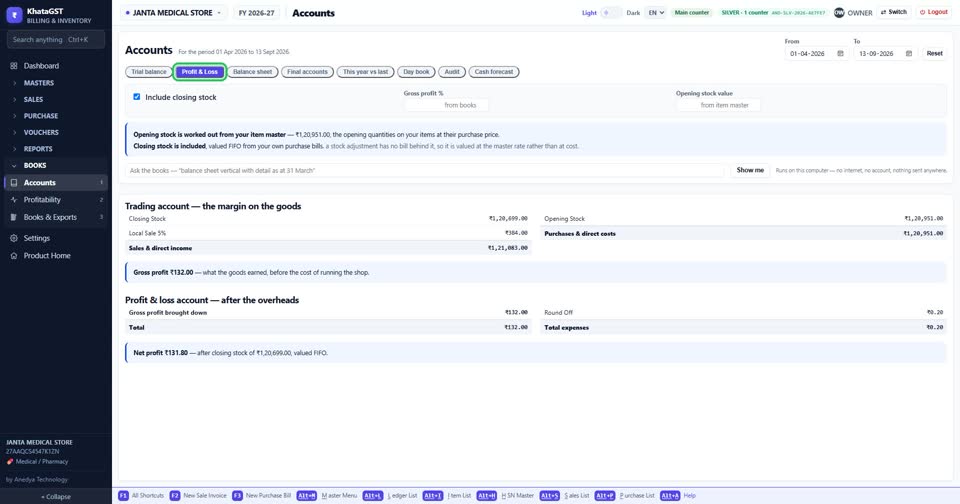
Profit & Loss shows what the business made over the period.
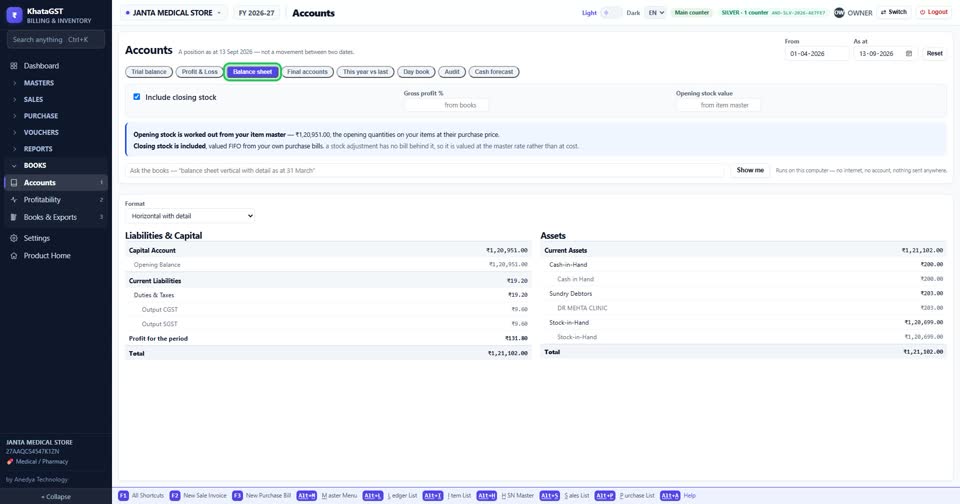
Balance sheet shows what the business owns and owes on the date.
Still stuck? Press Alt + A inside the software and ask in your own words — it
works with no internet. Or talk to us on WhatsApp, phone or e-mail.