How to read your GST reports — liability, GSTR-1, GSTR-3B, HSN and 2B
Basic, Silver and GoldEvery GST figure is worked out from the bills you already typed. The software prepares the figures and files; the return itself is filed on the GST portal, by you or your accountant.
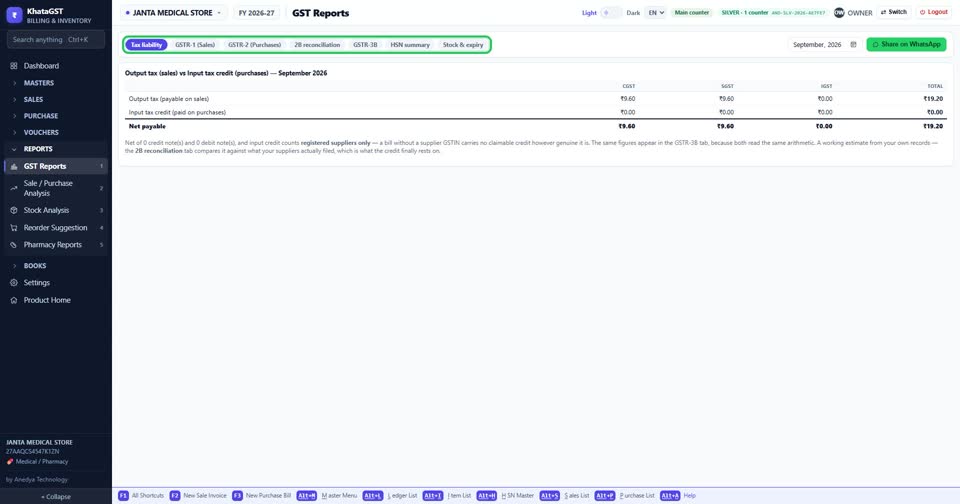
Open Reports, GST Reports. The tabs follow your registration: a regular dealer gets Tax liability, GSTR-1, GSTR-2, 2B reconciliation, GSTR-3B, HSN summary and Stock & expiry. A QRMP filer also gets IFF and PMT-06; a composition dealer gets CMP-08.
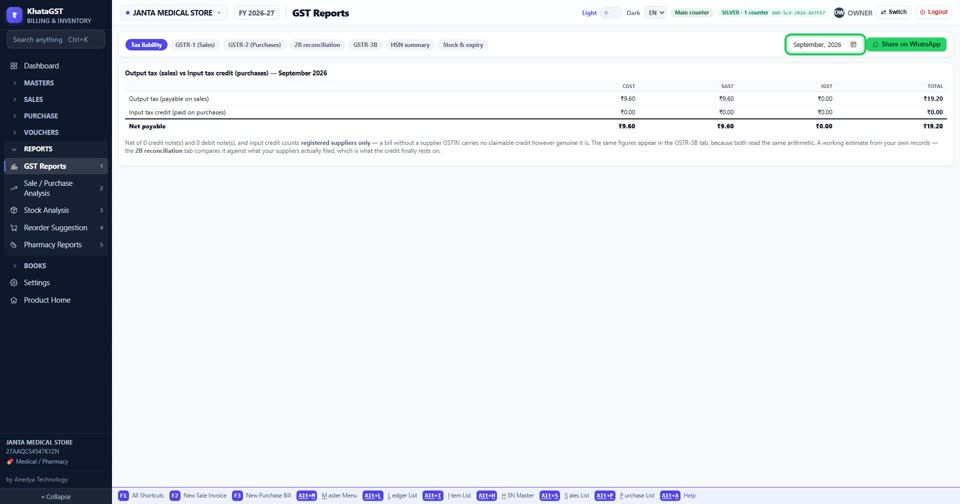
Choose the month, and the year beside it.
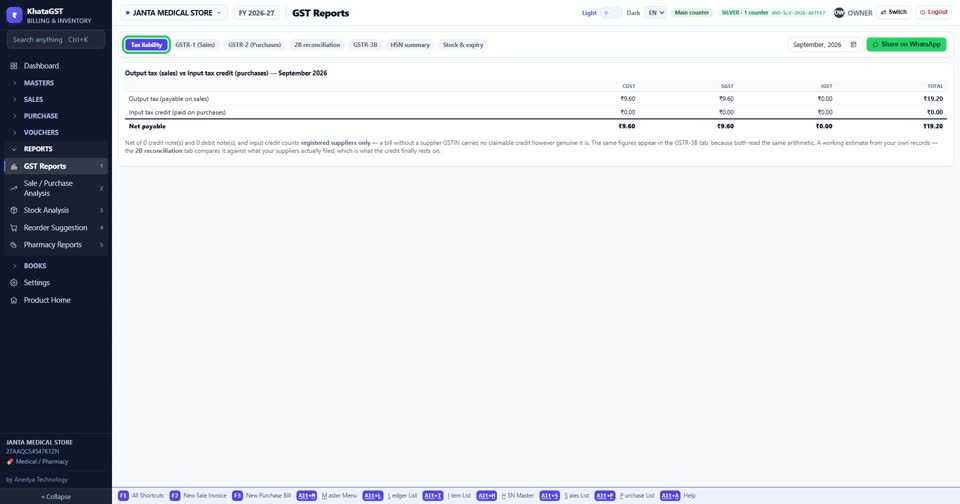
Tax liability is what you owe for the month. It reads the same figures as GSTR-3B, so the two tabs can never disagree.
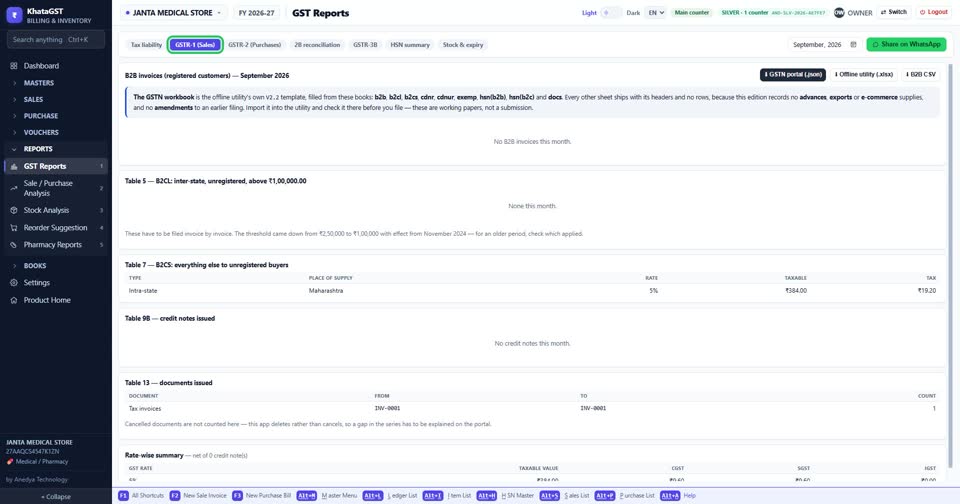
GSTR-1 lists your sales the way the return wants them — B2B bill by bill, B2C summed.
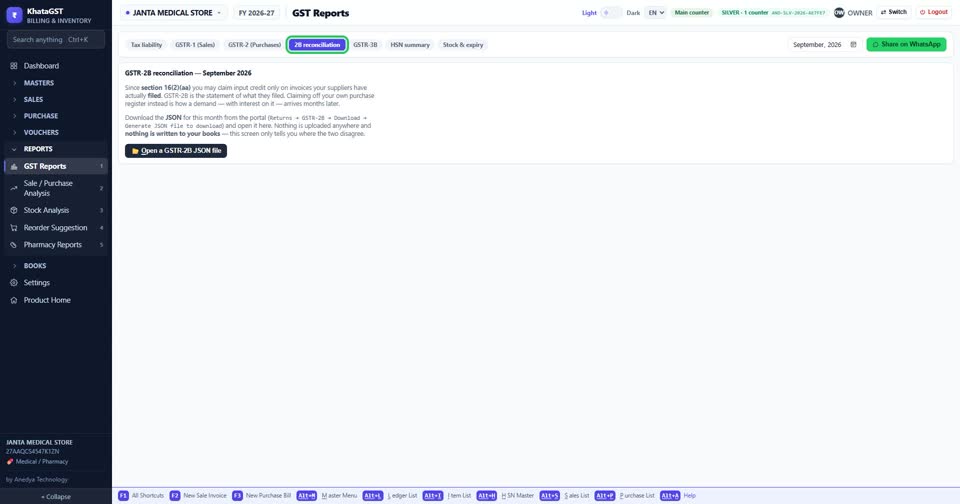
2B reconciliation compares your purchase bills with the GSTR-2B file you download from the portal as JSON. “At risk” is credit your books claim and the portal does not show — ring the supplier before you file.
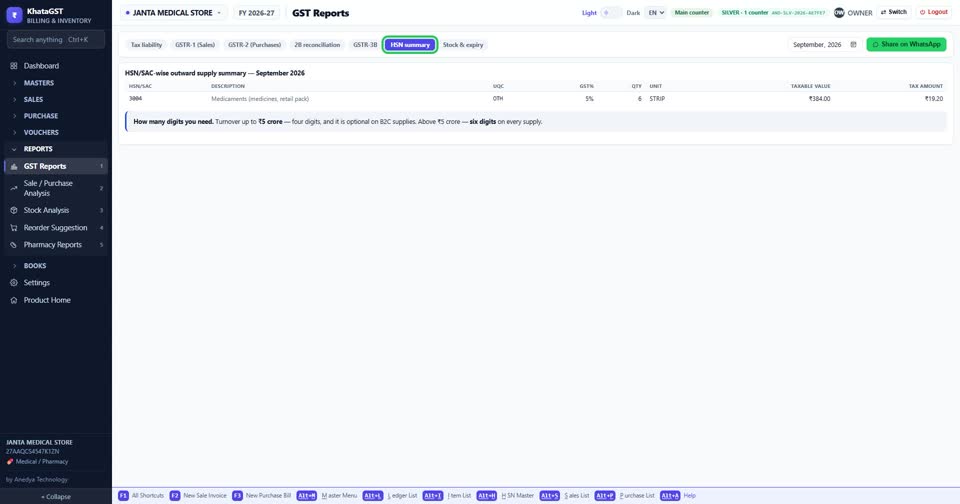
HSN summary totals every bill’s lines by HSN code, as the return asks.
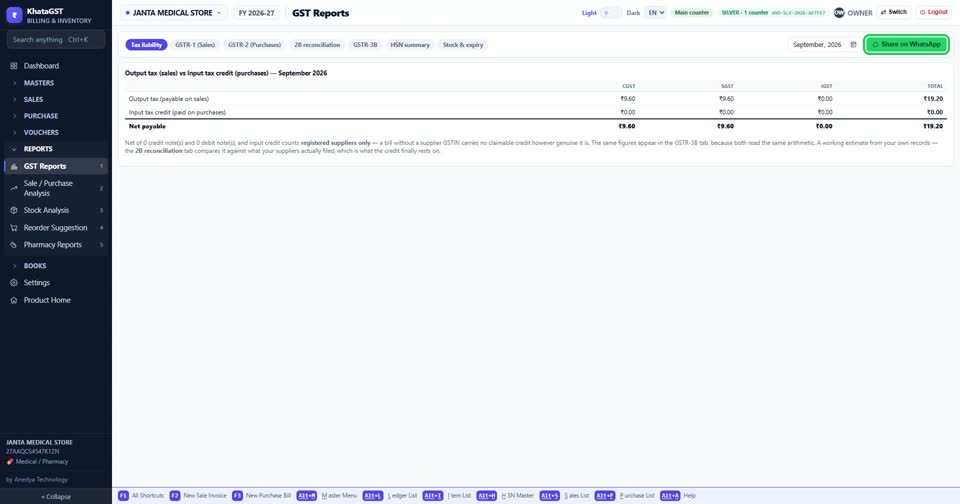
Share on WhatsApp sends the report you are looking at — to your accountant, for example.