बिल सीधे printer पर — बिना preview के
सभी edition में — Lite, Basic, Silver और Gold।हर बार print दबाते ही पहले preview खुलता है? उसे हटाकर बिल सीधे printer पर भेज सकते हैं।
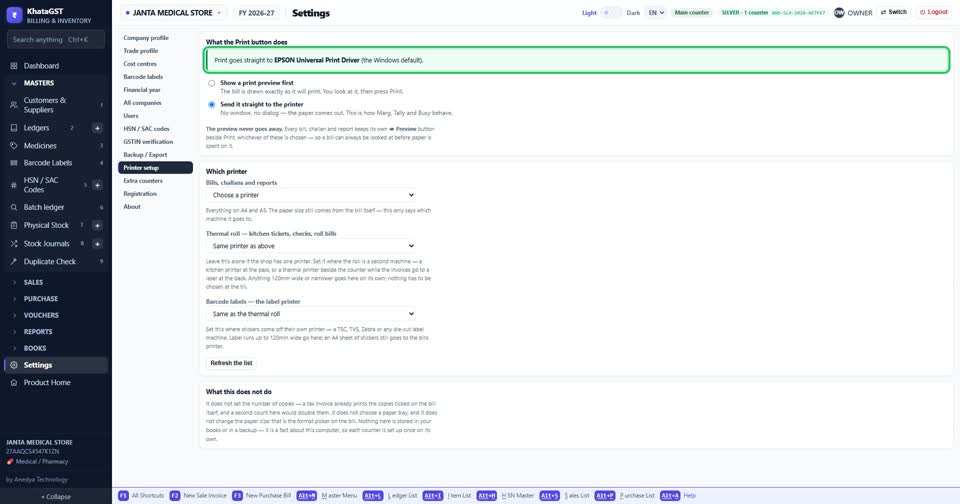
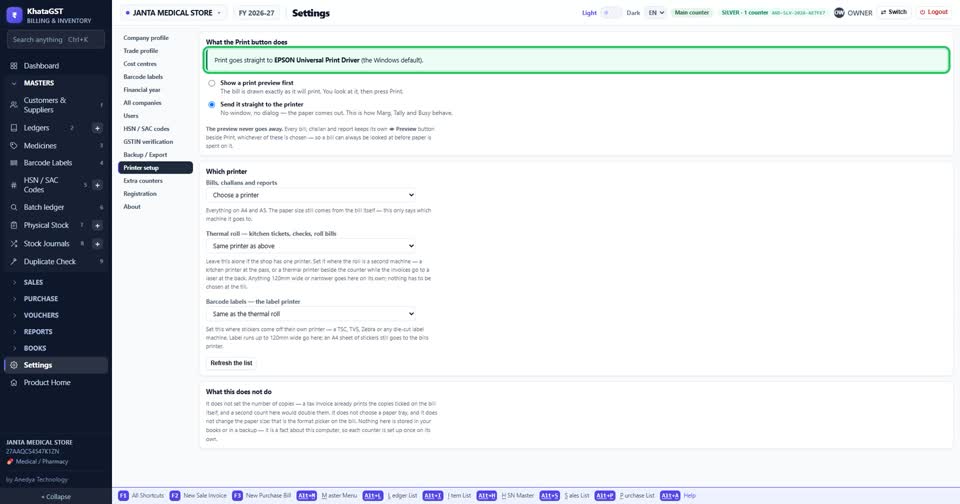
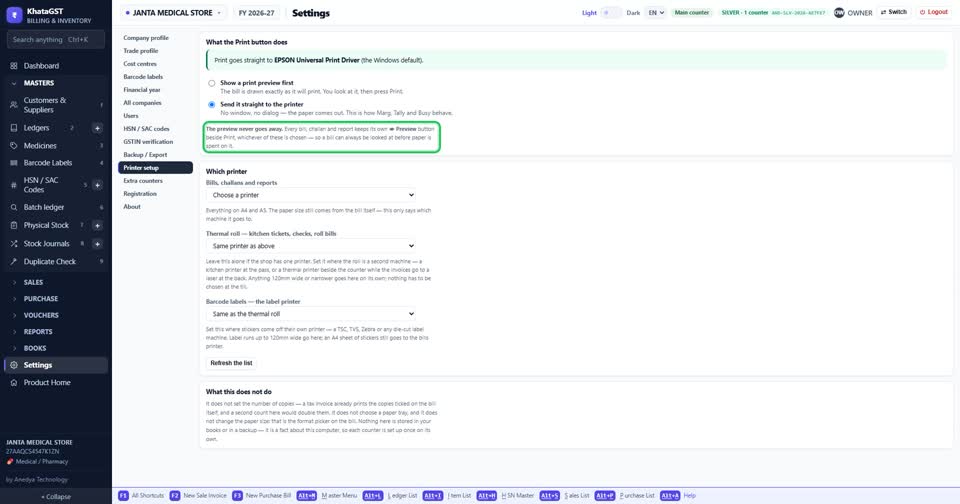
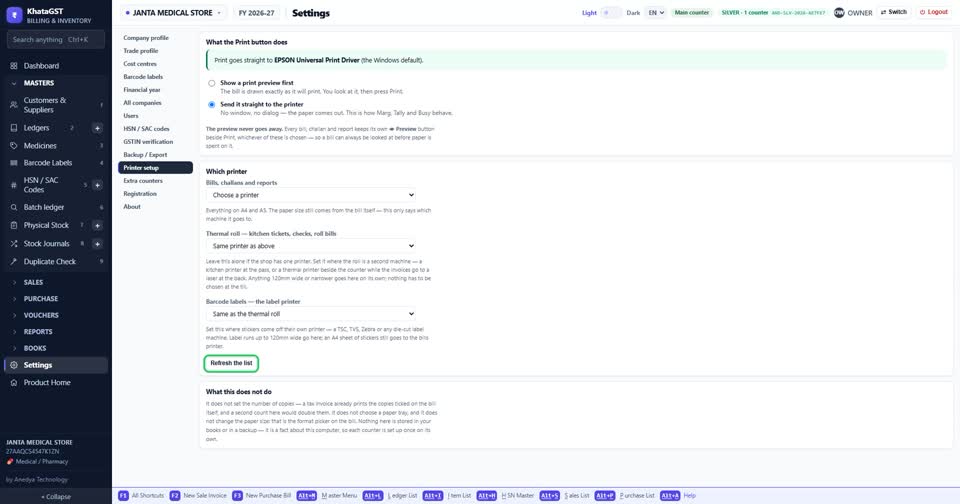
Settings खोलिए, और Printer setup चुनिए। सबसे ऊपर एक line में लिखा है कि अभी print का button क्या करता है।
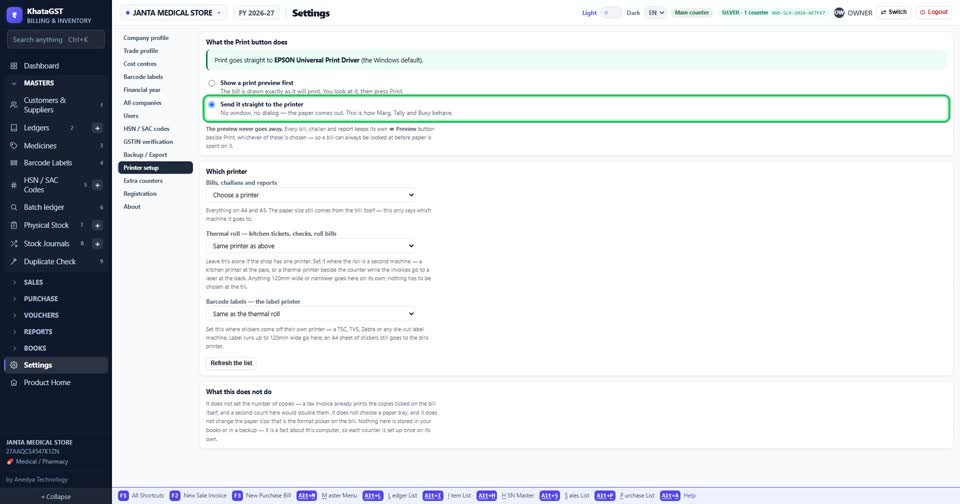
Send it straight to the printer चुनिए। अब print दबाते ही कागज़ निकलेगा — न कोई window, न कोई सवाल।
preview कहीं नहीं गया। हर बिल, challan और report पर Preview का button अलग से रहता है।
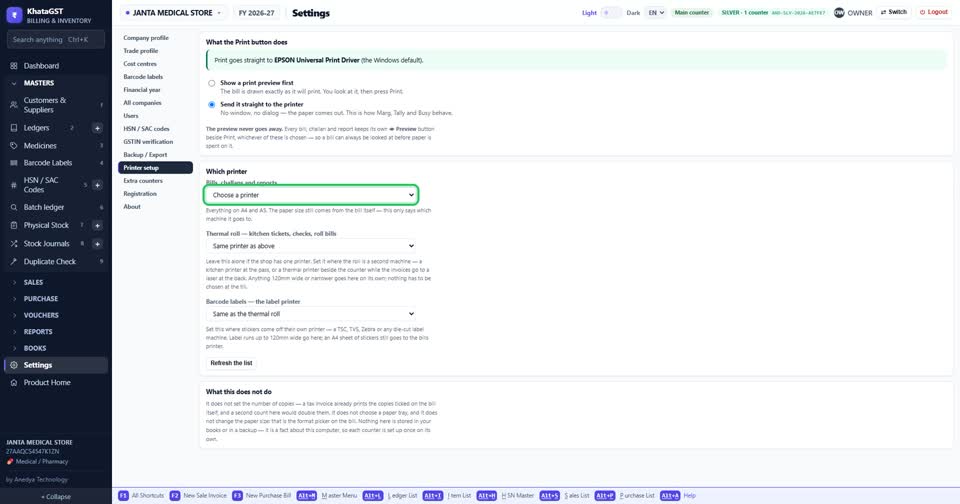
अब printer चुनिए — बिल, challan और report वाला। कागज़ का size, A4 या आधा page, company profile से ही आता है।
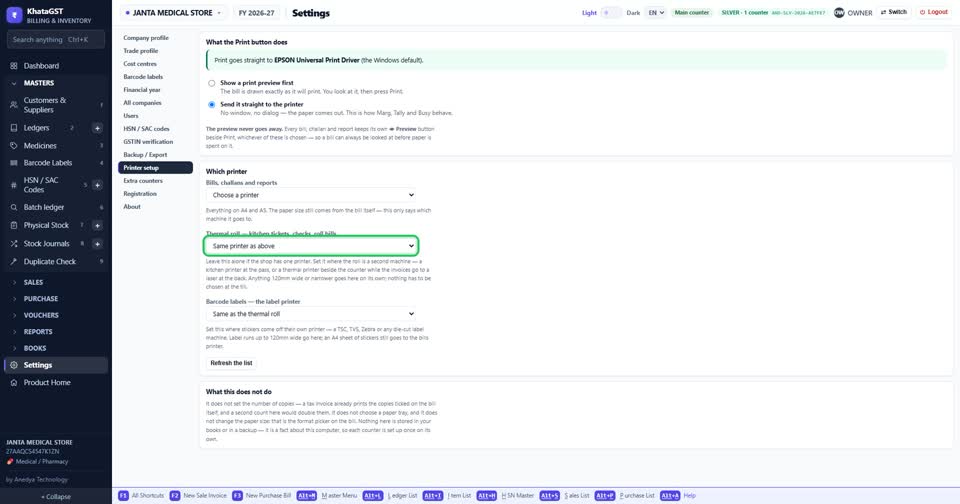
thermal printer भी है? तो उसे दूसरे खाने में चुनिए। एक ही printer है, तो ये खाना वैसे ही छोड़ दीजिए।
barcode sticker का अलग printer है, तो तीसरे खाने में। नहीं है, तो इसे भी खाली छोड़ दीजिए।
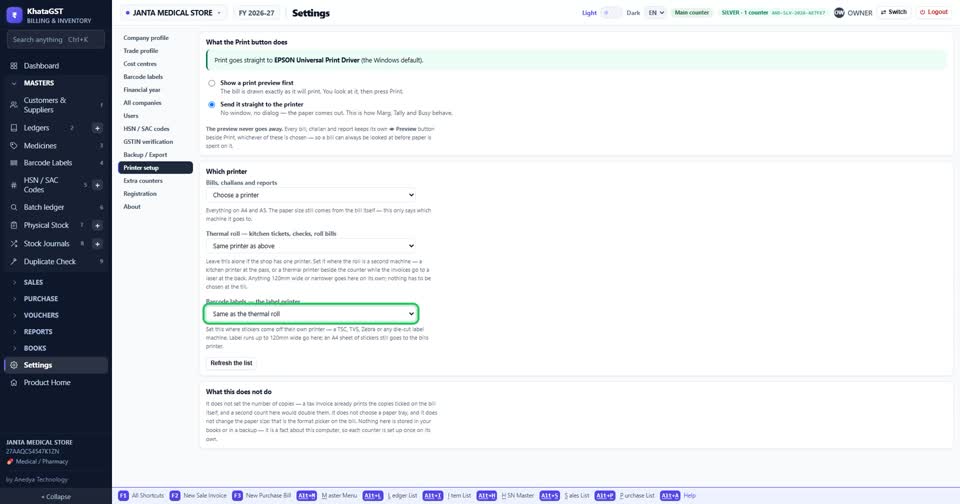
printer list में नहीं दिख रहा? पहले Windows में printer जोड़िए, फिर Refresh the list दबाइए।
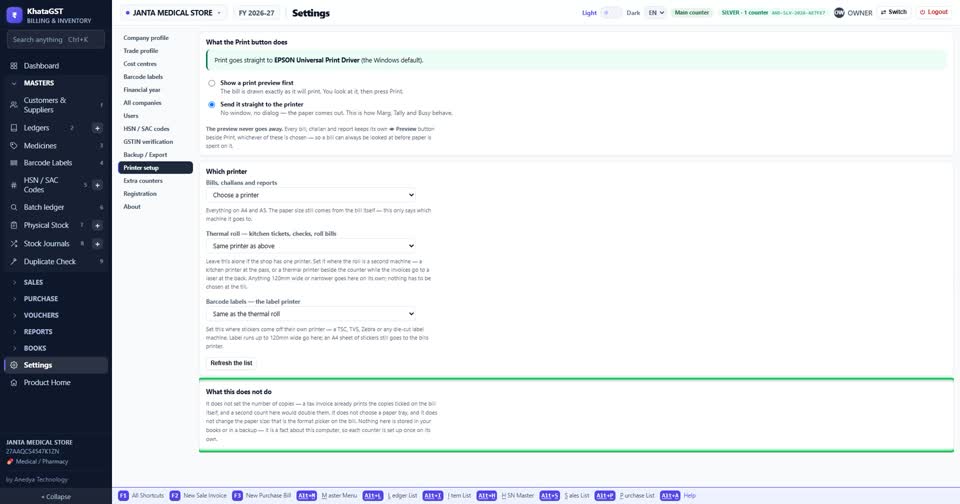
ये setting इसी computer की है। दूसरे counter पर उसी तरह एक बार अलग से सेट करनी होती है।