Aned Book help › Step-by-step guides › For your trade
Pharmacy reports — expiry claims, doctors, salts and the statutory registers
Basic, Silver and GoldFor a medical store: the reports a chemist runs the shop by, and the registers the Drugs Rules ask to be kept.
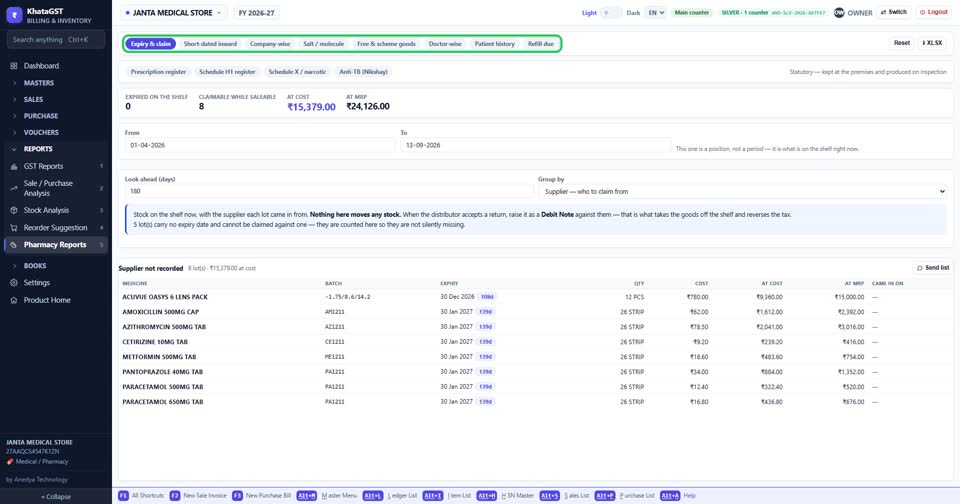
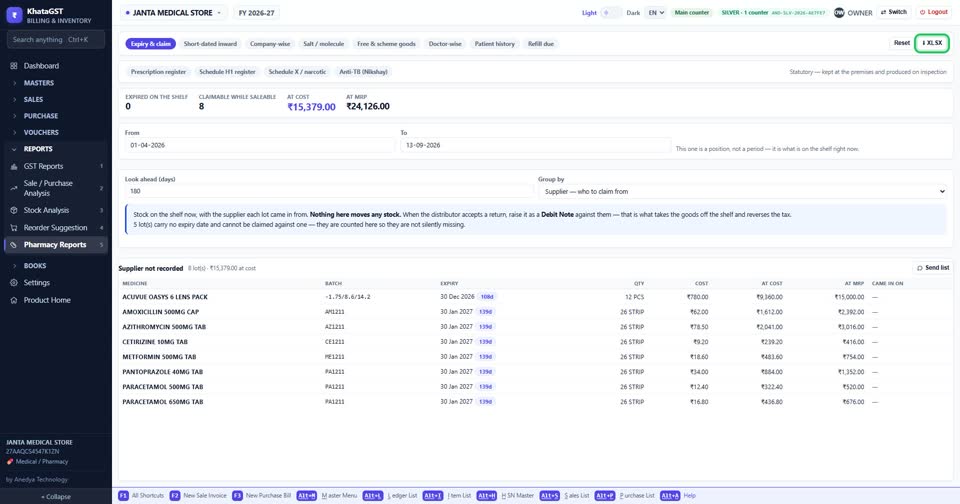
Open Reports, Pharmacy Reports. The first row is the management reports — expiry, inward, company-wise, salt, schemes, doctors, patients and refills.
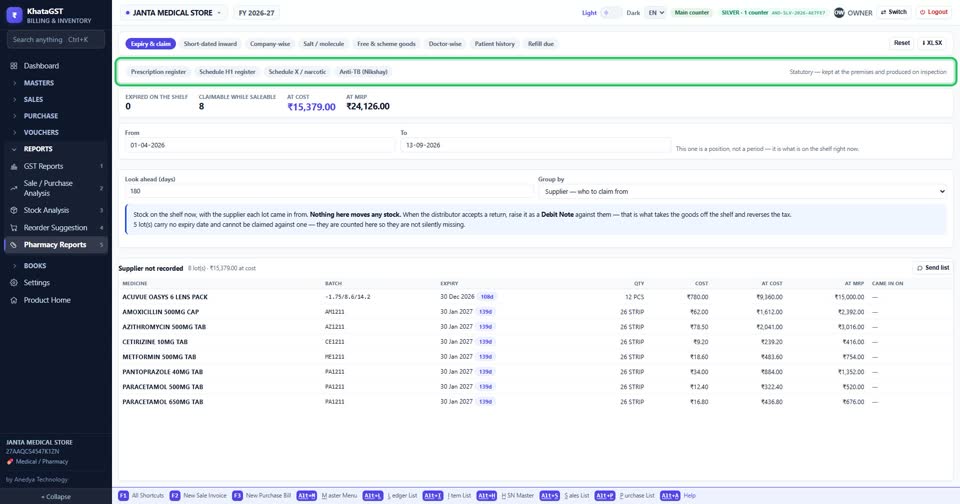
The statutory registers sit in a row of their own. They are kept at the premises and produced on inspection.
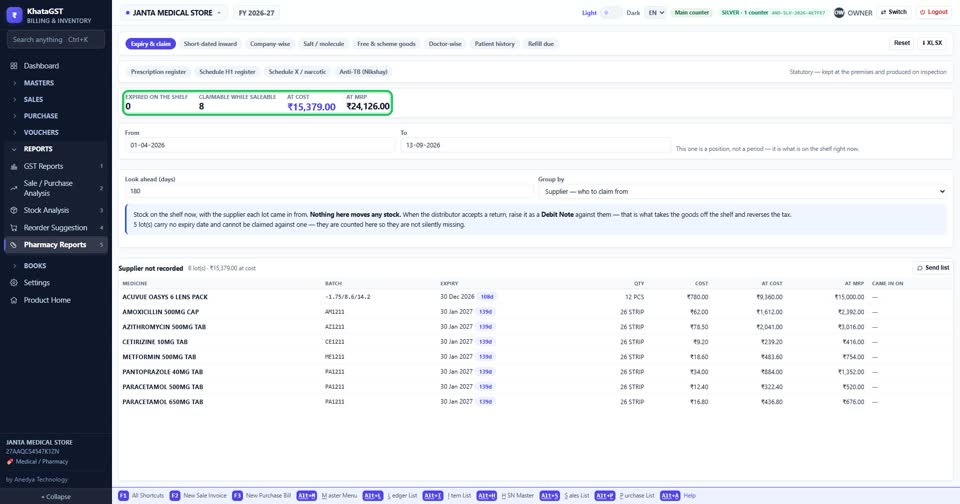
The expiry figures: what has expired on the shelf, what can still be claimed from the distributor while it is saleable, and its value at cost and at MRP.
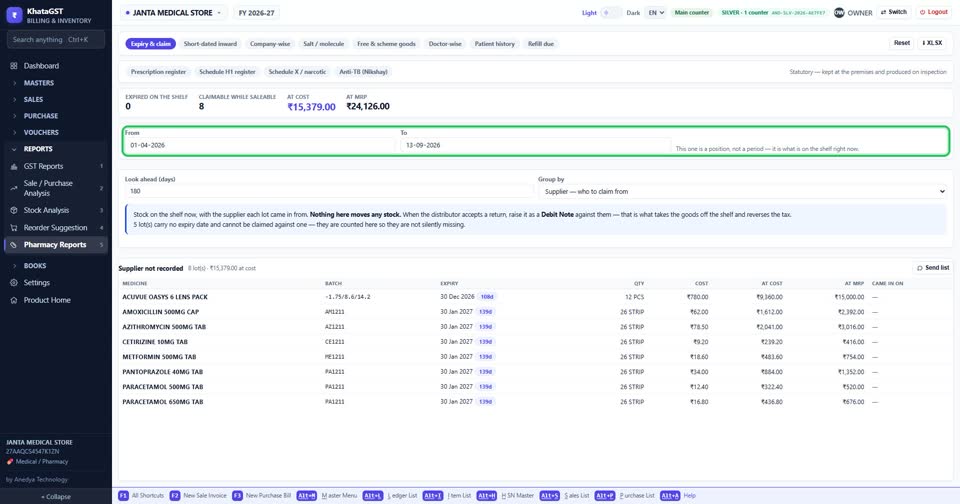
Set the period. On a tab that shows a position rather than a period, the dates are greyed out instead of hidden.
XLSX saves the report. On a register tab, Print register gives the sheet to sign and keep.
Still stuck? Press Alt + A inside the software and ask in your own words — it
works with no internet. Or talk to us on WhatsApp, phone or e-mail.